LS 25 Vehicle Inspection (HU) V1.0.0.0
Adds a periodic vehicle inspection system (HU) to Farming Simulator 25 for all vehicles with a license plate – tractors, trucks, cars, trailers, harvesters, auger wagons and more.
WHAT DOES THIS MOD DO?
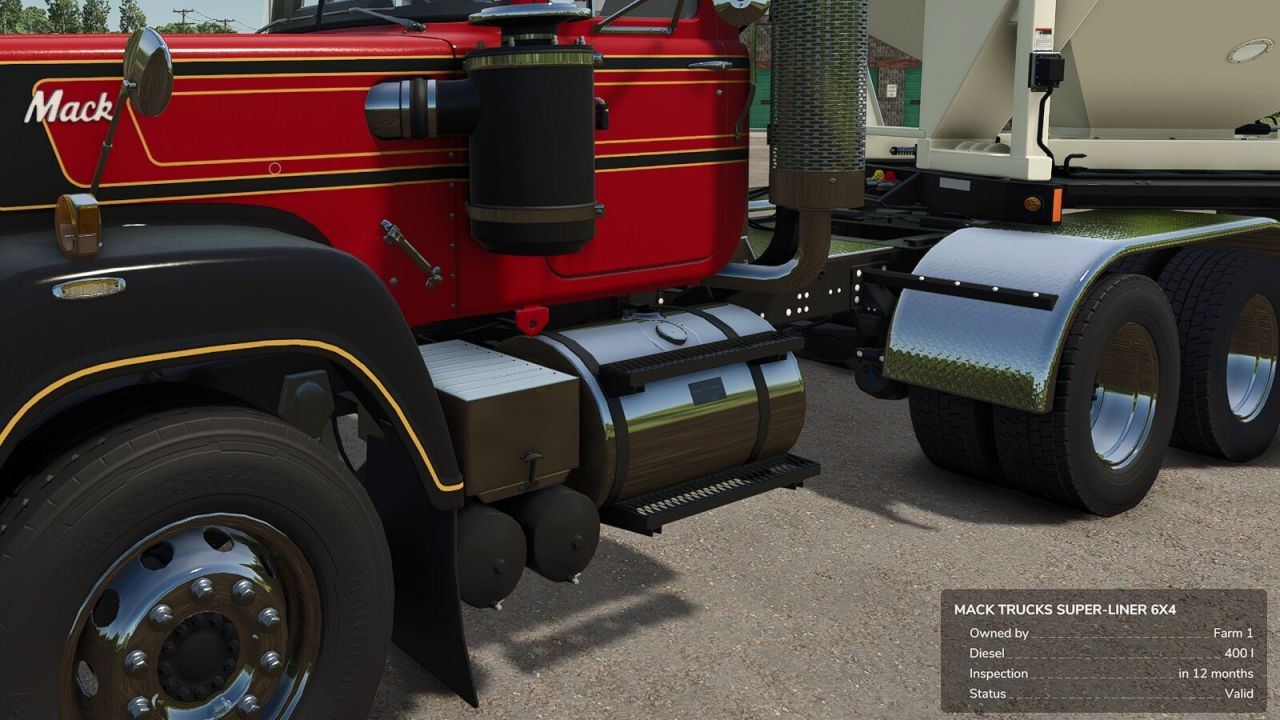
Every vehicle with an actual license plate mounted automatically gets an inspection interval based on its vehicle class, speed, or permissible gross weight (e.g. car/motorcycle every 24 months, truck every 12 months, tractor up to 40 km/h every 24 months / above every 12 months, trailer up to 10 t every 24 months / above every 12 months). Once due, the vehicle is marked “Due” or “Overdue” but always stays drivable – fully usable for roleplay without limiting gameplay.
INITIAL SETUP (one-time, admins only)
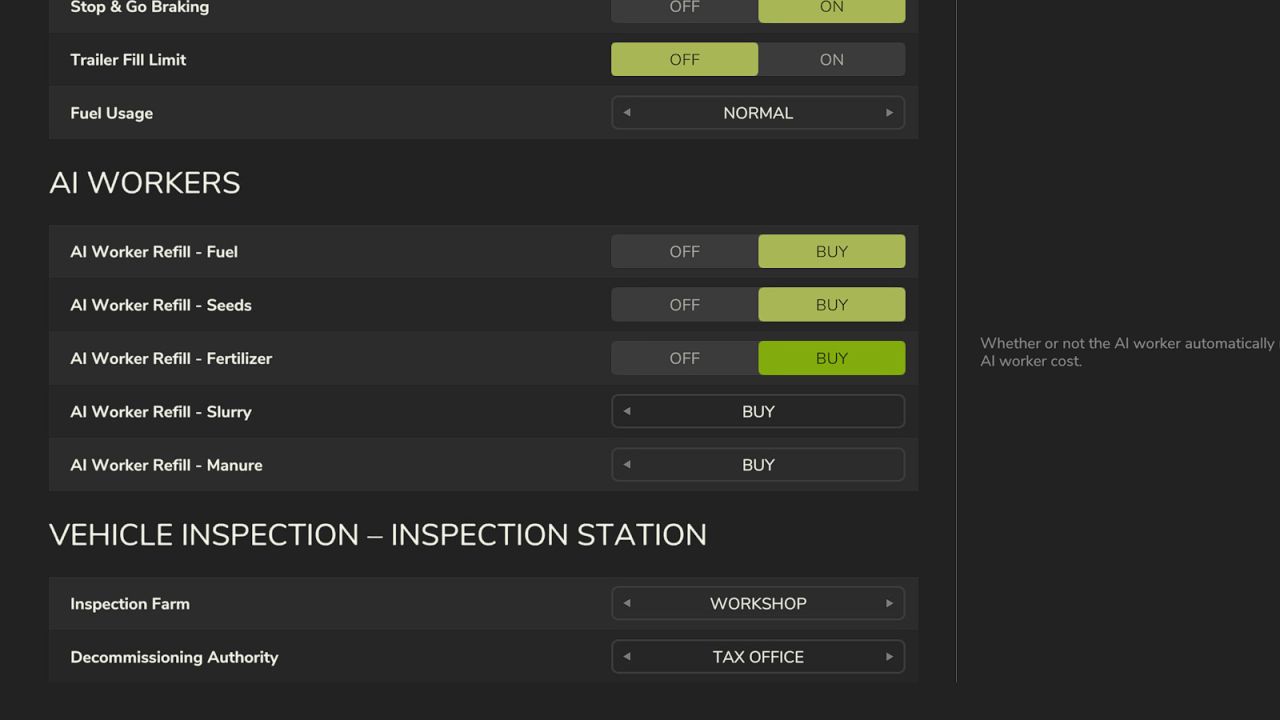
In the game settings under “Vehicle Inspection”, two roles can be assigned:
– Inspection farm: may perform inspections and renew inspection dates.
– Decommissioning authority: may decommission a vehicle or revoke it.
Both admin-only, saved with the savegame, synchronized to every player.
USING THE INSPECTION STATION
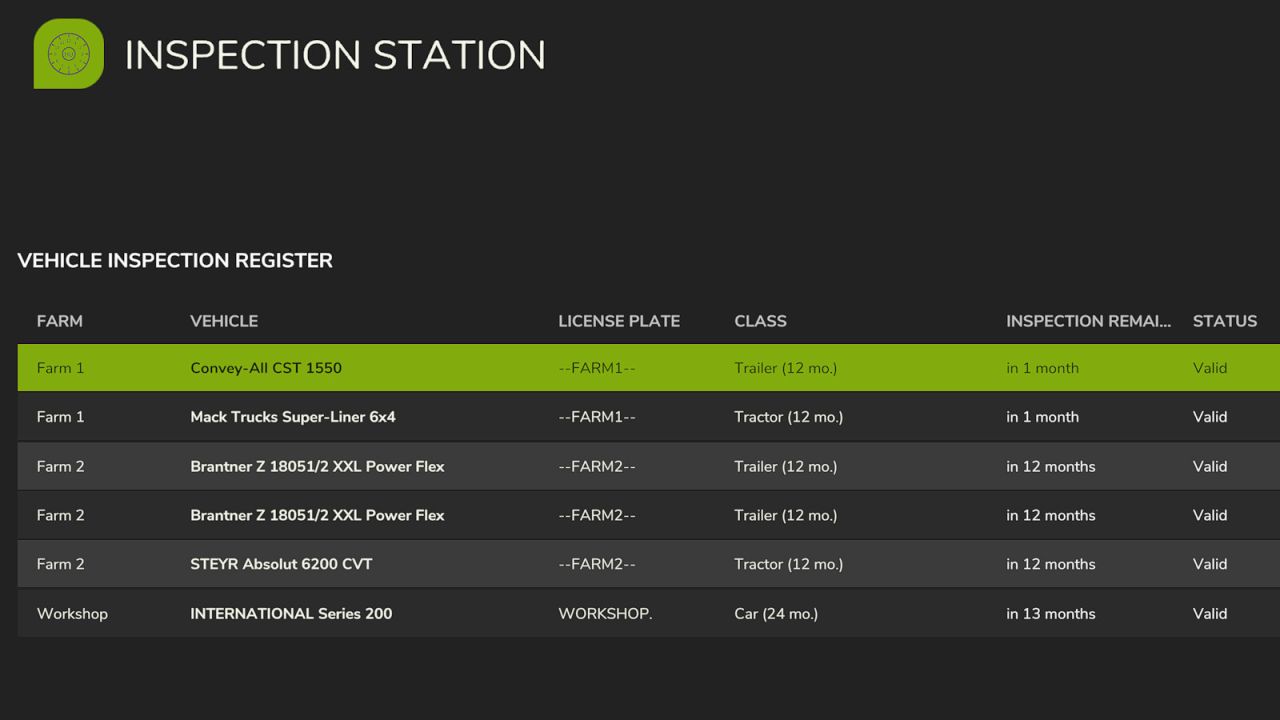
Its own tab in the pause menu (green clock icon) with the full vehicle register across all farms. Select a vehicle, then:
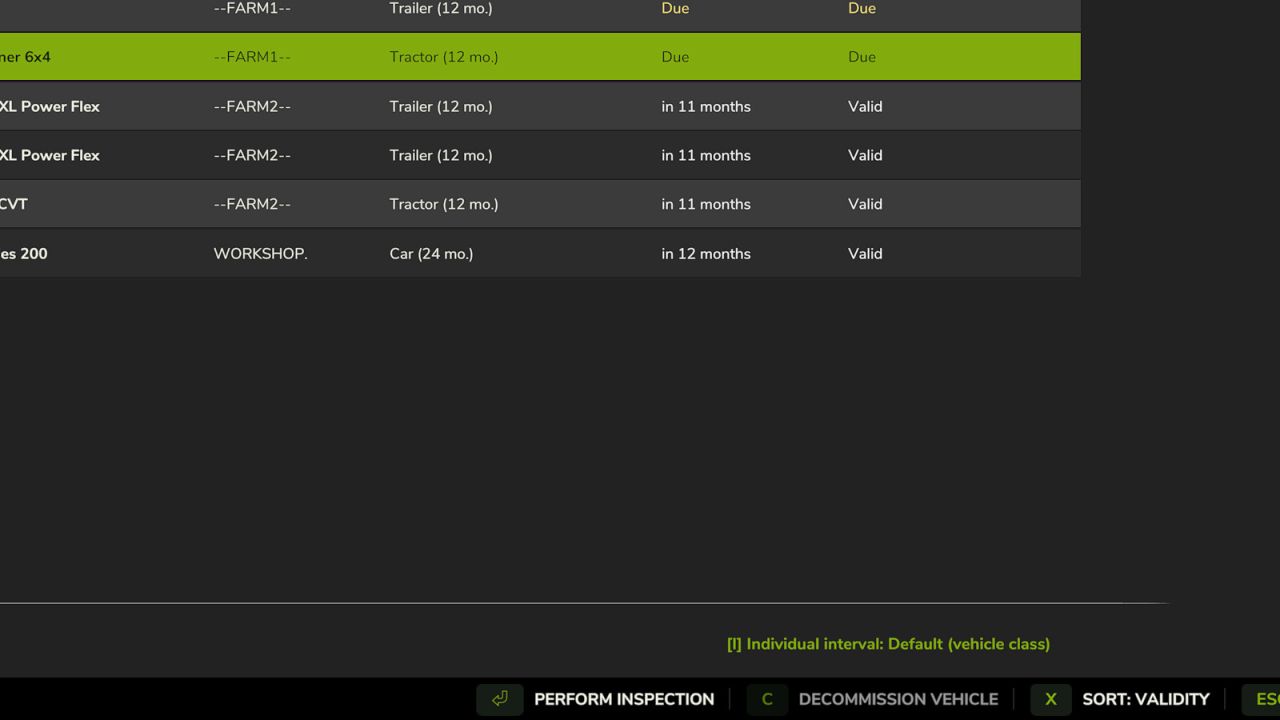
[Enter] Perform inspection – renews to the full interval (inspection farm only).
[C] Decommission/recommission vehicle (decommissioning authority only).
[X] Change sort order (validity/farm/defect notice).
[I] Individual interval – sets a custom inspection interval for the selected vehicle (Default/3/5/6/9/12/24/60 months), independent of the automatic class calculation. Useful for special cases or vehicles meant to look “used”. Current value shown bottom right, key freely rebindable (inspection farm only).
VEHICLE CLASSES AND INTERVALS
Modeled after real German inspection regulations (§ 29 StVZO) as a game-balanced approximation – not legal advice. All classes, thresholds, and over 60 vehicle categories are freely adjustable in huSettings.xml, no coding required.
MULTIPLAYER
All settings and inspection data are saved with the savegame and continuously synchronized between server and players.