
LS 25 AutoSwitch v1.0.0.0
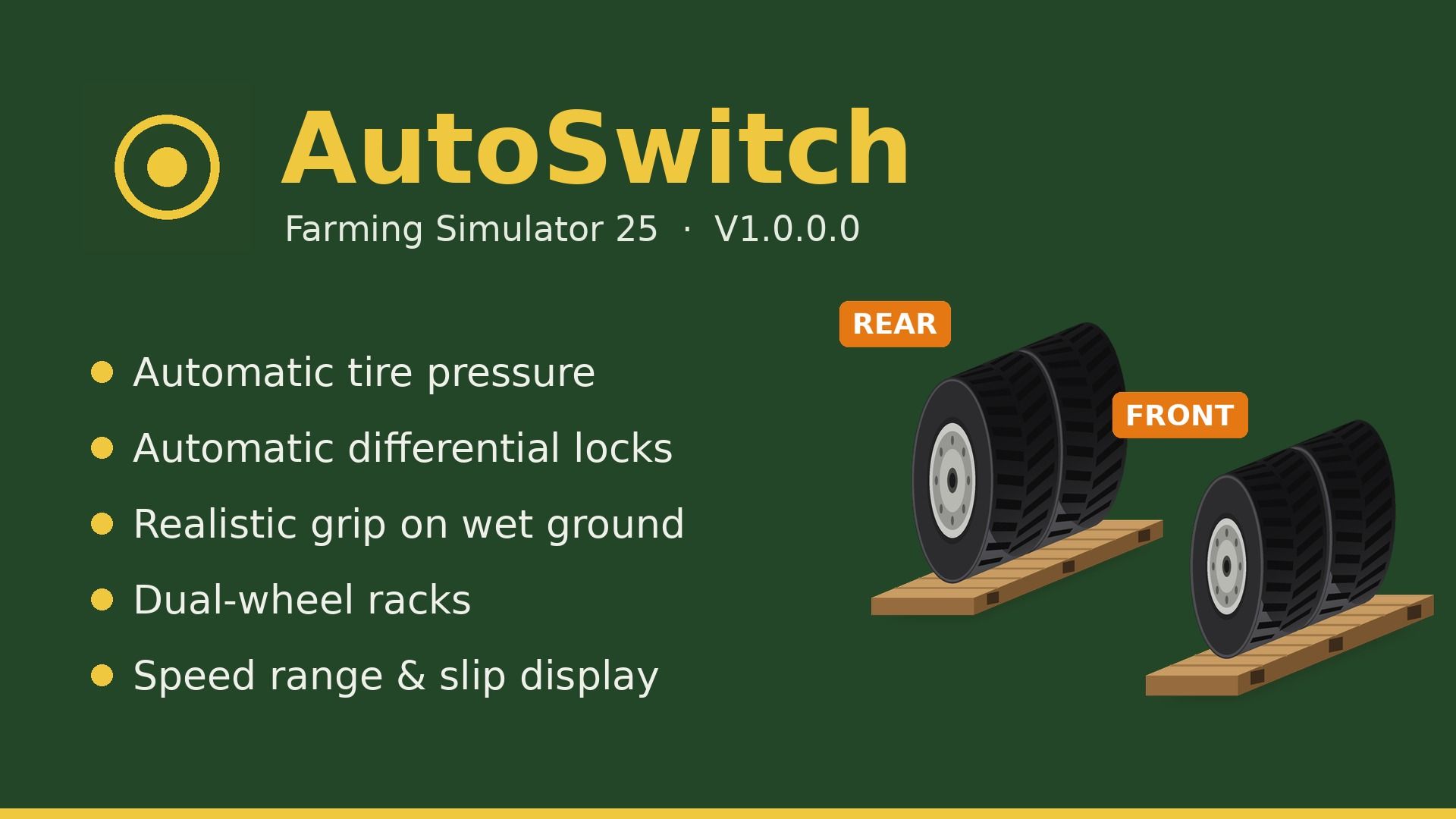
AutoSwitch is a companion mod that automates tire pressure and differential locks and makes traction realistic. It makes Variable Tire Pressure, Enhanced Vehicle, MoreRealistic, Mud System Physics and Tractor Terrain Dynamics work together, without modifying any of them.
Goal: a more realistic and efficient game.
Features:
Tire pressure: with AutoDrive / Courseplay, deflate in the field and inflate on the road. Manual driving: Automatic or Manual mode. VTP’s automatic re-inflation at 30 km/h is disabled.
Differentials (Enhanced Vehicle): front + rear lock when wheel slip exceeds an adjustable threshold, unlock at half the threshold, 4WD in the field / 2WD on the road, unlock when turning, reset on game load.
Grip (MoreRealistic): grip loss on wet ground (5 levels), bonus when differentials are locked, Use Your Tyres wear taken into account.
Dual wheels: real width used by Mud System Physics, better grip on wet ground, VTP fix for tires with brand variants.
Dual-wheel racks: rear (BKT 650/65R42, €4,500) and front (BKT 540/65R30, €3,500) racks in the shop and the construction menu. Mounting / unmounting tire by tire (15 in-game minutes per tire), tractor locked during the job.
Display: recommended speed range and slip percentage next to the speedometer, slip warning.
Sowing: seeding protection, seeder filling with the lid closed, direct re-sowing on crushed strips.
Mud: recommended Mud System Physics + TTD settings offered on first launch.
Using the dual-wheel racks:
1. Place the rear rack (and the front rack for the front axle) side by side.
2. Park the tractor in the ground rectangle (red, then green once correctly positioned).
3. On foot, stand on the yellow marker, press Right Ctrl + I and confirm.
4. Unmounting: same procedure with empty racks; the original tires are put back.
Dual wheels must exist in the same tire brand as the tractor’s tires.
Settings: Settings > General > AutoSwitch.
Required mods (all mandatory):
FS25_VariableTirePressure, FS25_EnhancedVehicle, FS25_AutoDrive, FS25_Courseplay, MoreRealistic, moreRealisticXmlDatabank, FS25_MudSystemPhysics, FS25_TractorTerrainDynamics, FS25_DynamicDrivePro, FS25_useYourTyres, FS25_RealisticHarvesting, FS25_CropDestructionOverhaul, FS25_MoistureSystem.
Known limitations:
Wheel change is single-player only; short freeze while the tractor reloads (longer with attached implements).
A tractor without a dual-wheel configuration in its file cannot receive dual wheels.