LS 25 Tractor Terrain Dynamics BETA 9 v1.0.3.8
TTD — Tractor Terrain Dynamics
Equipment physics, not a dirt mod. No settings required — everything works automatically.
What is it?
TTD changes equipment behavior depending on the weather, soil type, moisture, tire wear and tire pressure.
The ground is not a target, it is a condition. The tractor is the main character. A wet field means less grip. Plowed soil means more resistance. Asphalt means everything is easy. Just like in real life.
What you get:
– Weather affects your work: rain — the field becomes softer, dry weather — everything is stable
– Soil-type physics: 17 types, from asphalt to plowed fields.
– Equipment feels different: tracks, dual tires, wide tires — everything matters.
– The transmission works realistically: it holds gears under load
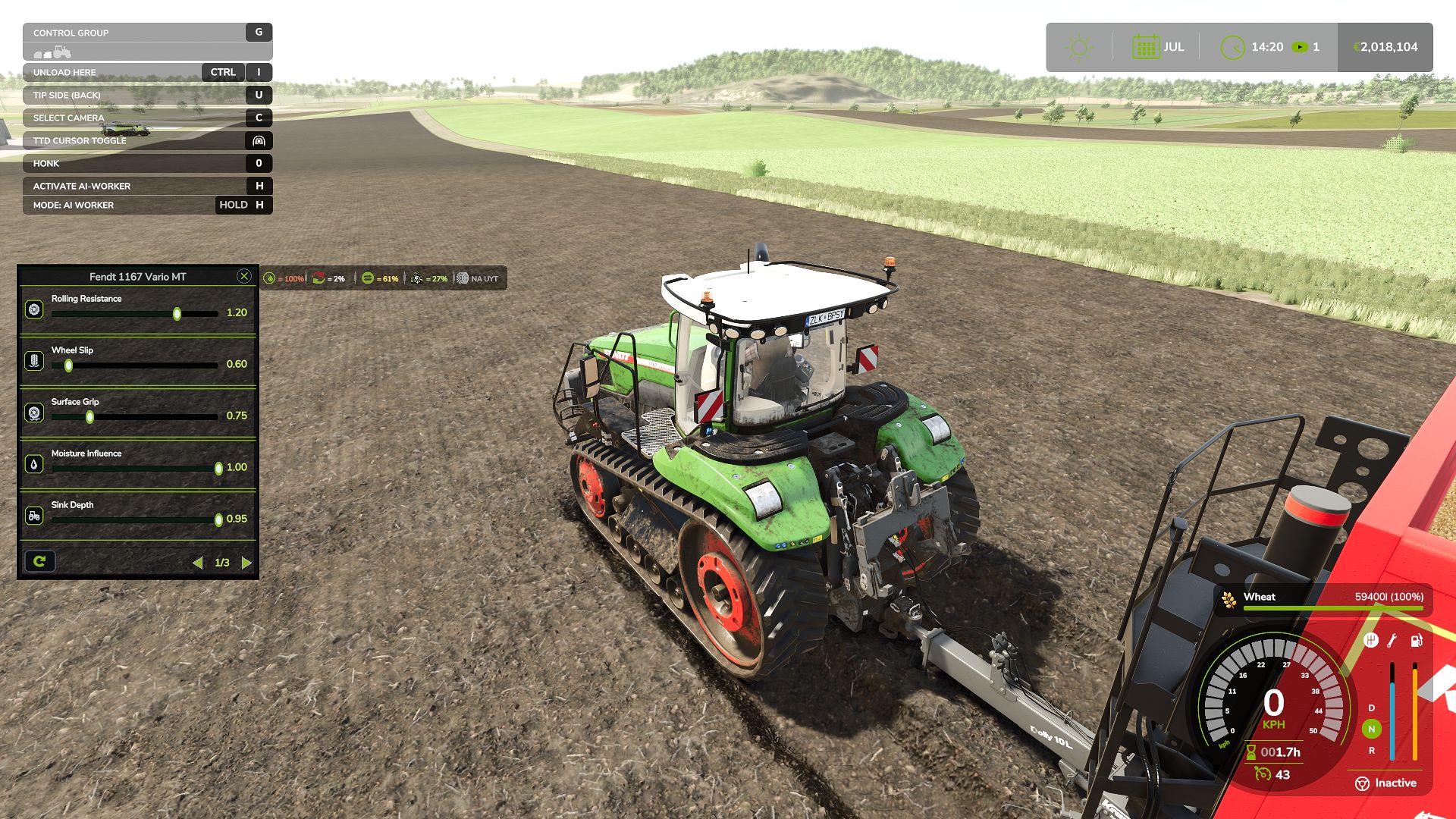
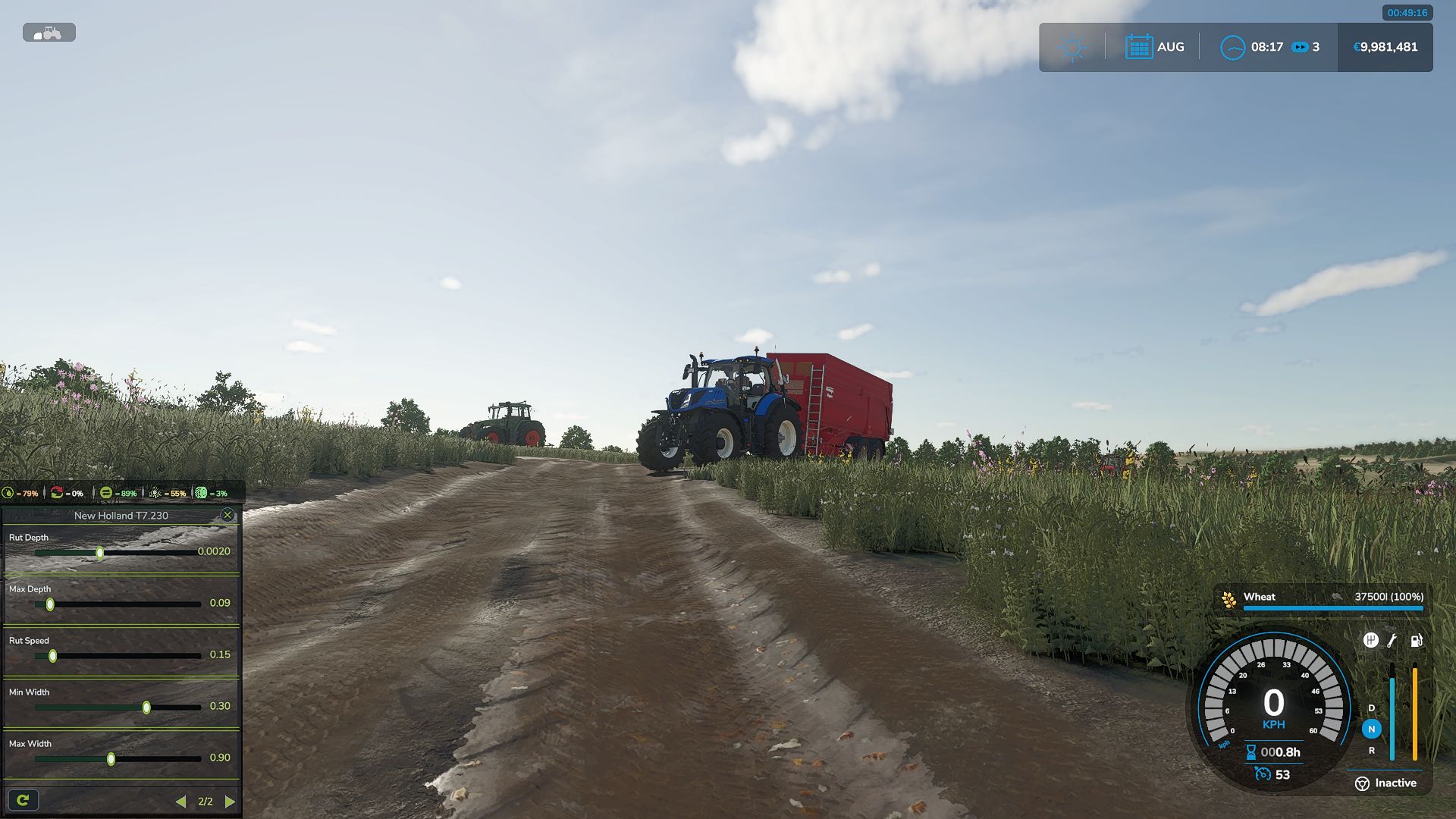
– The HUD displays moisture, grip and resistance
– Multiplayer: synchronization is handled in the code
Important to understand:
TTD does not add wheel slip “on demand.” Wheel slip is the result of conditions: a wet field, tire wear (if UYT is installed), a sudden start or excessive speed. If the tractor is new, the tires are new and the weather is dry, you will not notice a difference. TTD simply makes the physics fair and predictable.
What TTD does NOT do:
– No visual dirt
– It does not only slow you down
– No random penalties
Compatibility:
– UseYourTyres — tire wear affects road grip.
– More Realistic — for maximum hardcore enjoyment
Everything that happens is the result of your decisions, the weather and the ground.
The mod archive includes a complete guide describing the physics and containing the author’s contact details.
BETA 9
v1.0.3.8
IMPORTANT
The previous version had a bug: surface states would get stuck, causing
vehicles to behave strangely both on fields and on natural surfaces
(grass, dirt, etc.). This has been fixed in v1.0.3.8.
FIXES
– The mod works on dedicated servers again.
– Server and clients now correctly share surface and vehicle state data.
– Switching between field / natural / road / object no longer gets stuck.
– After leaving grass or dirt onto a field, the sliding gradually returns
to normal over a couple of seconds no more sudden stuck slip.
– Vehicles without a driver, without active work and without active
surface interaction are no longer processed every frame less load.
– The calibrator now shows only the pages that actually affect physics
in the selected mode. No more twisting sliders that do nothing.
– The calibrator now properly affects tractor slip when working with
a trailer or a seeder.
– Trailers and seeders now pass their resistance on to the tractor.
– Tractor slip is calculated when it pulls a trailer or an implement.
If the tractor drives on its own slip is minimal, since it isn’t
pulling anything.
NEW
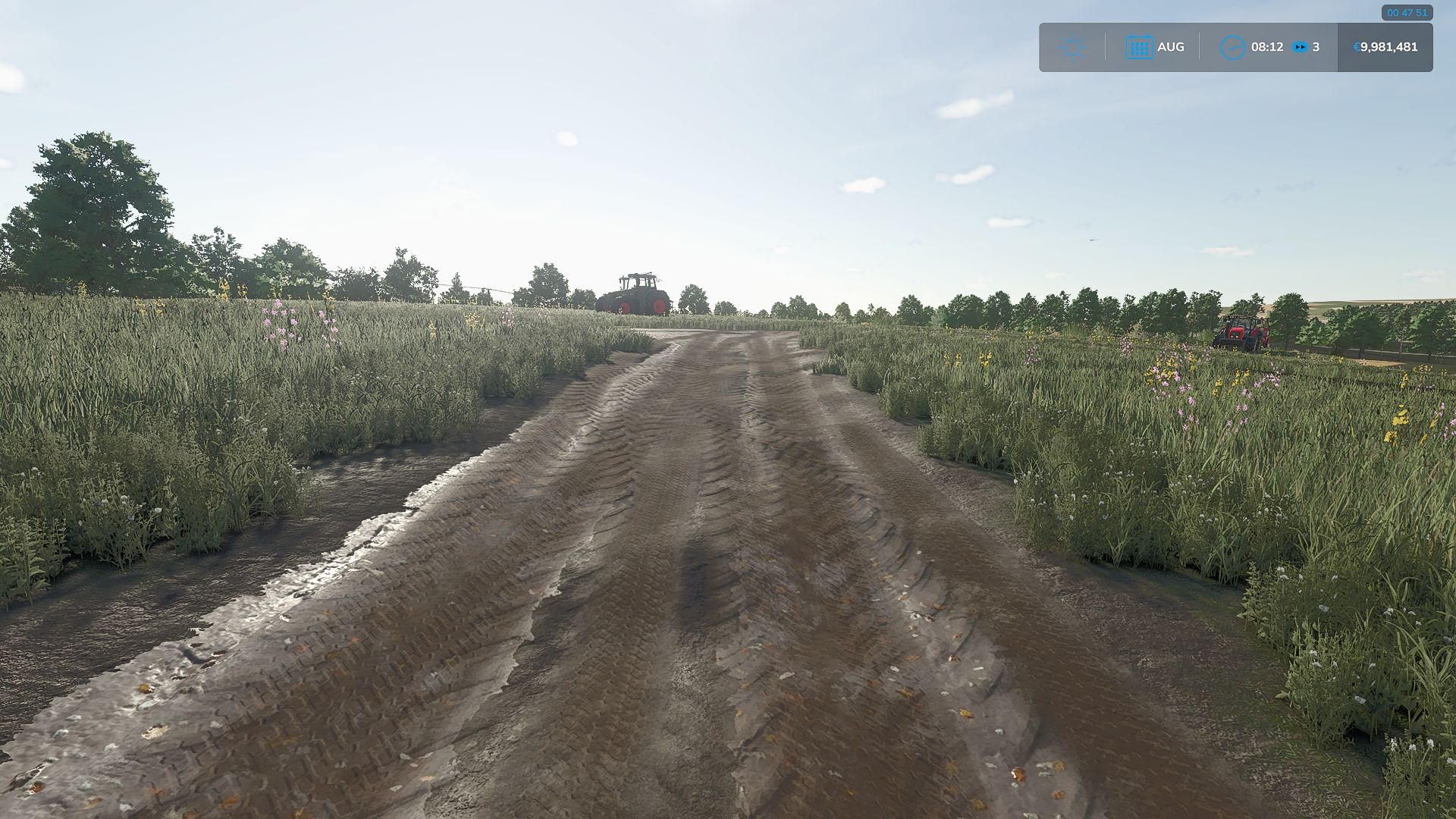
– Wheels now leave tracks and break up natural surfaces
(grass, dirt, sand, gravel).
– Breaking only works if deformation is enabled in the settings.
– Broken roads are repaired manually using the normal in-game
terraforming tools for in-game money. Nothing repairs itself.
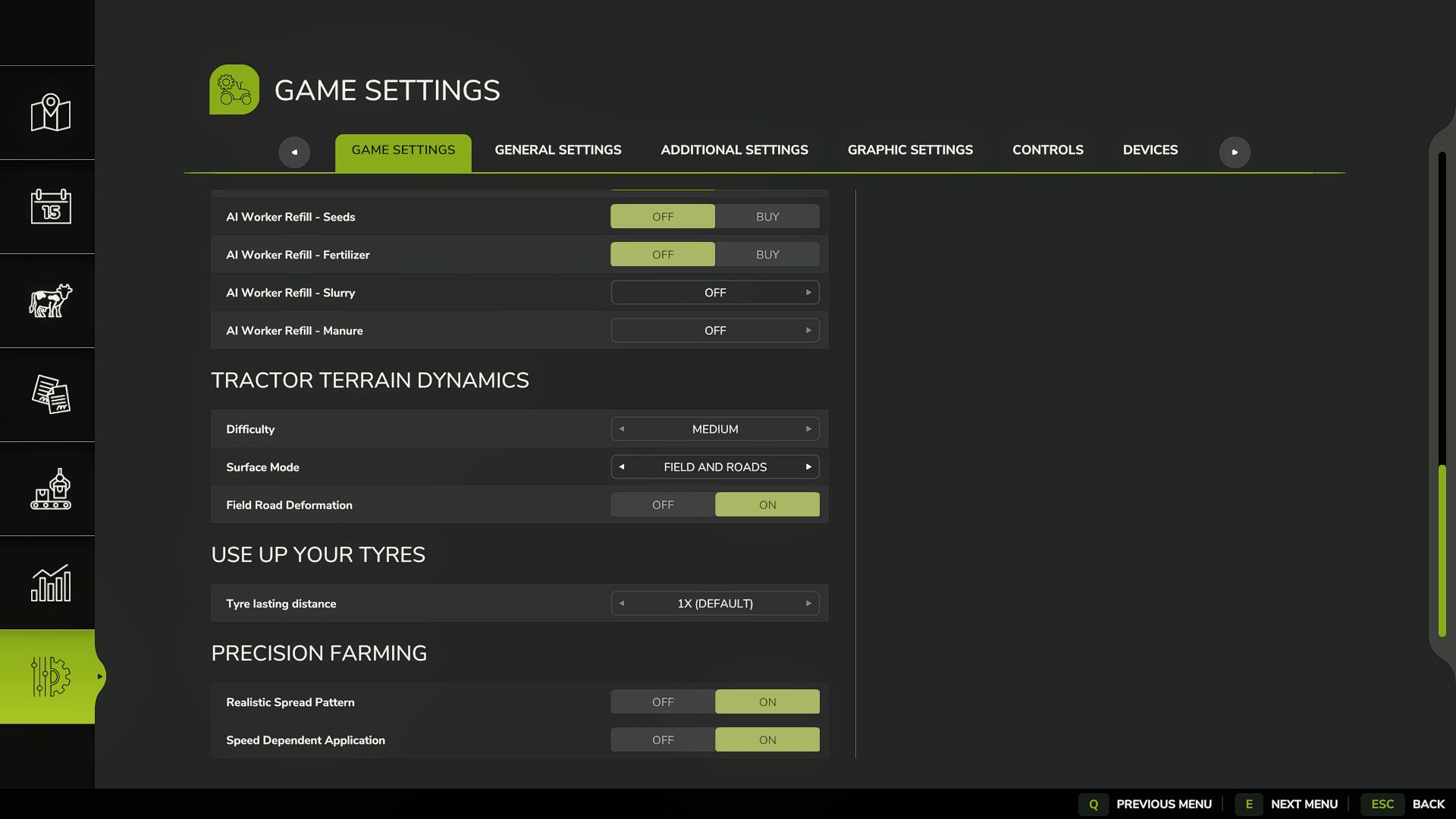
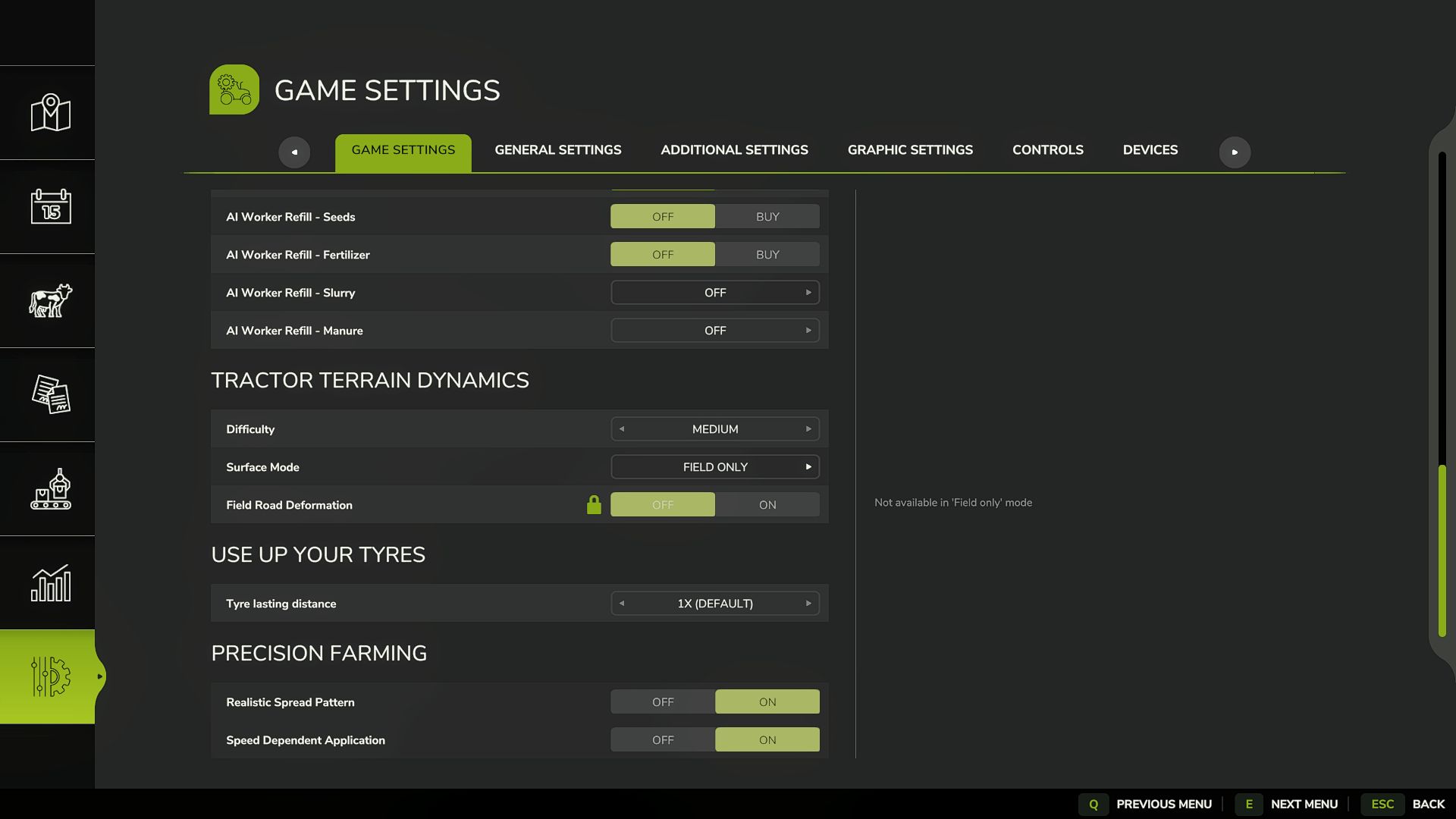
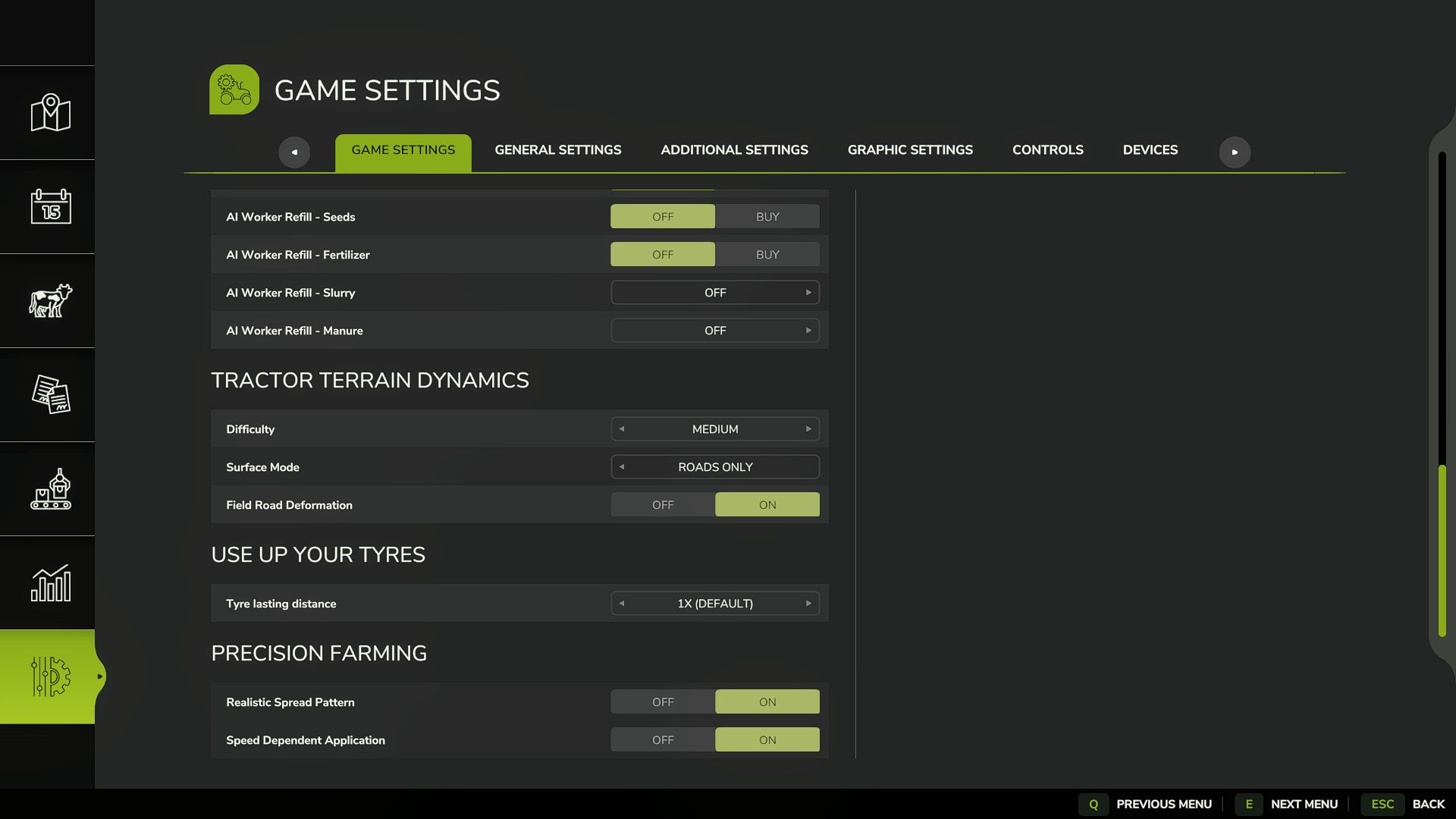
– Deformation on/off is in the game settings menu, right where
difficulty and surface mode are.
– Mod settings (difficulty, surface mode, deformation) can only be
changed by the host or master user. Regular players can see them
but cannot change them.
– New mode: “Roads only”.
On fields, TTD physics is completely turned off the game behaves
like vanilla, no slip, no sinking. But on grass, dirt, sand and gravel
TTD keeps working and keeps breaking them up.
On fields the HUD shows values from TTD’s own settings for
information only, they do not affect field physics.
This mode is handy if you play with another field physics mod,
or simply don’t want to slip on fields.
– The calibrator also supports “Roads only” mode grass/dirt settings
are available, and if deformation is on, deformation settings too.
– If TTD is your main physics mod, you can use any mode.
“Field” and “Field + roads” should not be used together with other
physics mods. If you play with another field physics mod, switch TTD
to “Roads only”.
– There are more setting combinations now everyone can find what
suits them. Examples:
Don’t want to slip on fields “Roads only”, deformation off.
Fields behave like vanilla, grass and dirt are untouched too.
Want slip on grass, but don’t want to touch fields or roads →
“Roads only”, deformation off. TTD stays out of fields, slip and
resistance work on grass, roads stay intact.
Full hardcore: fields, grass and broken roads “Field + roads”,
deformation on. Everything works, grass and dirt get broken up
by wheels.
Playing with another field physics mod, but want grass and surface
breaking from TTD → “Roads only”, deformation on. TTD doesn’t
interfere with the other mod on fields, grass and roads are
handled by TTD.
– IMPORTANT ABOUT TIRES: tire physics always works, regardless of
difficulty and mode. Narrow tires slip more they already grip
the ground worse. Duals, twins and tracks grip better. This is
by design from the start: tire type directly affects how the
vehicle behaves.
ABOUT THE CALIBRATOR AND SLIP
The slip slider in the calibrator is not an “on/off for wheel spin”.
It does not directly make the tractor slip or not slip.
Slip depends on how much the tractor is pulling (trailer, seeder,
plow), on the ground, on moisture and on the tires. The slider only
adjusts how strongly all of that is applied through resistance and
grip. If the tractor drives on its own it barely slips, no matter
where the slider is. If it pulls a heavy trailer through wet mud
it will slip, and the slider will make it stronger or weaker.