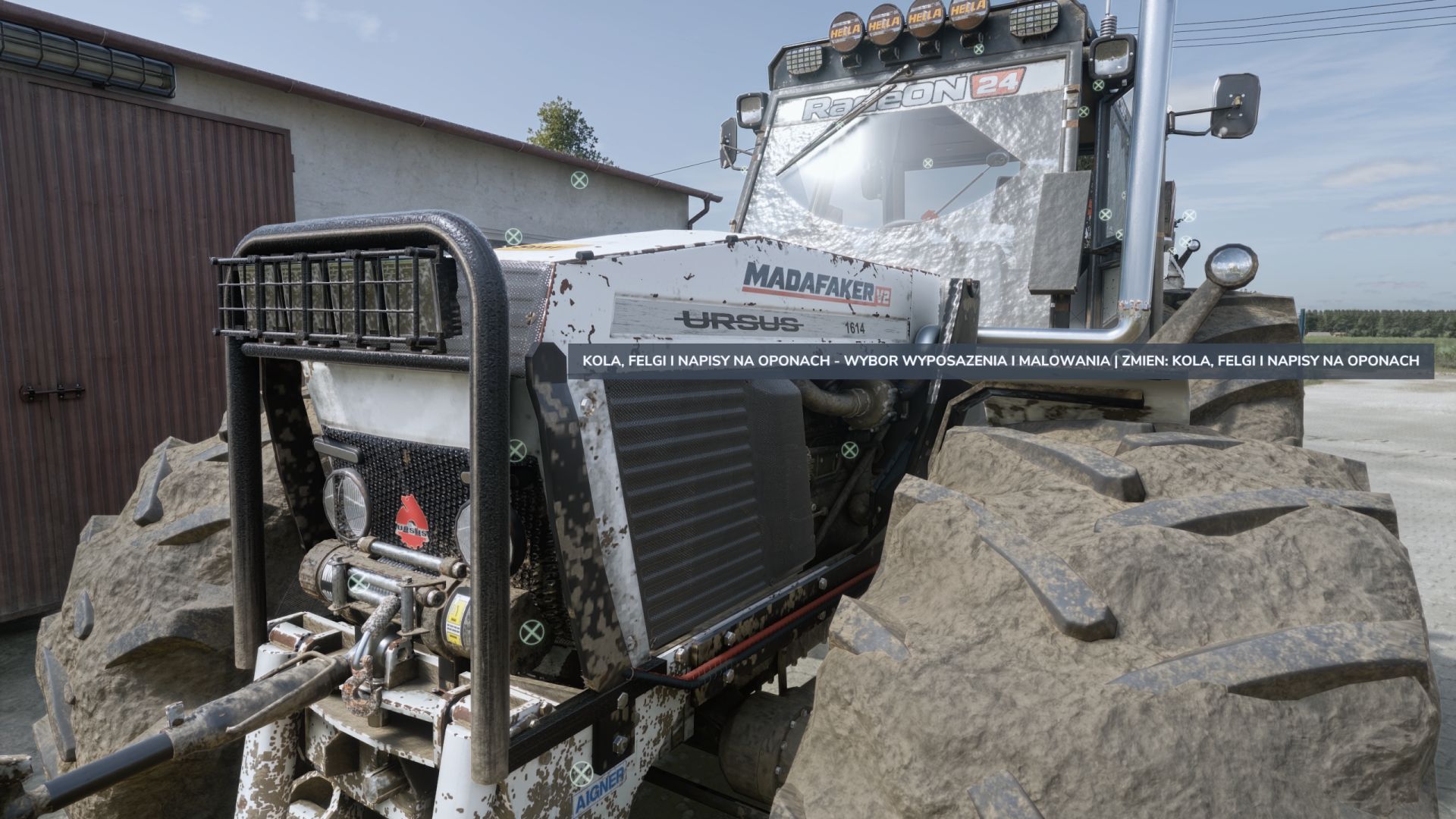

LS 25 Interactive Control Descriptions V1.0.0.0
Discover how Interactive Control icons work without guessing! The add-on displays a description of the selected interaction directly next to the icon and in the F1 help panel.
Add-on features:
Support for Polish, English and German — selected automatically according to the game language.
DESCRIPTIONS IN CAPITAL LETTERS, without Polish characters.
Recognition of standard IC functions: engine, lights, hitches, unloading, radio and others.
Descriptions for automatic driving and the functions of balers and wrappers.
Recognition of typical animations for doors, windows, hoods, tarps and other elements.
Support for interactions inside and outside the vehicle.
No additional keyboard shortcuts.
The range of recognized descriptions depends on how the vehicle was prepared. Unusual descriptions not included in the dictionary retain the vehicle author’s language.
Requirements: Interactive Control for FS25 by Vertex Dezign and a vehicle supporting IC. The add-on does not support SimpleIC.
Installation: place the ZIP file in the mods folder without unpacking it, then enable the add-on and Interactive Control in the savegame mod selection.
Add-on creator and owner: Radeon24
Required mods:
Interactive Control