LS 25 Hide Mods Shop Titles V1.1.0.0

LS 25 Other


LS 25 Hide Mods Shop Titles V1.1.0.0

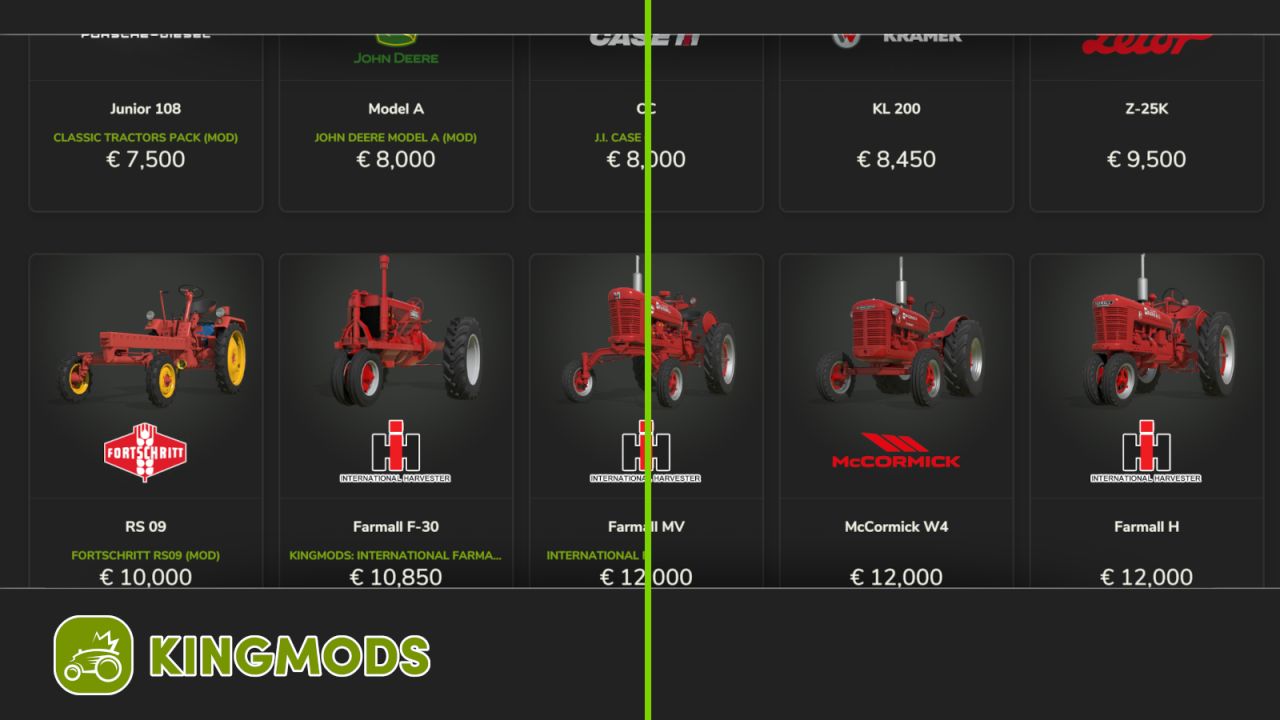
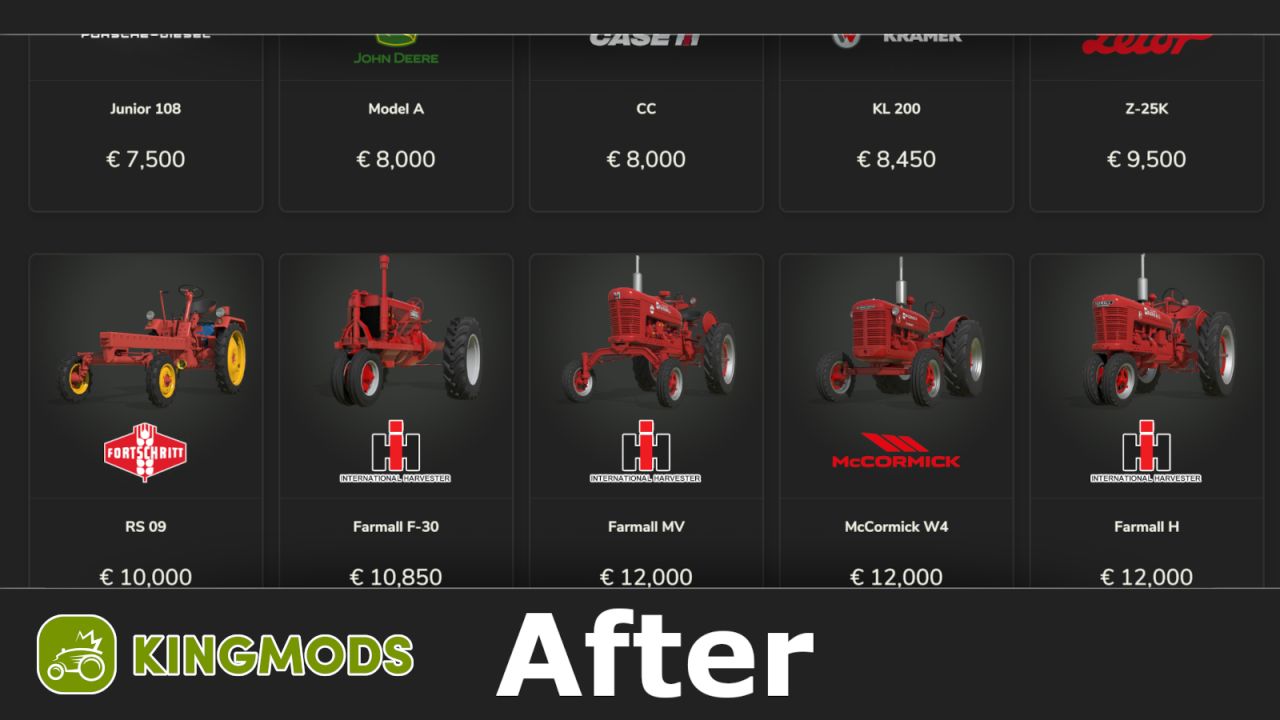
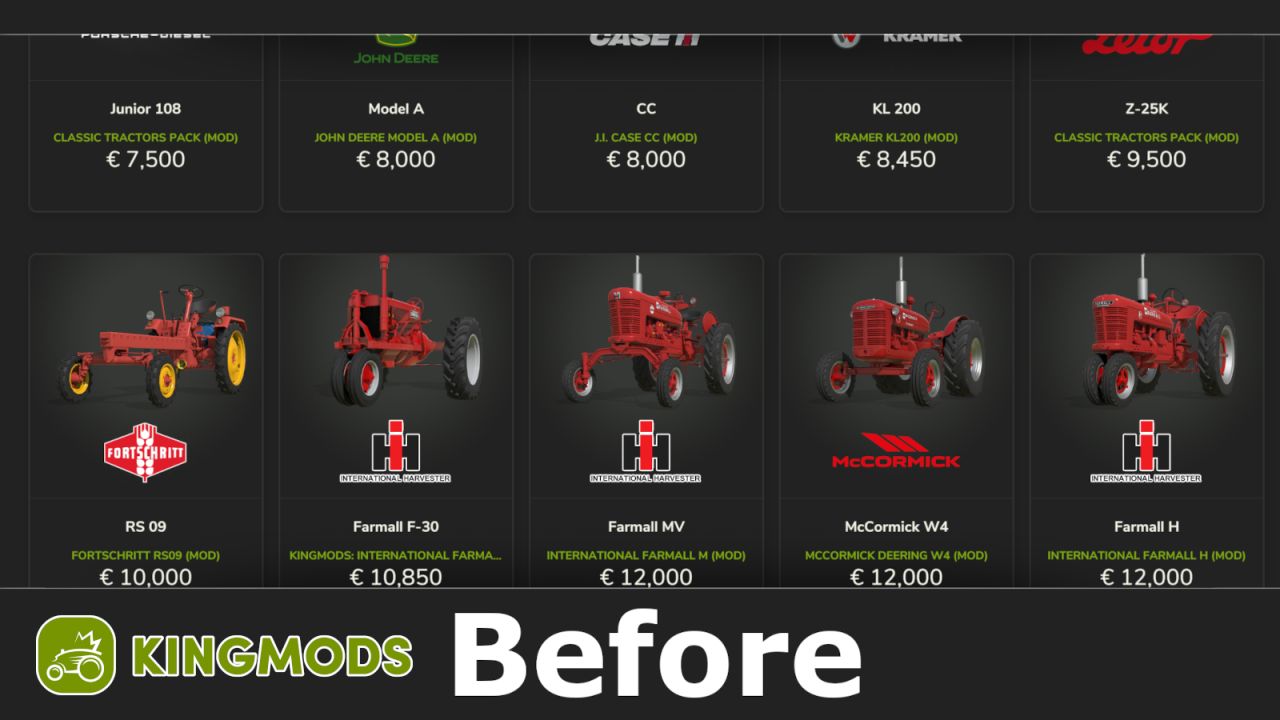
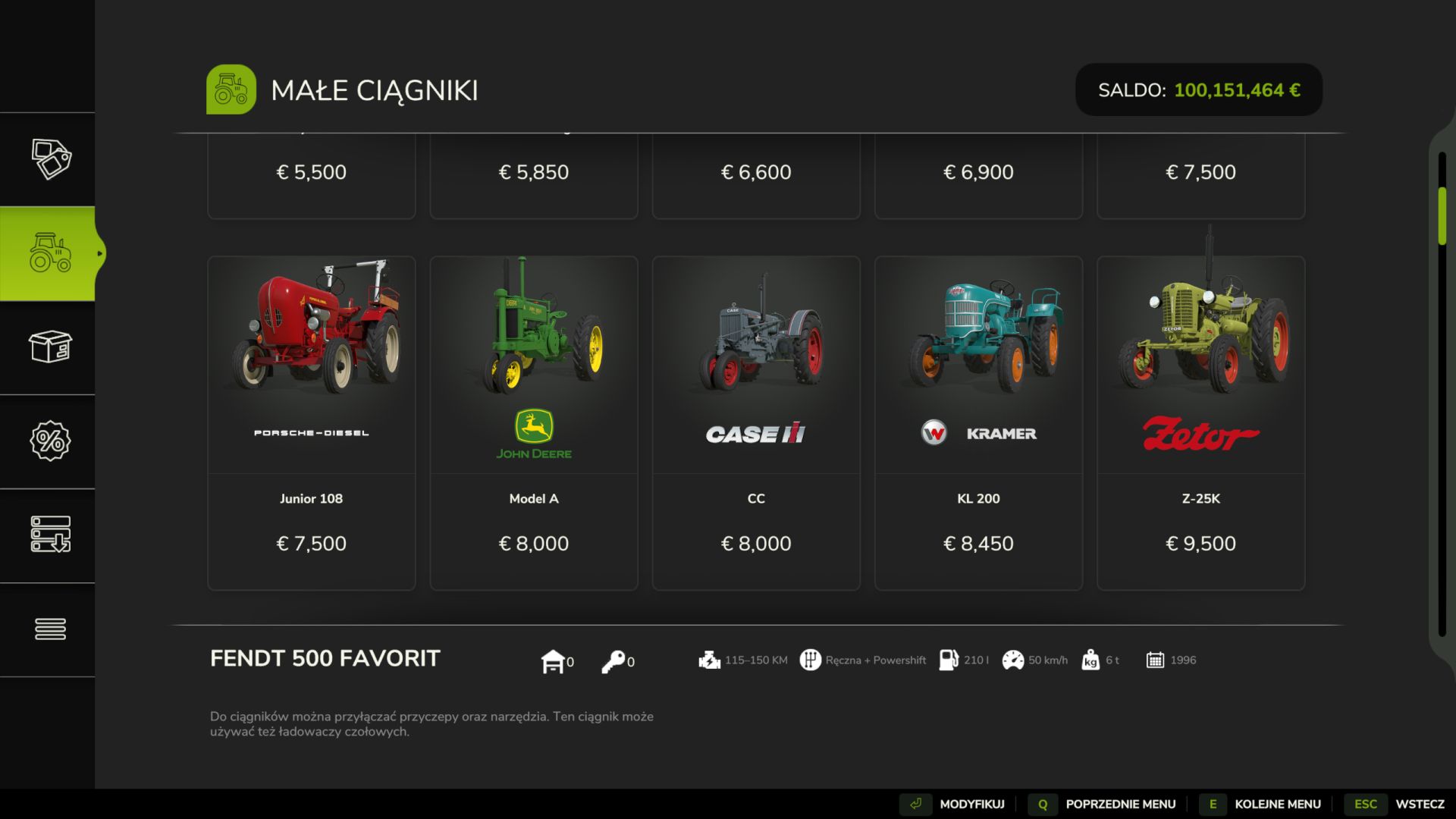
This mod hides the mod titles in the Shop.
It removes the name and mod‑sign text from shop icons, keeping the Shop clean and consistent.
Mod made only for Kingmods users!
Machines no longer display custom titles set by modders, so every vehicle looks like the original in‑game version.
Mod may not work with other mods that modify the shop titles like Tidyshop.
Thanks w33zl for code base!

V1.1.0.0
– Fixed log
– Fixed icons
– Fixed free space between texts
– New photos
– New moddesc
– Updated files structure
– Updated code clarity
– Updated to ‘Modhub’ standards

Credits:
Wojtalewicz0, w33zl
1 Star2 Stars3 Stars4 Stars5 Stars (No Ratings Yet)


Why to use Farming Simulator 19 mods | Farming Simulator 22 mods?
Even though Farming Simulator 2019 / Farming Simulator 2022 is a great game, you can make it even more astonishing by installing Farming Simulator 19 mods / Farming Simulator 22 mods. There are plenty of mods for every part of the game so you can change or integrate whatever you like. All the FS 19 mods / FS 22 mods are absolutely costless, so you won’t spend anything trying to change the game according to your own wishes. Our main goal is to keep Farming Simulator 19 / Farming Simulator 22 community happy where everyone has a possibility to implement their ideas and enjoy playing a perfect game. If something looks disturbing, bothers you or maybe you just need to integrate more tools and supplements, simply use FS 2019 mods / FS 2022 mods. Not many games provide an opportunity to change it by individual needs, but Farming Simulator is different. You can do whatever you want just by installing LS 19 mods/ LS22 mods so it’s time for you to take action and fulfill even craziest ideas!


You may also like...

Leave a Reply