LS 25 Farm Operations Dashboard V1.1.0.0
Farm Operations Dashboard
Adds a multiplayer-compatible in-game menu page with native sub-tabs for day-to-day farm management.
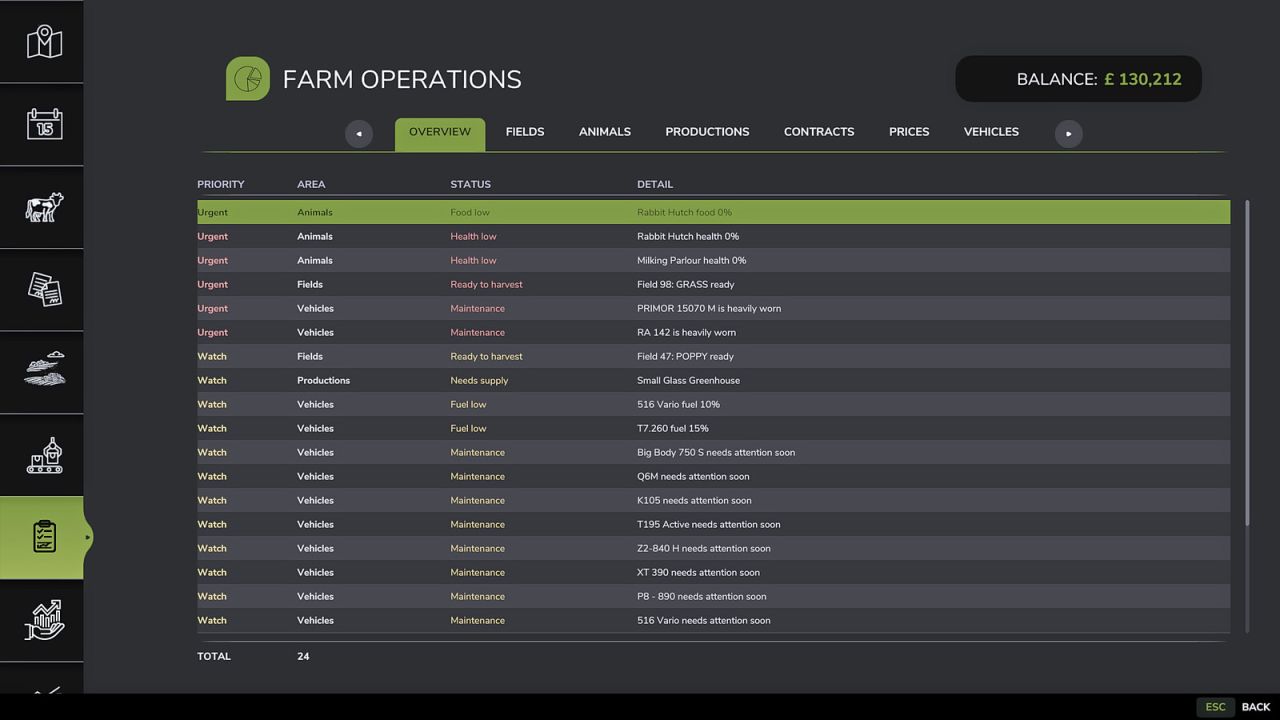
The overview tab highlights current work across finance, owned fields, animal pens, production points, contracts, price opportunities and vehicles. The Plan tab now works as an operations board with weather and event context, work windows, dependencies and suggested kit. Dedicated tabs provide full views for fields, animals, productions, contracts, prices, pallet product totals and all owned vehicles.
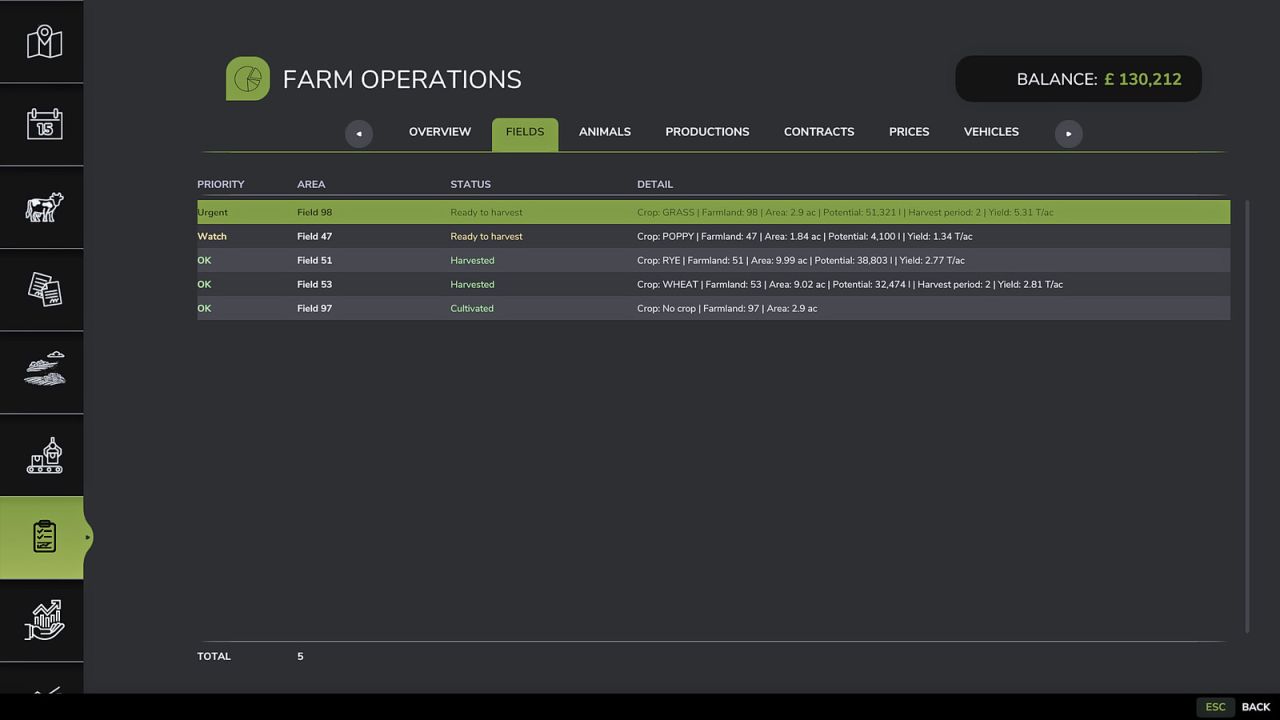
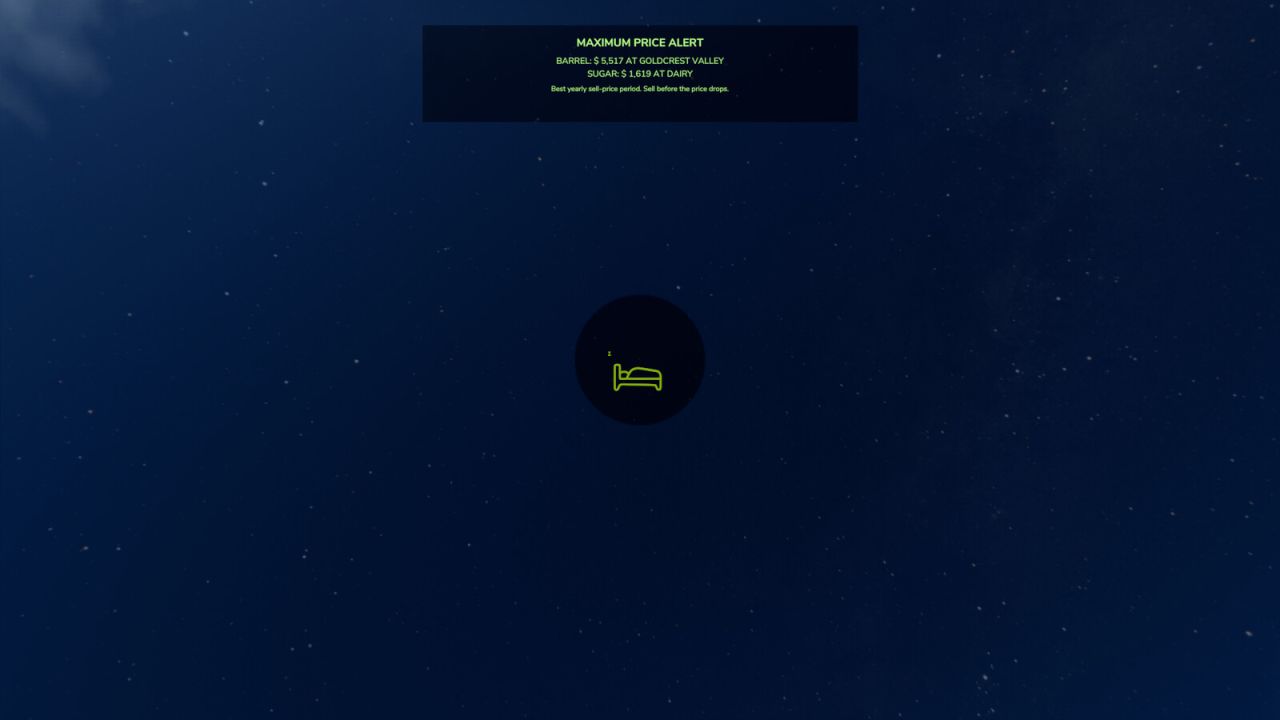
Fields use live game field-state data where possible, including harvest-ready periods, withered, harvested, plowed and growing states. Harvest readiness avoids preparing and growing states, while harvest urgency uses calendar data exposed by the loaded fruit or map and avoids hardcoded base-game calendar assumptions on custom maps. The first harvest-ready calendar period is shown as Watch, the second or later harvest-ready period as Urgent, while harvested and withered fields remain informational. Animal pens show overall food and health levels, empty husbandries stay low priority until animals are added, productions focus on output storage and input supply, prices use the bundled max-price alert support, pallets have their own product totals view, and vehicles show brand/manufacturer-style naming, category, fuel, wear, hours and current use state.
V1.1.0.0
– Added operations-board Plan tab with weather/event context, work windows, dependencies and suggested equipment.
– Added pallet inventory tab with total quantity by product and removed pallets from normal vehicle work.
– Improved field readiness on custom maps and custom crop calendars by ignoring misleading harvest-ready ground markers when the growth state is not ready.
– Added field trace console diagnostics for harvest-ready debugging.
– Improved animal handling so empty husbandries remain low priority and do not create planned actions until animals are present.
– Expanded vehicle details with brand/manufacturer naming, category, condition, fuel, hours and use state.