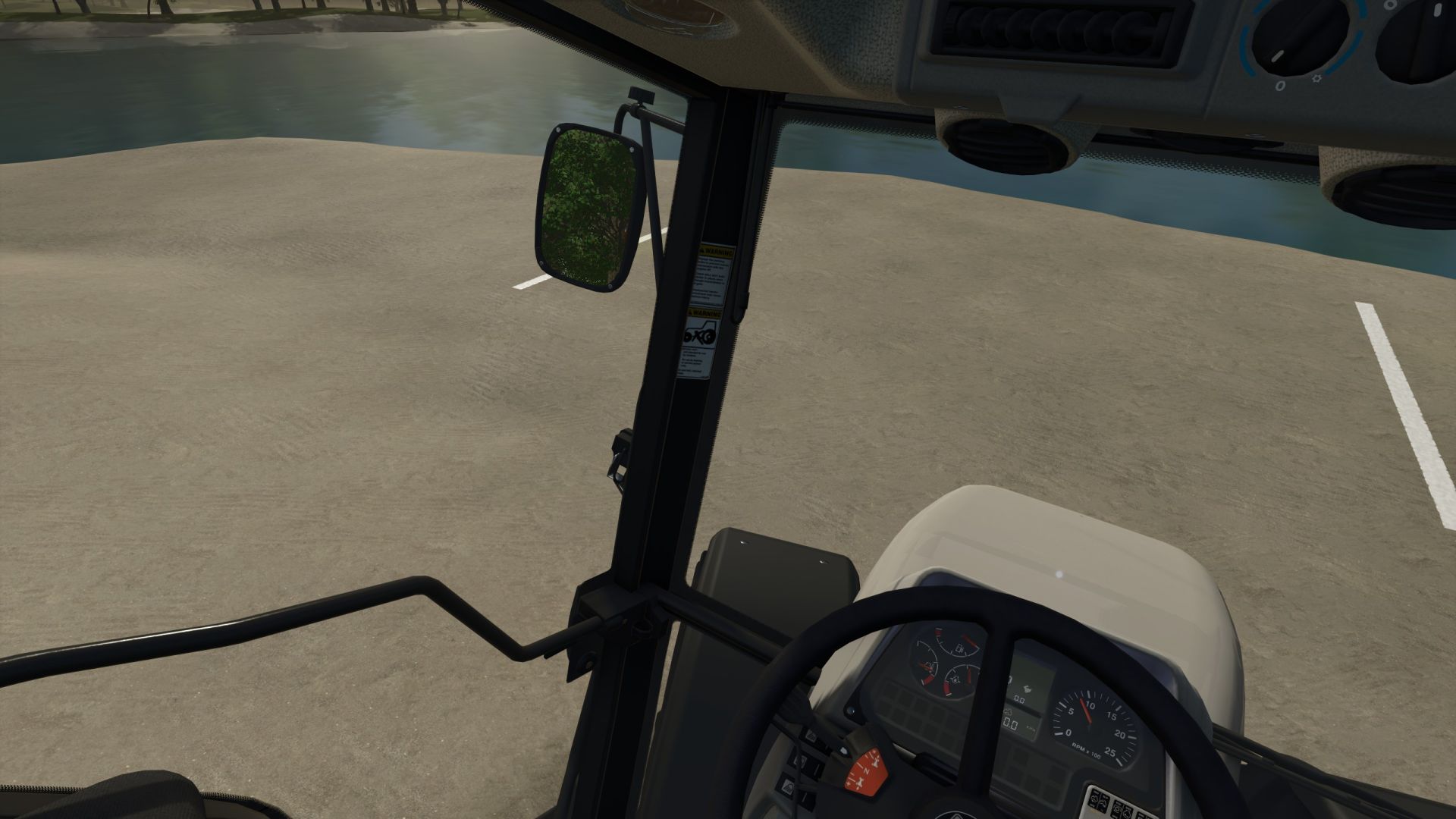
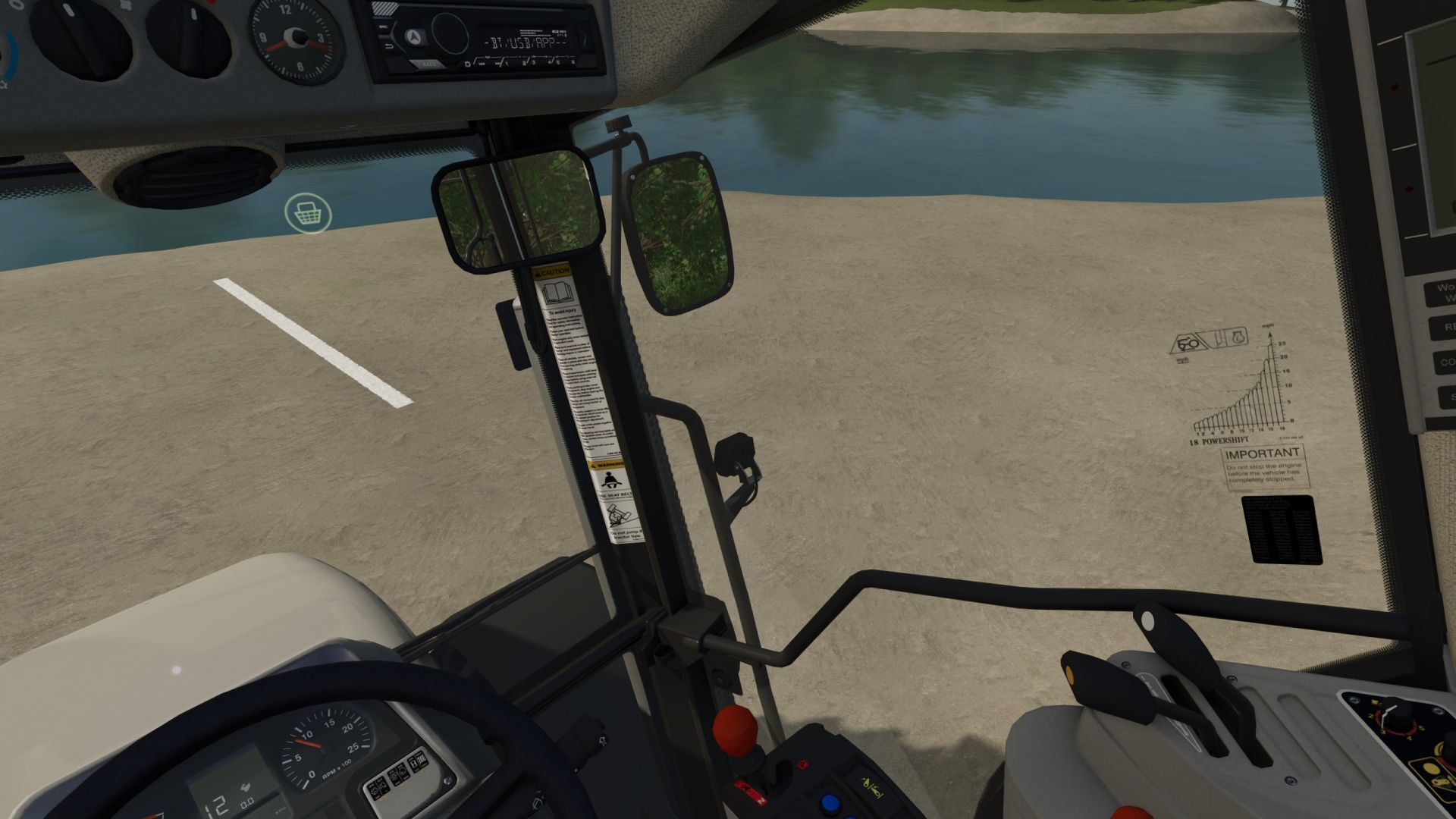
LS 25 Camera follows steering angle – head tracker replacement V1.0.0.3
This mod is essentially a “head tracker replacement.” It follows the vehicle’s steering angle in the interior view.
Simply copy the mod into your mods folder and activate it in your save game!
The mod offers the following features:
Control of the viewing angle in the interior view based on the steering angle (similar to the previous VCA mod);
“A quick look”: using key or joystick assignments to look up/down/left/right/backward (similar to the option in the previous VCA mod);
Adjustment of the camera’s “seating position” up/down/left/right/forward/backward (similar to a head tracker, but the adjustment is made directly in the game).
Settings can be adjusted in the menu:
Camera guidance enable/disable:
Camera guidance while stationary: enable/disable (specifies whether the steering angle is also taken into account when stationary)
Rotation sensitivity: sets the sensitivity of how the script reacts to the steering angle
Maximum rotation angle: determines how far the camera rotates in the corresponding direction
Quick look – horizontal: determines how far the “quick look” allows the camera to rotate left/right
Quick look – vertical: determines how far the “quick look” allows the camera to rotate up/down
Quick look reset speed: determines how quickly the camera returns to the steering angle after the “quick look”
Rotate view 180°: determines how quickly the camera rotates 180 degrees
Steering dead zone: sets the “dead zone” until the camera reacts to the steering input
Activate rear view in reverse: on/off –> determines whether the camera “looks behind” as soon as reverse gear is engaged.
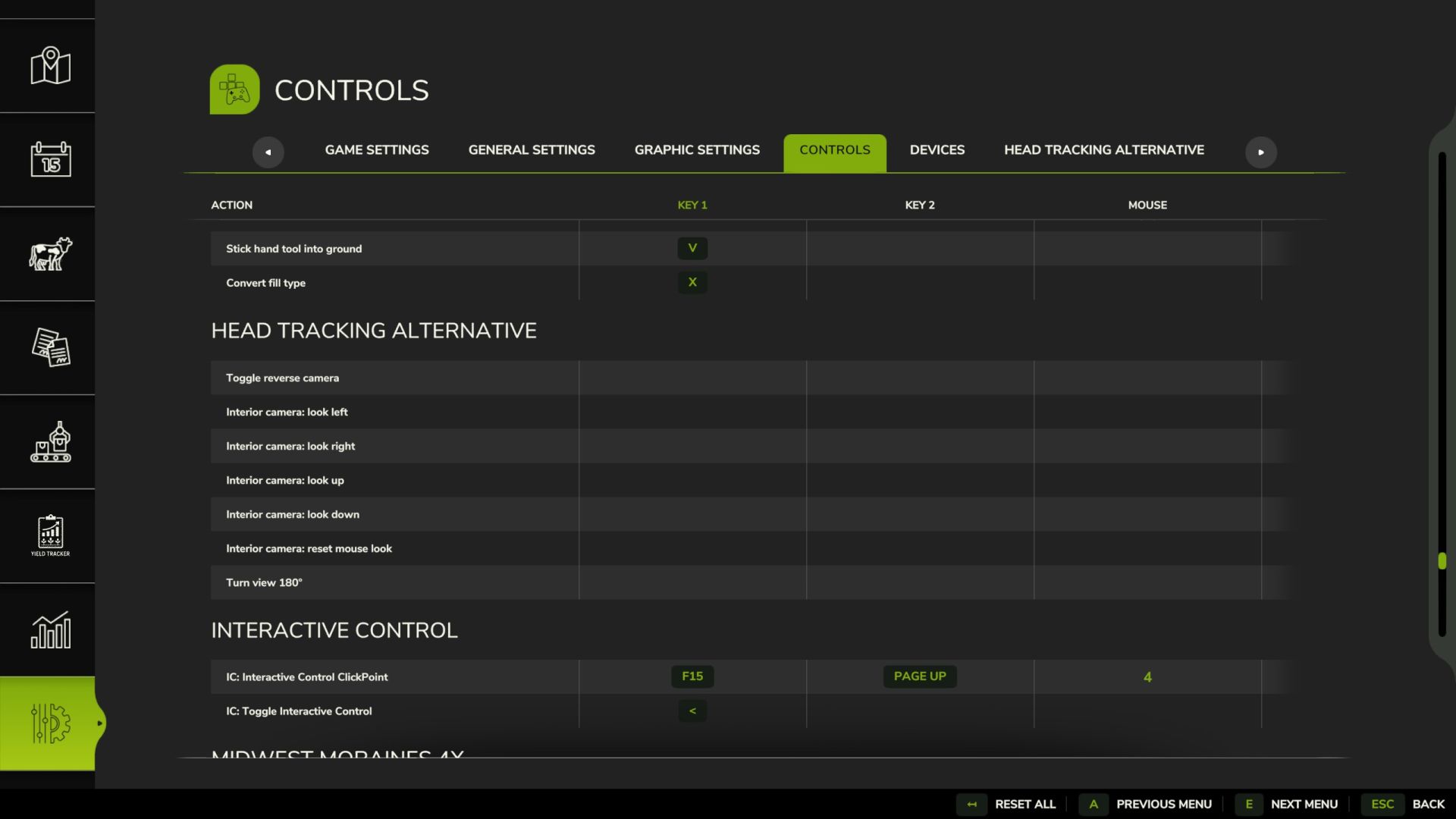
You can freely assign key bindings in the settings. I deliberately avoided using predefined ones to prevent conflicts with other active mods.
The camera position itself can be adjusted as follows (I have predefined the key assignments here; they are set using the mouse wheel):
Mouse wheel up/down: Camera position up/down;
L-Shift + mouse wheel up/down: Camera position forward/backward;
L-Ctrl + mouse wheel up/down: Camera position left/right
This mod has been tested in single-player and multiplayer modes.