
LS 25 Better Cruise and Shift V1.0.0.0
Better Cruise and Shift combines smart gear selection with cruise control that locks the current speed.
Smart Gearbox
Use the familiar gear up and gear down buttons. While driving, one press selects the appropriate gear in the required direction, following the logic of the game’s standard automatic transmission. When accelerating or slowing down, you can skip unnecessary intermediate gears.
The gearbox remains manual: shifting happens at your command. Gears are selected within the current range. When stationary, normal sequential selection is used: you can select a starting gear in advance or shift through neutral into reverse.
Clutch operation takes the selected control mode and the characteristics of the supported gearbox into account. In «manual with clutch» mode, press the clutch when required. The standard clutchless shifting of the Lizard 362 PowerShift is preserved. CVTs and fully automatic gearboxes work as usual.
Cruise at Current Speed
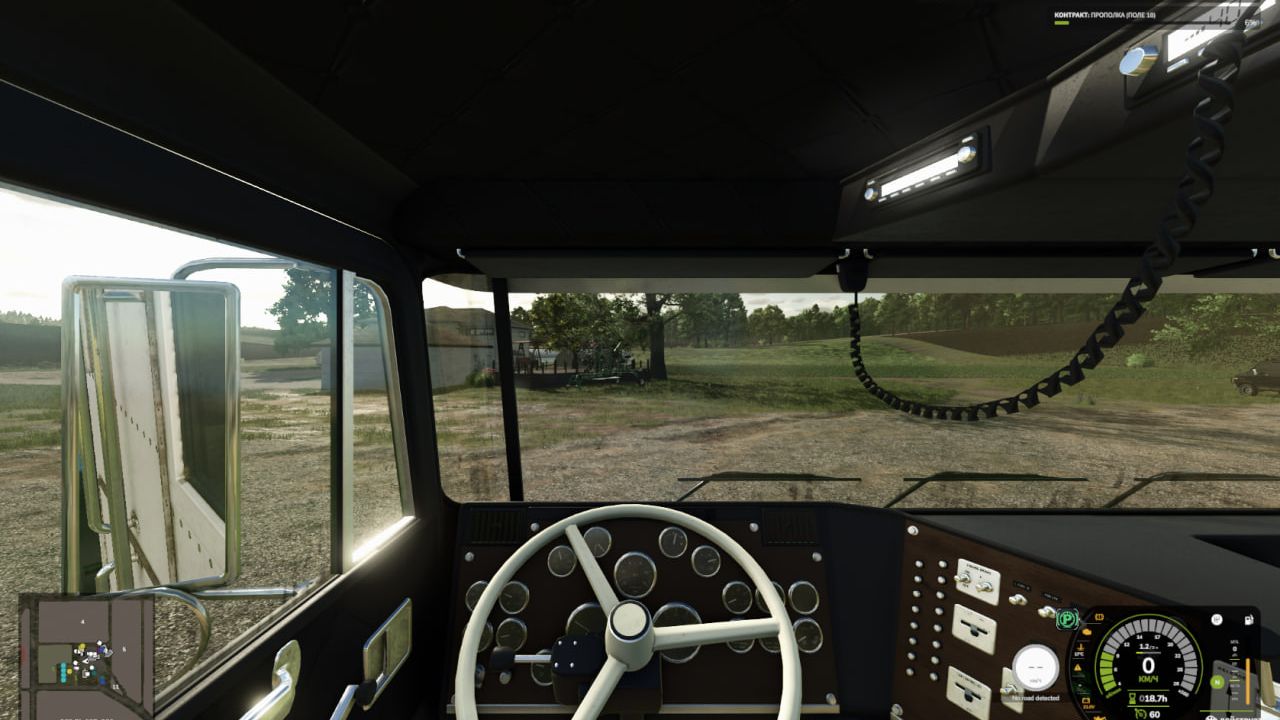
Accelerate to the desired speed and press the regular cruise control button. It will lock the current speed instead of the previously set value. The standard adjustment buttons let you increase and decrease it while driving.
The brake or accelerator disengages cruise control. If the accelerator is already pressed when cruise control is activated, release it first: the next press will disengage cruise control. Holding the cruise control button does not activate maximum speed. Activation is available from 1 km/h, subject to the usual speed limits of the specific vehicle.
Default Keyboard Controls
– NumPad + / NumPad −: gear up / gear down.
– Left Shift: clutch, when required by the selected mode.
– Left Ctrl + N: neutral.
– Left Ctrl + Left Alt + G: enable or disable Smart Shift on the current vehicle.
– 3: enable or disable cruise control.
– 2 / 1: increase / decrease cruise speed.
– Accelerator or brake: disengage cruise control.
Existing steering wheel and controller bindings for gears, clutch and cruise control continue to work. Neutral and the Smart Shift toggle can also be reassigned in the game’s control settings.
Single-player, PC only. Languages: Russian and English.