
LS 25 AutoSwitch v1.0.3.0
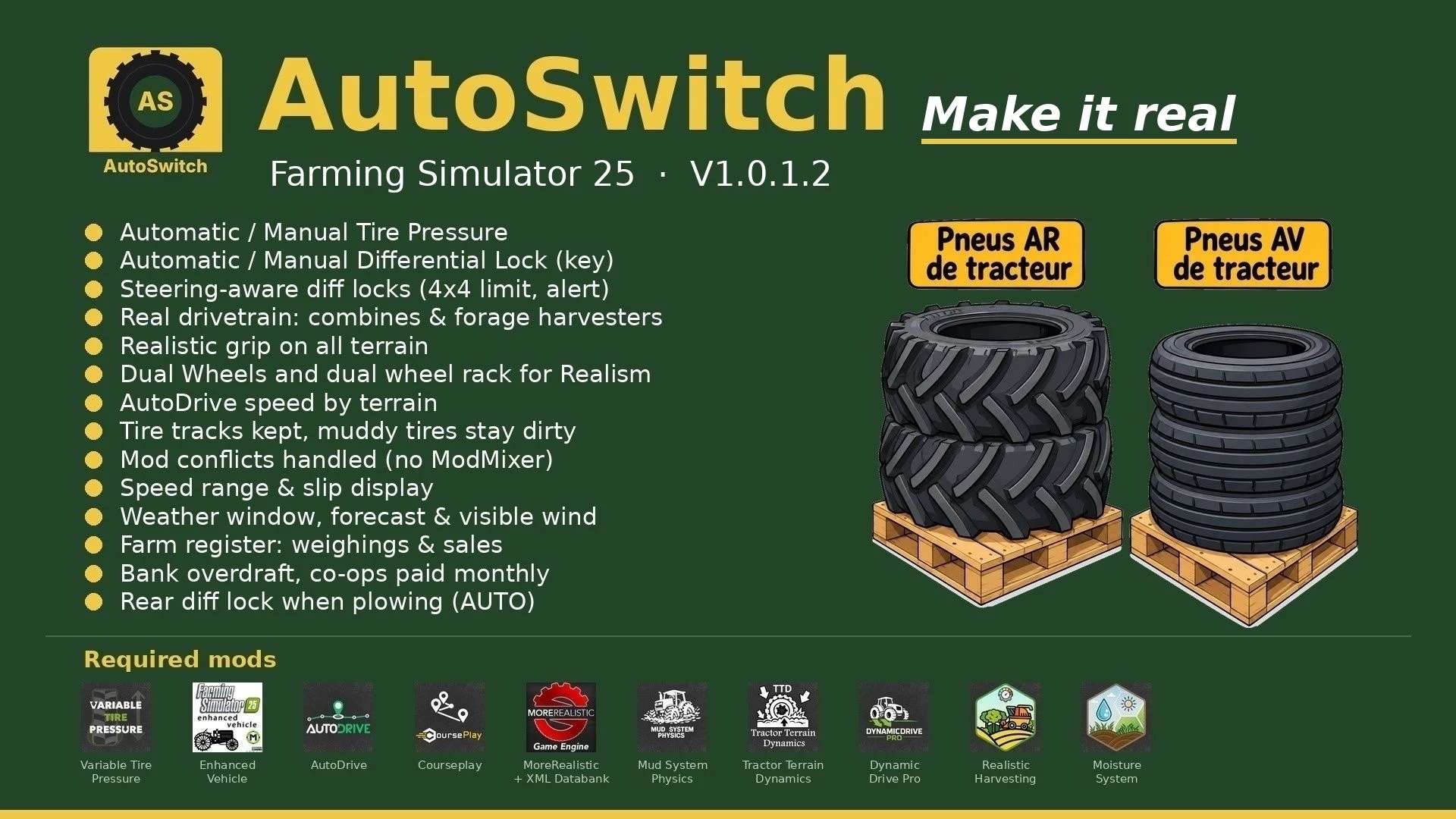
AutoSwitch automates tire pressure and differential locks and makes traction realistic. It makes Variable Tire Pressure, Enhanced Vehicle, MoreRealistic, Mud System Physics, Tractor Terrain Dynamics and AutoDrive work together without modifying or disabling any of these mods.
V1.0.3.0
Built-in tire wear (no tire mod needed anymore), wheel by wheel, for all vehicles, trailers and tracks: grip, radius, worn tread visible, rubber tracks smooth when fully worn
HUD: wear in % per wheel, tires of attached tools and trailers shown below the tractor; new tires at the workshop; TTD reads this wear
Courseplay jobs resume when the savegame loads, from the waypoint where they stopped
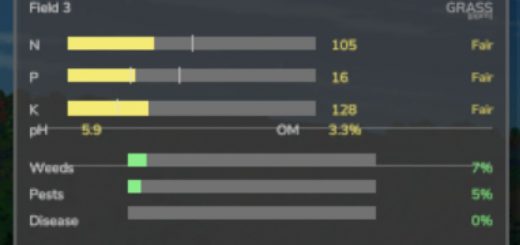
Total hectares in the Fields window; mini weather no longer overlaps the clock bar
New forage harvester HUD icons (4×4 and 4×2)
Objective: make the game more realistic and efficient.
Features:
Tire pressure: with AutoDrive / Courseplay, deflate in the field and inflate on the road; manual driving in Automatic or Manual mode.
Differentials (Enhanced Vehicle): rear locks at 15 % slip, front at 30 % (adjustable), 2WD only on asphalt and concrete, 4WD elsewhere.
Plowing: in AUTO mode, a lowered plow locks the rear differential, it unlocks when the plow is raised.
AUTO / MANUAL mode (Right Ctrl + Up arrow): in MANUAL you handle diff locks and 2WD / 4WD, an engaged lock is never released and the tractor slides in turns; back to AUTO with AutoDrive / Courseplay.
Real drivetrain of each machine: combines, forage harvesters and 2WD machines with their own HUD icon, only the driven axle locks.
Steering: 90 % in 4WD; locks released with the wheels turned and refused with a “Straighten the wheels” alert.
Grip (MoreRealistic): wet-ground loss with 5 levels, capped VTP field bonus, diff-lock bonus; built-in tire wear taken into account (worn tires grip less in the field, a bit more on dry road).
Dual wheels: real width used by Mud System Physics. Mounted only with the rear (BKT 650/65R42) and front (BKT 540/65R30) dual-wheel racks, tire by tire (15 in-game minutes per tire).
AutoDrive speed by terrain (field, track, road), in 2 km/h steps.
Display: speed range, top view of the tractor and slip of each wheel next to the speedometer, blocks movable with the mouse.
Mud: MSP → TTD bridge (no double resistance), wet paths drivable; tire tracks kept with the savegame, muddy tires stay dirty.
Weather (Right Ctrl + M): current weather, next 24 hours and following days; mini weather widget next to the clock; visible wind (trees, crops, grass).
Register (Right Ctrl + R): AutoDrive Addon weighings, farm sales and totals per month and per product.
Finances: bank overdraft with interest, co-ops paid at the end of the month.
Opening hours: shop open 8 am to 7 pm, selling points 6 am to 10 pm (adjustable).
Traffic: game cars no longer overtake tractors.
Sleep for several hours or several days.
Mod conflicts arbitrated by AutoSwitch (ModMixer no longer needed).
Protected sowing, grass trampled by the wheels, implements stay still when stopped.
Racks: place the racks, park the tractor in the rectangle (green = well placed), on foot on the yellow marker press Right Ctrl + I. Unmount with empty racks. Single-player only.
Settings: AUTOSWITCH tab in the Settings (required mods listed at the bottom: OK in green, X in red).
Required mods: Variable Tire Pressure, Enhanced Vehicle, AutoDrive, Courseplay, MoreRealistic + XML Databank, Mud System Physics 1.3.6, Tractor Terrain Dynamics 1.0.3.7 (only one TTD), DynamicDrive Pro, Realistic Harvesting, Moisture System.
Tire wear is built in: no tire mod needed.
New in V1.0.3.0: built-in tire wear (all vehicles, trailers and tracks, % per wheel on the HUD, new tires at the workshop), Courseplay jobs resume on load, total hectares in the Fields window, new forage harvester icons.