LS 25 Auto Bale V1.0.0.0
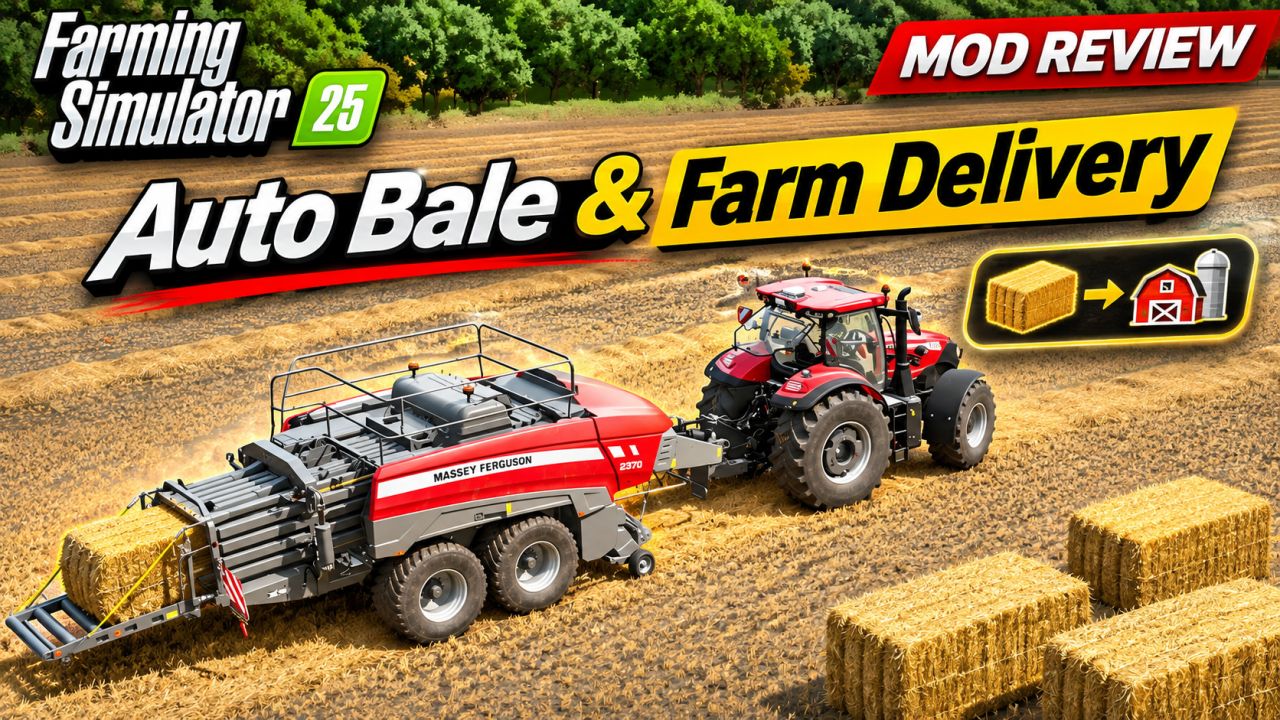
Turns the straw, hay and grass windrows on your fields into bales with one click, no baler needed. You choose on the map where the bales are delivered.
HOW IT WORKS
Open the map menu and click one of your fields.
Click the new button: Auto Bale (next to Visit, Sell and Tag Place).
Confirm the question “Are you sure?” with Yes.
If there is fresh grass on the field, choose: Yes = wrapped silage bales, No = plain grass bales.
Click on the map where the bales should be delivered.
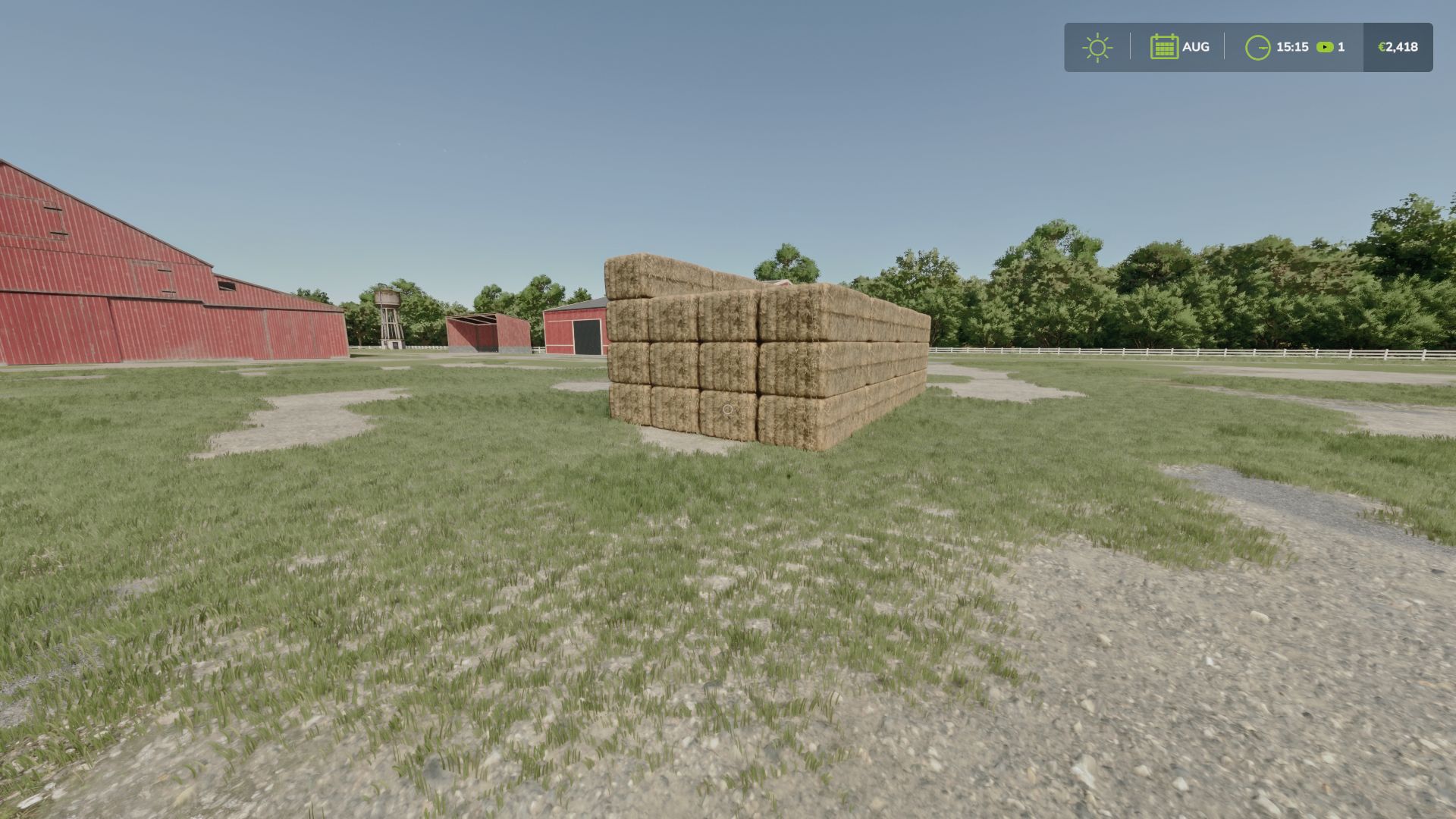
The mod recognizes by itself what lies on the ground of the field (straw, hay or fresh grass), adds up the litres of each kind and makes bales from them. Everything disappears from the field, including the visual traces of the windrows, and the bales are stacked at your point in blocks of 4x4x4 (64 bales).
WHAT YOU GET
Straw makes straw bales
Dry grass (hay) makes hay bales
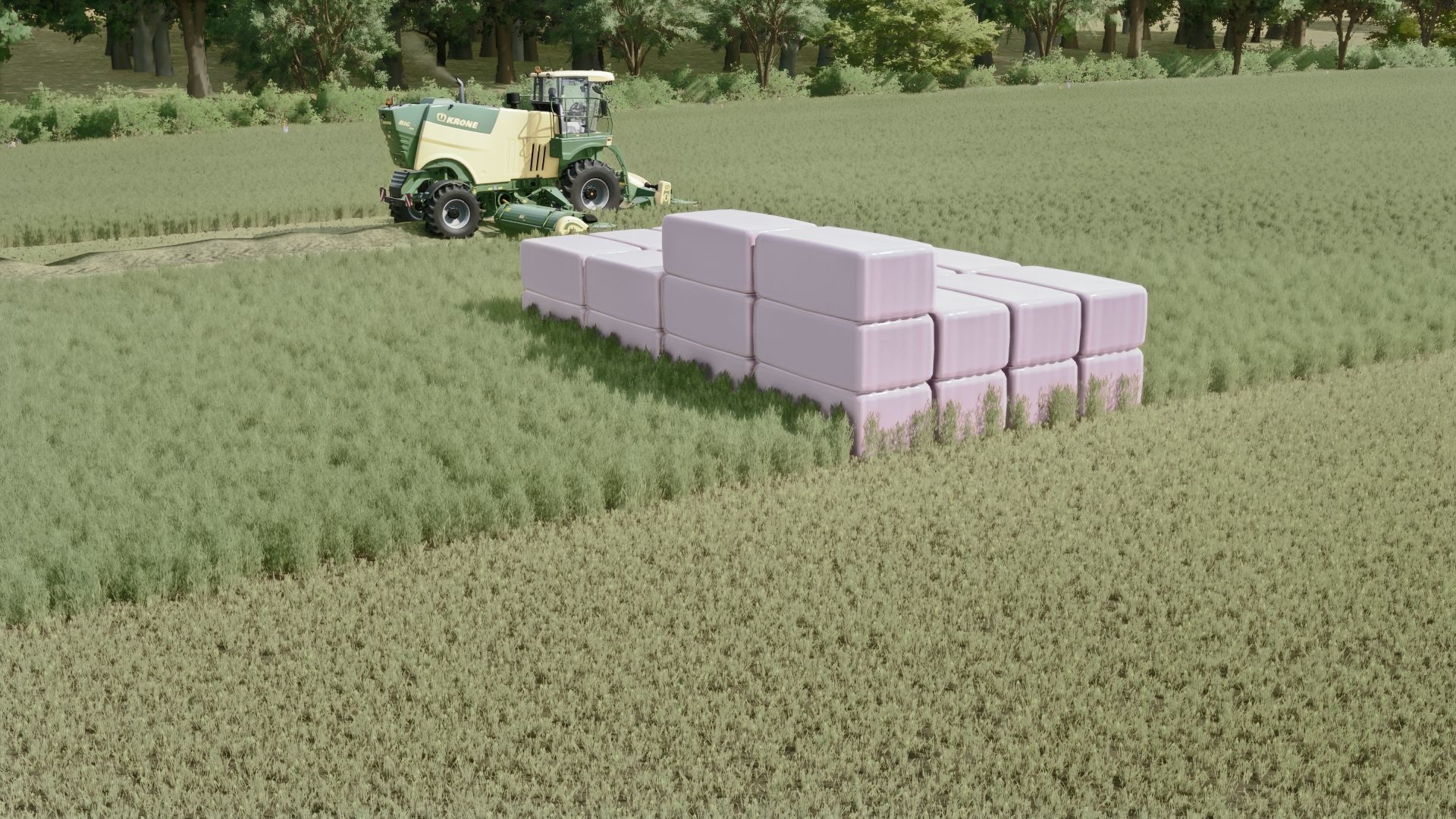
Fresh grass makes wrapped silage bales or plain grass bales (you choose)
Grass that dried on the field is hay and can only become hay bales
If a field has several kinds, you get all of them in one delivery
FEATURES
Works on your own land only
The delivery point can be anywhere on the map: your farm, a road, another field
Stacks are placed on a free, level spot near your point. If something is in the way, they are moved a little. If there is no room within about 48 m, nothing is changed and you get a message
Closing the map before setting the point cancels everything
Costs: 100 per row plus 200 for the delivery. Not enough money: nothing is changed
Big square bales by default, round bales available
A rest of at least 5 percent of a bale becomes one smaller bale
Block size 4x4x4 by default, 6x6x6 or single rows available. Round bales are never stacked
Multiplayer supported: the farm of the player who clicks gets the bales
Languages: English, German, French
CONSOLE COMMANDS
autoBale [farmlandId] [x z | here] – same as the button
autoBaleScan [farmlandId] – counts only, changes nothing
autoBaleGrass silage|grass – default for the question about fresh grass
autoBaleType square|round – bale shape
autoBaleStack 0|4|6 – block size
autoBalePrice [amount] – money per row (default 100)
autoBaleFee [amount] – money for delivery (default 200)
autoBalePick on|off – ask for the point on the map, or put bales at the field edge
autoBaleClean [farmlandId] – erases leftover traces
autoBaleInfo – shows settings
INSTALLATION
Put FS25_AutoBale.zip in your mods folder (Documents/My Games/FarmingSimulator2025/mods). Do not unzip it.