LS 25 TerraFarm v1.1.0.0
Tired of working on your land with the landscaping tool?
V1.1.0.0
Surveyor calibration should now use the correct start offset value.
Fixed issue with buttons in the SurveyorScreen being disabled on open.
Updated HUD when discharge texture is changed.
Grading on angle now uses slope deformation parameters.
With the deformation update, grading on angle should now result in smooth terrain and be easier to work with machines.
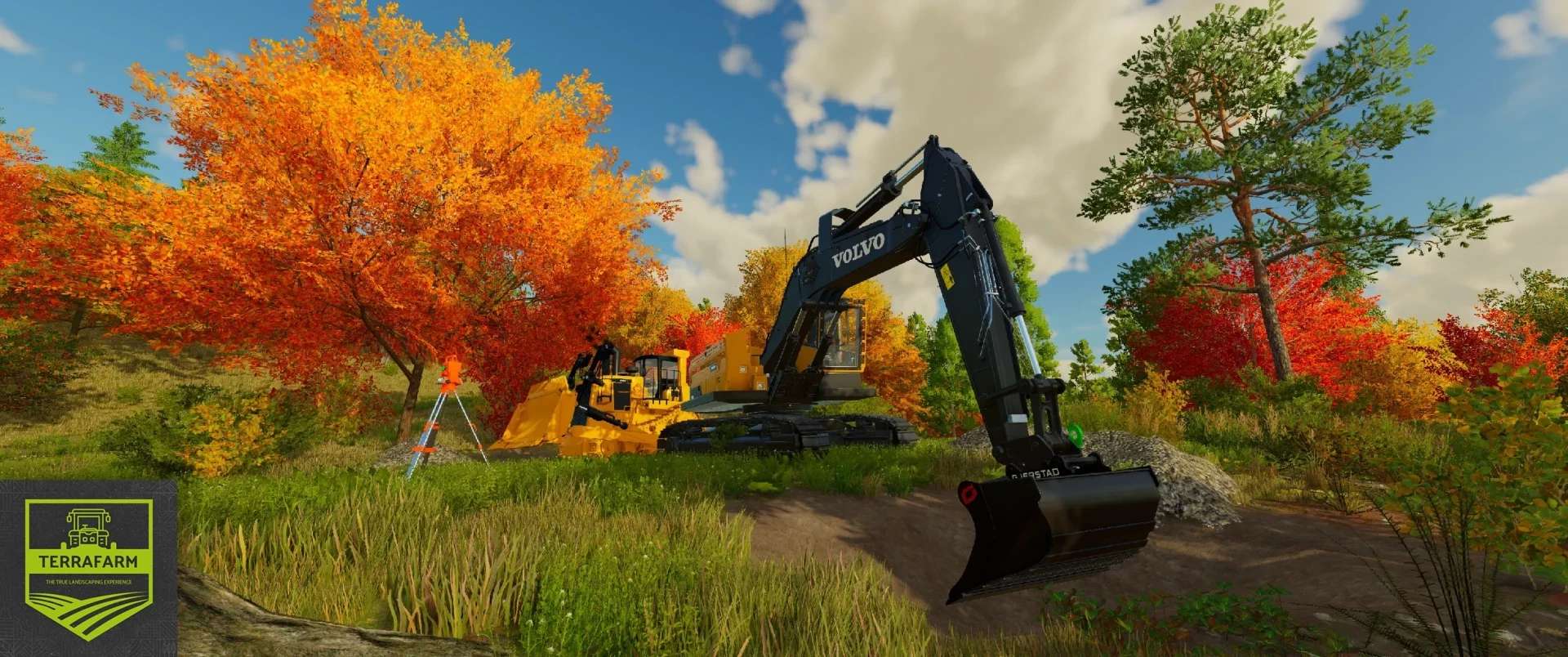
Not satisfied with supplying your mining team with fill types? No problem, with TerraFarm you can shape your land with the equipment of your choice.
Download Machine Add-ons
To support third-party machine configurations
Official Machine Add-on Mod
Download the latest FS25_0_TerraFarmMachines.zip file and copy/move it to your FS25 mods folder.
Multiplayer
Multiplayer mode is fully supported.
To use machinery, players need either landscaping permission, to be a farm manager, or
to have administrator privileges. Farm managers can disable/enable farm machinery,
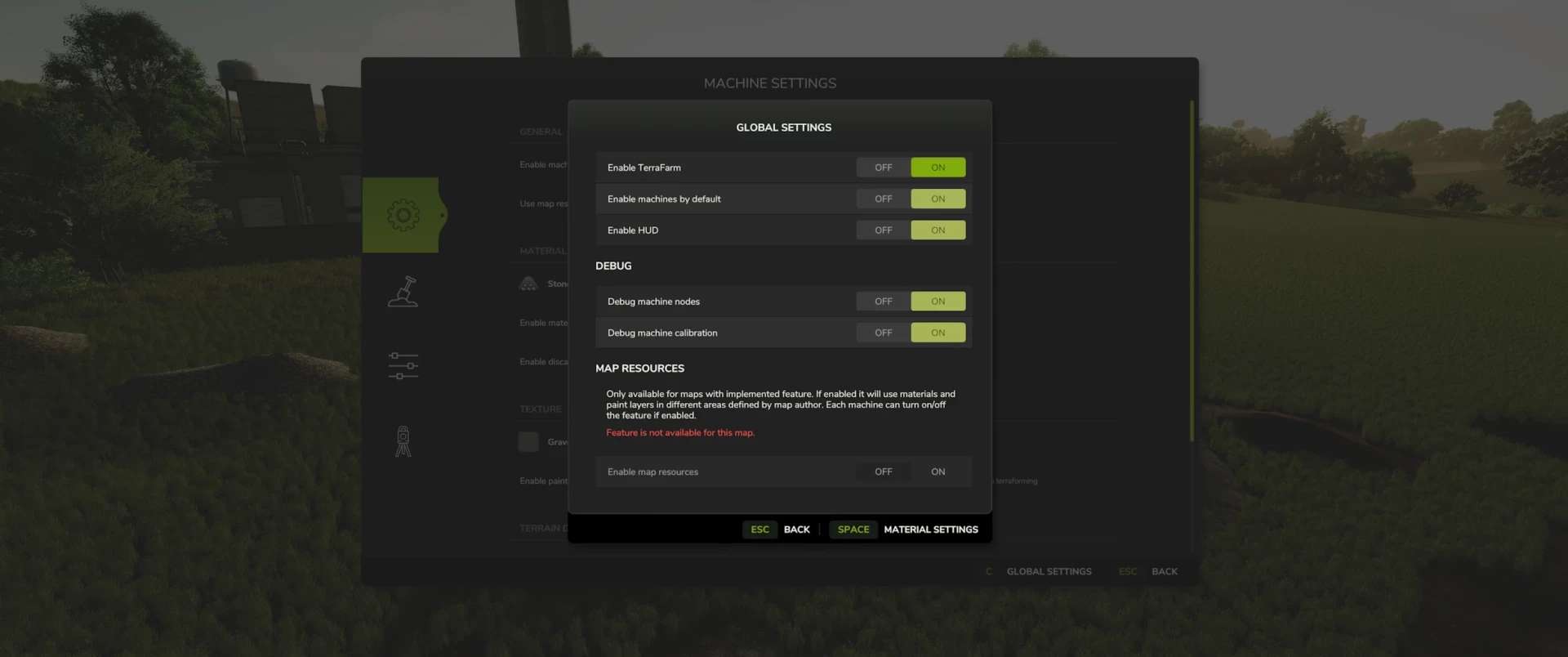
and administrators can adjust global settings.
Materials
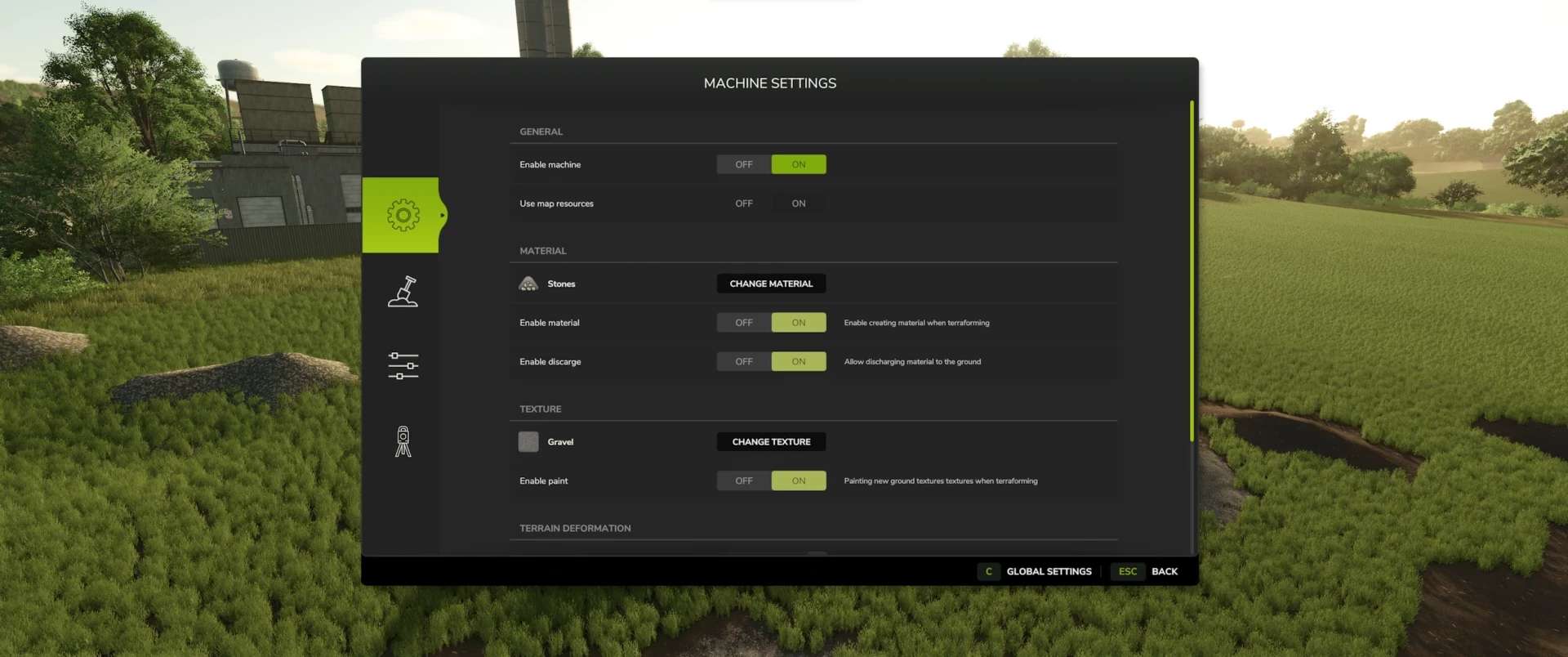
All materials available on the map, including mods that add fill types, are available to players.
There is also a material settings dialog where you can specify which materials players can select (SP and MP).
Supported Equipment
TerraFarm supports equipment from the base game and, where available, upcoming DLC equipment.
TerraFarm supports vehicle specialization, allowing modders to incorporate configurations directly into their mods, as well as add-on mods with configurations.
Base Game
– Albutt Front Loader Bucket
– Holaras MES 400 Dozer
– Magsi Telehandler Bucket
– Magsi Wheel Loader Bucket
– McCormack Tipper Bucket
– Paladin High-Dump Bucket
– Volvo L120H Utility Bucket
– Volvo L120H High-Dump Bucket
– Volvo L120H Rock Bucket
– Volvo L180H Utility Bucket
– Volvo L180H High-Dump Bucket
– Volvo L180H Rock Bucket
Surveying
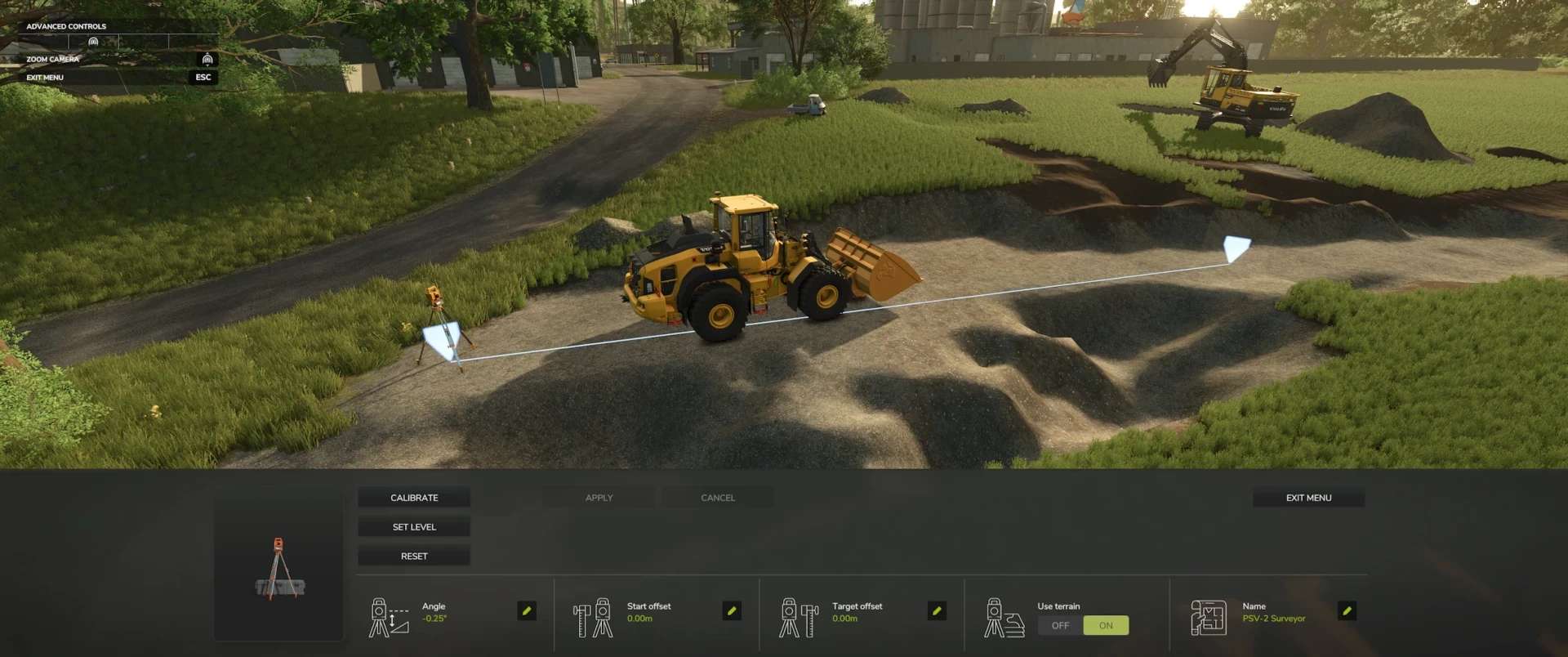
One feature in TerraFarm is the ability to use surveying tools to calibrate your machines.
This allows you to level at a specific height or slope at a specific angle along the calibrated line.
FAQ
Console Support (XBOX/PS)?
No, script mods are not available on consoles.
Does this mod add fill types?
No.
Known Issues
Client-side, tire tracks in multiplayer do not disappear when terraforming the landscape.
This is because the game does not synchronize tire tracks in multiplayer.
I may be able to fix this in a later version, but currently it is a very low-priority visual bug.
Please note that terrain deformation is still under development.
Further adjustments will be made in the future.