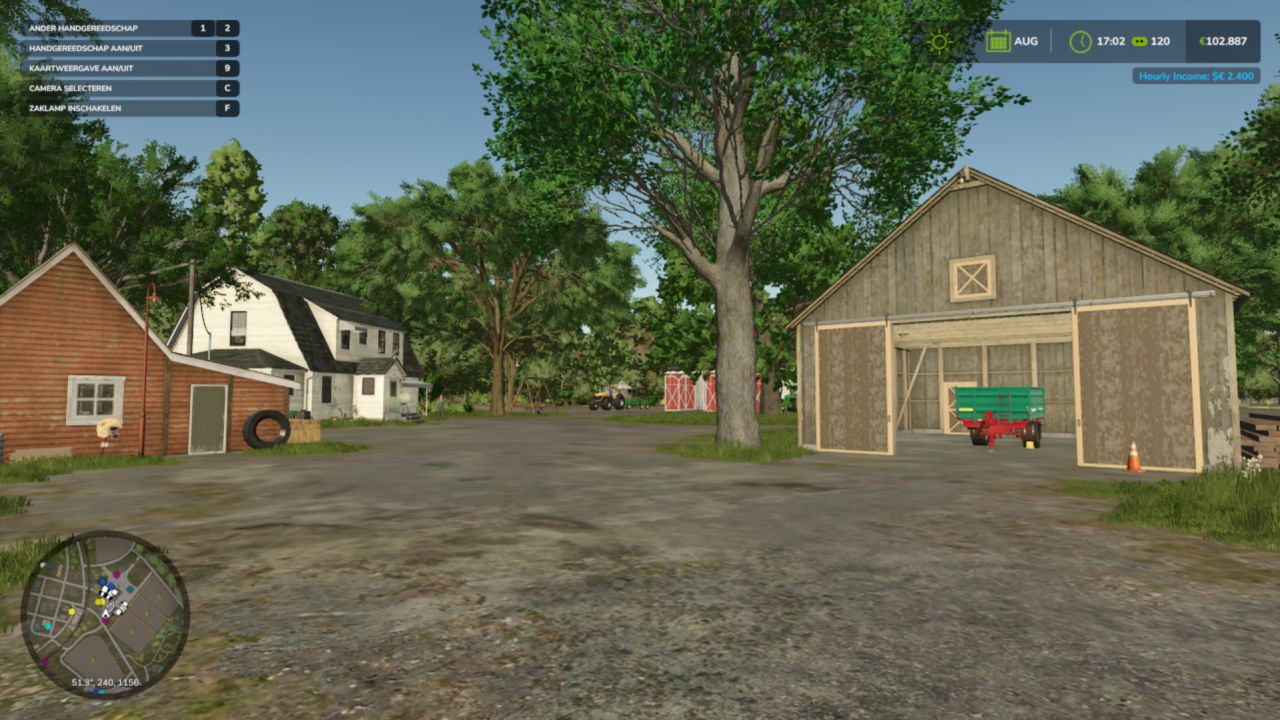
LS 25 Income Mod V2.1.0.0
Converted from FS22_IncomeMod
Income Mod provides players with a simple, balanced way to receive passive income. Automatically earn money either hourly or daily, based on your chosen difficulty or a custom amount. Perfect for players who want steady cash flow without relying solely on missions or selling goods.
Features:
– Easy / Normal / Hard difficulty presets
– Custom income amount option
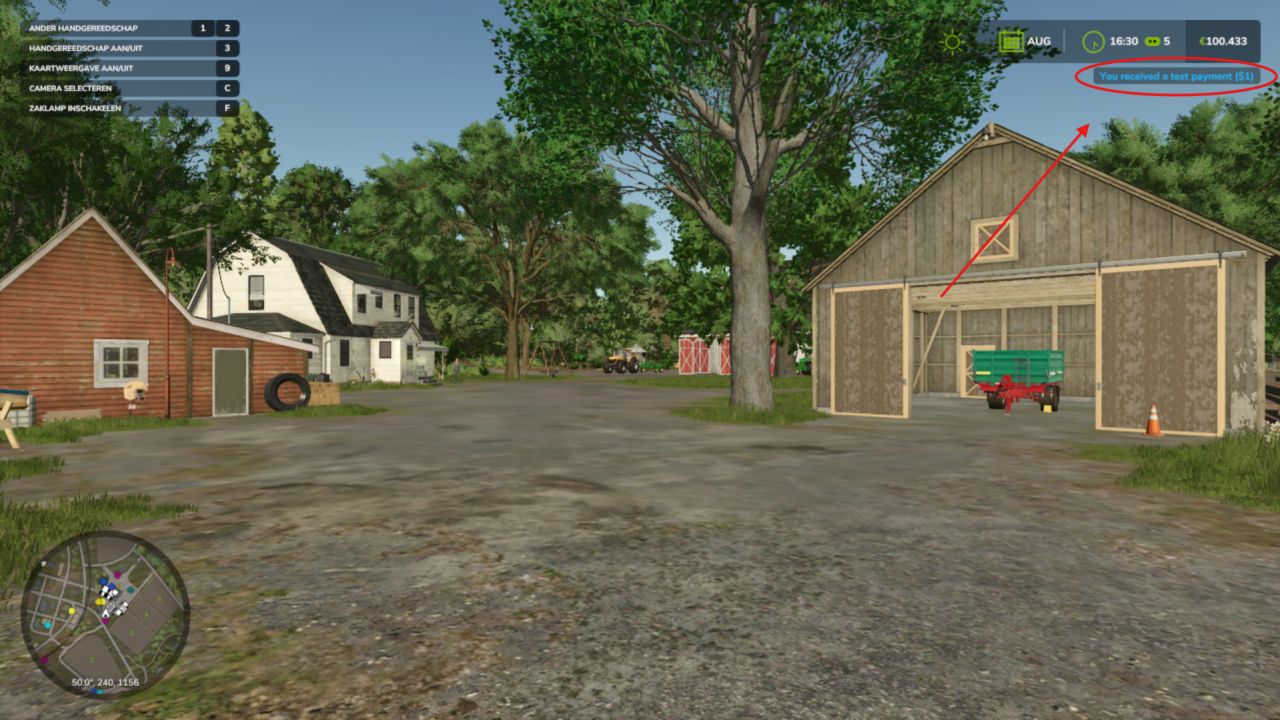
– In-game notifications
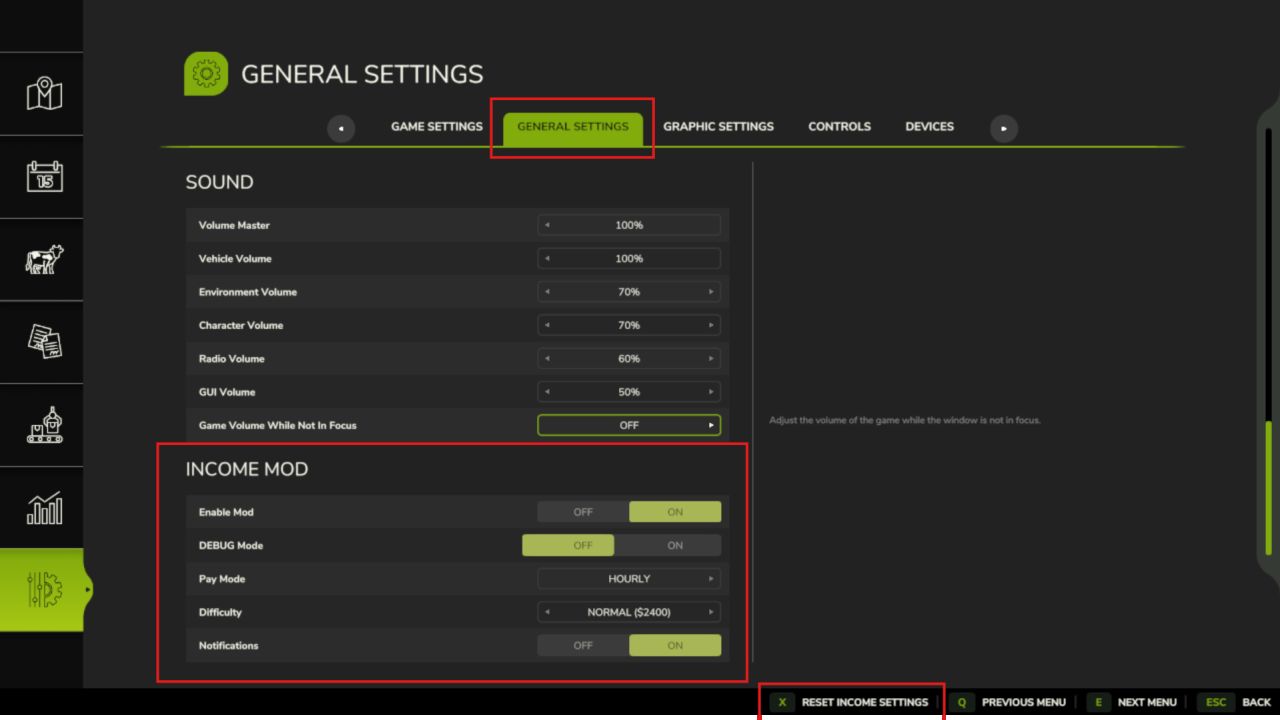
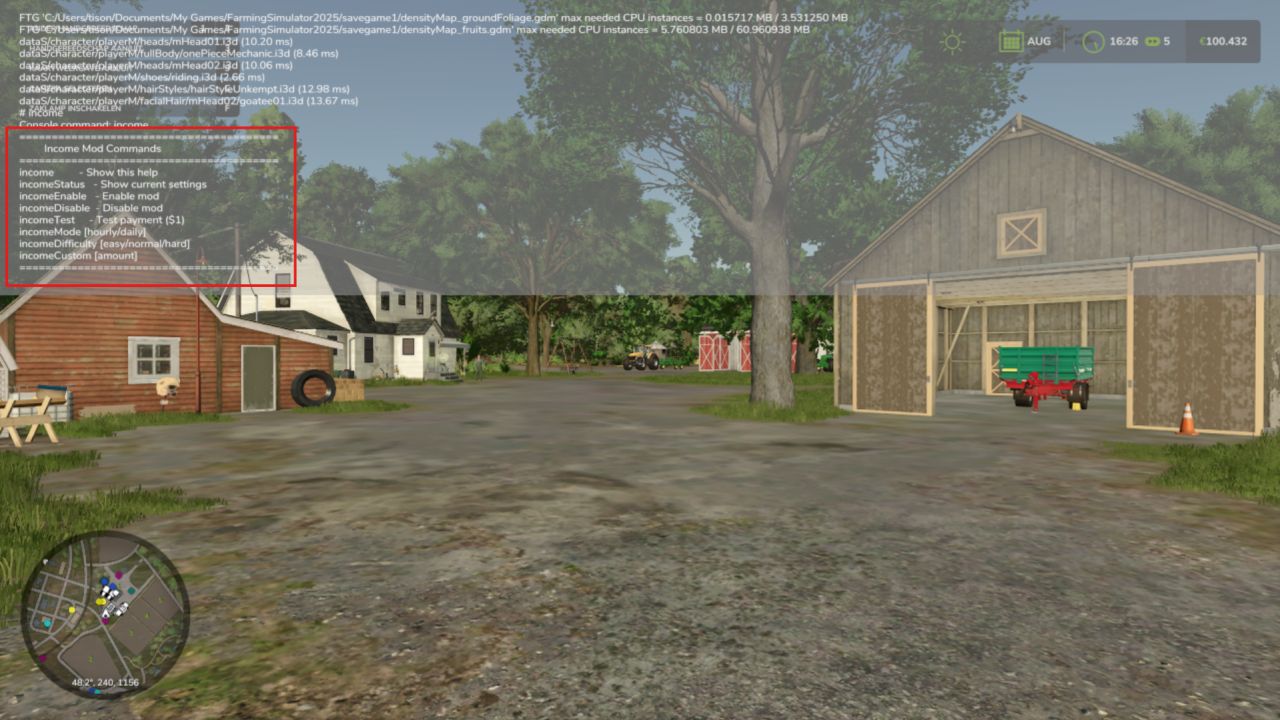
– Fully configurable via console commands or in the pause menu
– Settings saved automatically
– Works in singleplayer and multiplayer
– Lightweight and stable
Please be aware:
You need to have developer mode enabled in order for you to open the console.
This can be done in your FS game folder, then look for the “game.xml”.
Change <development><controls> to “true”
Enjoy you farming experience with my Income Mod <3
V2.1.0.0
[Hotfix v2.0.0.5 fix multiplier option skipping states in UI]
In UIHelper.createMultiOption, the cloned FS25 MultiTextOption widget
could retain the template’s numTexts rather than adopting the count from
setTexts. Explicitly assign opt.numTexts = #options after setTexts to
guarantee the correct cycle count for all callers (payMode=2, difficulty=3,
multiplier=4).
Also move opt:setState() to after layout:addElement() so any FS25-internal
layout-pass re-init that might wipe element state has already completed
before we set the initial selection.
Fix v2.0.0.5 correct raiseCallback argument: element, not state index
GuiElement:raiseCallback calls onClickCallback(self.target, element) where
element is the MultiTextOptionElement table. We were treating it as the
integer state, causing incomeMultiplier to be set to a table and crashing
setXMLInt with “Expected: Int, Actual: Table” on every click.
v2.1.0.0
Added four helpLines categories to modDesc.xml:
– Income Mod Overview (2 pages: intro, how payments work)
– Income Mod Settings (3 pages: basic, advanced, display/reset)
– Income Mod Tips & Tricks (2 pages: HUD/report, income tips)
– About Income Mod (1 page: about + console commands)
All 50 l10n keys translated into 10 languages (en/de/fr/pl/es/it/cz/br/uk/ru).