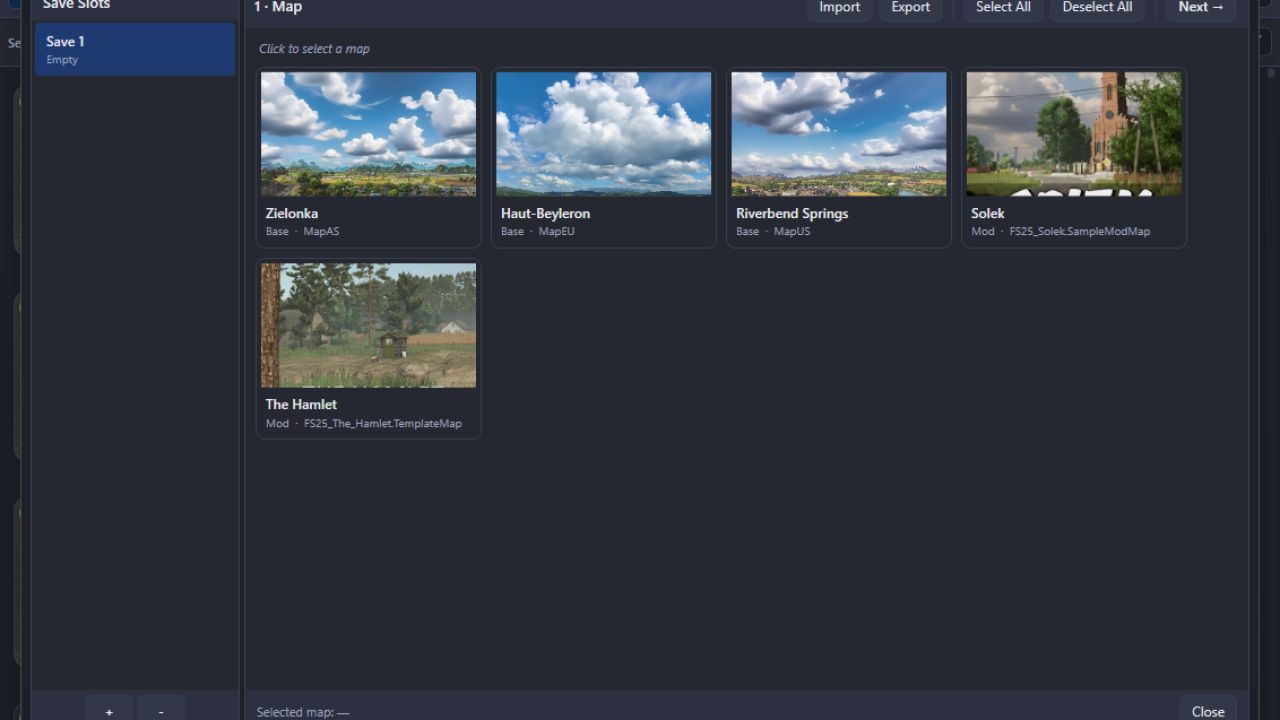
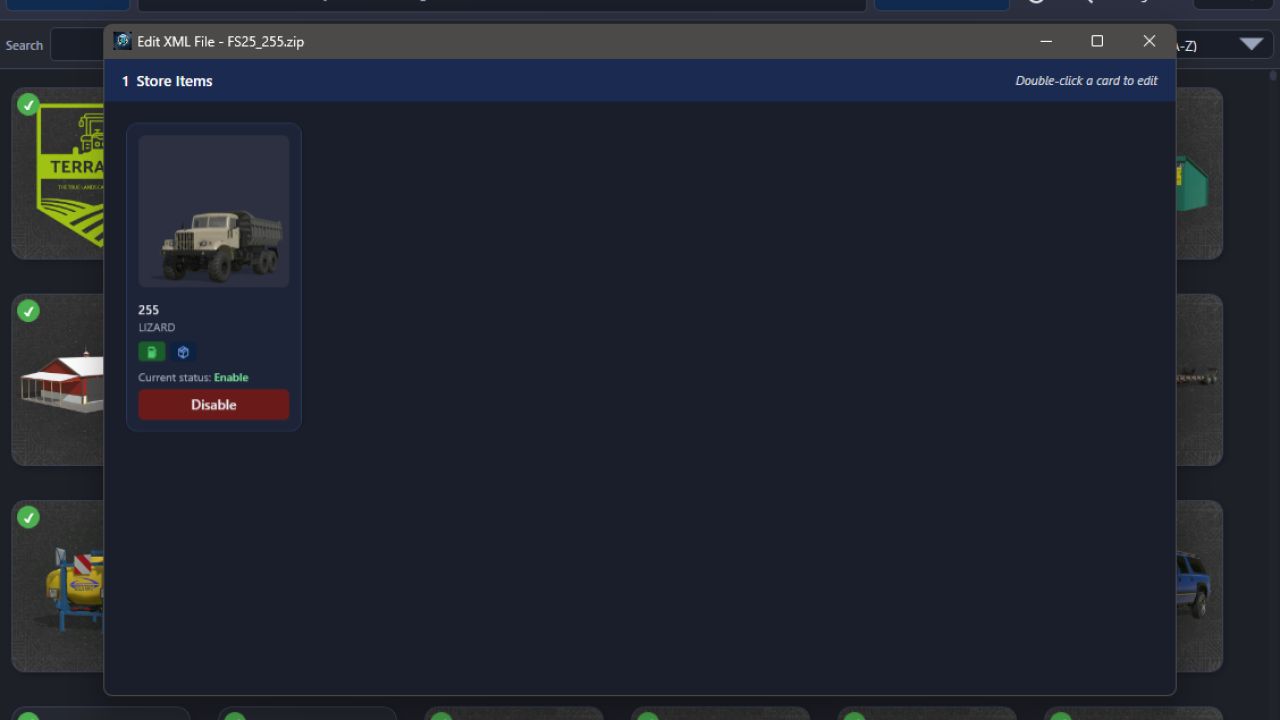
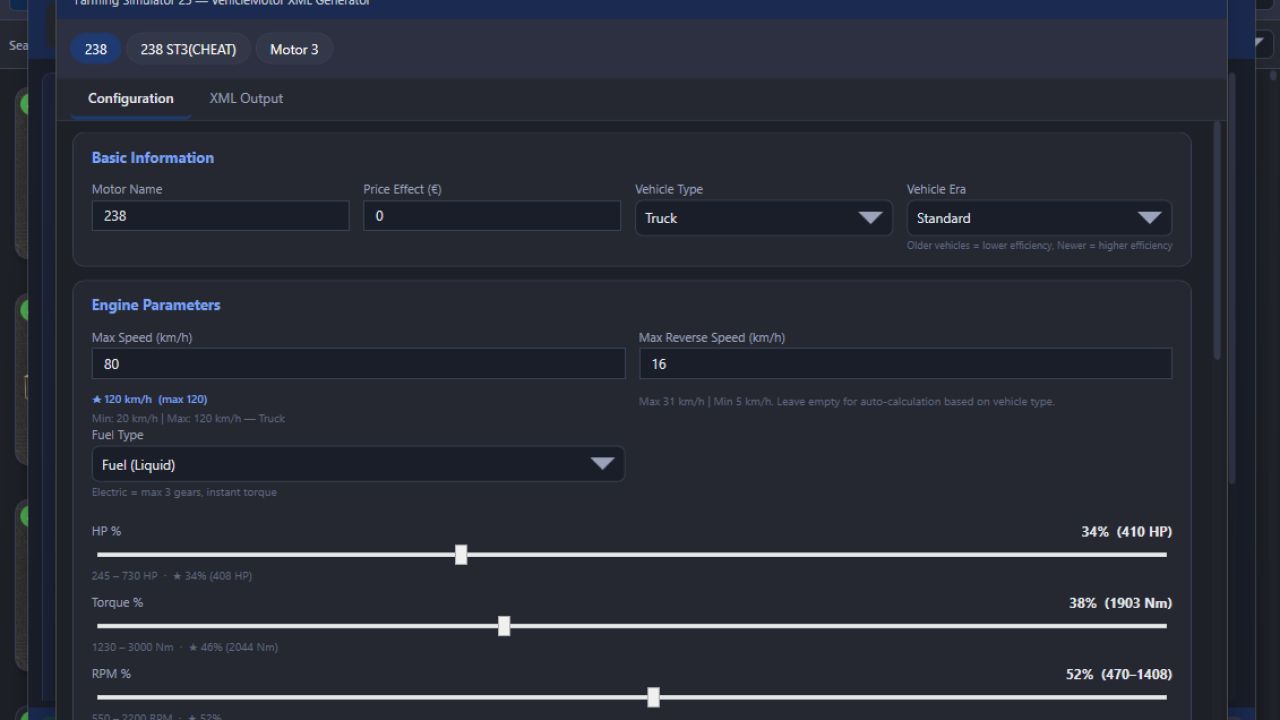
LS 25 BUG ModManager V3.0.2.0
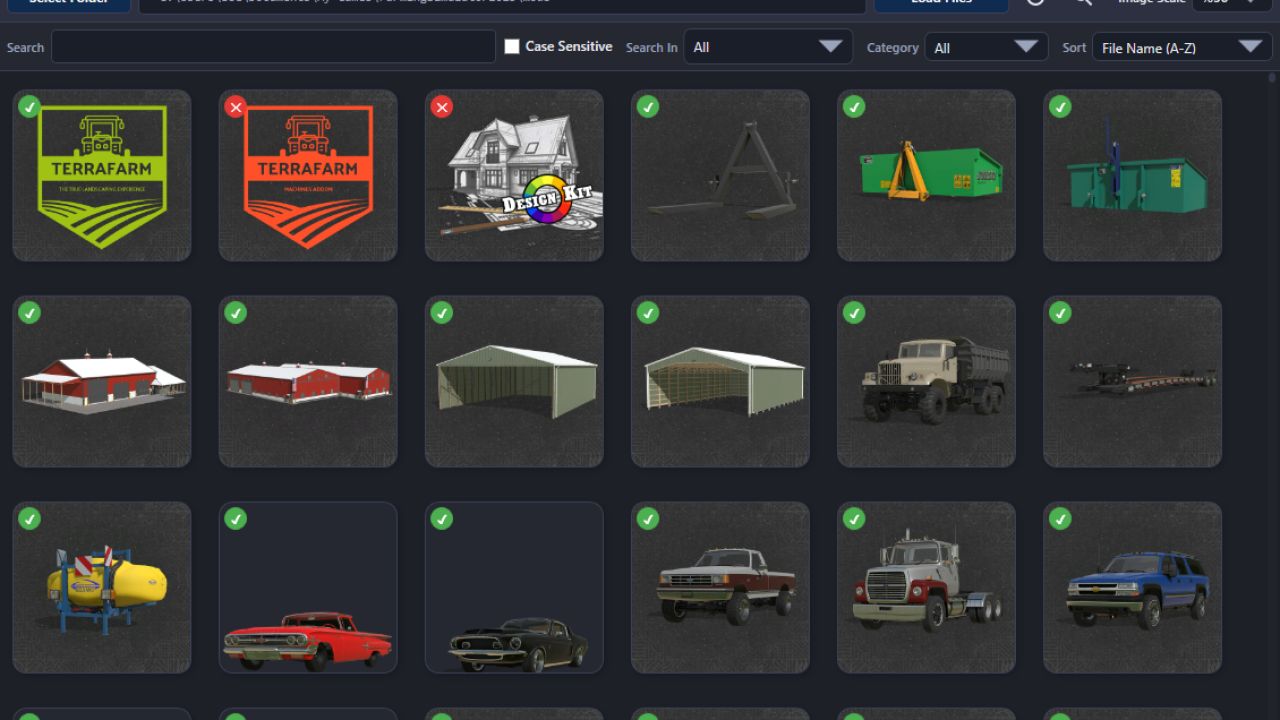
This is not a MOD! It is a program that allows you to manage your mods before launching the game. Keep the program in a different location from the folder where your mods are stored.
Technically, it works as follows:
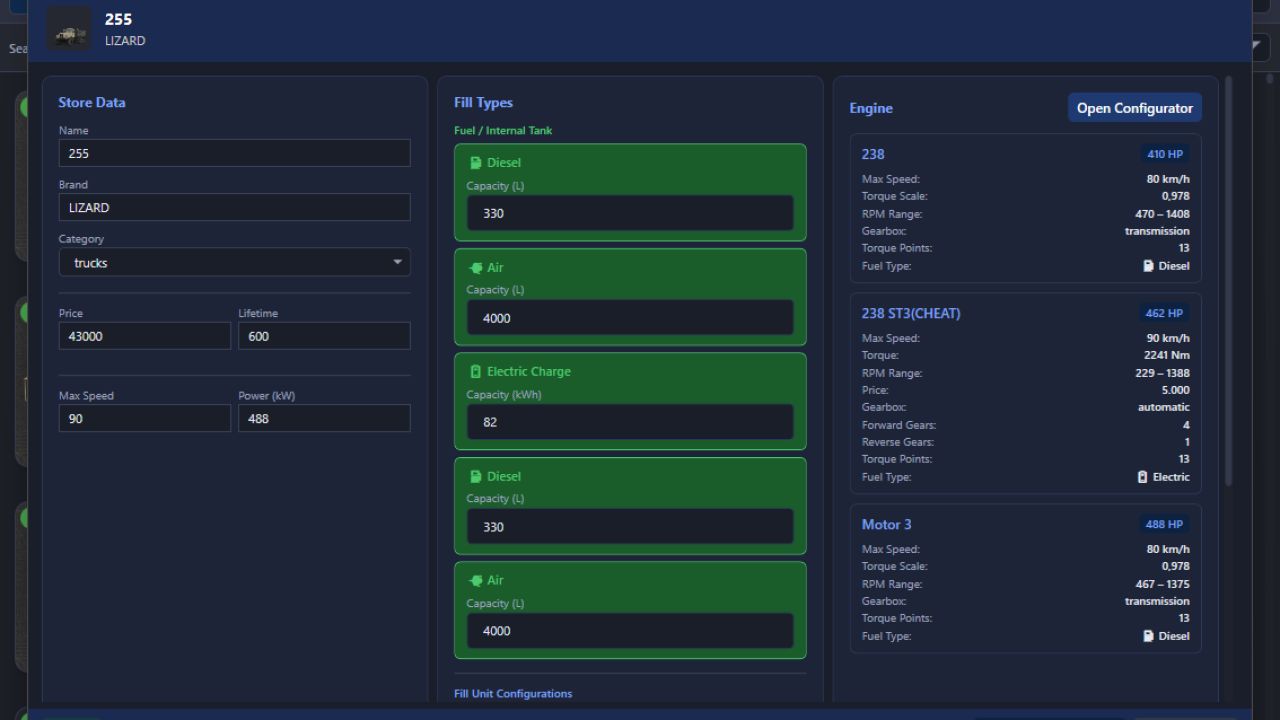
# Every mod contains a file named modDecs.xml. The game first reads this file and then uses the relevant instructions within it to locate the other files it needs to read. The program works on a similar principle. It first locates the modDecs.xml file inside the mod’s ZIP file. Then it retrieves the necessary information from this file and executes the corresponding functions.
I had to spend money to develop version 3.0.0.0 of the program. If you’d like to support the project, you can make a donation toward its development. The relevant section is available within the program. Thank you in advance to everyone who has shown interest.
Installation : No installation is required. Simply extract the file to a folder.
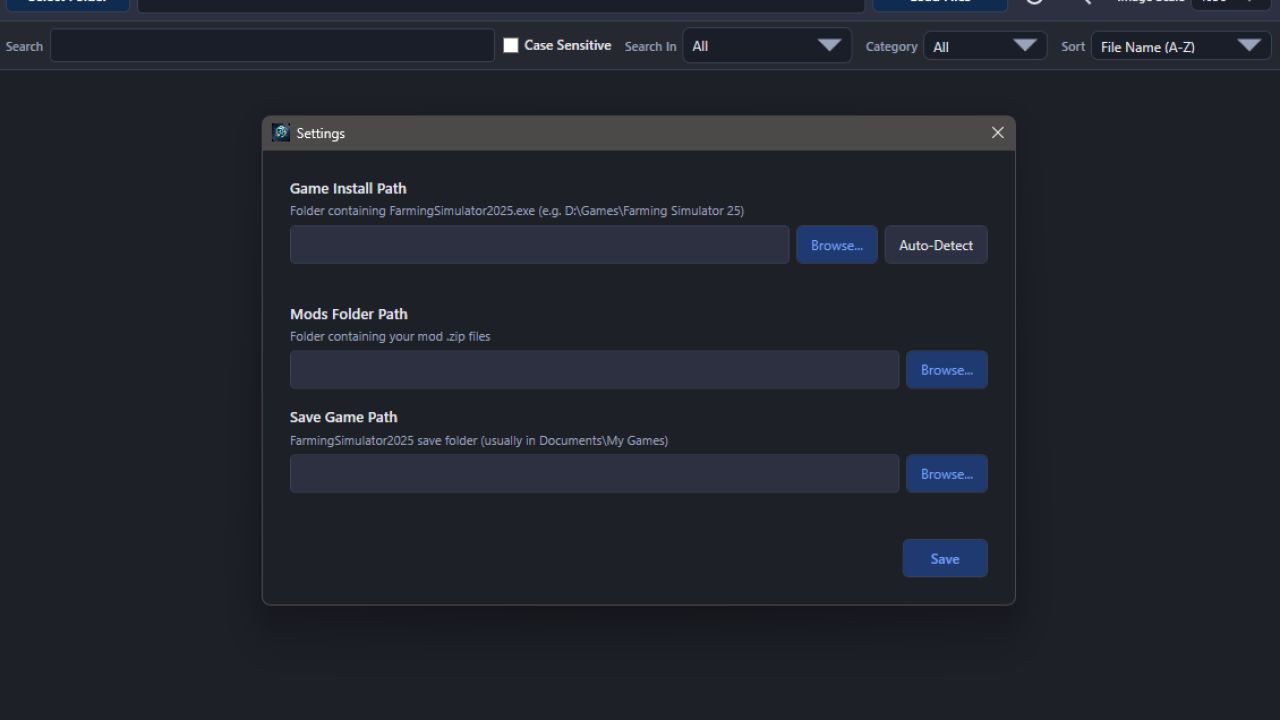
NOTE: Make sure you enter the correct EXE file paths when the program starts. The default paths are listed below.
Stema/Epic Paths :
SavePath : Documents/My Games/FarmingSimulator2025
ModPath : Documents/My Games/FarmingSimulator2025/mods
GamePath Steam : C:/Program Files (x86)/Steam/steamapps/common/Farming Simulator 25
GamePath Epic : C:/Program Files/Epic Games/FarmingSimulator25
Xbox Paths :
SavePath : Documents/My Games/FarmingSimulator2025
ModPath : C:/Users/[Username]/AppData/Local/Packages/GIANTSSoftware.FarmingSimulator25PC_[RandomID]/LocalCache/Local/mods
GamePath Xbox : C:/Users/[Username]/AppData/Local/Packages/GIANTSSoftware.FarmingSimulator25PC_[RandomID]/LocalCache/Local/
IMPORTANT! : I’ve tested everything, but it’s not possible for me to try every possible scenario. Therefore, if you encounter an error, please share the crash.log file created alongside the program’s EXE file and a screenshot of the error.
NOTE: The program can run on its own, but it still includes a dependency checker. If it prompts you to install .NET 8, you can download it from the official Microsoft website.
V3.0.2.0
1. Optimization improvements have been added for scenarios involving a large number of high-resolution models. The program used to crash in such cases, but this should no longer occur.
2. The system requirements check has been expanded to account for situations that might prevent the program from opening.