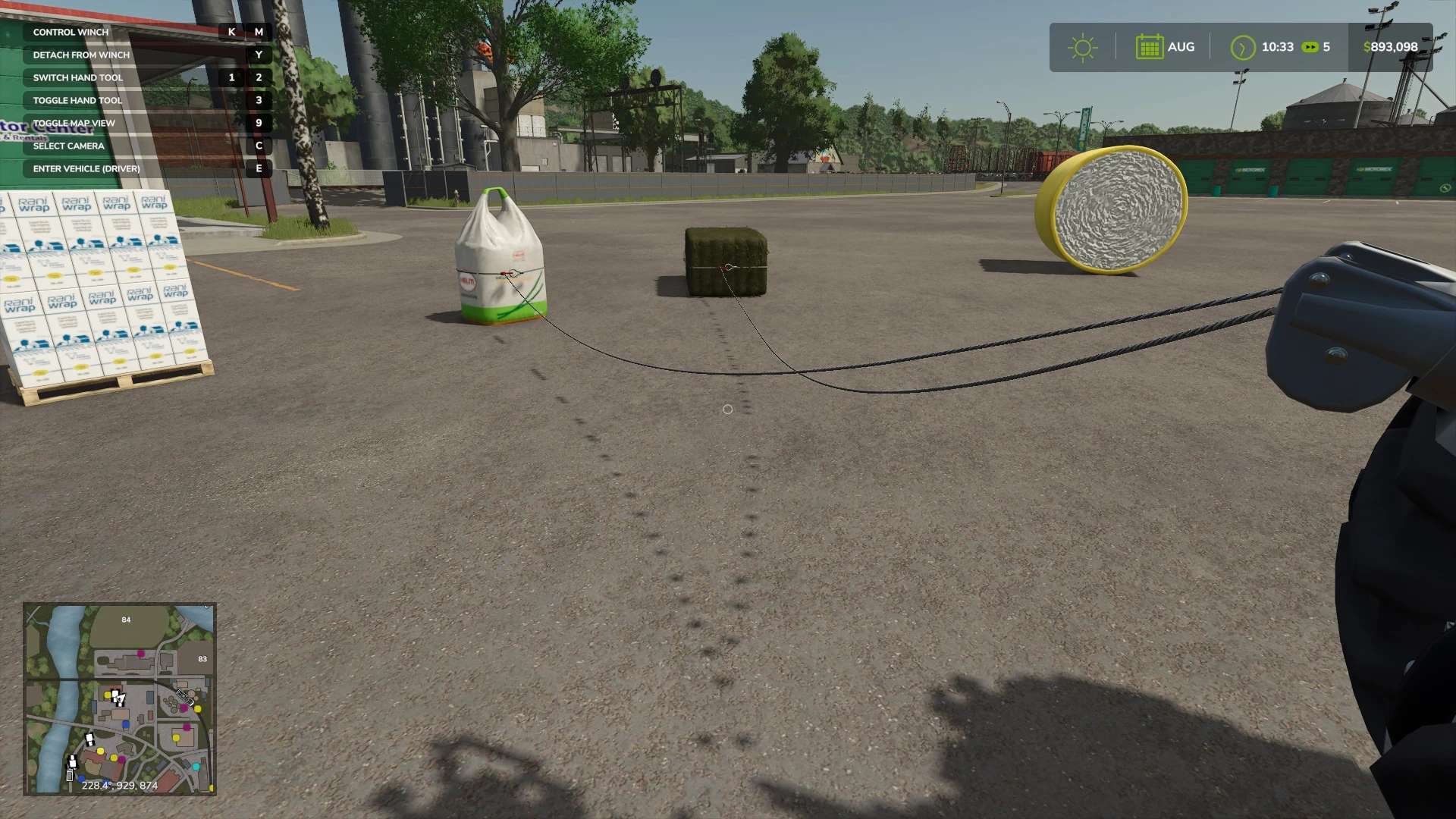
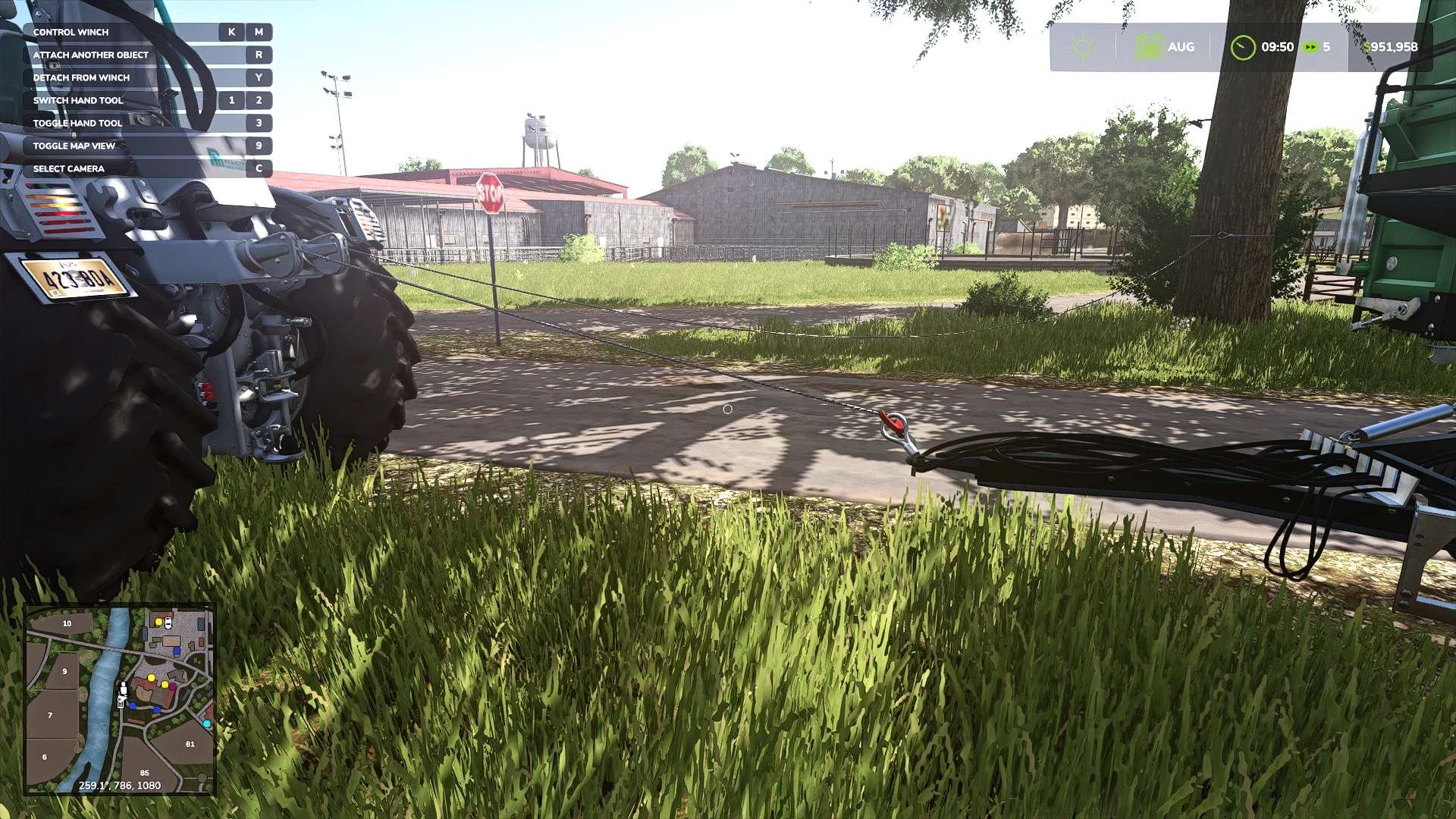
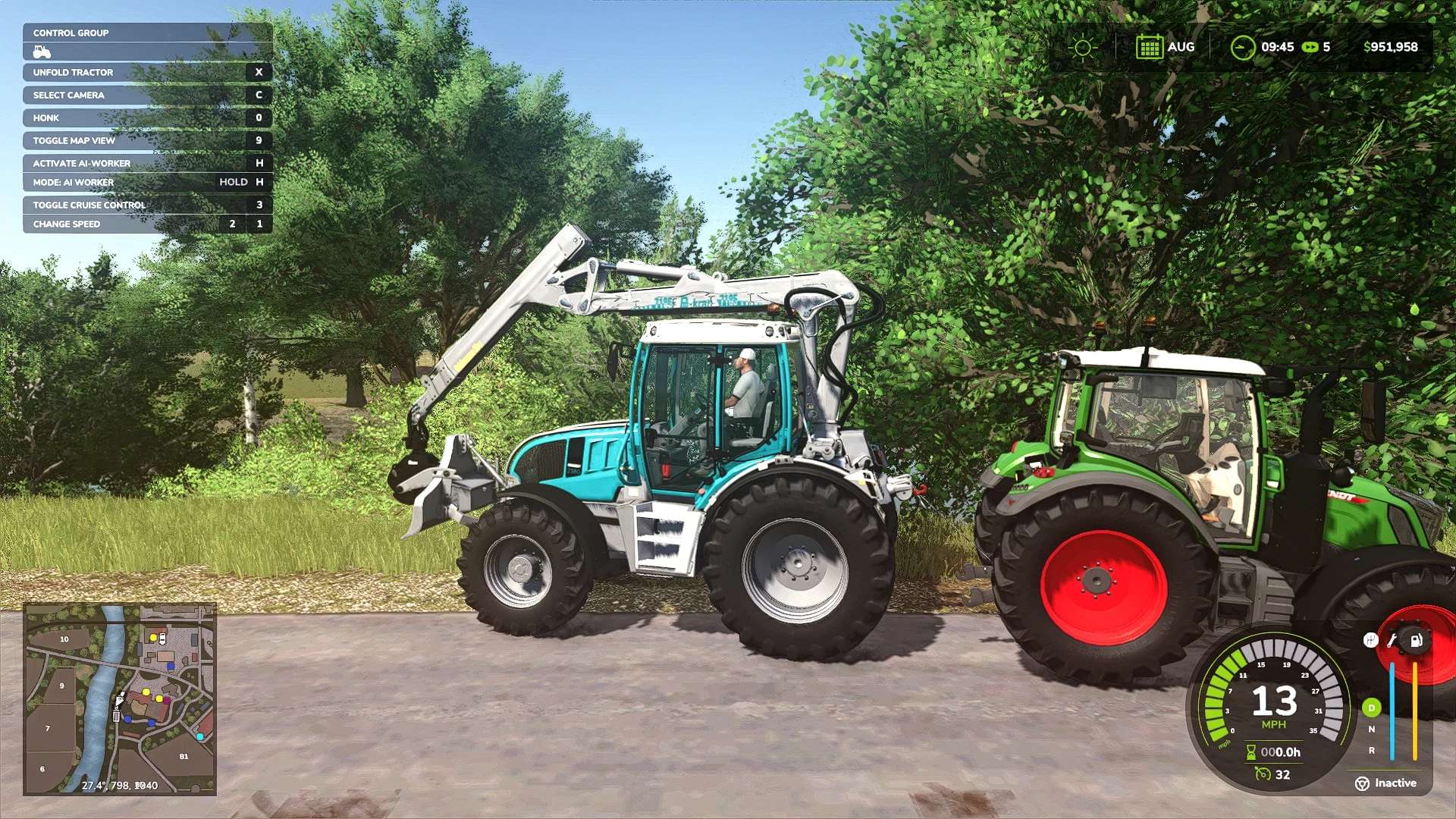
LS 25 Better Winch V1.2.0.3
Changes 1.2.0.3:
Fixed the object change not removing when detaching from winch
Fixed “look through” code so nested attach points can still be found
Update v1.0.0.2:
Corrected version number
The lag issue with some tractors (i.e. John Deere 7R, 8R) should be fixed
The issue with some vehicles being stuck or not working properly should be fixed
Slight performance upgrade
Update v1.0.0.1:
Fixed issue where some vehicles would not turn properly
Features:
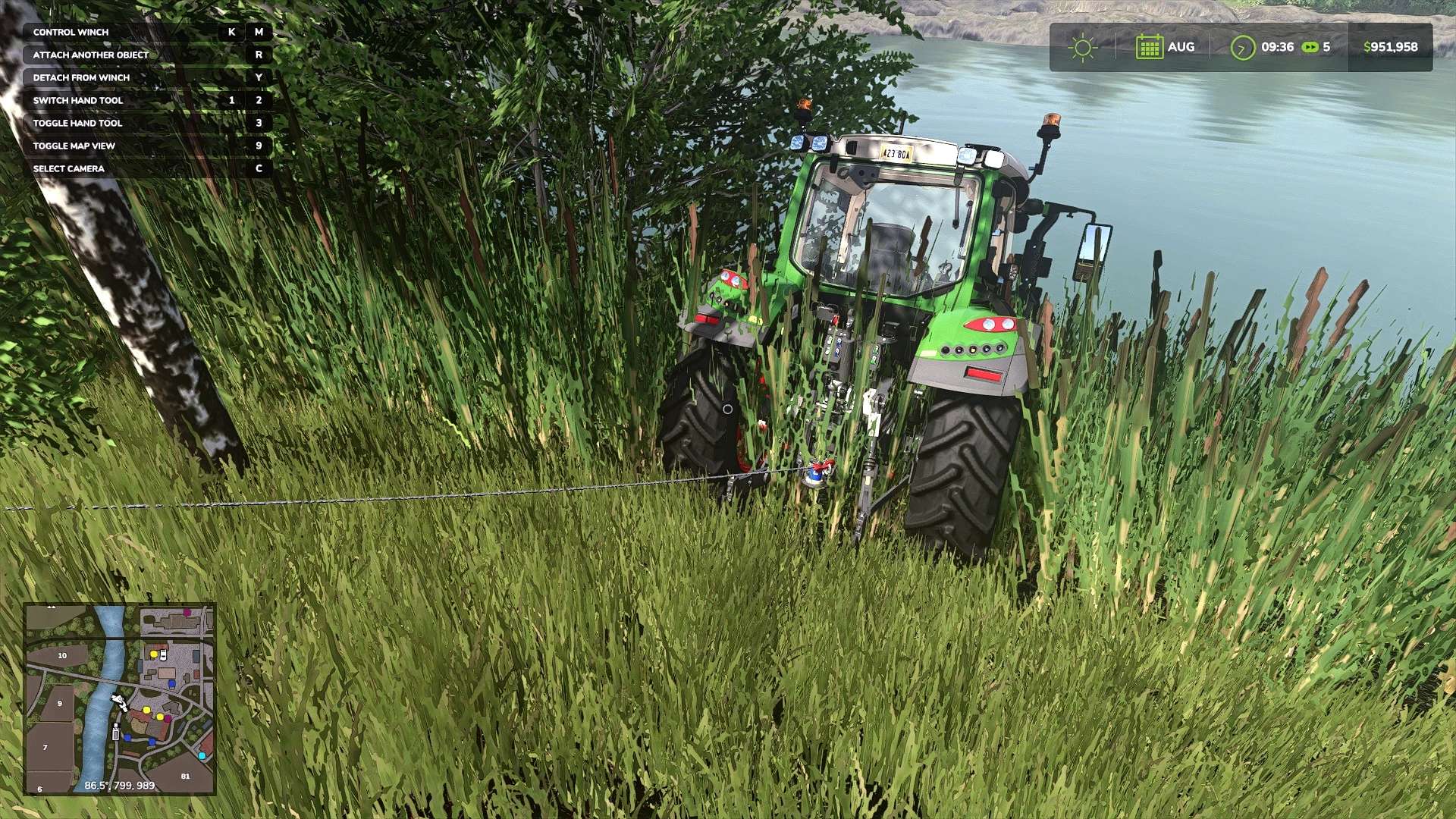
Attach to most objects, including vehicles with trailer type attacher joints.
Vehicles will ease off on the brakes and raise supports when attached for easier pulling.
Ability to add object changes to attachable vehicle attach points to make things happen when attached.
Ability to add custom attach points anywhere on objects with the included userAttachPoint i3d or by setting any node’s thAttachPoint user attribute to true.
Known Issues/Game Limitations:
When dragging the rope, it may knock objects even large tractors around like they are weightless. This is just something to do with the vanilla physics and nothing directly related to this mod.
Some objects may not show the rope wrapped around it. This is because the rope itself requires a cpu mesh enabled shape to display. This is sometimes the case with tension belt objects like pallets. The actual mesh is at the bottom, but I let any place on the object be wrapped.
Hook orientation is sometimes at random. The hook generally shows wherever the cursor is when you click attach. The orientation of the hook, however, I’m not exactly sure how that is determined. Seems to be at random.
Pulling vehicles in reverse sometimes makes them behave funny. Haven’t quite figured out why just yet. I think it has something to do, again, with the game physics. It’s like they were only designed to move forward when pulled so they try to right themselves.
The reason things like 3-point hitches are not currently attachable by default is because those joint type nodes are not where the visuals are. They float out away from the vehicle in between the arms. Putting an attach point there can cause issues and does not look right. That being said, I am looking for other places I can use instead.
Additionally, the attachment “ring” can be made larger or smaller with the use of two binds. These are registered to right-shift + colon, right-shift + quote by default. It is also possible to change the attachment ring orientation by pressing right-shift + L by default.
Important Notes:
There has been a filename change. The script itself remains the same. The change is in an effort to maximize compatibility with other mods. DO NOT run the old filename version and this one at the same time!
This is (finally) the new stable release of BetterWinch. I tested what I could think of in both single and multiplayer and didn’t run into any issues. That being said, the system is a little complex and there were some changes in this latest game patch that I had to address. For that reason, there very well could have been things I missed.