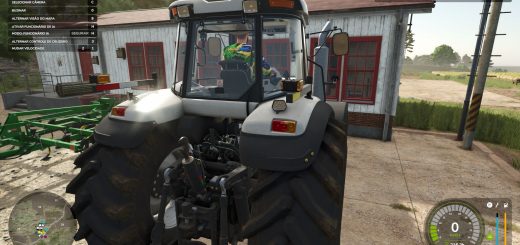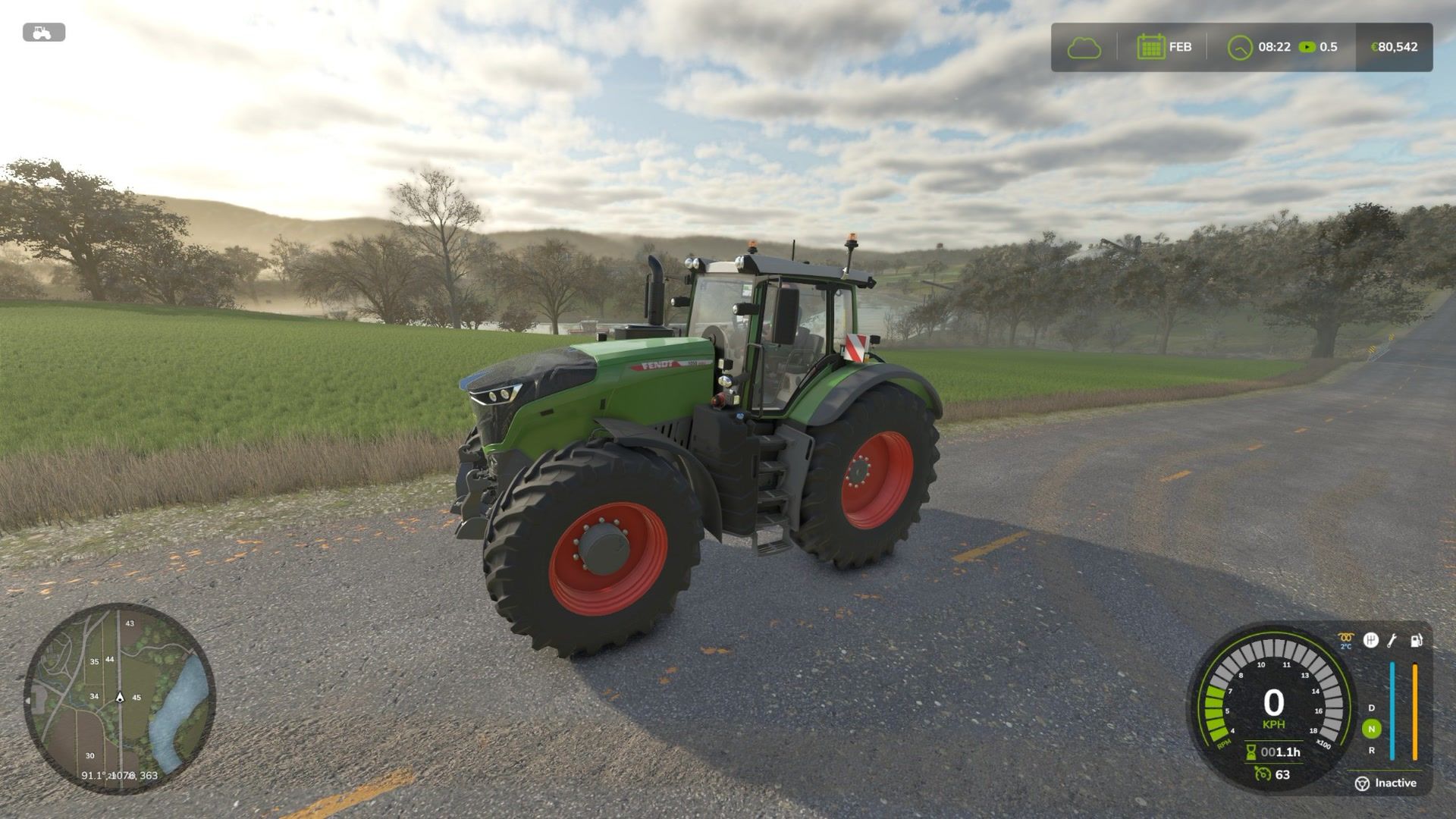
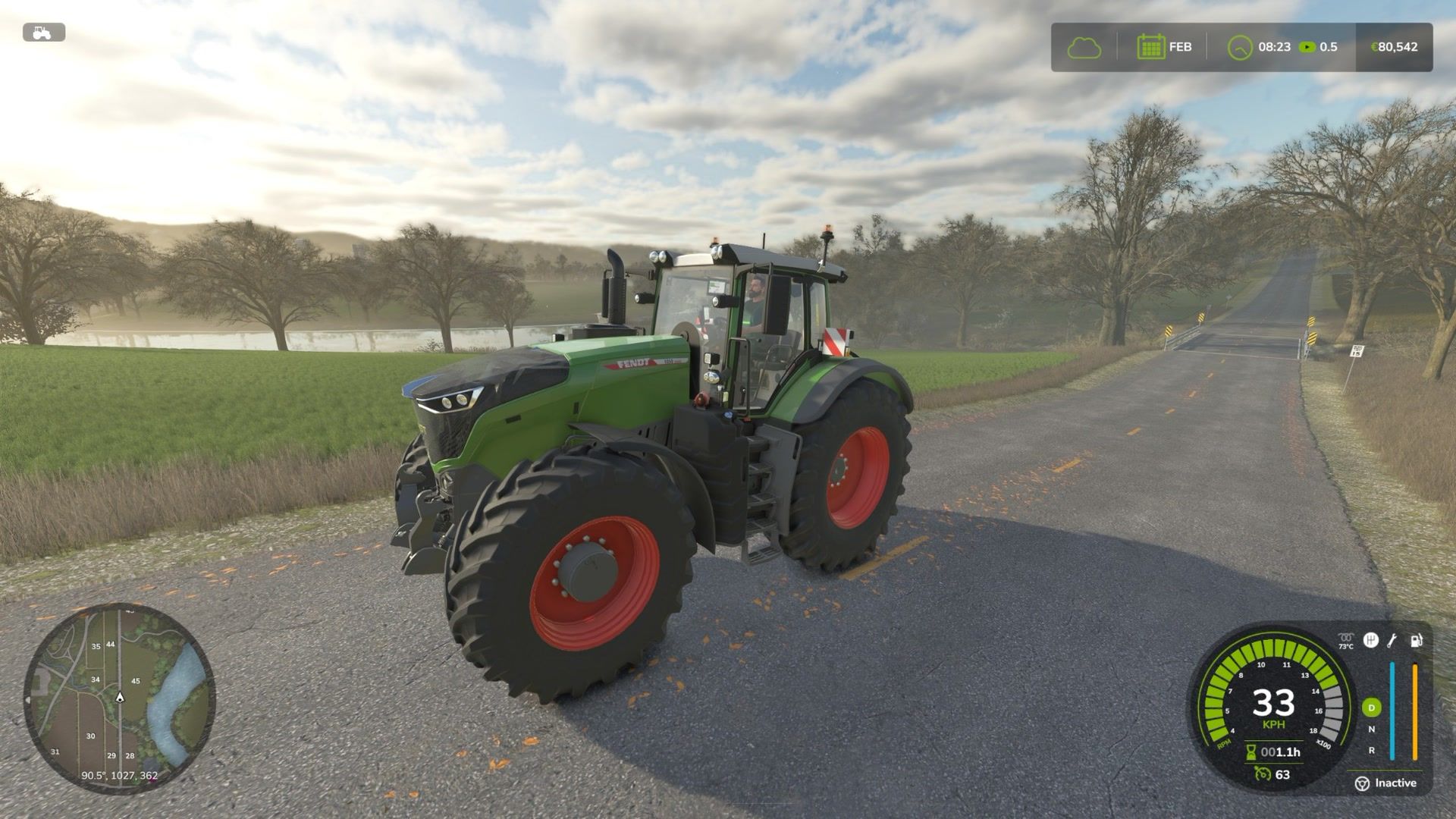
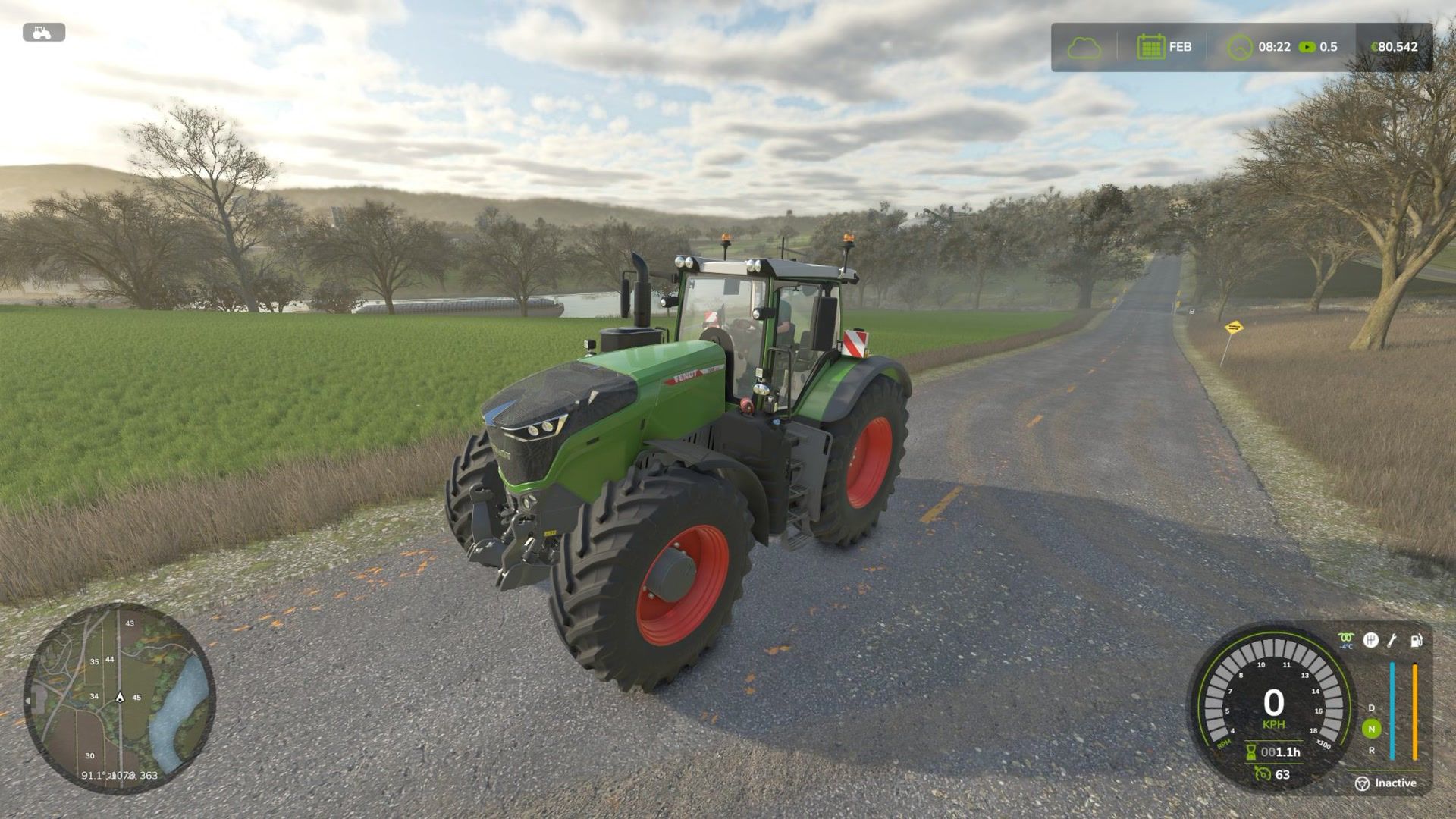
LS 25 Glow Plug – Cold Start V1.0.0.0
Diesel engines have to be preheated before a cold start.
How it works:
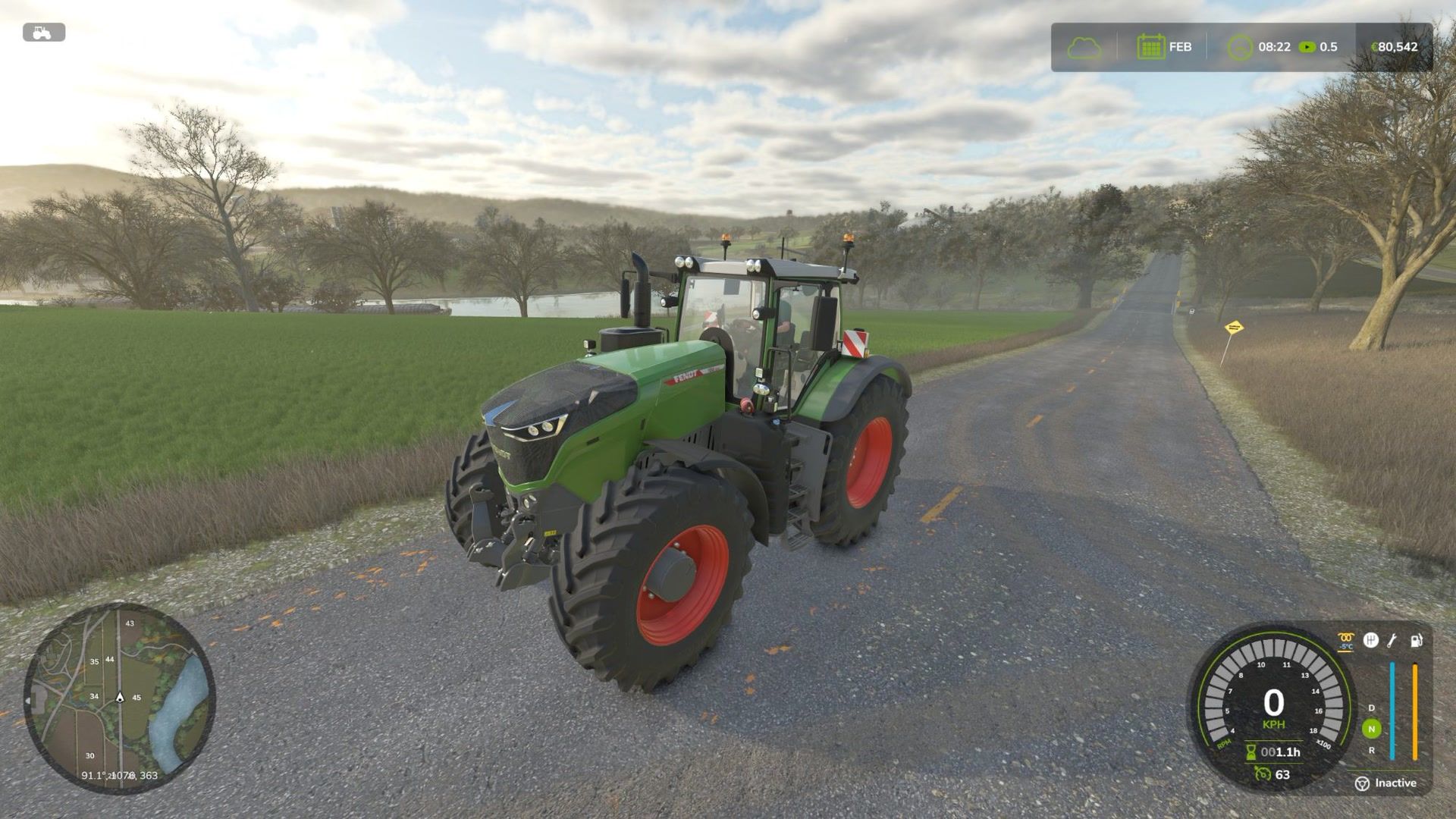
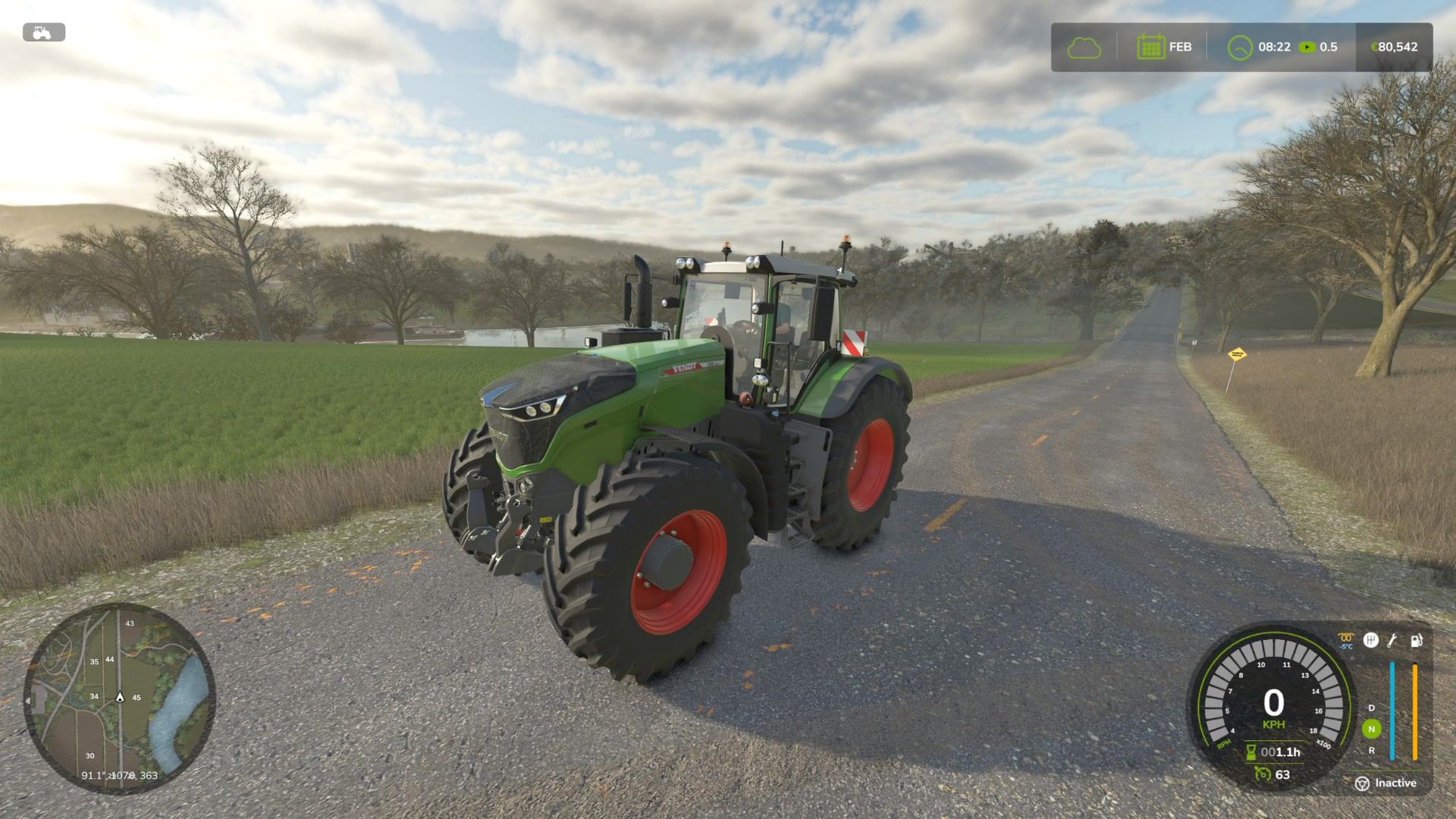
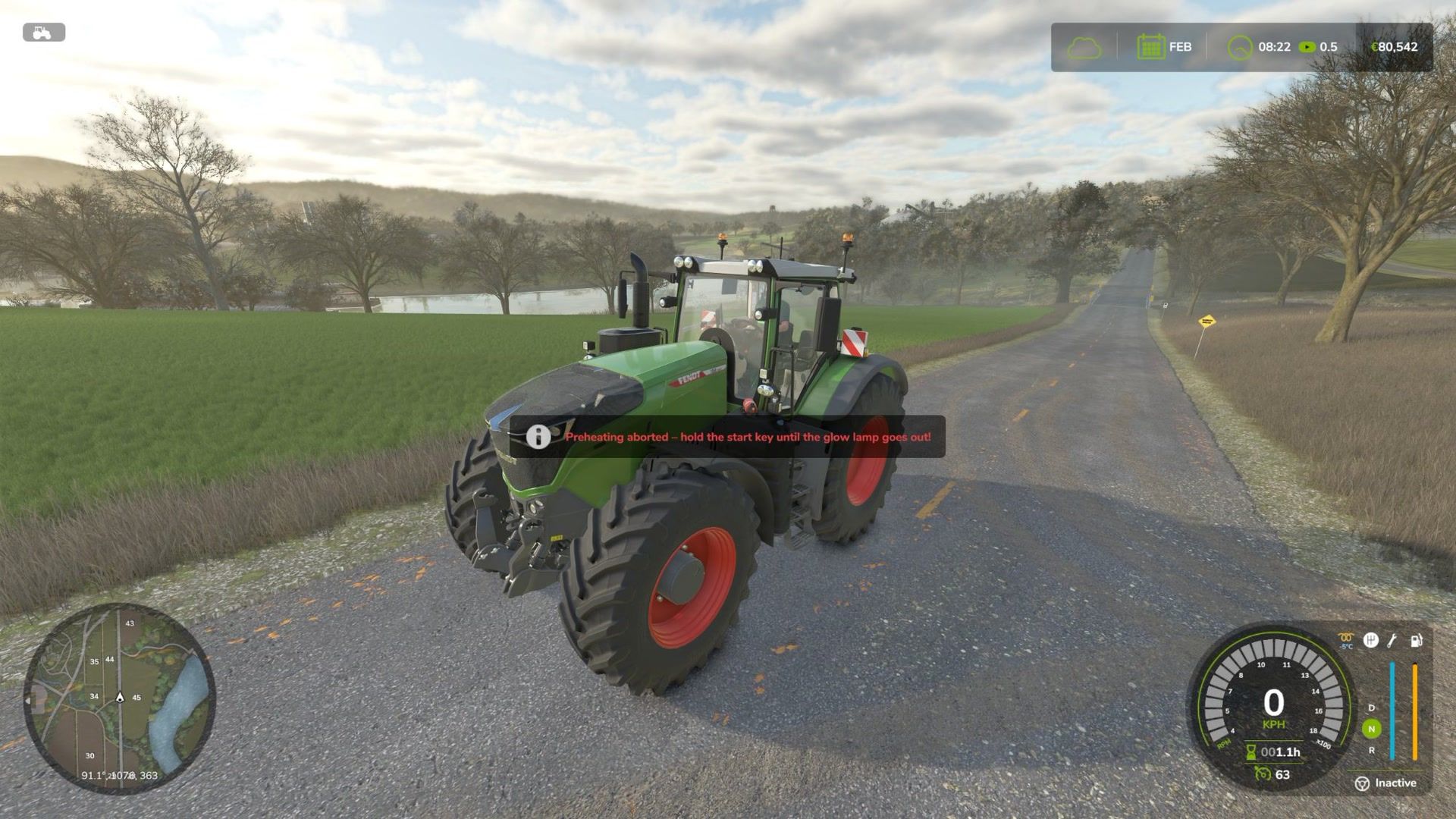
Below 50 °C engine temperature (the cold engine limit of Advanced Damage System) the start key (default: Enter) has to be HELD. First the glow plugs heat up (amber glow lamp in the speedometer, right of the rev counter), then the starter cranks while you keep holding the key. Release too early and the start is aborted.
The colder the engine, the longer the preheating (1 s just below 50 °C, 3 s at 20 °C, 6 s at 0 °C, 11 s at -20 °C, up to 15 s).
In deep cold, or with a worn engine, the engine may not catch – preheat again and retry.
With a warm engine the start works as usual.
The engine really cools down to the outside temperature while it is switched off and warms up while running. The engine temperature is shown under the glow lamp (blue = cold).
With “automatic motor start” the preheating runs automatically before the start.
Electric and methane vehicles start as usual, AI helpers are not affected.
Afterglow: after a cold start the glow lamp stays on for 10-30 s (less smoke).
Engine class by production year (FS25_Vehicle_Years or ADS): old pre-chamber diesels glow longer and start harder, common rail engines glow shorter.
Without ADS: reduced power and rev limit plus white smoke while the engine is cold, own starter and solenoid sounds, cooling faster in winter and slower in summer, and a block heater: an engine parked under a roof (shed, barn) is kept at 55 °C.
Advanced Damage System:
The mod works on its own, but if Advanced Damage System is installed it uses the ADS engine temperature and hands the cranking over to ADS (battery, starter, wear). The temperature is then shown by ADS, only the glow lamp is added.
Multiplayer is supported. Languages: English, German, Hungarian.
Console: gpInfo, gpHud <x> <y> (moves the glow lamp); with developer controls also gpSetTemp <°C>
Settings: modSettings/FS25_GlowPlug.xml
Starter sounds: BigSoundBank.com, Joseph Sardin (CC0).