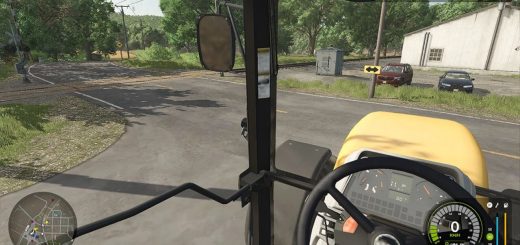
LS 25 Helper keeps vehicle lights on v1.0.0.0
The FS25 helper is allowed to switch on lights, but may not switch off headlights and work lights that are already switched on – even at daybreak.
You switch on the vehicle’s lights, hand it over to the helper, and want
them to stay on? That’s exactly what “Helper keeps vehicle lights on” does.
This mod prevents the standard FS25 helper from switching off headlights, high beams, or work lights that are already on.
The AI is allowed to switch on additional lighting if needed, and these lights will remain on.
The lights remain on at daybreak, when switching between driving and
fieldwork, and at the end of the helper’s task. Once you take over the vehicle
again, you can operate and switch off the lights as usual.
The mod works automatically in the background.
No additional buttons or settings are required. Turn signals, hazard lights, brake lights, reversing lights, cabin lights, and
rotating beacons retain their normal controls.
Script mod for Farming Simulator 25 on PC/Mac. Intended for use with the standard Farming Simulator 25 helper.
Functionality has been confirmed in single-player mode. Multiplayer and
Courseplay/AutoDrive compatibility have not been tested in-game.