LS 25 Komatsu PC 60 Series V1.0.0.1
V1.0.0.1
added control default controls and easier controls for switching between bucket and blade for terra farm
Komatsu PC60 — 1990 & 1995
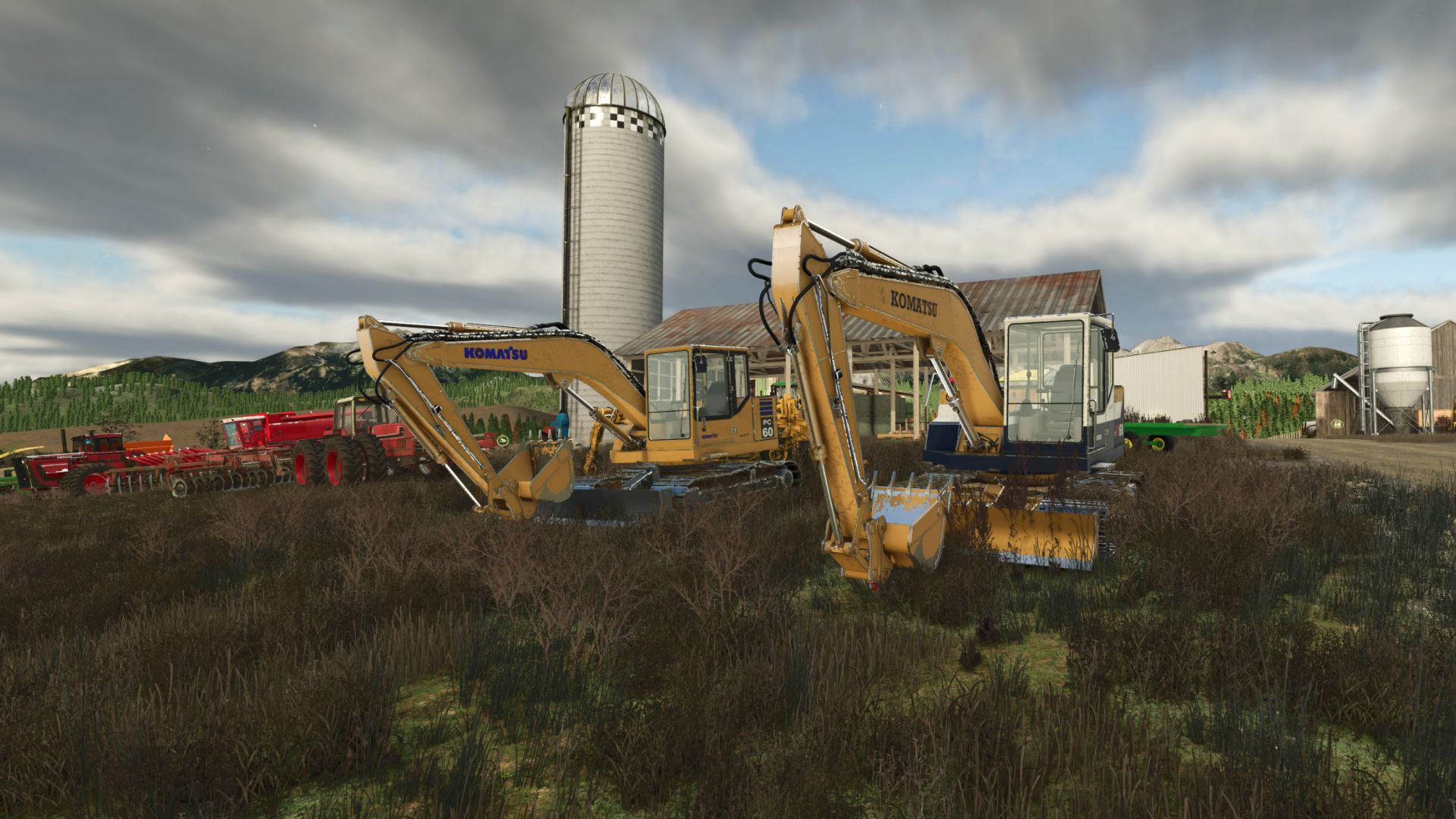
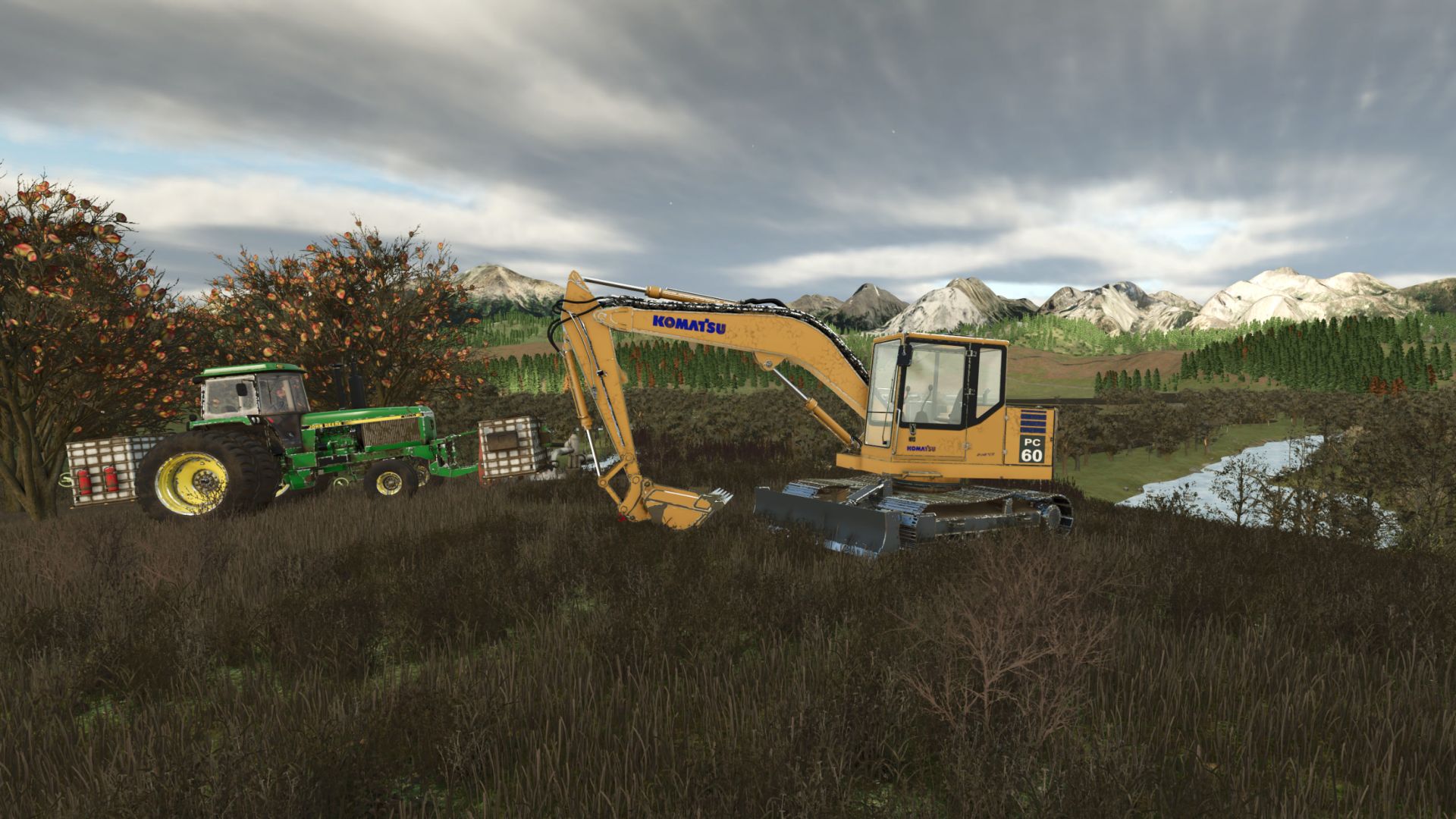
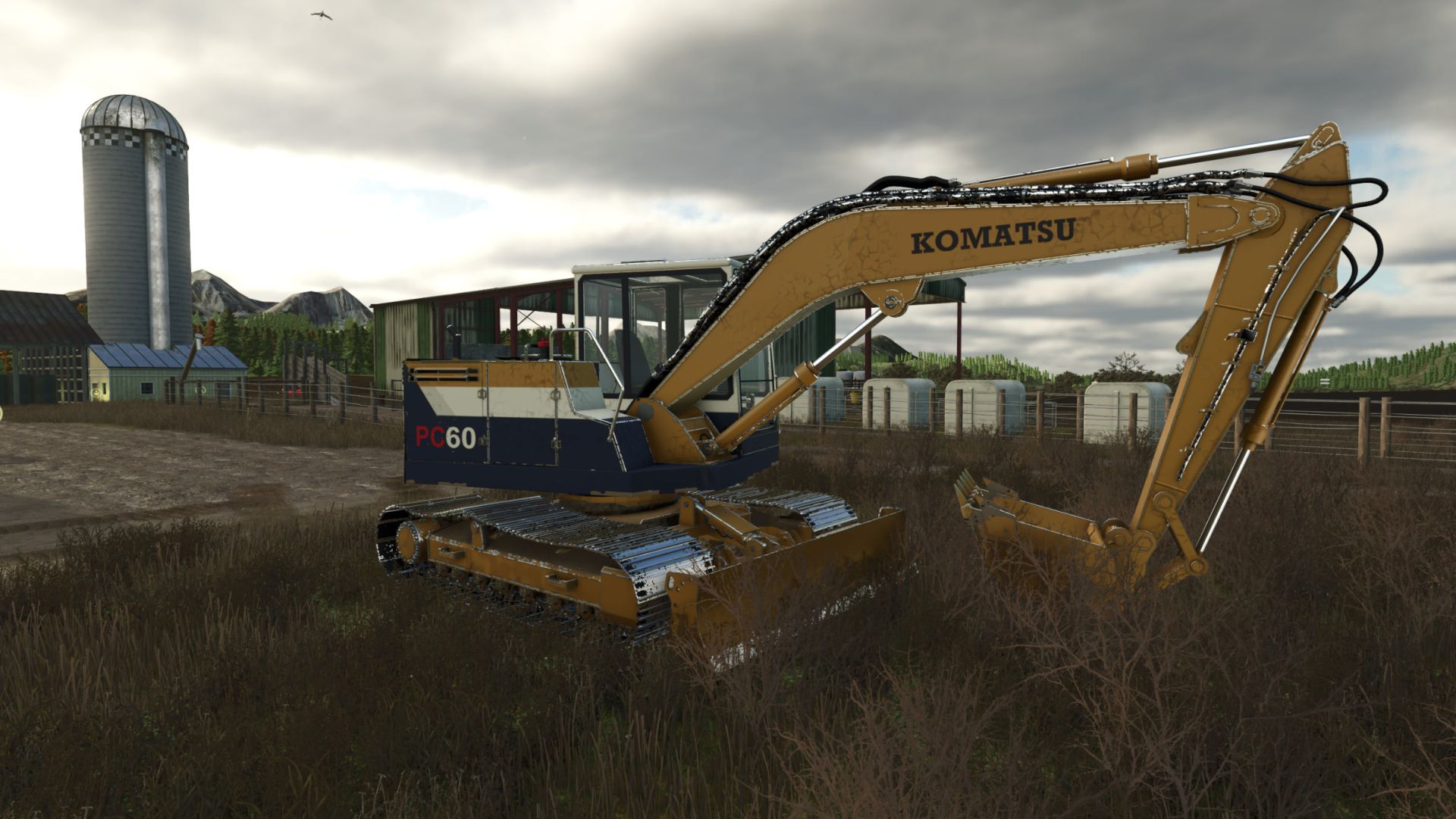
Bring classic Komatsu equipment to your farm with the PC60 excavator. Choose between two year-inspired paint schemes, operate each track independently, and tackle digging, grading, and material handling with TerraFarm support.
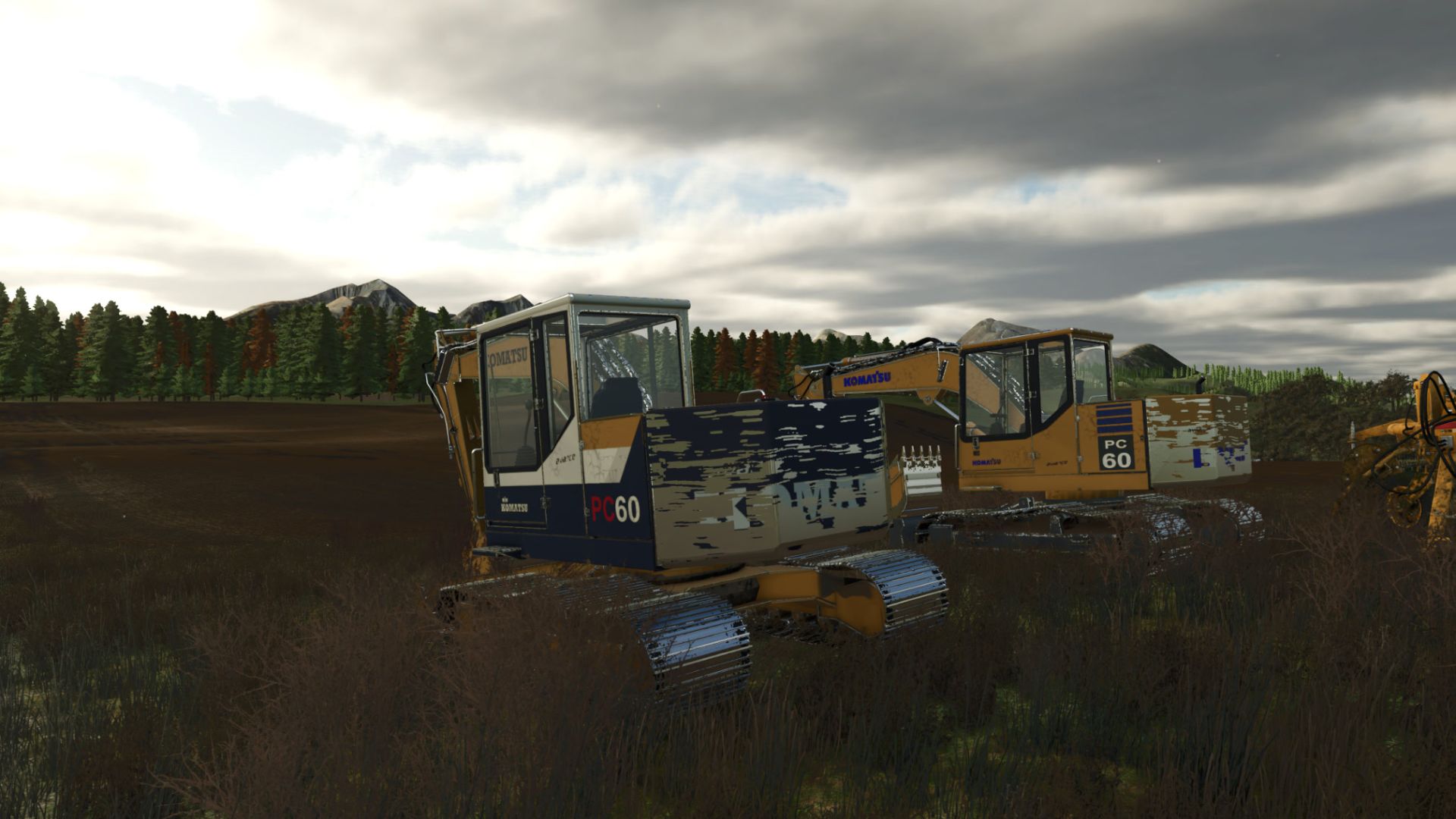
Two Year and Color Configurations
1990: Yellow bodywork with a white cab roof, white side stripe, navy panels, and black Komatsu boom lettering.
1995: Classic yellow finish with blue Komatsu lettering and the vertical PC60 side graphics.
Both configurations are included and selectable in the shop. Each has its own paint and decal treatment, with progressive wear and washable dirt.
In-Game Specifications
Specification
Engine Komatsu 4D95L diesel
Power 55 hp
Engine speed 800–2,200 rpm
Maximum travel speed 4.5 km/h forward and reverse
Fuel capacity 500 L diesel
Bucket capacity 2,000 L
Base shop price $38,500
Included equipment
Digging bucket and front dozer blade
These are the specifications configured for the mod. Both paint schemes share the same mechanical specifications.
Features
Independent, isolated track controls: Drive either track forward or backward separately for precise positioning and counter-rotation turns.
Standard keyboard driving and support for your assigned controller driving inputs.
Animated individual track pads, sprockets, and rollers.
Working boom, stick, bucket, and dozer blade.
Animated hydraulic cylinders, hoses, and bucket linkage.
Included digging bucket with loose bulk-material pickup and unloading.
TerraFarm integration for the bucket and blade.
Progressive paint wear, separately accumulating dirt, and washable track mud.
Opening cab door and service covers with a detailed engine compartment.
Animated cab controls, working wiper, and load-responsive exhaust effects.
Independent Track Keybinds
Use the numeric keypad for the isolated tracks. (or re-key bind)
Action Default key
Left track forward Numpad 7
Left track reverse Numpad 1
Right track forward Numpad 9
Right track reverse Numpad 3
Combined track inputs:
Numpad 7 + 9: Both tracks forward.
Numpad 1 + 3: Both tracks backward.
Numpad 7 + 3: Counter-rotate to turn right.
Numpad 1 + 9: Counter-rotate to turn left.
Track directions refer to the undercarriage’s forward direction. Rotating the cab does not reverse the track assignments.
Required mods:
TerraFarm