LS 25 Realistic Harvesting V1.6.3.2
Realistic Harvesting for FS25
Transform your harvesting experience into true agricultural simulation! Combines can no longer unrealistically sprint at full speed through dense crops without consequences. Working speed, engine load, and yield efficiency are dynamically driven by crop density, cutting width, moisture, and your machine’s mechanical calibration.
Key Features
Physics-Based Engine Load & Speed: Ground speed dynamically adapts based on harvested crop mass (t/h), header width, and vehicle horsepower. Overloading the engine or using incorrect settings results in real grain loss.
All Machine Types Supported: Fully calibrated physics for Grain Combines, Forage Harvesters (chaff/silage), Root & Vegetable Harvesters (potatoes, beets, carrots, parsnips, spinach, peas), Cotton, and Sugarcane.
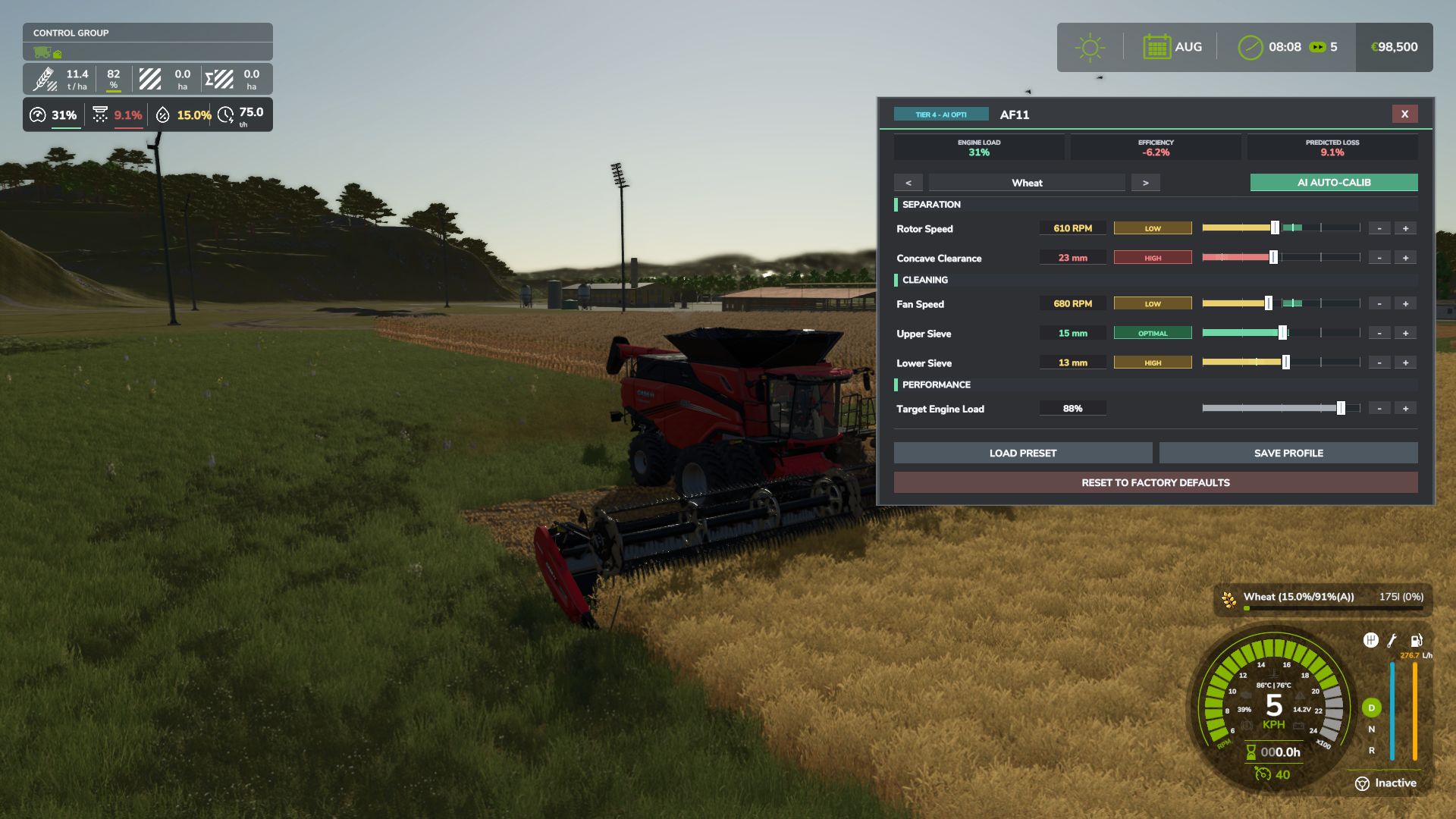
Interactive Combine Calibration (`RShift + K`): Calibrate Rotor/Drum RPM, Concave Clearance, Fan Speed, and Sieves for each crop. Correct settings ensure maximum yield and minimum loss.
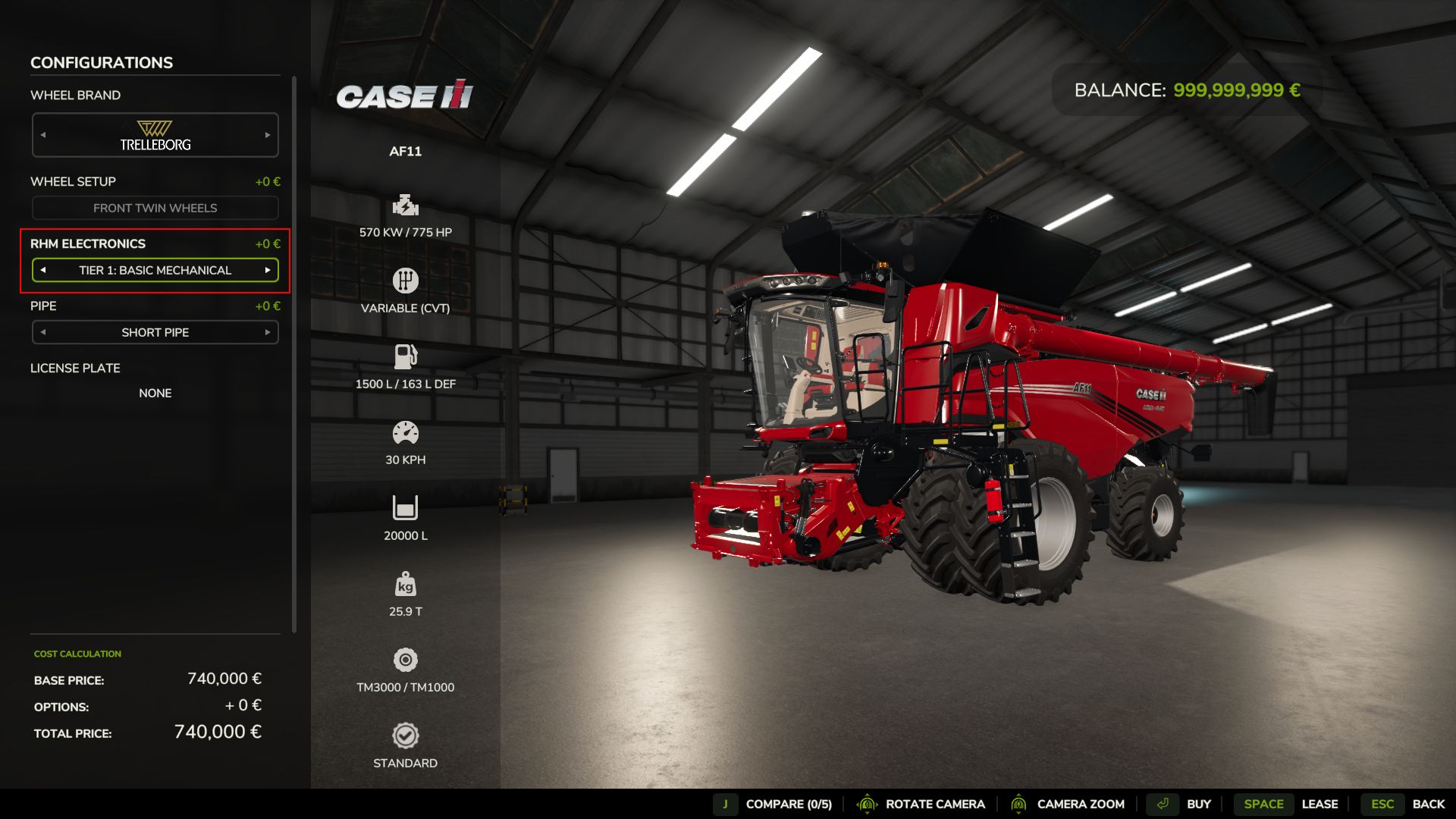
Workshop Upgrade Packages (Tiers 1–4): Upgrade your combine at the shop:
Level 1 (Standard): Fully manual operation.
Level 2 (Sensor Kit): Displays calibration guidance hints (low / optimal / high).
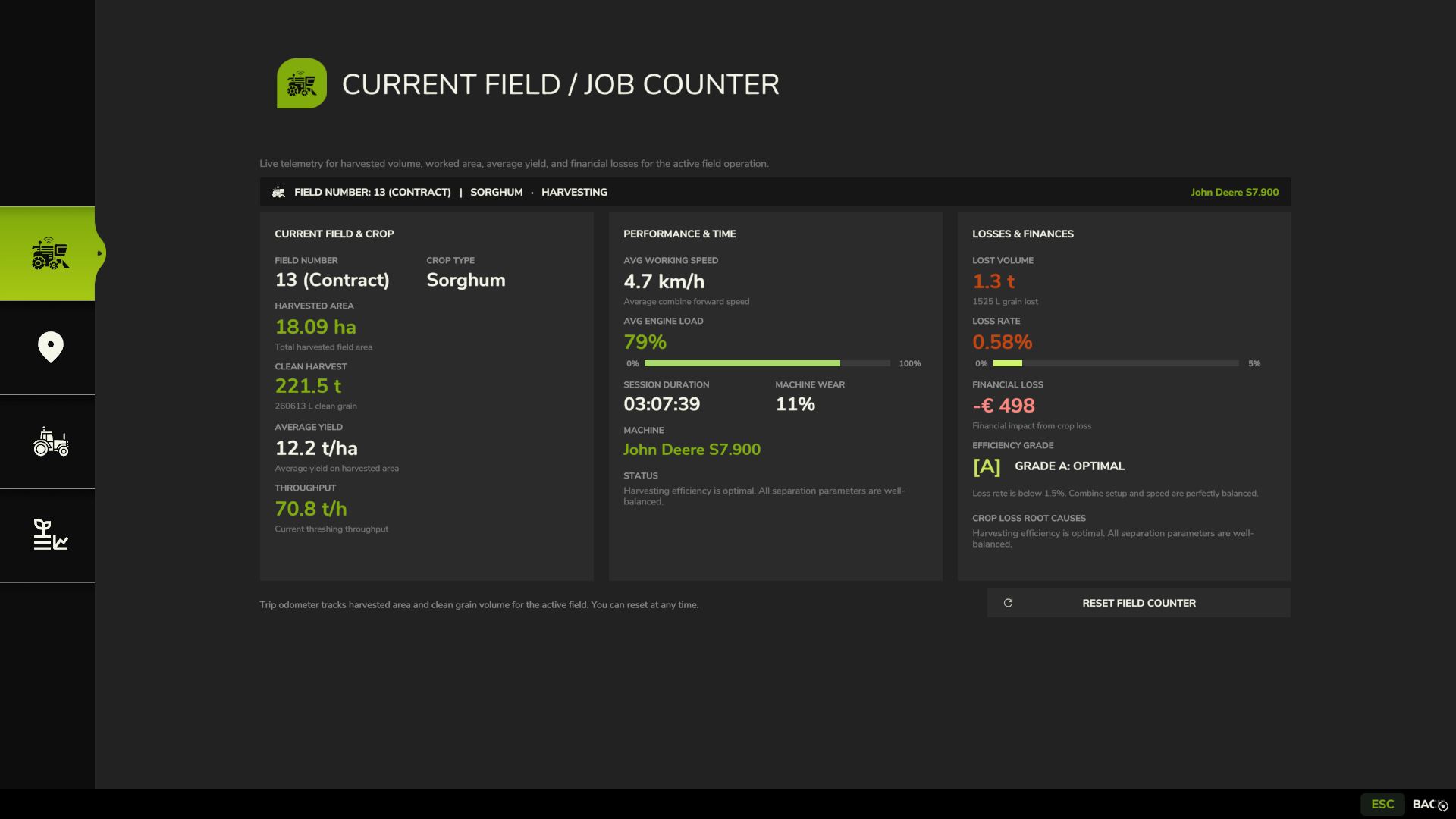
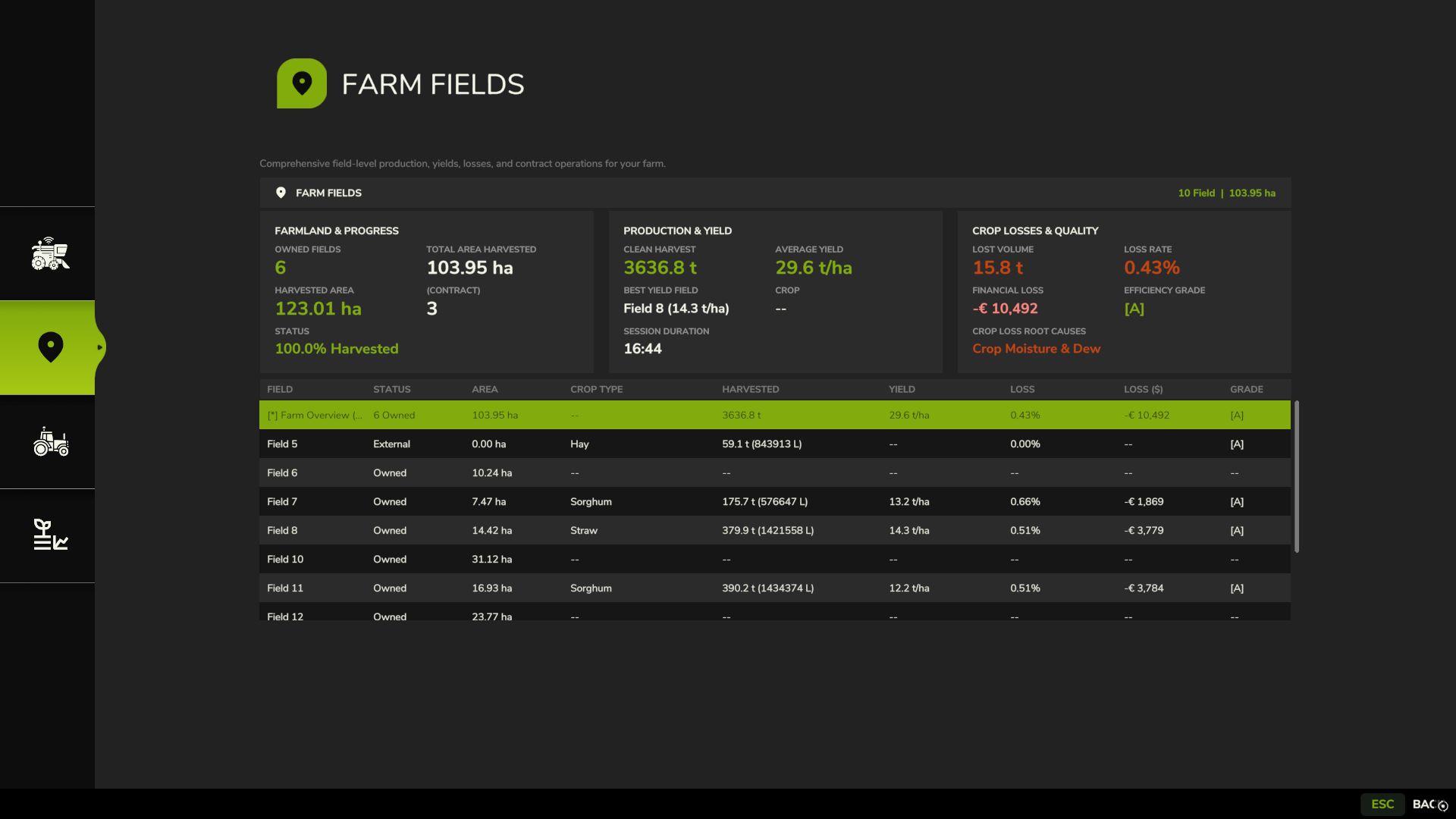
Level 3 (Yield Monitor): Real-time yield (t/ha, bu/ac), area rate (ha/h), and moisture telemetry.
Level 4 (Opti-Harvest AI): Automatic settings calibration and automated speed management.
AI & Courseplay Compatibility:** AI helpers and Courseplay workers automatically utilize your saved profiles or optimal calibrations.
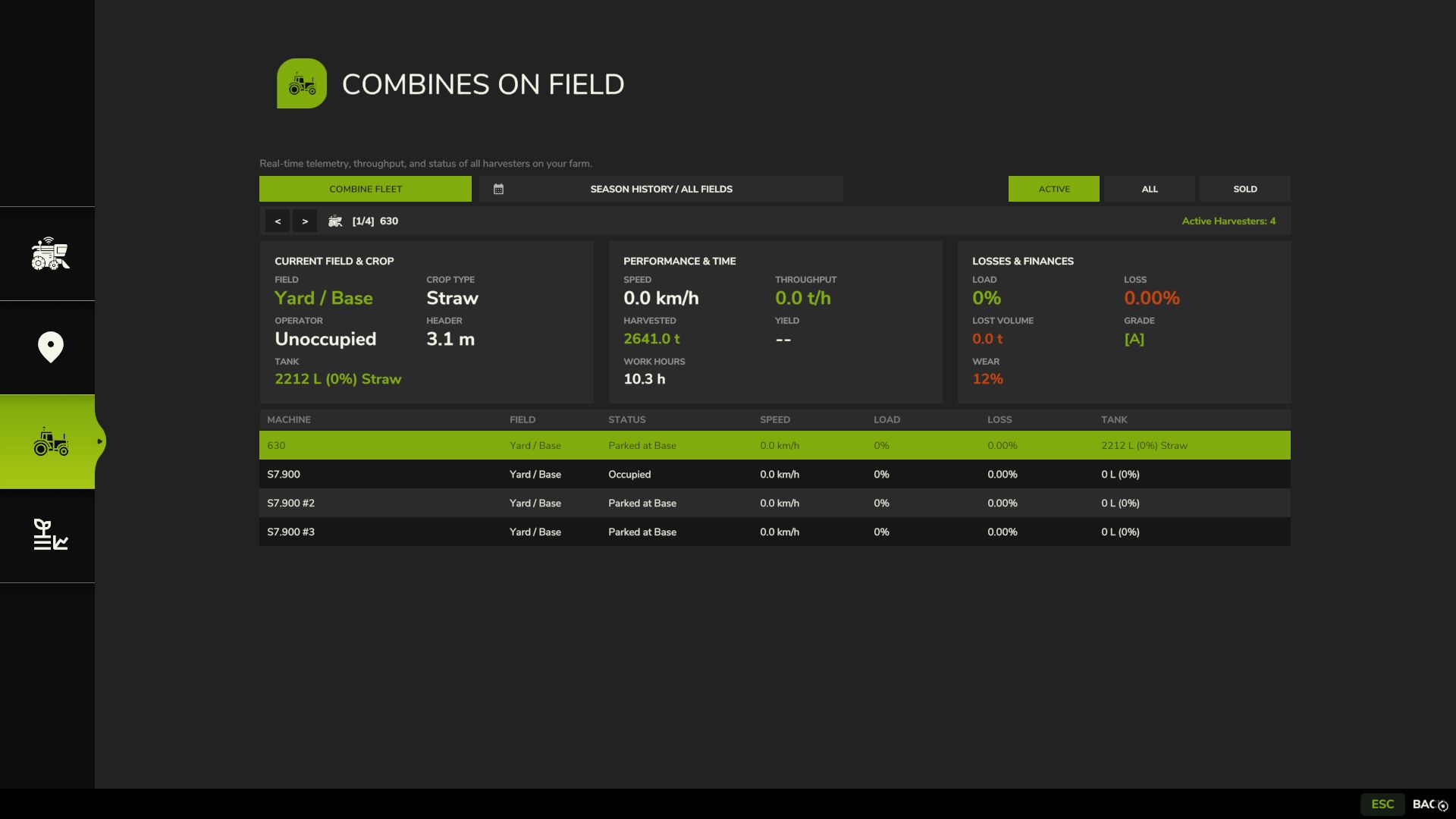
Draggable HUD: Clean, movable on-screen display showing live Engine Load, Productivity (t/h, ha/h), Crop Loss %, and Moisture.
Global Crop Profiles: Save your favorite tuning once — profiles automatically load across your combines and savegames.
3 Difficulty Modes (ESC Settings): Choose between Arcade (relaxed), Normal (balanced), or Realistic (strict physical limits and penalties).
V1.6.3.2
Headland Speed Governing: Fixed an issue where harvesters remained speed-locked at harvesting crawl speeds (5 km/h) during headland turns; lifting the header now immediately releases the motor to full maneuvering speed (15€ 20 km/h).
Implement Chain & Hydraulic Verification: Prioritized authentic feeder house hydraulics (getJointMoveDown, getIsImplementChainLowered) over unfolded header states (Foldable:getIsLowered), preventing wide and draper headers from falsely reporting a lowered cutting state when lifted.
Dedicated Server Live Telemetry Sync: Replaced unsupported bitwise operations with native GIANTS Engine 10 methods, fully restoring real-time network stream replication for engine load, throughput (t/h), yield, and recommended speed on multiplayer clients.
Automated Helper Synchronization: Added synchronized header start/stop for helpers when separate header launch is active, and resolved live driver handover telemetry resets.