LS 25 NPC Favor V1.3.0.0
FS25 NPC Favor – Living Neighborhood
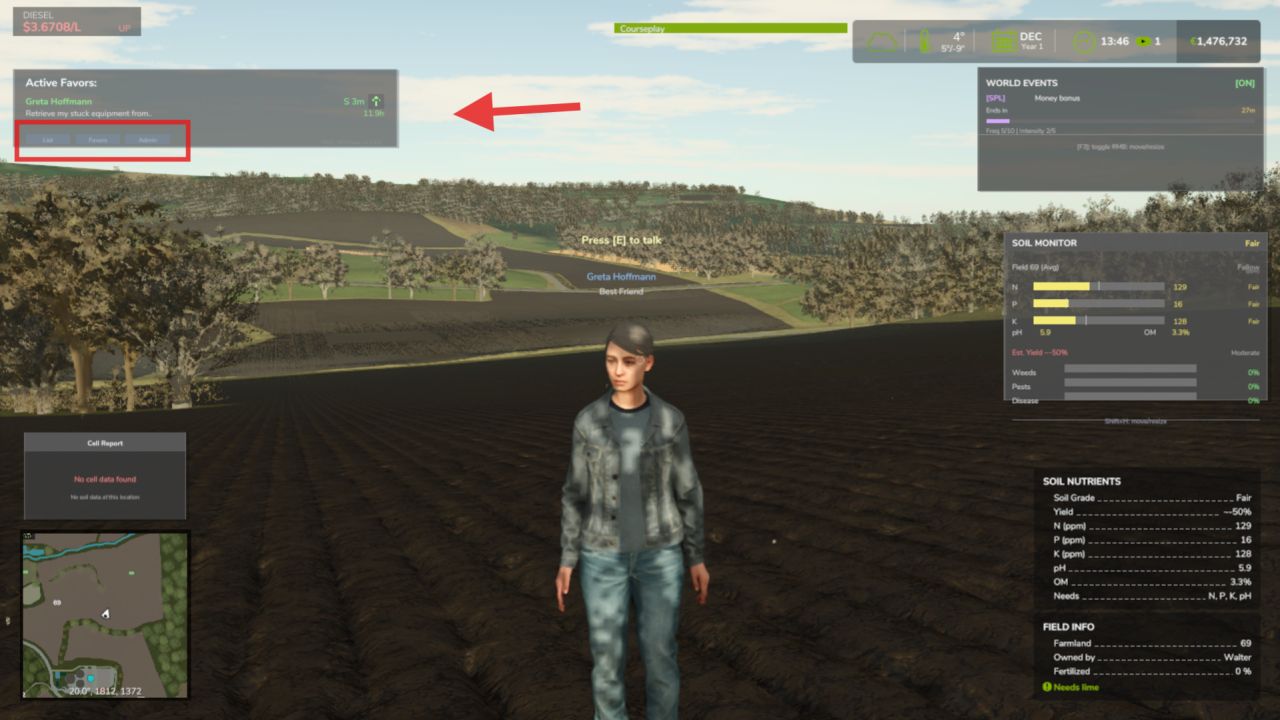
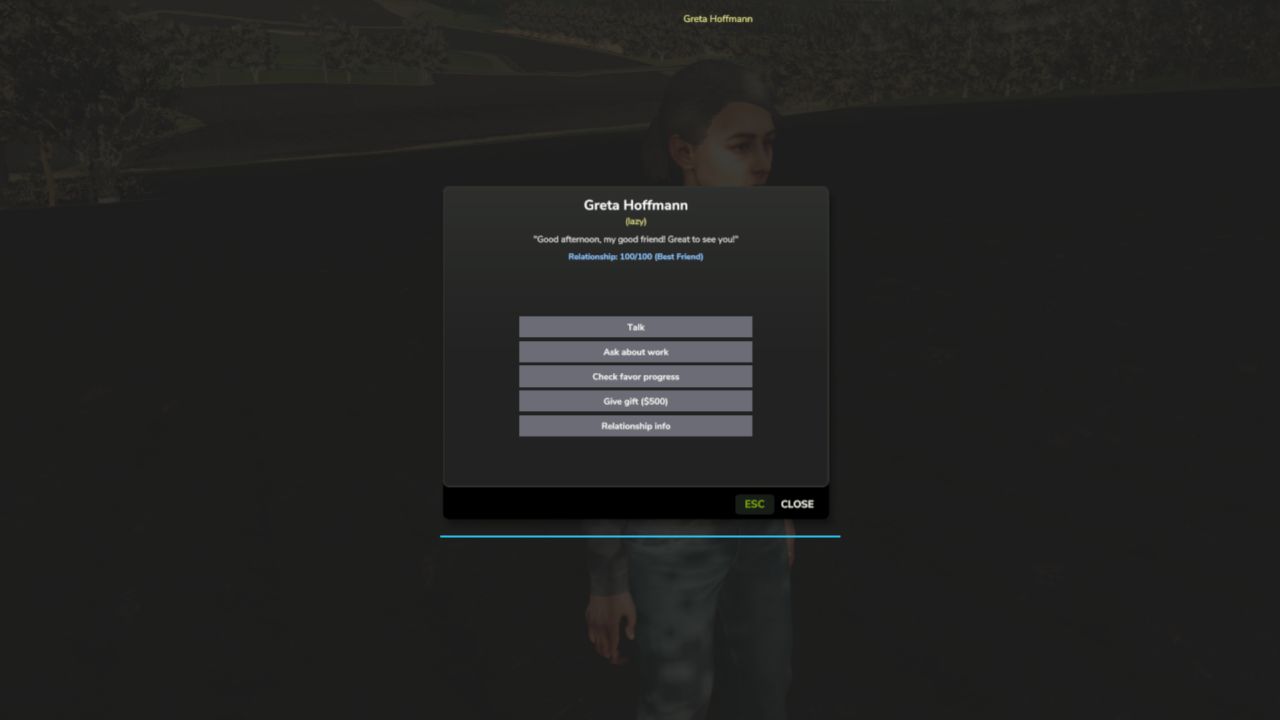
AI-driven neighbor farmers that live and work around your map. They follow their own daily routines, build a friendship with you over time, and ask for favors you can complete for cash and better relationships. Walk up and press E to talk, no clunky menus.
Features
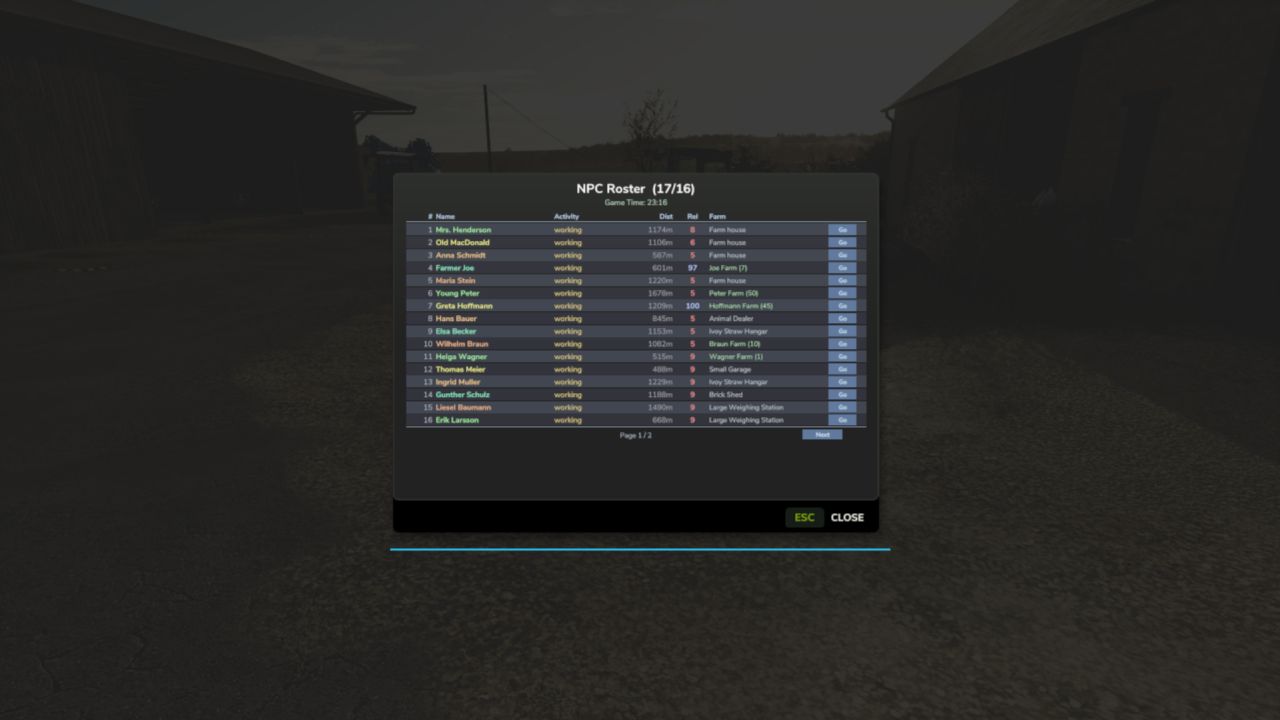
Living Neighbors
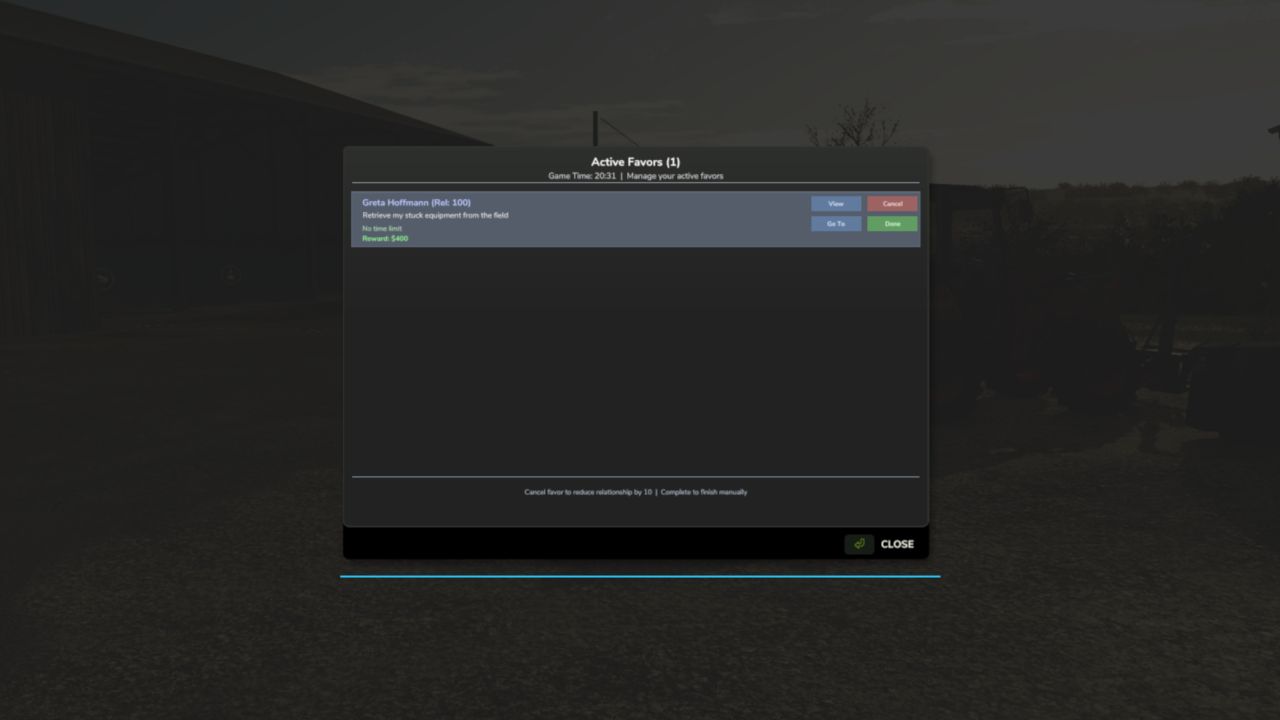
Relationship & Favor System
Walk-Up Interaction
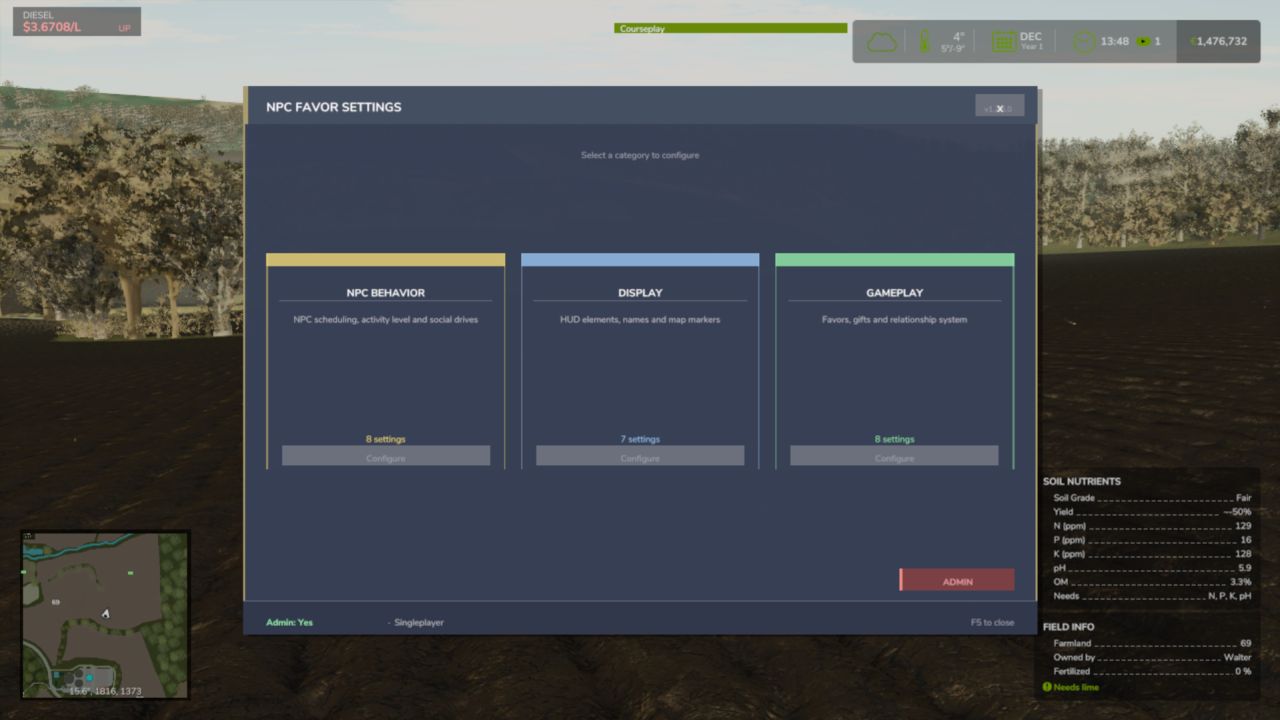
Fully Configurable
Controls
Interact with an NPC: E
Note that NPCs follow a daily schedule. They head out to their fields, take breaks, and return home, so where you meet them depends on the time of day!
V1.3.0.0
Fixed
Multiplayer: neighbours stand where the server says, show their real names and personalities on every player’s screen, and every button (talk, offer help, accept, complete, abandon) acts through the host on the exact person and job shown, by the player who pressed it.
Saved neighbours stay the same people after a reload, with their homes, trust and work, and a saved favour keeps its remaining destinations.
Neighbours work land they are actually allowed to work, and are no longer thrown off a field the farmer owns over and over. They work the whole field and stay on it, and a neighbour inspecting a field’s edges follows the field’s real shape.
An expiring favour no longer deletes a different, still valid favour, and accepted favours survive a deleted or reused farm: orphaned ones appear in the favour menu’s Recovery view.
A favour number used before a save is never reused after loading.
The NPC Favor menu key no longer collides with Dashboard Live’s map orientation, the favours HUD key is registered, keyboard defaults are bound, and the interact key shows the live key.
Translations: the page legend shows a plain dot between page names, and the title and description read correctly in the mod manager in nine languages.
Added
The NPC Favor page on the Realistic Farming Esc menu: scrollable tables with a details card for each neighbour.
A favours HUD show/hide toggle in the Control Center, Control Center actions, and a HUD that follows the base game’s theme and can be resized in width.
Experimental (off by default): an Experimental Systems switch saved with the game, and the first groundwork for companion mods to bring their own neighbours and jobs (offered to one farm, finished face to face, paid once, saved with the game, and free to let go). No companion mod uses it yet.