LS 25 Field Contractors V1.0.0.0
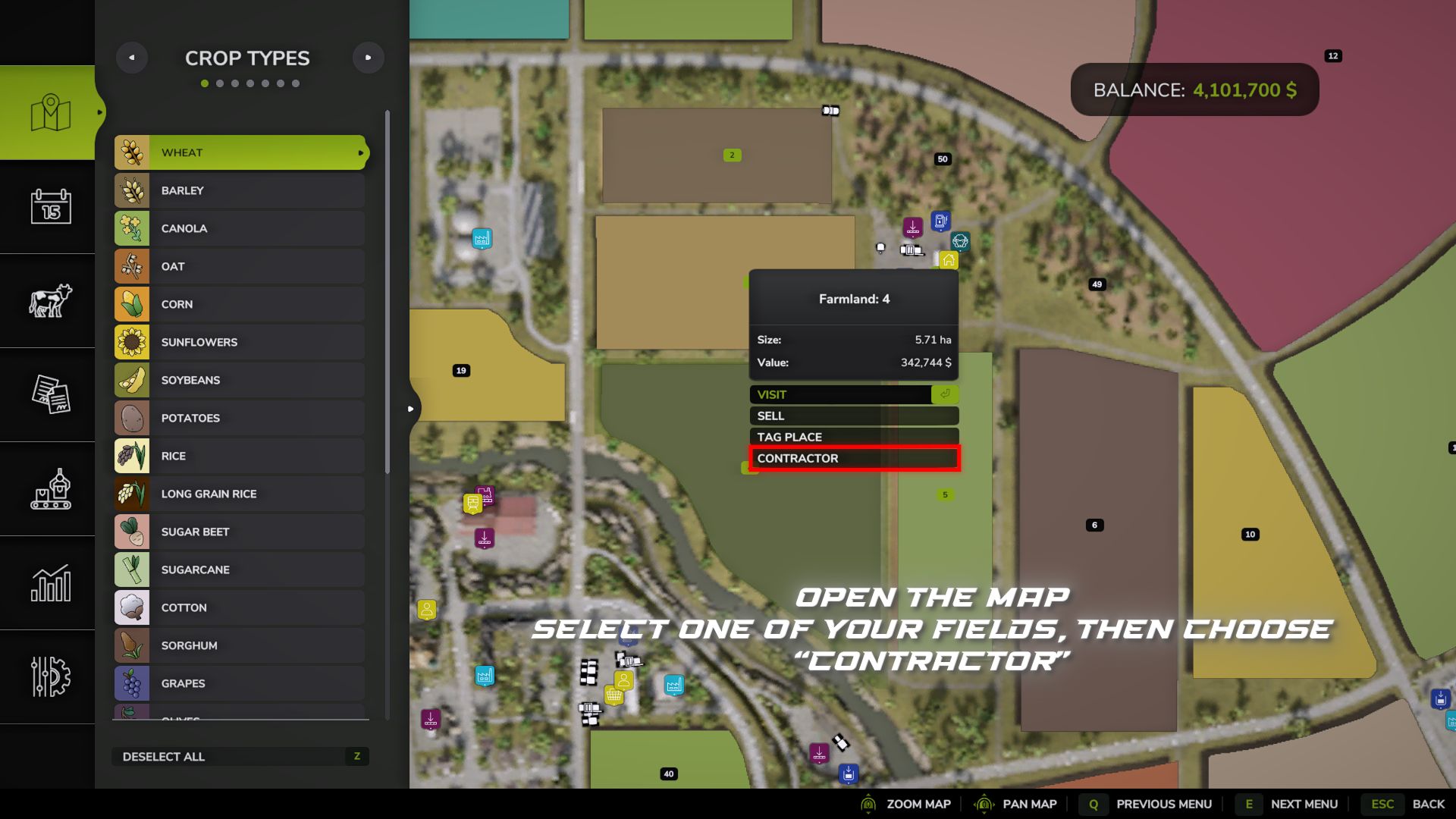
Field Contractors – adds a contractor hiring system for working on your own fields.
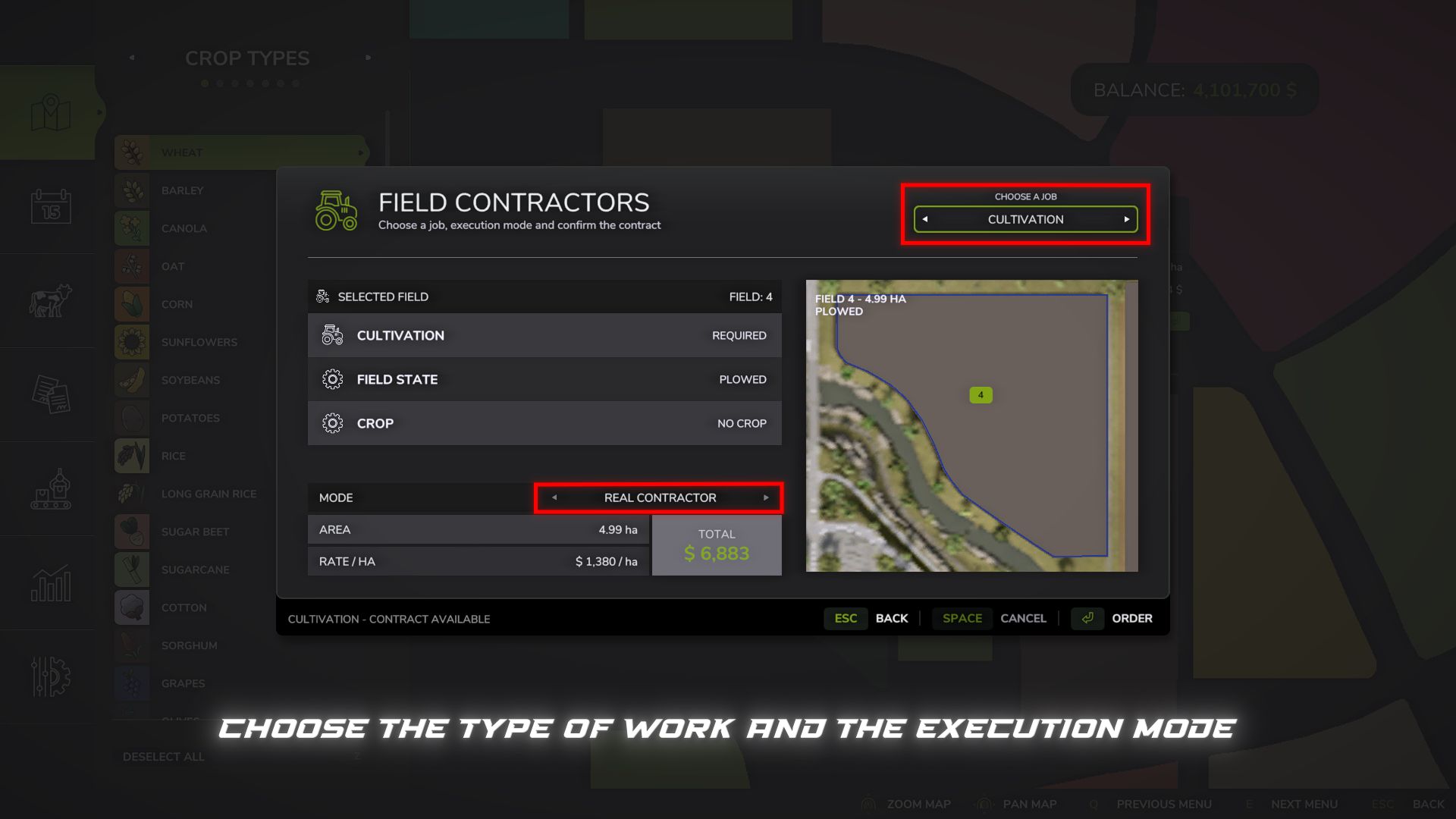
Instead of renting machinery, preparing a machinery set yourself, driving to the field and starting the regular game AI, you can simply order the required field work and hand it over to a contractor.
The cost is calculated based on the field area and the selected execution mode.
Available work modes:
– Express – 10 in-game minutes – +50% surcharge
– Fast – 30 in-game minutes – +40% surcharge
– Medium – 1 in-game hour – +25% surcharge
– Slow – 3 in-game hours – +10% surcharge
– Real Contractor – the work is performed by the contractor’s actual machinery directly in the field
In the first four modes, the selected work is automatically completed after the specified in-game time.
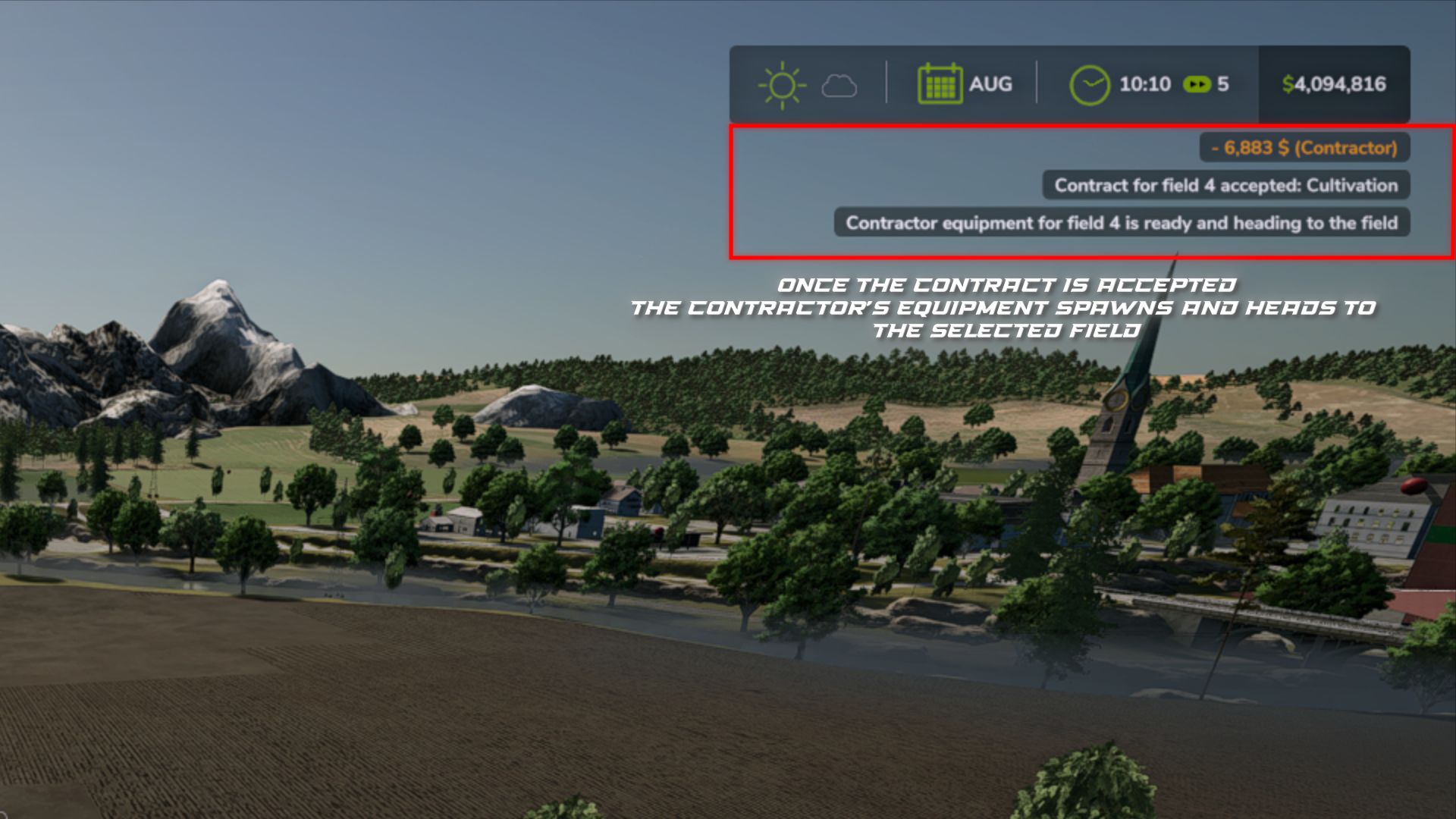
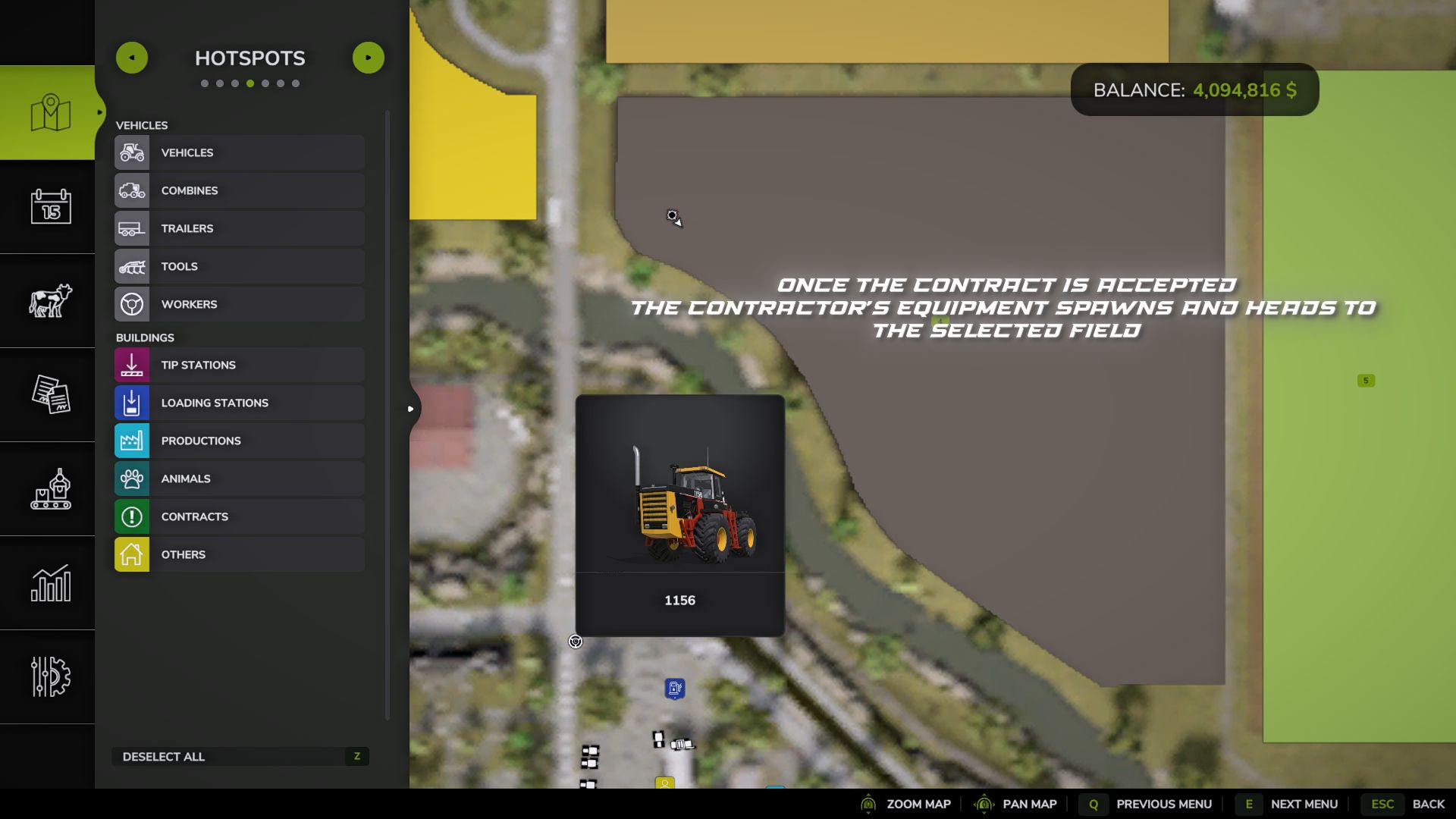
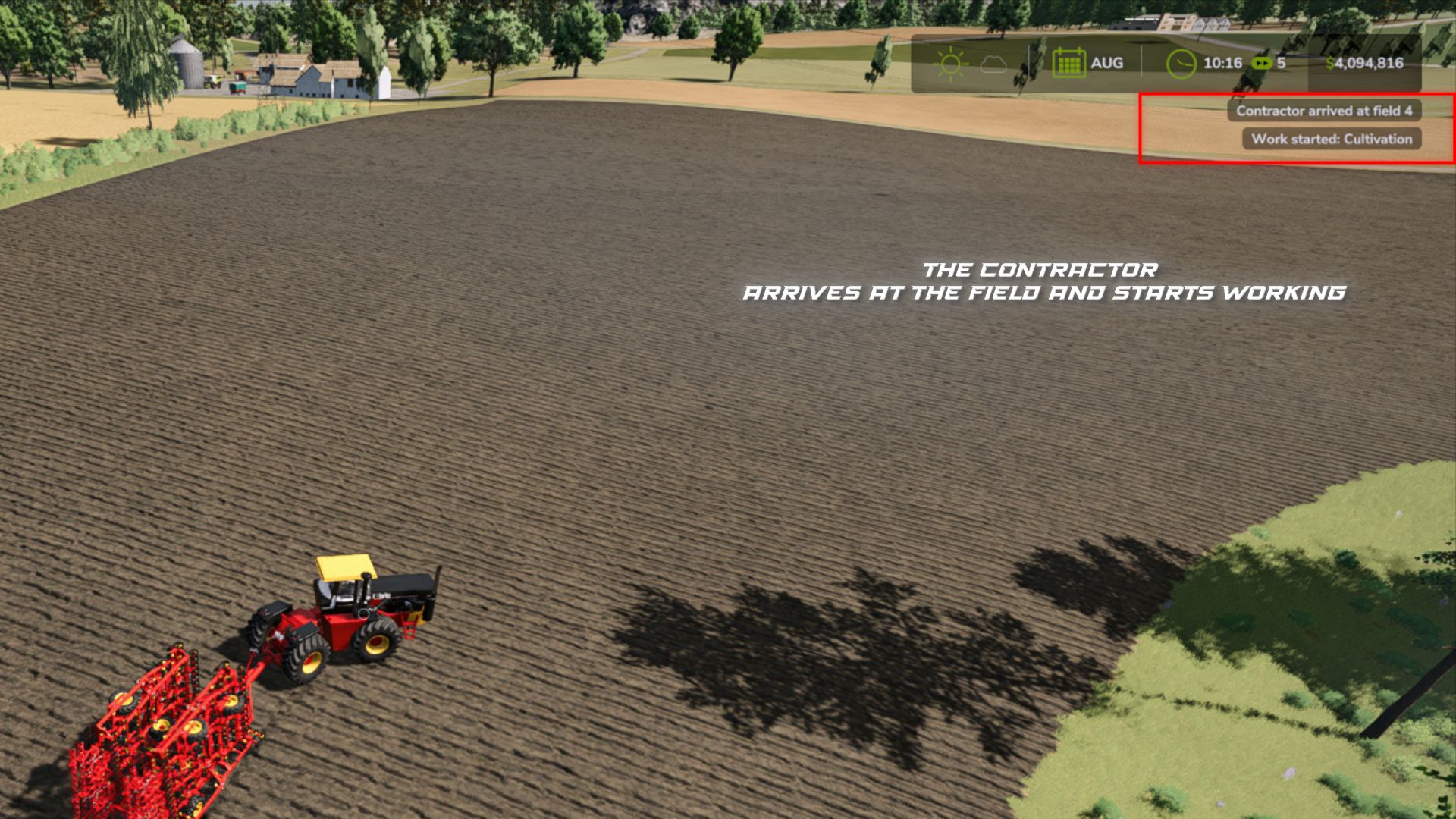
In “Real Contractor” mode, the Contractor provides real machinery that appears in the game world, travels to the selected field, performs the ordered work using the game AI and leaves the field after completion.
On very large fields, starting a “Real Contractor” may cause the game to pause for a few seconds. During this time, the standard game AI calculates the working route for the machinery. The larger and more complex the field, the longer this calculation may take. On smaller fields, this delay is usually unnoticeable.
The mod checks the current state of the field and uses this information to determine the available or required work.
Currently supported:
– Cultivation
– Ploughing
– Sowing
– Fertilizing
– Lime spreading
– Weed control
– Rolling
Harvesting is not supported yet. Support for it is planned for future versions.
Compatibility:
– Standard maps and mod maps are supported.
– Additional crops from compatible maps are supported.
– Compatible with the MultifruitSeeders and LimeSpreaders mods.
In Real Contractor mode, the machinery sets available to the game are used, and the machinery size is selected according to the field size.
Combined setups such as “tractor – implement – implement” are not supported. Such combinations may work unstably with the standard AI. The machinery may turn incorrectly, choose a poor starting point, get stuck or fail to recover correctly after loading a save. Therefore, I have excluded such setups for contractors.
Active contractor orders are saved and can continue working after reloading the save.
The mod has been tested on standard maps and several mod maps, but there is a huge number of maps, machines and other modifications. It is possible that I have not yet found all issues or incompatibilities.
If you encounter an error or compatibility issue, please report it. If possible, specify the map, field, selected work and the machinery with which the problem occurred.