LS 25 Avatar Switcher v1.0.0.0

LS 25 Other


LS 25 Avatar Switcher v1.0.0.0

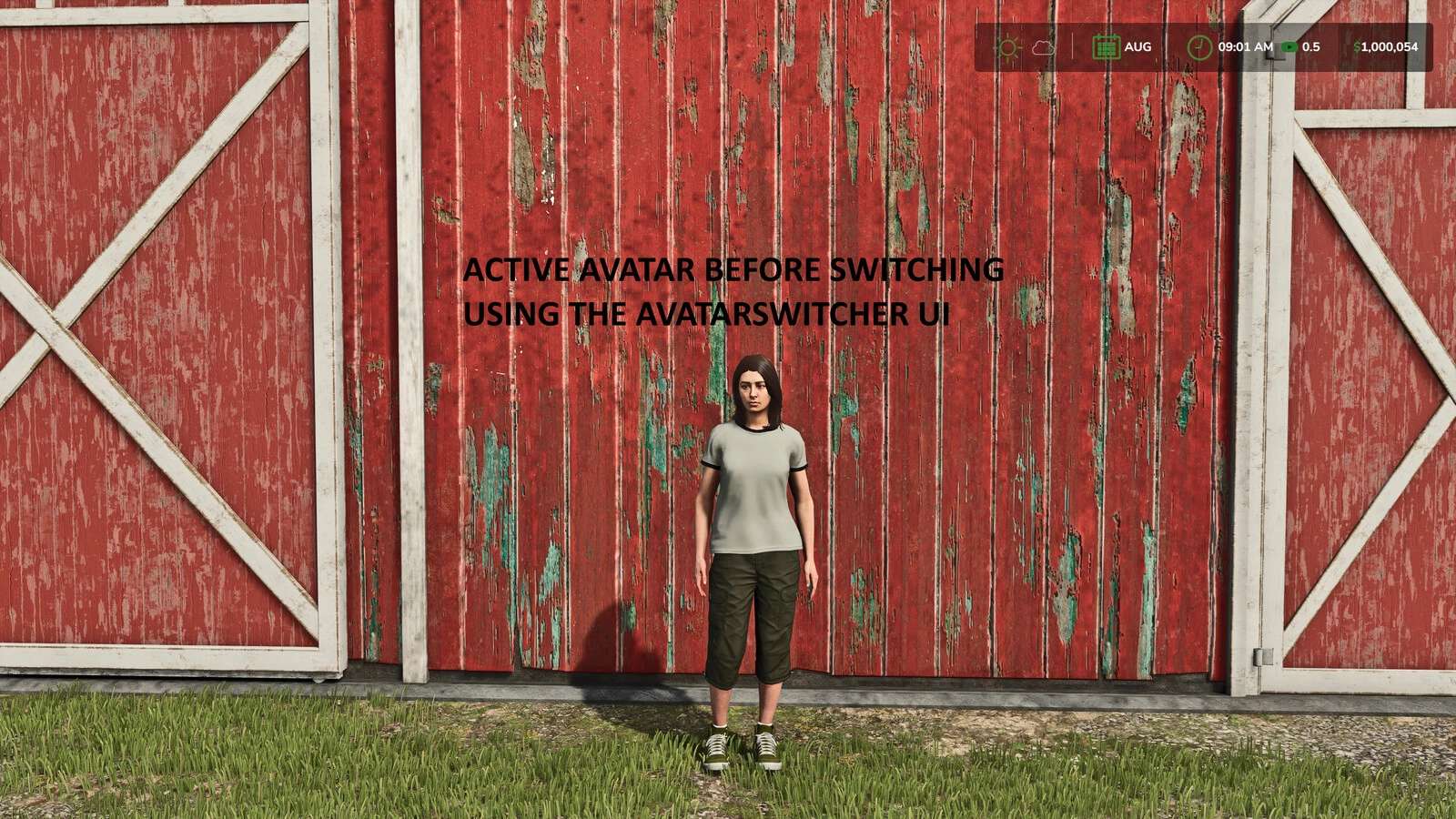
Save the current player appearance as a reusable preset and switch between saved avatars from an in-game menu.

Features:
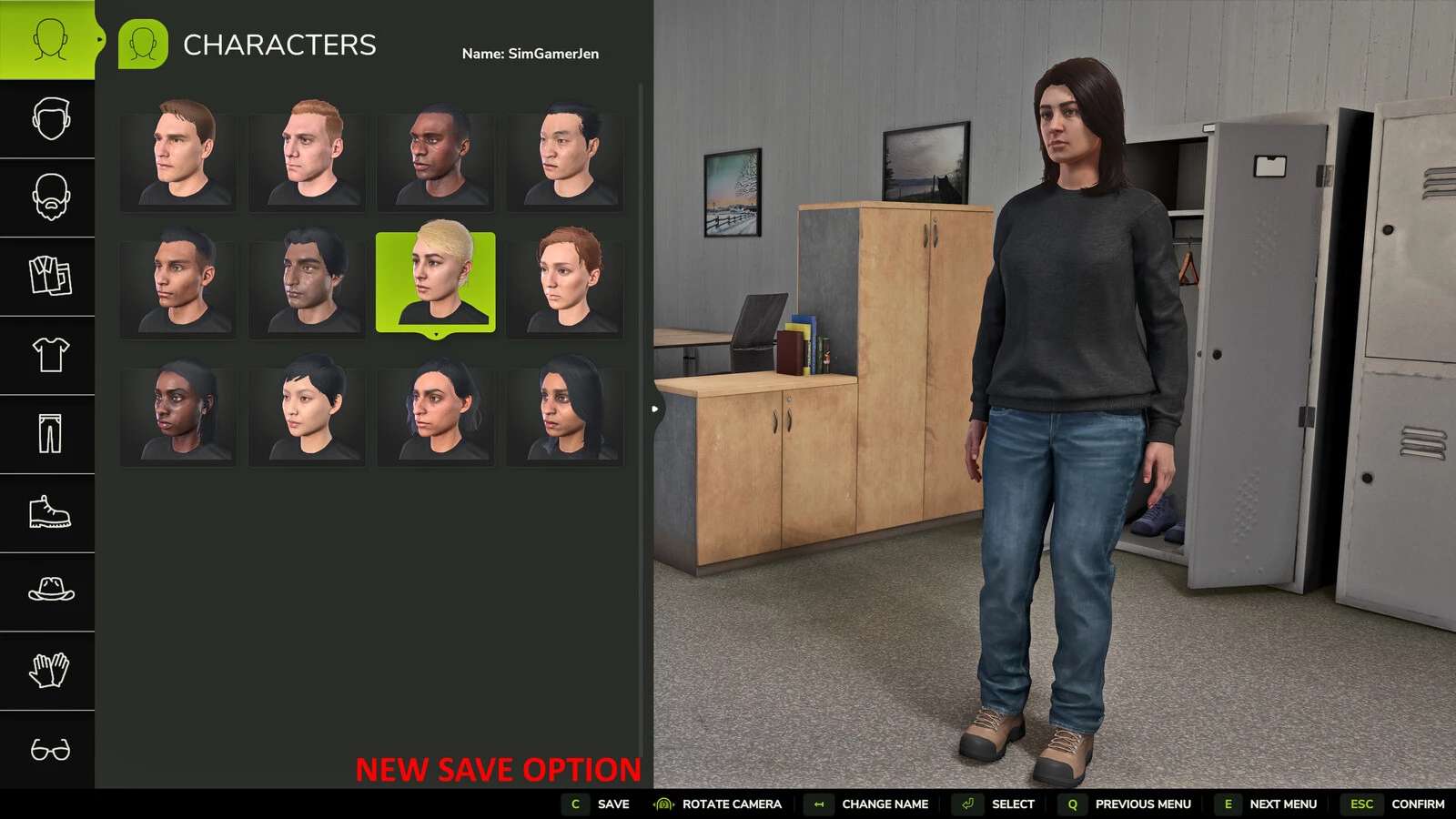
Save the current wardrobe appearance as a preset
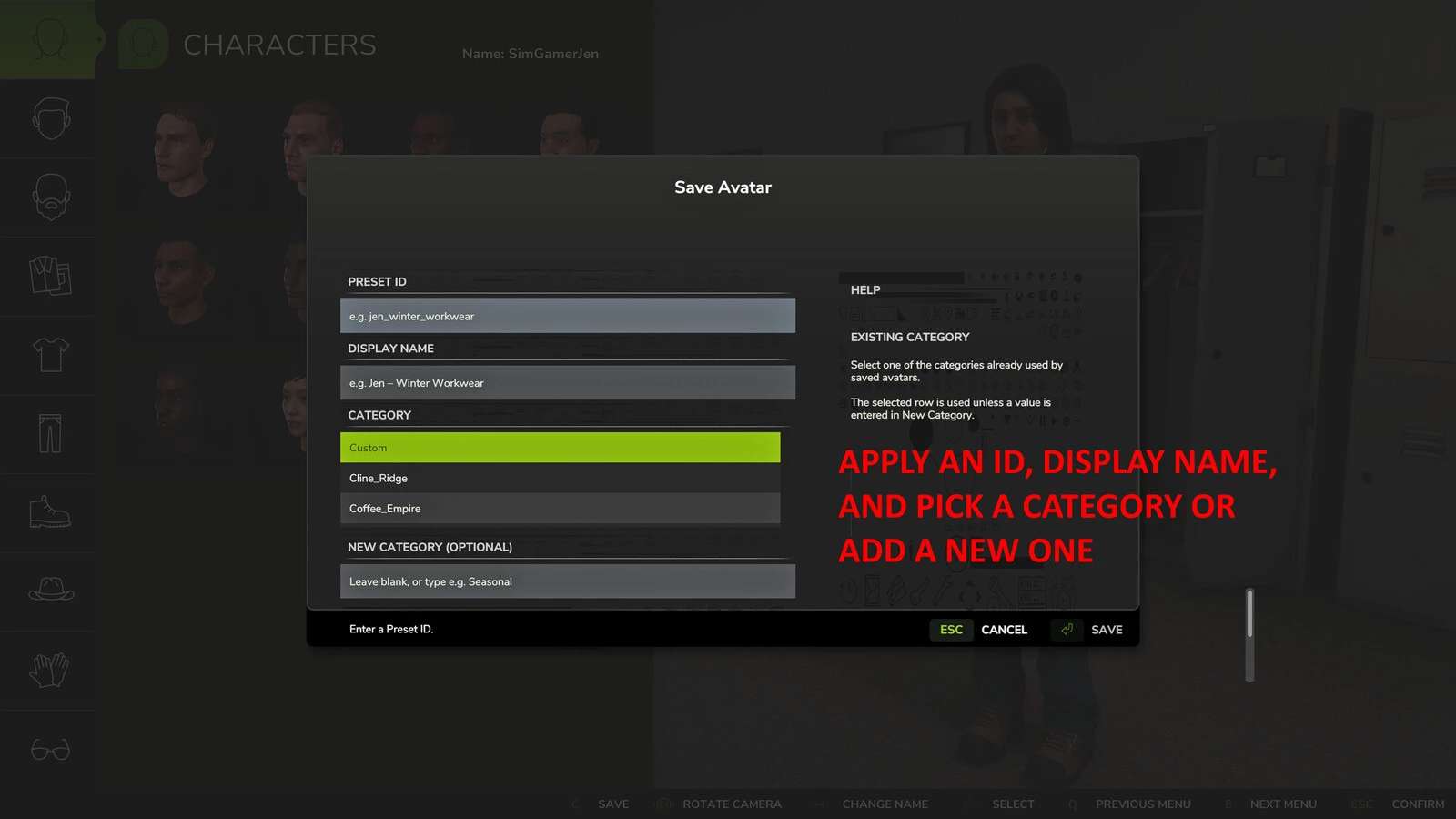
Give each preset a unique ID, display name and category
Select an existing category or create a new category when saving
Contextual help explains the Preset ID, Display Name and Category fields
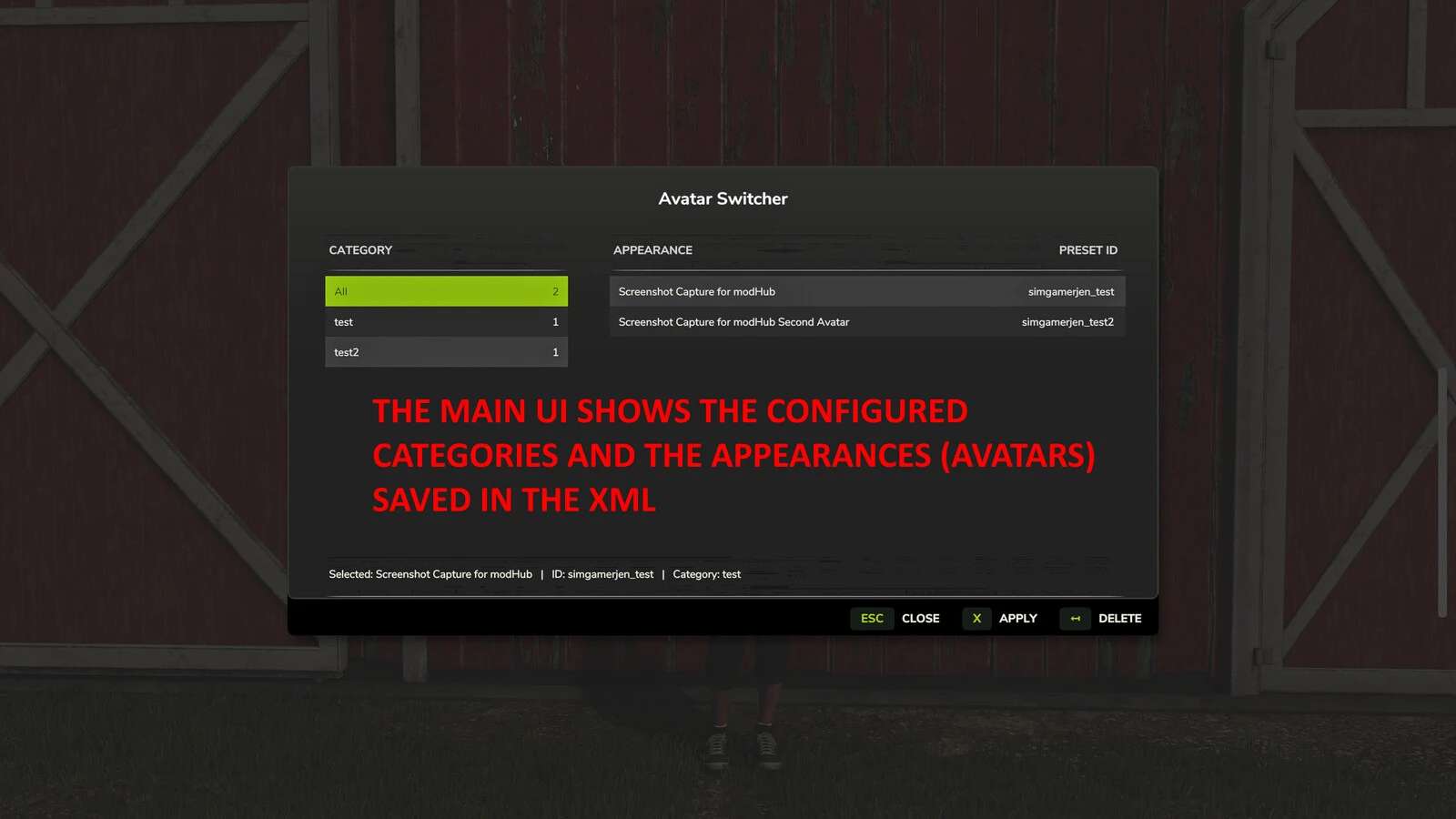
Filter, apply and delete saved appearances from the Avatar Switcher menu
Open the selector while on foot or inside a vehicle
Store presets in the Avatar Switcher mod settings folder

Default control:
Alt+Shift+A opens Avatar Switcher. The key binding can be changed in the in-game controls menu.

How to use:
1. Open the wardrobe and configure the player appearance.
2. Select “Save to AvatarSwitcher”.
3. Enter a unique Preset ID and an optional Display Name.
4. Select an existing category or enter a new category, then select Save.
5. Press Alt+Shift+A to open Avatar Switcher.
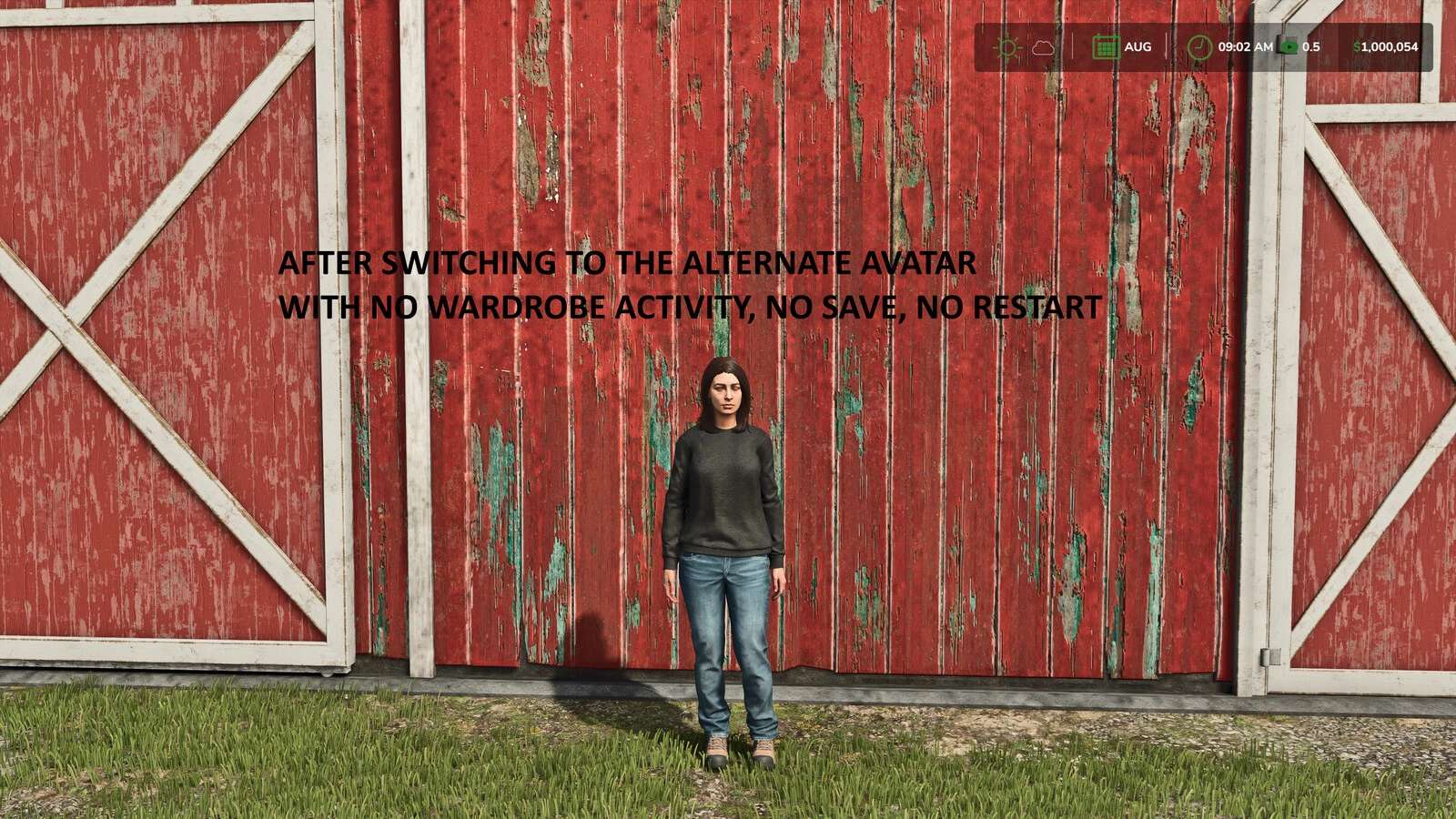
6. Select a category and appearance, then select Apply.
Deleting a preset does not change the appearance currently being used.
This mod is designed for single-player use and does not support multiplayer.

Credits:
SimGamerJen
1 Star2 Stars3 Stars4 Stars5 Stars (No Ratings Yet)


Why to use Farming Simulator 19 mods | Farming Simulator 22 mods?
Even though Farming Simulator 2019 / Farming Simulator 2022 is a great game, you can make it even more astonishing by installing Farming Simulator 19 mods / Farming Simulator 22 mods. There are plenty of mods for every part of the game so you can change or integrate whatever you like. All the FS 19 mods / FS 22 mods are absolutely costless, so you won’t spend anything trying to change the game according to your own wishes. Our main goal is to keep Farming Simulator 19 / Farming Simulator 22 community happy where everyone has a possibility to implement their ideas and enjoy playing a perfect game. If something looks disturbing, bothers you or maybe you just need to integrate more tools and supplements, simply use FS 2019 mods / FS 2022 mods. Not many games provide an opportunity to change it by individual needs, but Farming Simulator is different. You can do whatever you want just by installing LS 19 mods/ LS22 mods so it’s time for you to take action and fulfill even craziest ideas!


You may also like...

Leave a Reply