LS 25 JVN Natural Vision V1.0.0.0
Installing the JVN shader is relatively easy.
The included files simply need to be copied into the correct folders.
The ReShade preset file JVN_Cinematic_Agriculture.ini goes into the folder:
Farming Simulator 25×64
The existing ReShade installation must also be located in the x64 folder.
The files environment.xml, ColorgradingNight.xml and colorgrading.xml go into the folder:
Farming Simulator 25/data/maps/mapUS/config
Existing files may need to be replaced.
It’s best to create a backup of the original files beforehand, so you can switch back to the standard graphics at any time.
The “Additional Game Settings” mod is also required.
After installation, you will find it at:
Settings → Additional settings → Non-standard lighting
The appropriate setting. For the intended look, the non-standard lighting should be set to Riverbend Springs.
I myself play at a resolution of 2560 × 1440 (WQHD) and maximum graphics settings.
For non-standard lighting, I use Riverbend Springs, and for the ReShade preset, I use the JVN Natural Vision.ini.
The shader may look slightly different at other resolutions, graphics settings, or maps.
Afterwards, you can start Farming Simulator 25 as normal and select the JVN Natural Vision.ini preset in ReShade.
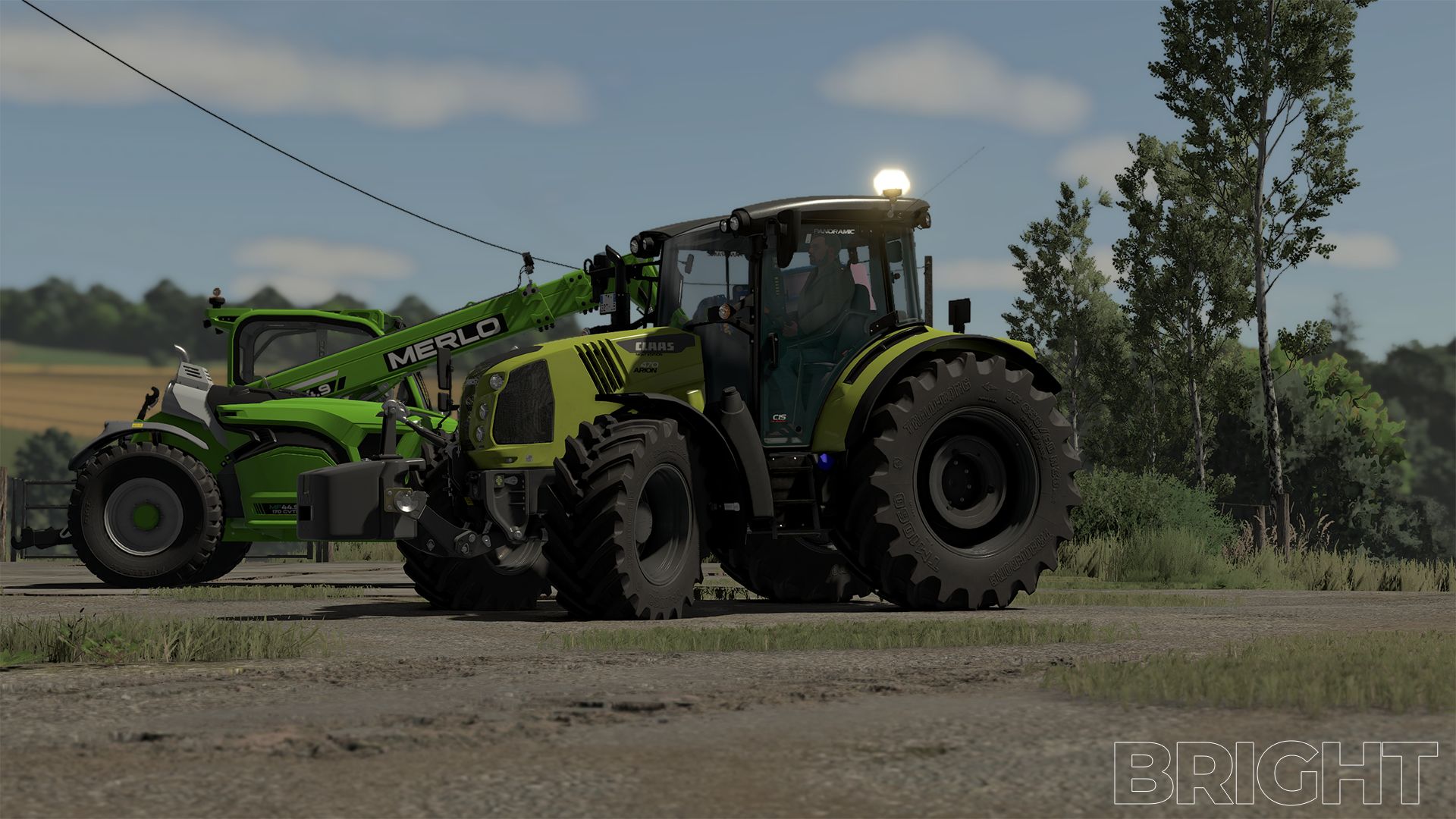
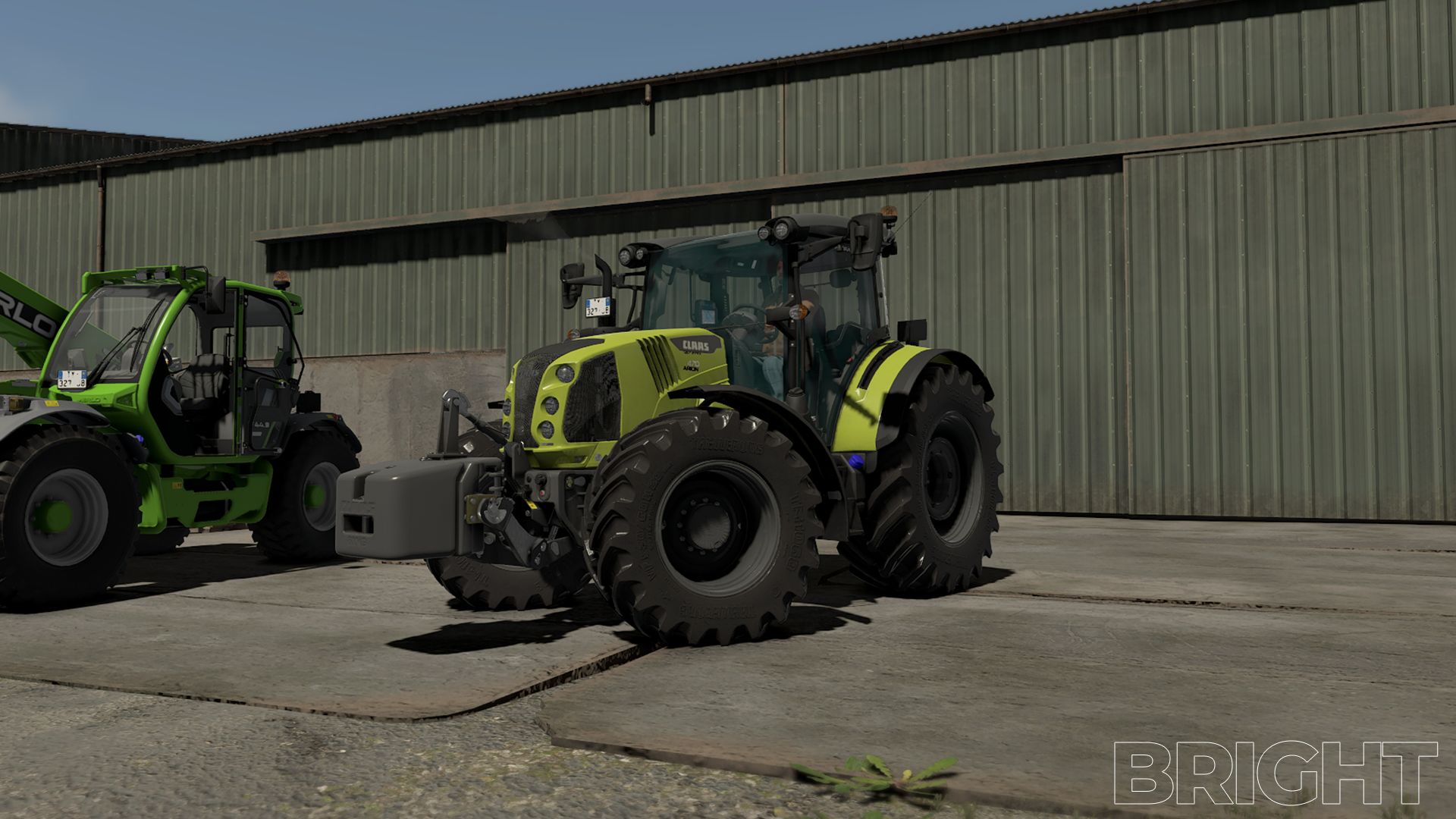
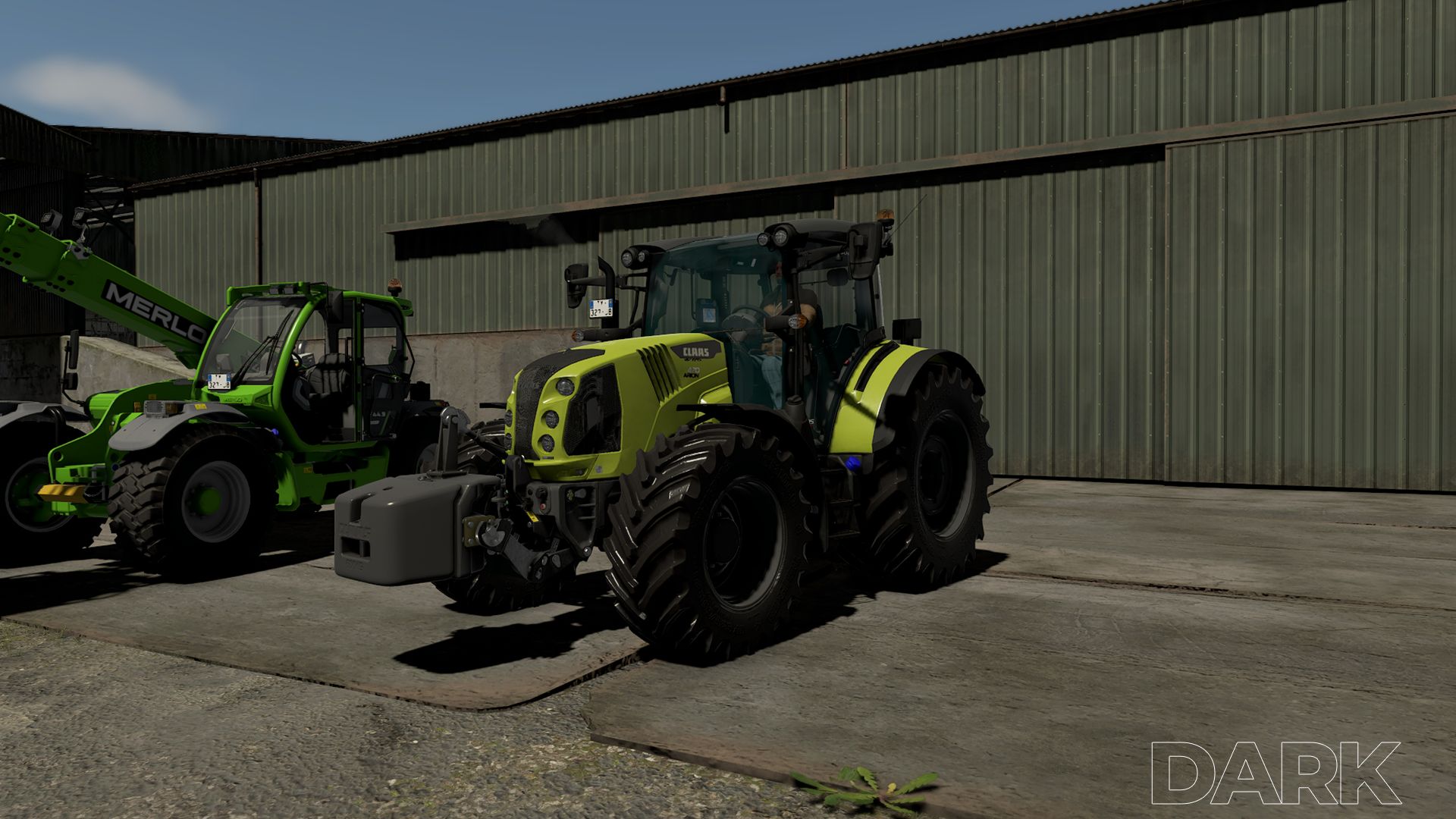
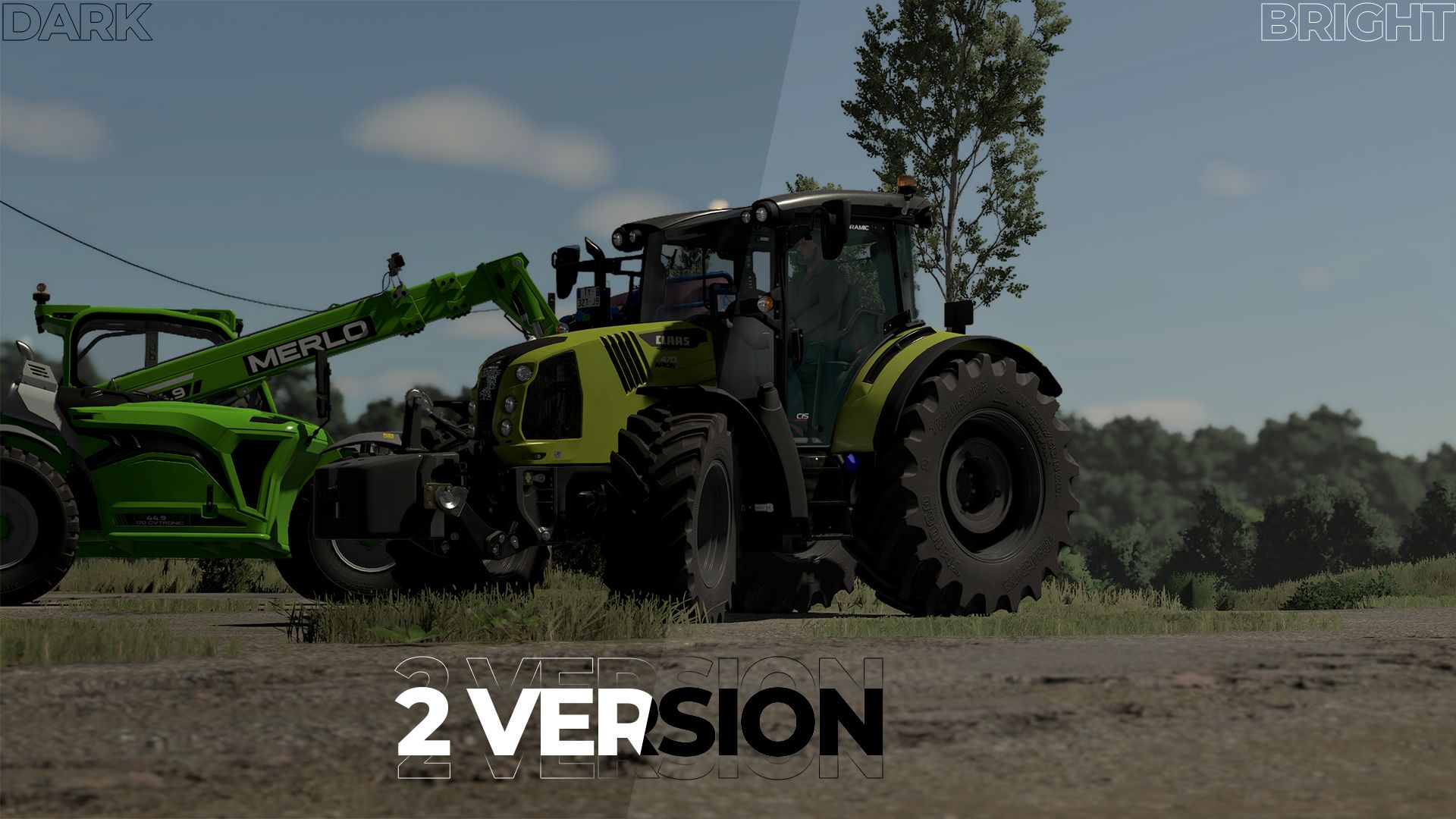
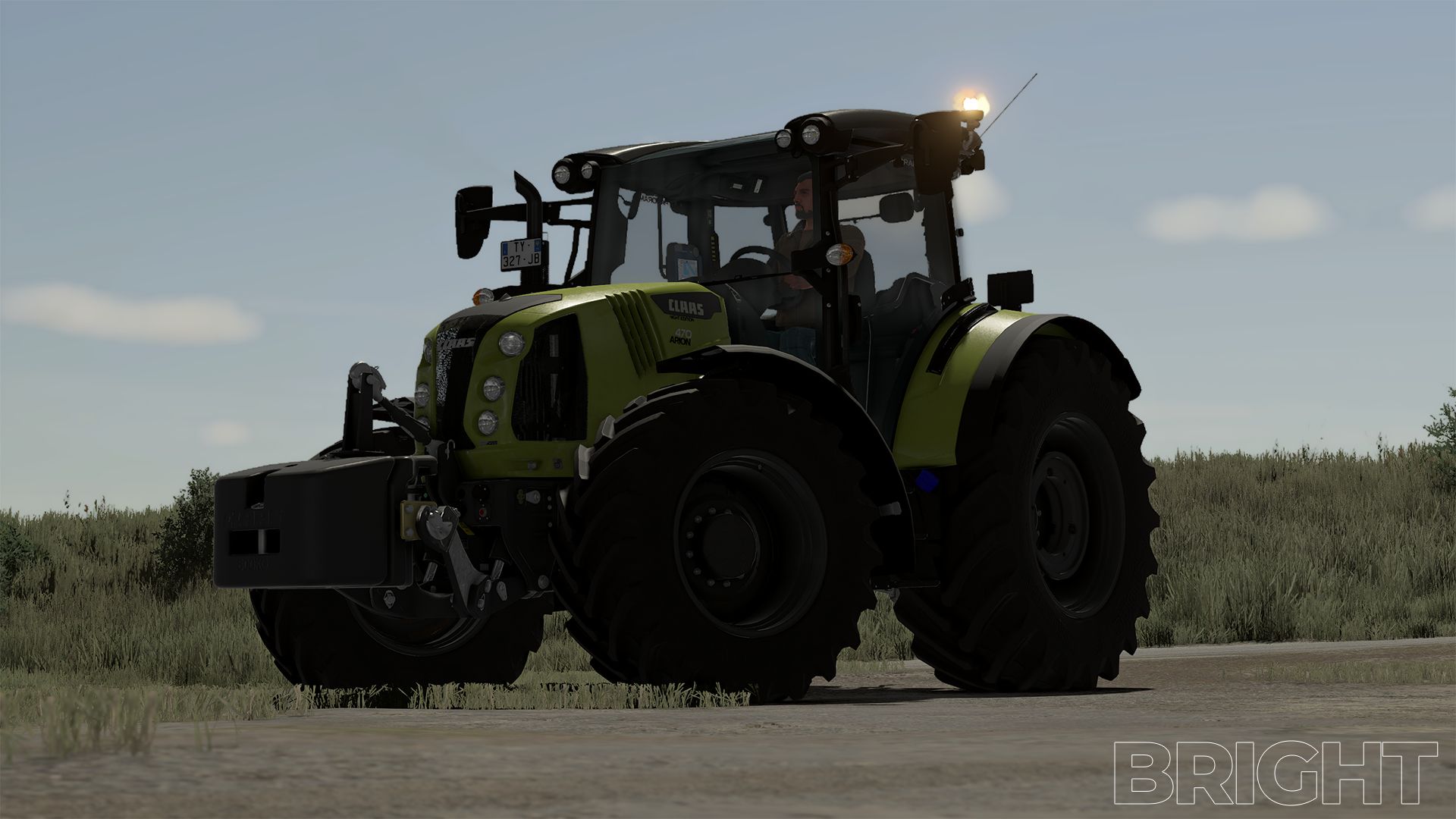
The shader is tailored to my personal look and combines a customized environment, custom day and night color grading, and ReShade.
Depending on the monitor, brightness, resolution, map, weather and graphics settings, colors and lighting may vary slightly.
Important: For the intended look, both the supplied XML files and the non-standard Riverbend Springs lighting should be used.
Using only the ReShade file will not result in an exactly identical look.