LS 25 Terrain Texture And Object Picker V2.1.0.0
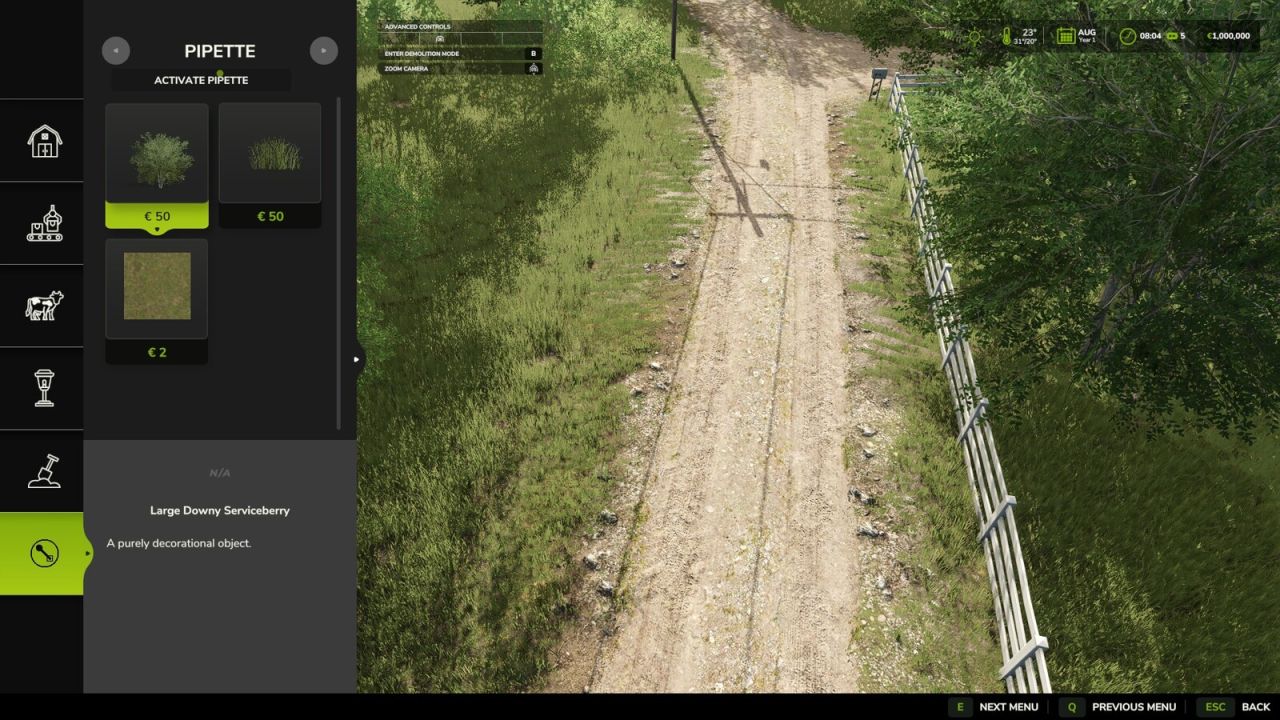
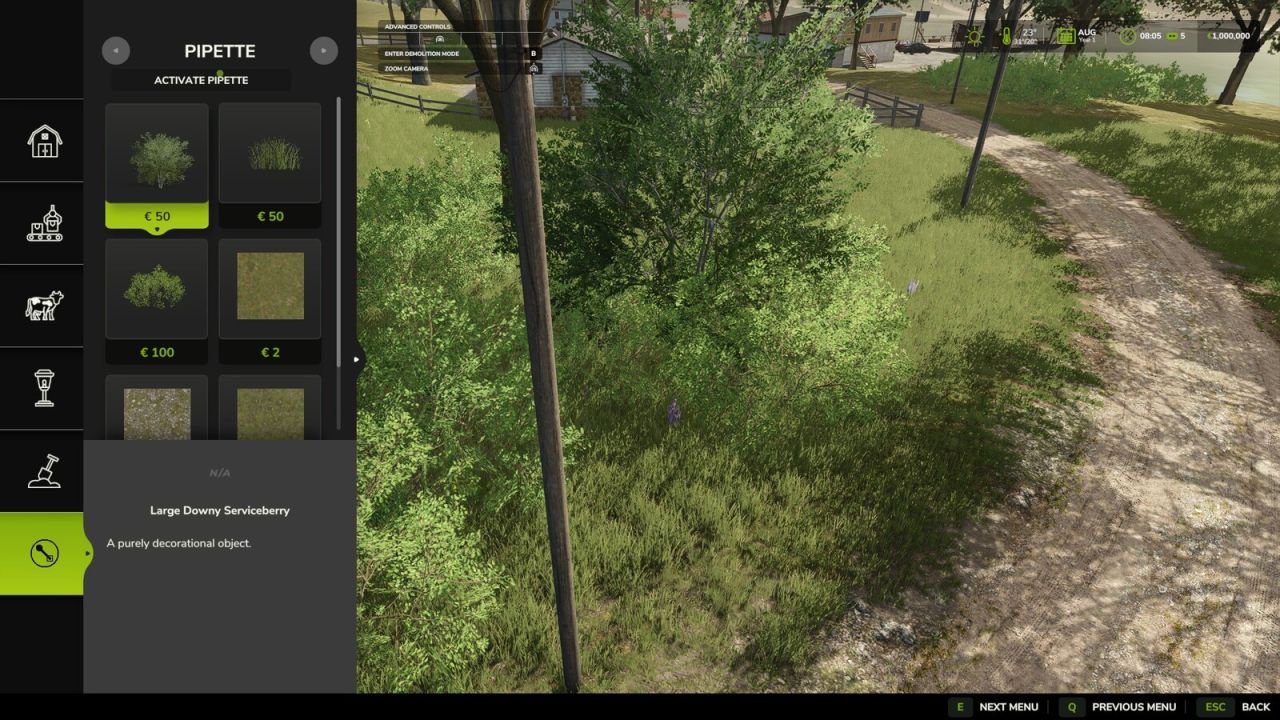
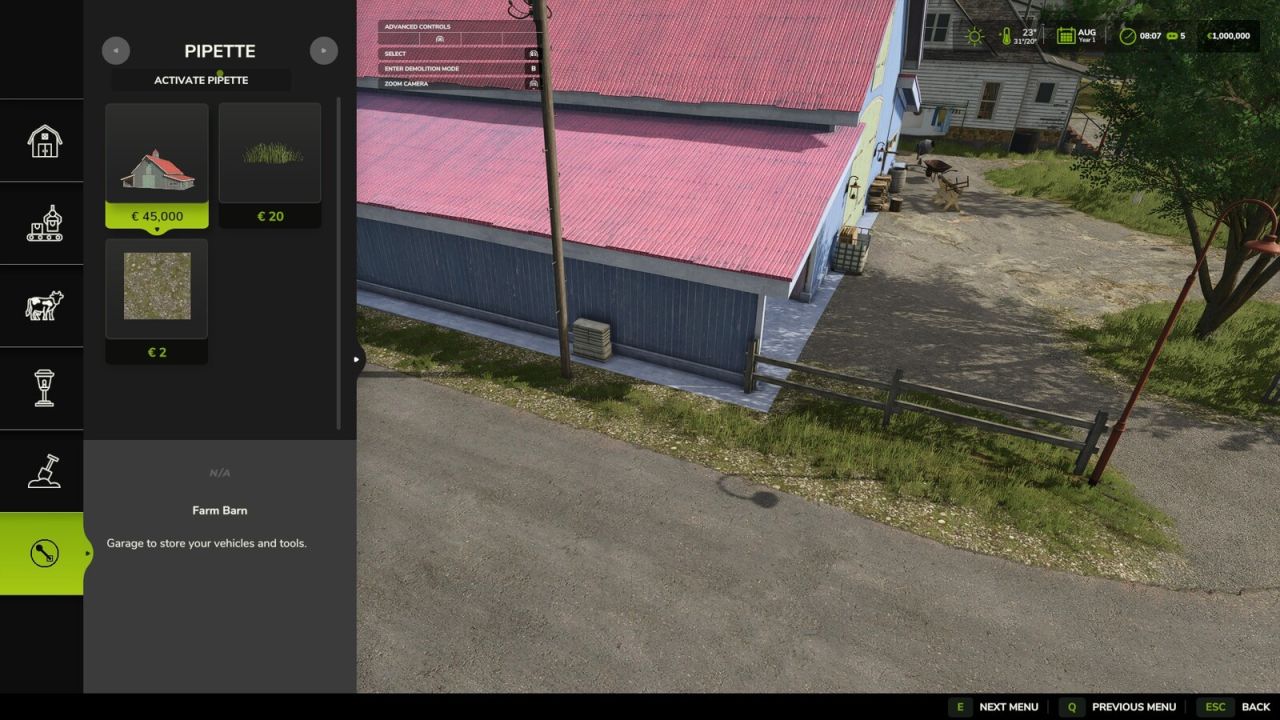
Terrain Texture And Object Picker adds a pipette function for ground textures, foliage, bushes, trees and supported placeable objects to the construction menu.
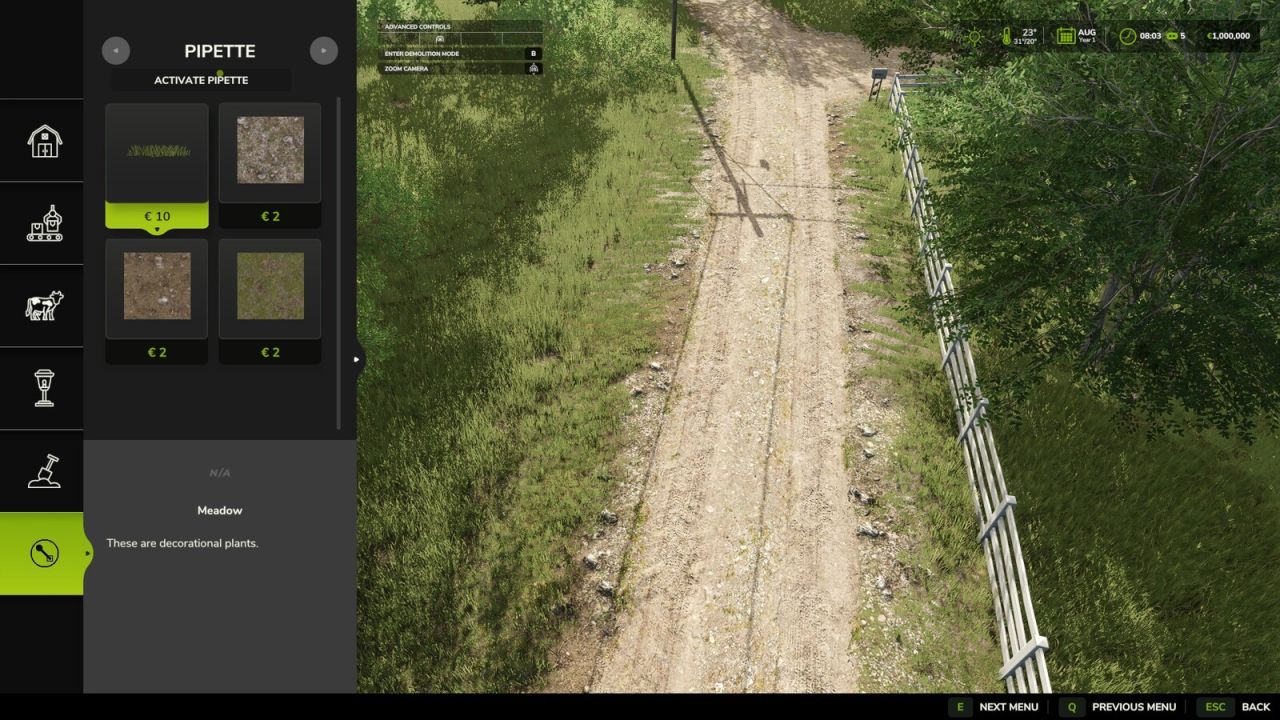
It allows previously used paint textures, visible foliage such as grass, flowers and bushes, placeable trees and supported objects to be picked directly from the map and found again in the construction menu. In mixed areas, several matching results can be shown.
How to use:
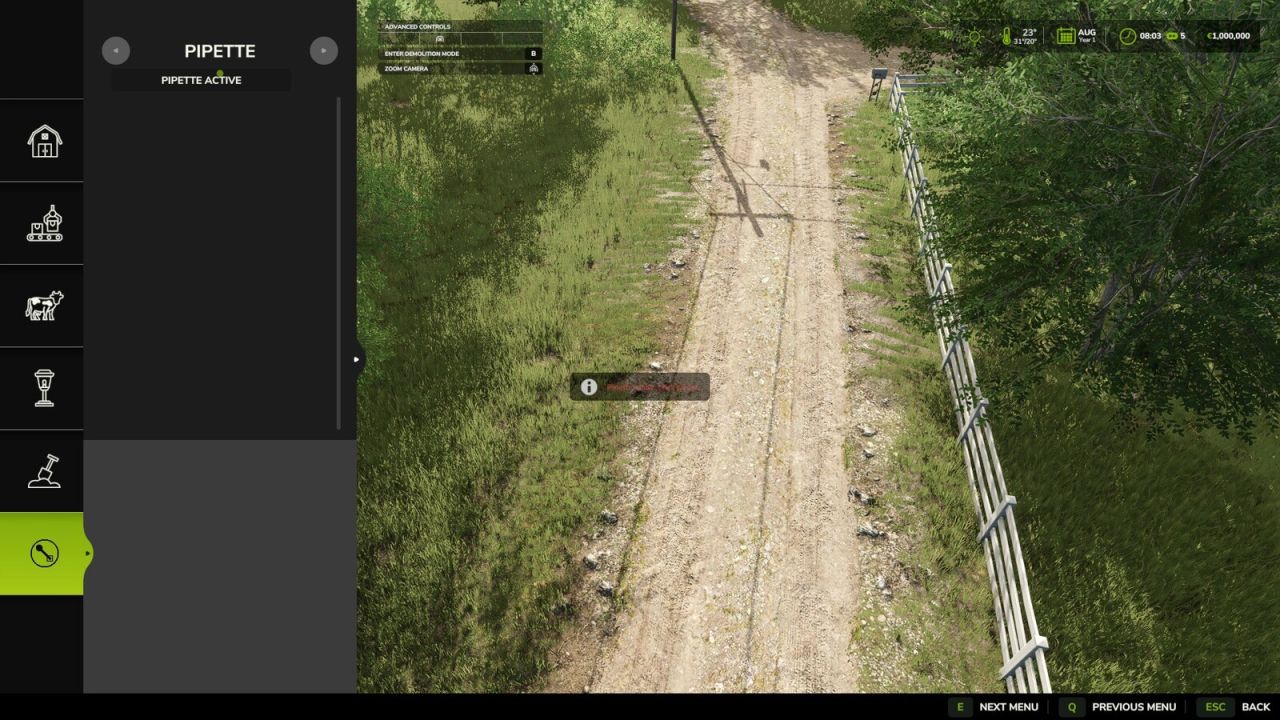
1. Open the “Pipette” tab in the construction menu.
2. Press the “Activate pipette” button.
3. Click a ground texture, foliage, a bush, a tree or a supported object.
4. Confirm the desired result in the construction menu.
5. Paint or build as usual.
If needed, the pipette can be activated again at any time. The active brush is reset before picking.
The mod considers available ground textures and suitable foliage of the current map. Map foliage is detected without loading additional entries into the regular construction menu unchecked.
Search:
The “Search” tab (right next to “Pipette”) lets you search the entire construction menu by keyword. Multiple words can be entered in any order; results are sorted by relevance. For general search terms, the search recognizes connected groups of objects – currently trees and husbandry as the first examples – even when the term doesn’t literally appear in the name. This recognition will be extended to more areas over time.
V2.1.0.0
– New Search tab in the construction menu: searches all categories by keyword, order-independent, sorted by relevance.
– First connected object groups recognized for search: trees and husbandry are found even without a literal name match.
– StoreItems from new prefab/map templates are now found reliably, even when paths differ in capitalization.
– Trees without a clear match to a construction-menu entry no longer show up as a broken tile, only as a status message.
Thanks to PeterPwn247 for “All Decorative Foliage” and to modelleicher (Farming Agency) for “All The Ground Textures Ingame”. Both mods helped with understanding how map content can be made available in the construction menu.