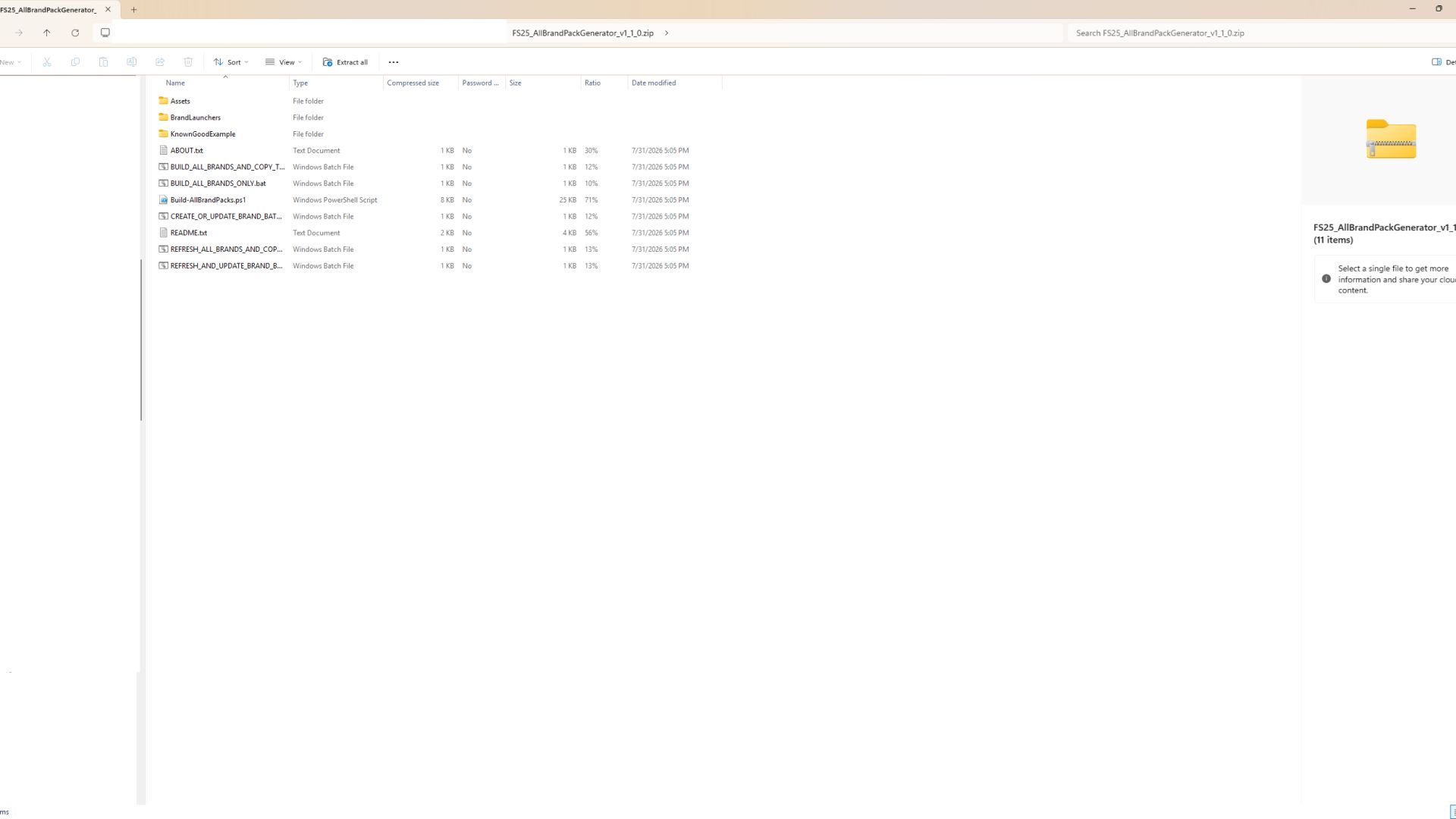
LS 25 All-Brand ModHub Pack Generator V1.0.2.0
The FS25 All-Brand ModHub Pack Generator creates private dependency packs for equipment manufacturers found on the official Farming Simulator 25 ModHub.
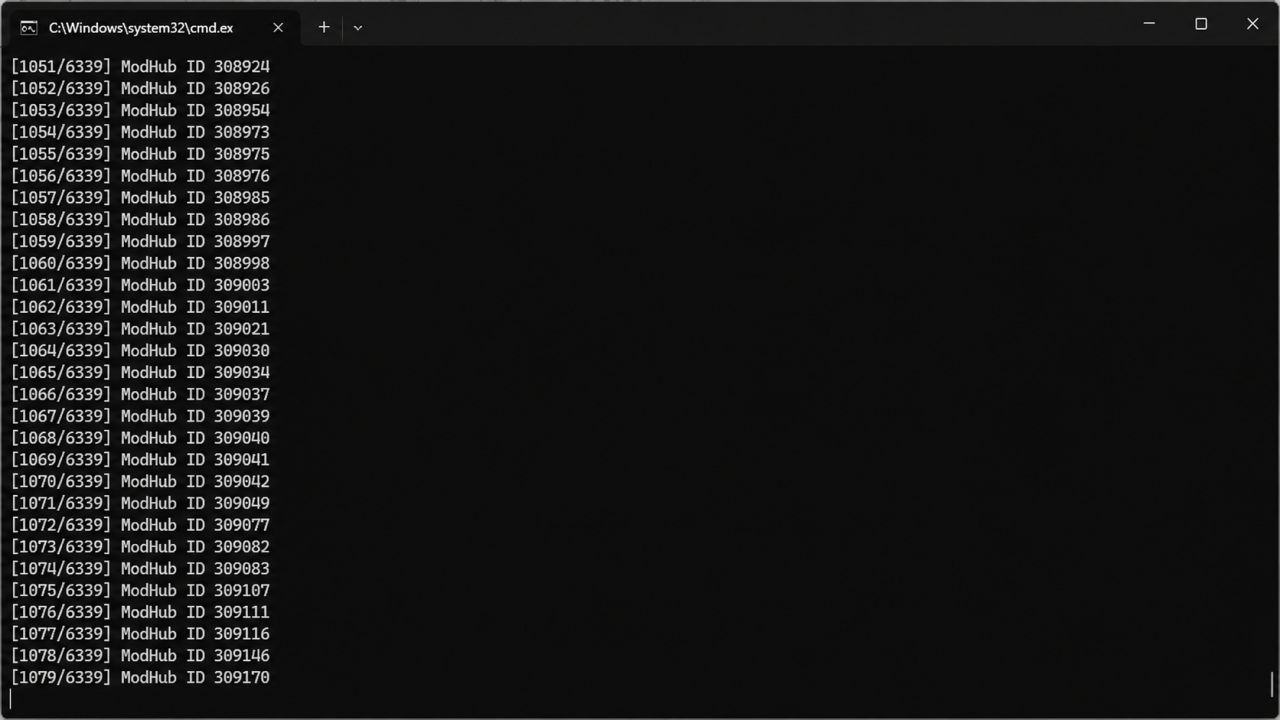
Instead of manually searching for and downloading every mod from a specific brand, this tool scans the ModHub catalog, identifies each mod’s manufacturer and exact internal filename, and creates a separate dependency ZIP for each detected brand.
When a generated brand pack is enabled on a save, Farming Simulator 25 displays the missing required mods and allows them to be downloaded through the game’s normal ModHub dependency system.
Features
Creates one dependency pack per manufacturer
Scans the official FS25 ModHub catalog
Uses exact internal ModHub filenames
Supports PC-only and crossplay releases
Includes clearly identified multi-brand equipment packs
Generates a complete ModHub catalog in CSV format
Creates an individual manifest for every brand
Can automatically copy generated packs into the FS25 mods folder
Saves a catalog cache for quicker future builds
Includes refresh options for new and updated ModHub releases
Does not redistribute any vehicle or equipment mods
Individual Brand Launchers
The `BrandLaunchers` folder contains separate files such as:
`BUILD_NewHolland_AND_COPY_TO_MODS.bat`
`REFRESH_NewHolland_AND_COPY_TO_MODS.bat`
`BUILD_JohnDeere_AND_COPY_TO_MODS.bat`
`REFRESH_JohnDeere_AND_COPY_TO_MODS.bat`
`BUILD_CaseIH_AND_COPY_TO_MODS.bat`
`REFRESH_CaseIH_AND_COPY_TO_MODS.bat`
The normal `BUILD` launcher uses the saved catalog and rebuilds only the selected brand.
The `REFRESH` launcher performs a fresh ModHub scan and then rebuilds only the selected brand.
Running an individual brand launcher does not delete or replace packs generated for other brands.
Installation
1. Download and extract the generator ZIP into a normal folder.
2. Open the `BrandLaunchers` folder.
3. Run the `BUILD` BAT file for the brand you want.
4. The dependency pack will be generated and copied into:
`Documents/My Games/FarmingSimulator2025/mods`
5. Start Farming Simulator 25.
6. Enable the generated brand collection on your save.
7. Download the missing dependencies when prompted by the game.
Creating or Updating Brand Launchers
Run:
`CREATE_OR_UPDATE_BRAND_BATS.bat`
This creates or updates individual build and refresh launchers for every manufacturer found in the saved ModHub catalog.
Run:
`REFRESH_AND_UPDATE_BRAND_BATS.bat`
This performs a fresh ModHub scan and recreates the individual brand launchers without building every brand pack.
Building Every Brand
Run:
`BUILD_ALL_BRANDS_AND_COPY_TO_MODS.bat`
This generates every detected brand pack and copies them into the FS25 mods folder.
Run:
`BUILD_ALL_BRANDS_ONLY.bat`
This generates every brand pack without copying them into the mods folder.
Run:
`REFRESH_ALL_BRANDS_AND_COPY_TO_MODS.bat`
This performs a fresh ModHub scan, rebuilds every brand pack, and copies them into the mods folder.
Important Information
This tool does not contain or redistribute any vehicle, implement, map, placeable or script mods.
It only creates small dependency packages that reference mods available through the official Farming Simulator 25 ModHub.
The generated packs are intended for private PC use and are not designed for submission to the official ModHub.
The ModHub catalog can change as mods are added, renamed, updated or removed. Use the refresh launchers periodically to keep your collections current.