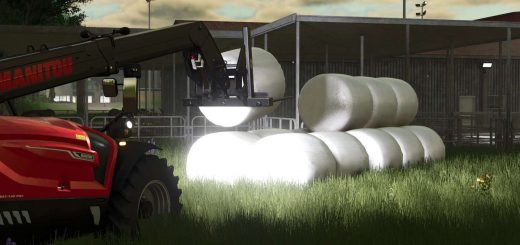
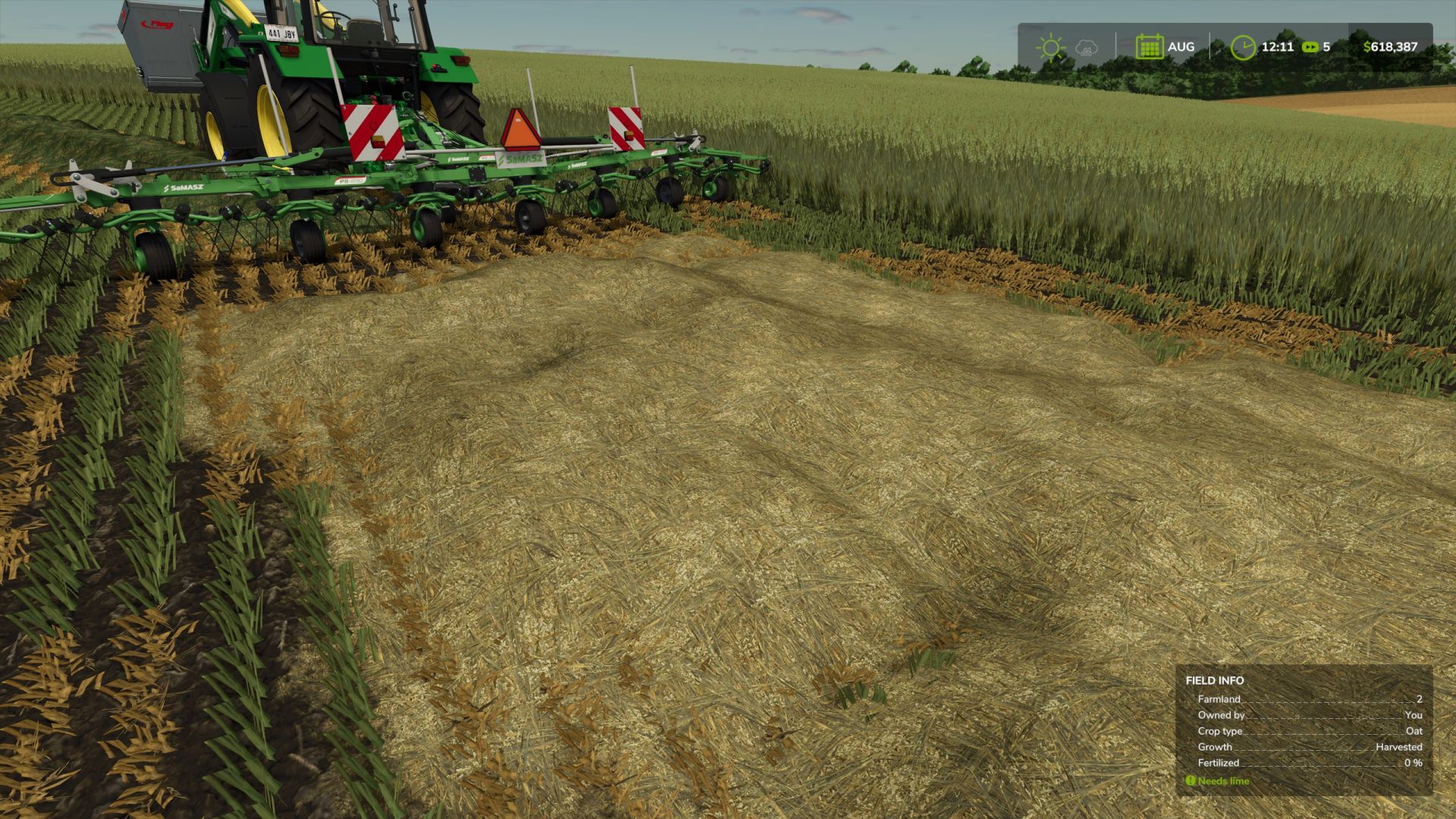
LS 25 Oaten Hay Textures (Prefab) V1.0.0.0
Something that has always bothered me with FS ever since FS19’s introduction of oats is that Giants simply did not allow us to cut oats as a hay crop.
In certain parts of the world, especially in Australia, our marginal rainfall climates prevent the consistent height growth of crops such as “Grass Hay” and Alfalfa to cut rake and bale for livestock feed without irrigation. the “Grass” crop type seen in FS25 in real life would be slashed down and eaten bare in a matter of weeks by a herd of hungry cattle and sheep.
Instead, we grow cereal grain crops such as oats, and when they put out heads in the milky dough state in september/october, we bring out the mower and cut the oats as a temporary hay crop.
Most of the oats grown here depending on the operation will have a portion of the crop program dedicated to cutting for hay, the remainder being harvested for grain as normal.
In past versions of FS, we came really close to having Oaten Hay as a proper crop type with the modding legend that is BcBuhler Farms creating Green Feed Oats on Edgewater Sask for FS22 which I tried to convert to 25 (and failed because the fruit type system has been overhauled beyond recognition… yeh, cheers for that Giants)
So, in a bid to make hay from mowing Oats in FS25 on Nelly Creek, I decided to bugger it! let’s go the whole hog. Which brings us to the prefab you see before you.
The following prefab includes
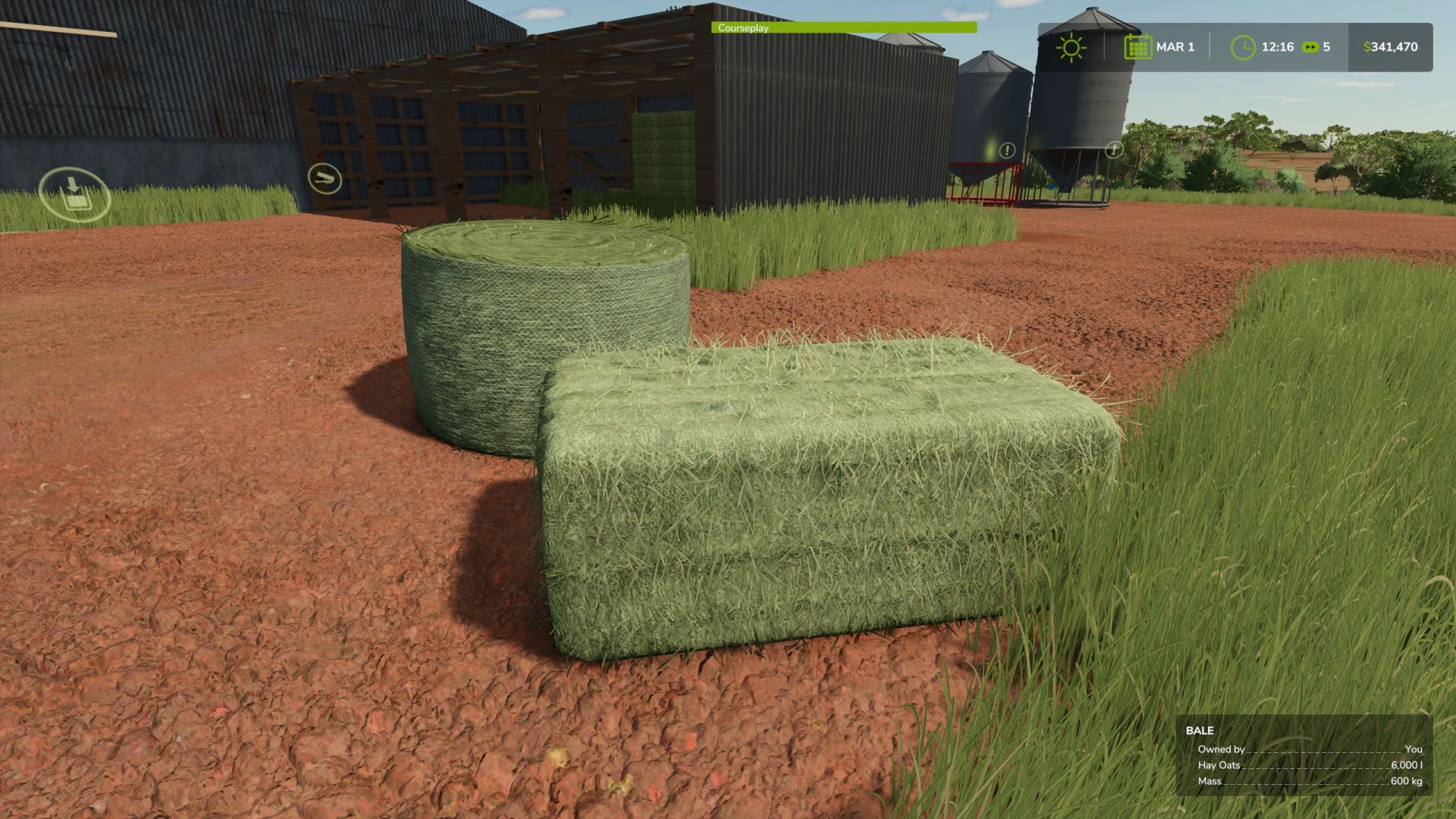
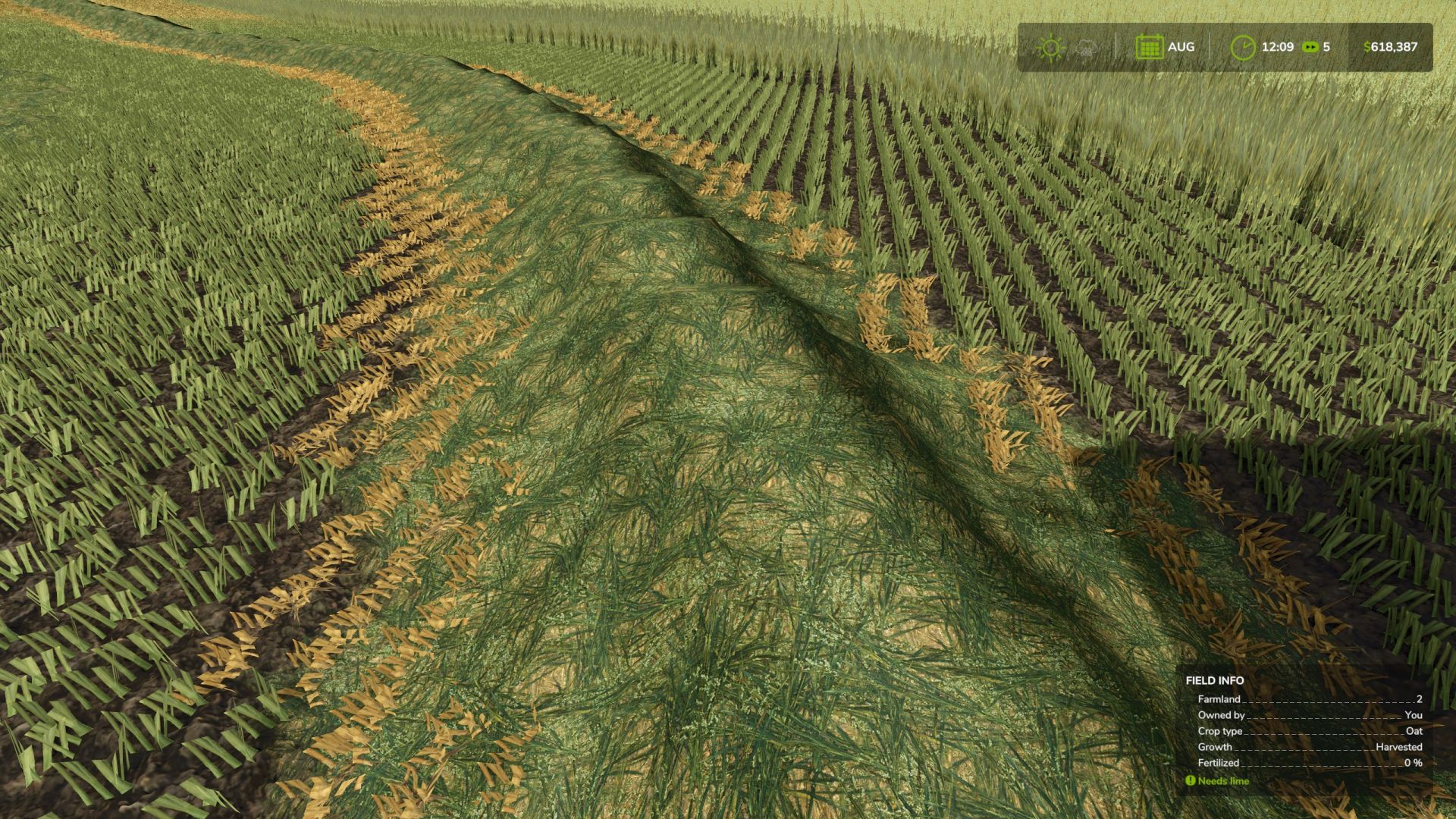
2 custom swath textures, one for Wet Oaten hay (light green) and Dry Oaten Hay (golden yellow in colour),
The necessary textures for said swaths
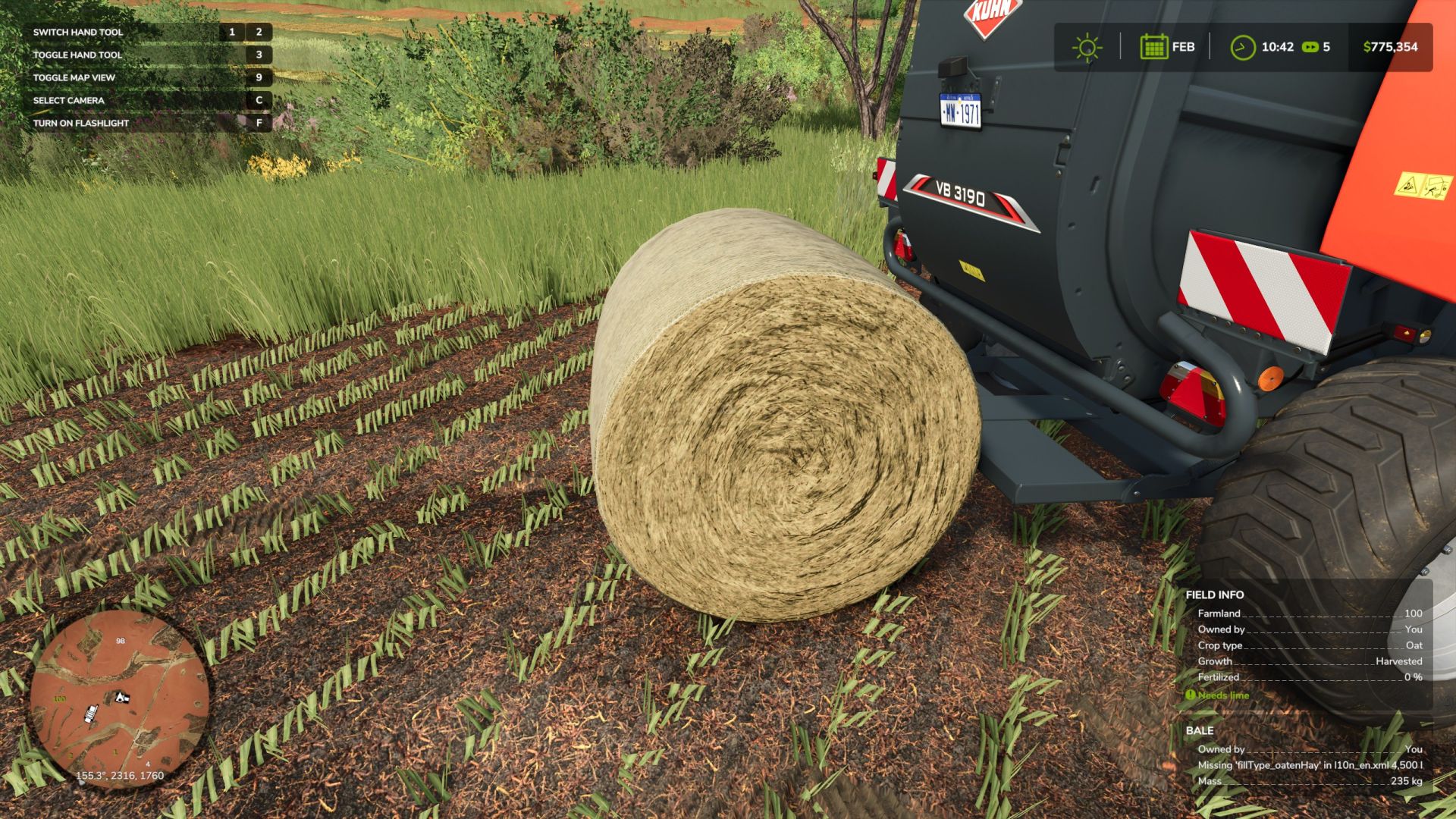
Custom bale textures for all your round and square bales FS has to offer
The necessary XML data in one convenient file to copy/paste into your own map xml files so you can mow, ted, rake, bale, wrap, sell, feed to your livestock.
And my best attempt at giving instructions to the noob/beginner modders who want to have a go at putting this on my map.
Please Note: This prefab is at the stage where I’m happy to share it with all of you online, however I’m still trying to find a way to separate the ability to mow from the harvest ready state in the oat xml file. If any more experienced modders found a way to do this, please do let me know.
Currently this prefab simply lets you mow oats into custom swaths and bale types, aside from that the Oaten Hay behaves exactly the same as regular grass and hay in FS25.
It is recommended that experienced modders use this prefab, and for the beginners out there to watch modding tutorials for custom fruit, swath, and fill types on YouTube before attempting this.