LS 25 Mod Farm Manager V1.0.0.2
FS25 Mod Farm Manager — Ultimate Mod & Savegame Tool
FS25 Mod Farm Manager is an all-in-one, high-performance desktop application designed for Farming Simulator 25. It allows virtual farmers and modders to easily browse, manage, edit vehicle specifications, tweak savegames, and edit XML files safely without manually extracting archives!
Key Features
🔧 1. All-in-One Mod Editor
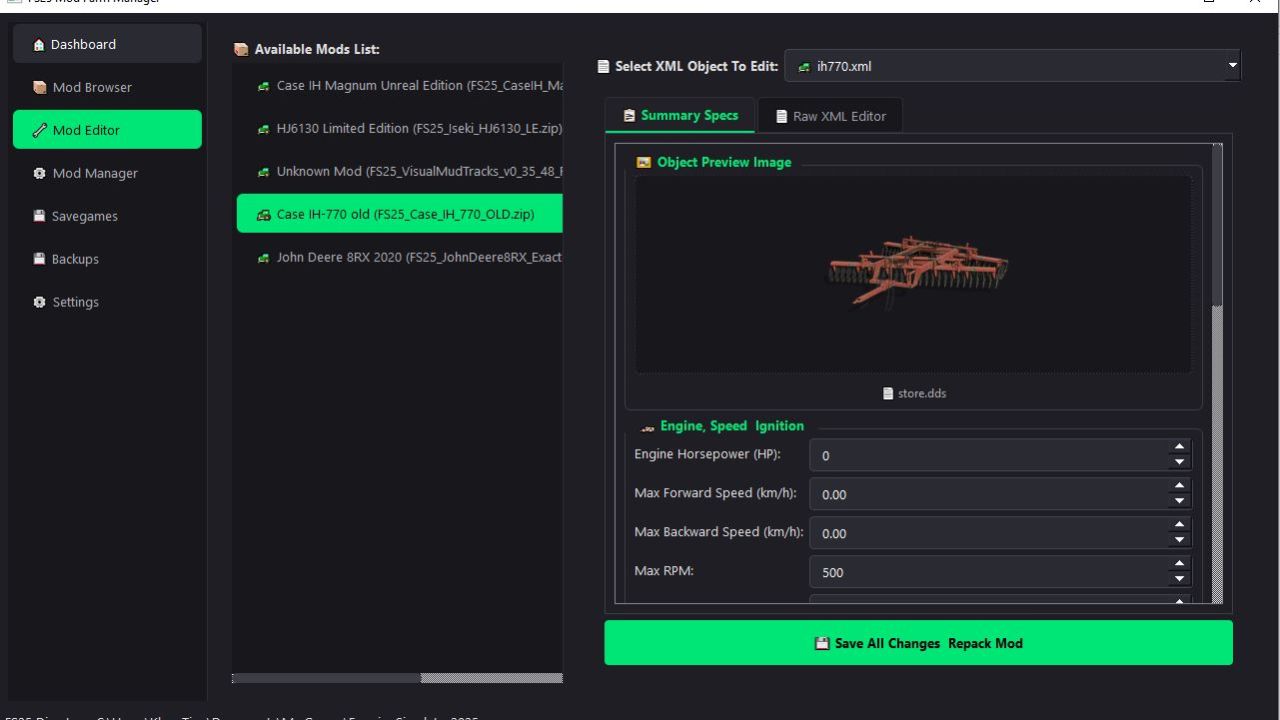
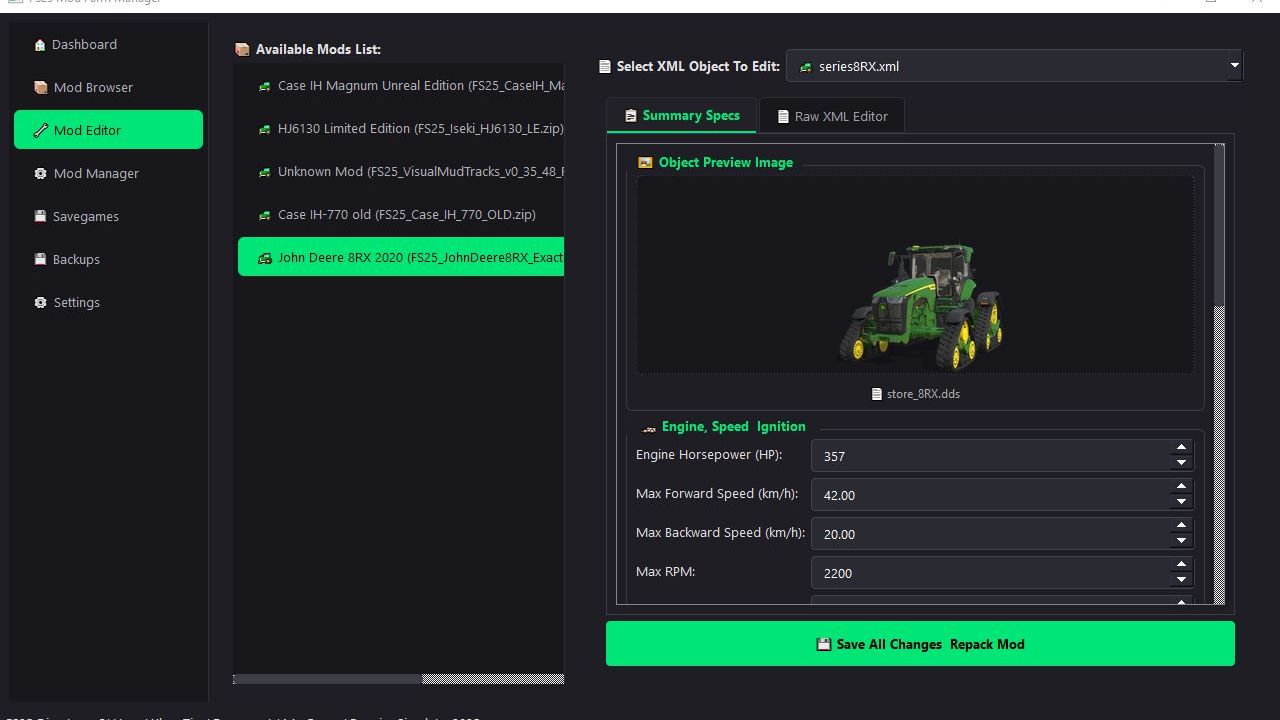
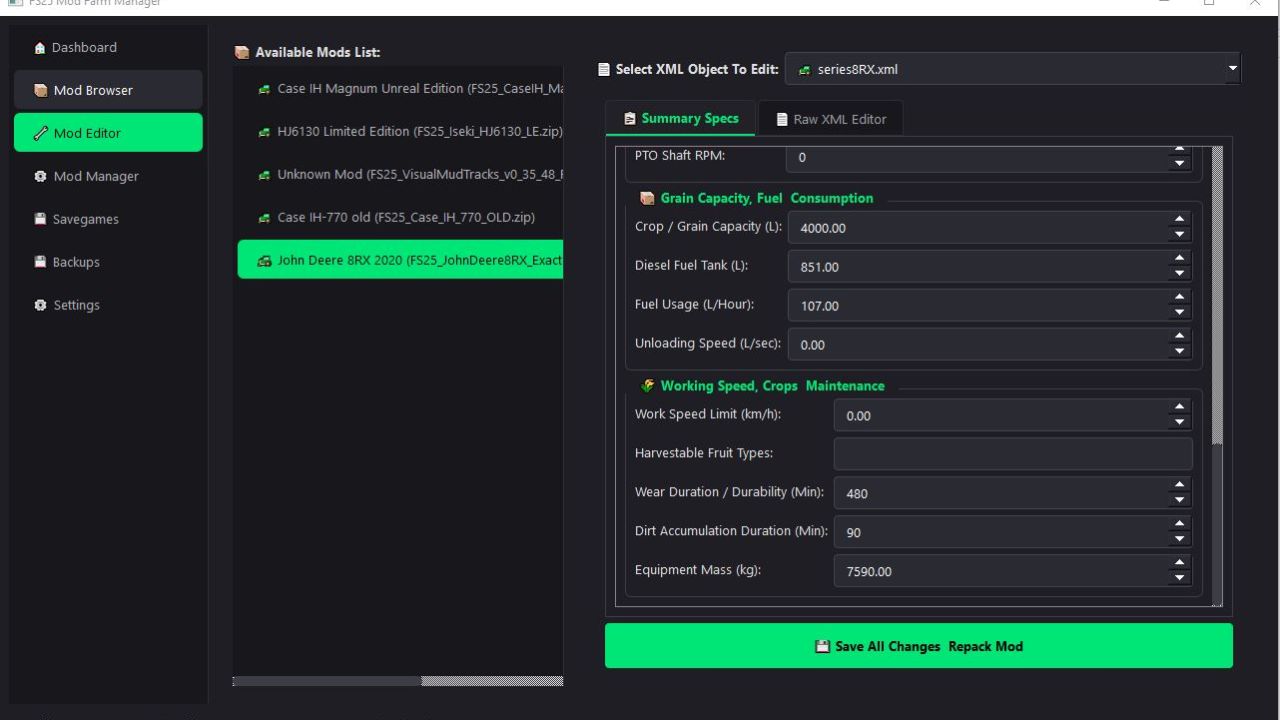
GUI & Form Editor: Tweak vehicle specs without touching raw code.
Engine & Performance: Edit Horsepower (HP), Max Forward/Backward Speed, Torque Scale, Brake Force, and Shop Price.
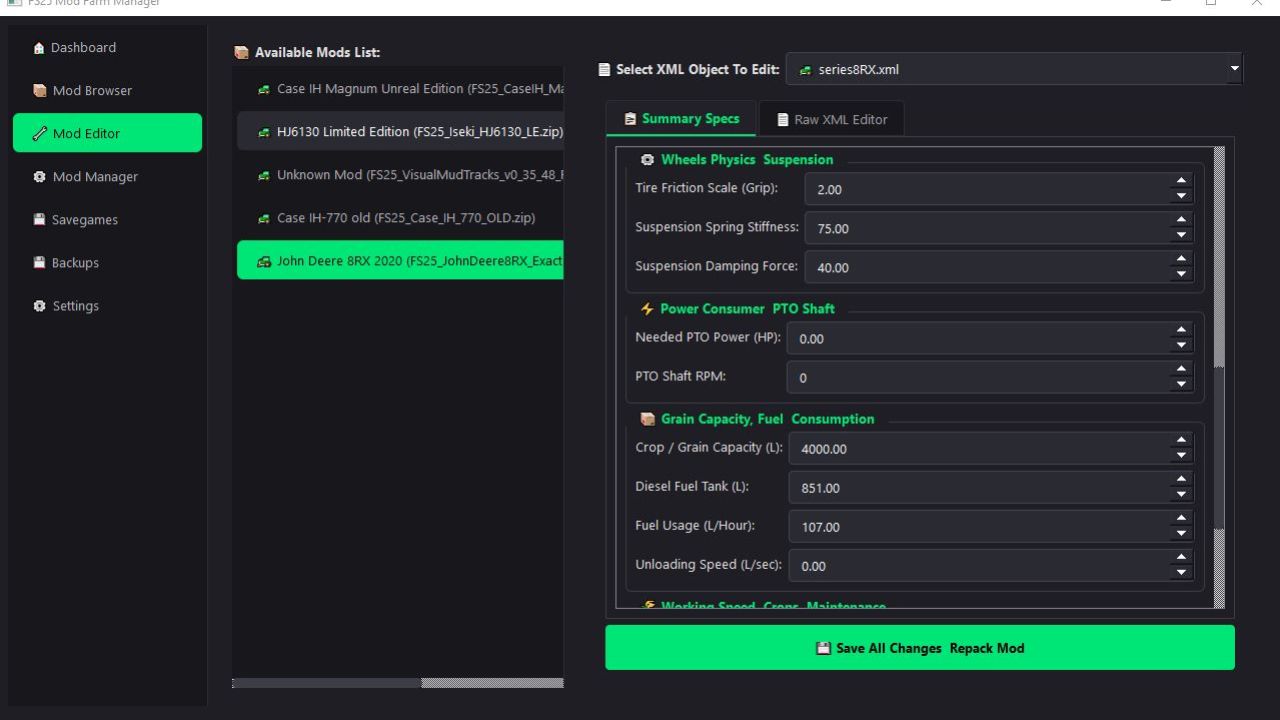
Capacities & Unloading: Adjust Grain/Crop Capacity, Diesel Fuel Tank Size, and Unloading/Discharge Speed.
Work & Durability: Change Working Speed Limits (for harvesters, plows, seeders), Wear Duration / Durability, and Mass/Weight.
📦 2. Safe Repacking & Auto-Backup
Non-Destructive ZIP Editing: Extracted, edited, validated, and repacked automatically into clean .zip archives.
Automatic Backups: Generates SHA-256 validated original backups before saving any edits.
One-Click Restore: Instant 1-click restore if you want to revert any modifications.
💾 3. Advanced Savegame Manager & Editor
Direct Savegame Editing: Modify your farms.xml easily.
Money & Loans: Tweak current Money balance and Bank Loans.
Farm Info: Rename your Farm and change Player Nicknames.
Playtime Stats: Inspect playing time, fuel consumption, and worked hectares.
📄 4. Advanced XML Tree & Code View
Dual-view mode with XML Structure Tree and Raw Text Editor.
Built-in XML Syntax Validator to ensure no corrupt XML files crash your game.
Safe DOM Modification: Uses lxml XPath/DOM parsing instead of risky string replacements to prevent XML corruption.
⚙️ 5. Mod Management & Profiles
Enable / Disable Mods: Instantly toggle mods on or off without deleting files.
Conflict Detector: Highlights duplicate mod names, missing XML references, or broken modDesc structures.
How to Install & Run
Download and extract the latest release zip.
Run FS25_Mod_Farm_Manager
The app automatically detects your default FS25 directory (Documents/My Games/FarmingSimulator2025/). If using a custom path, you can set it in Settings.
V1.0.0.2
Fixed some display errors
Some mods were not working