LS 25 Agricultural Cooperative V1.0.0.0
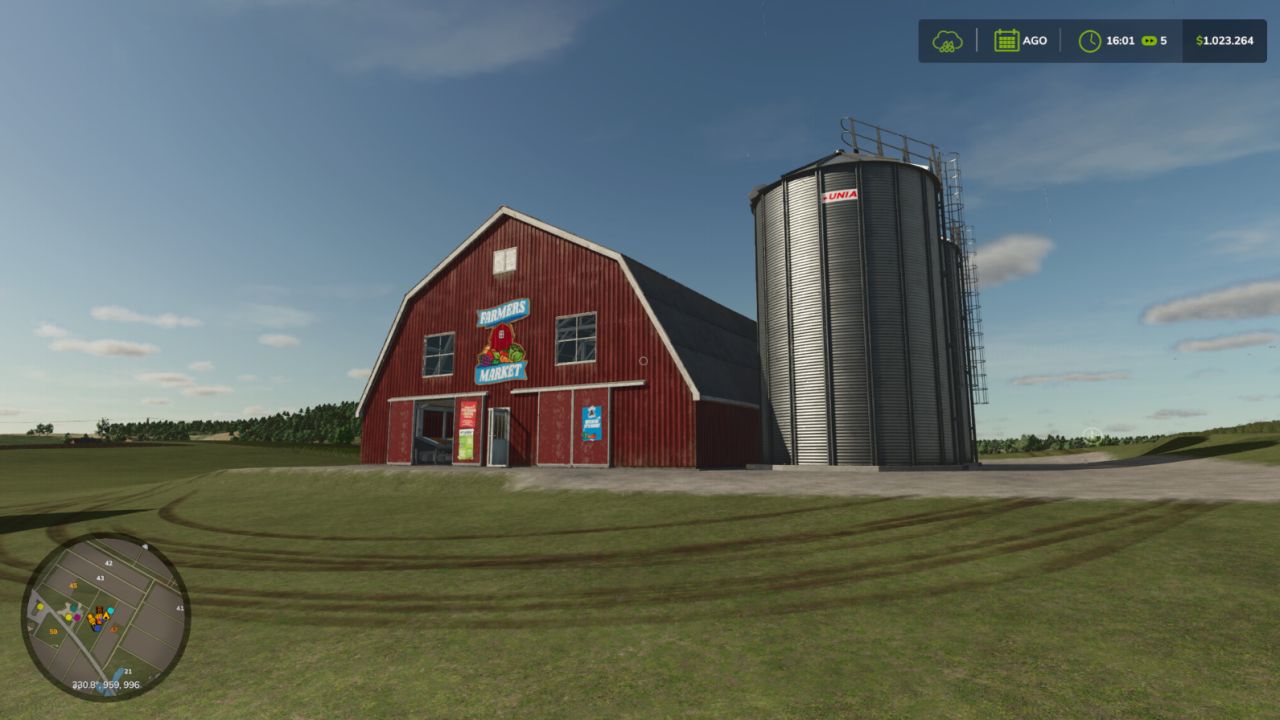
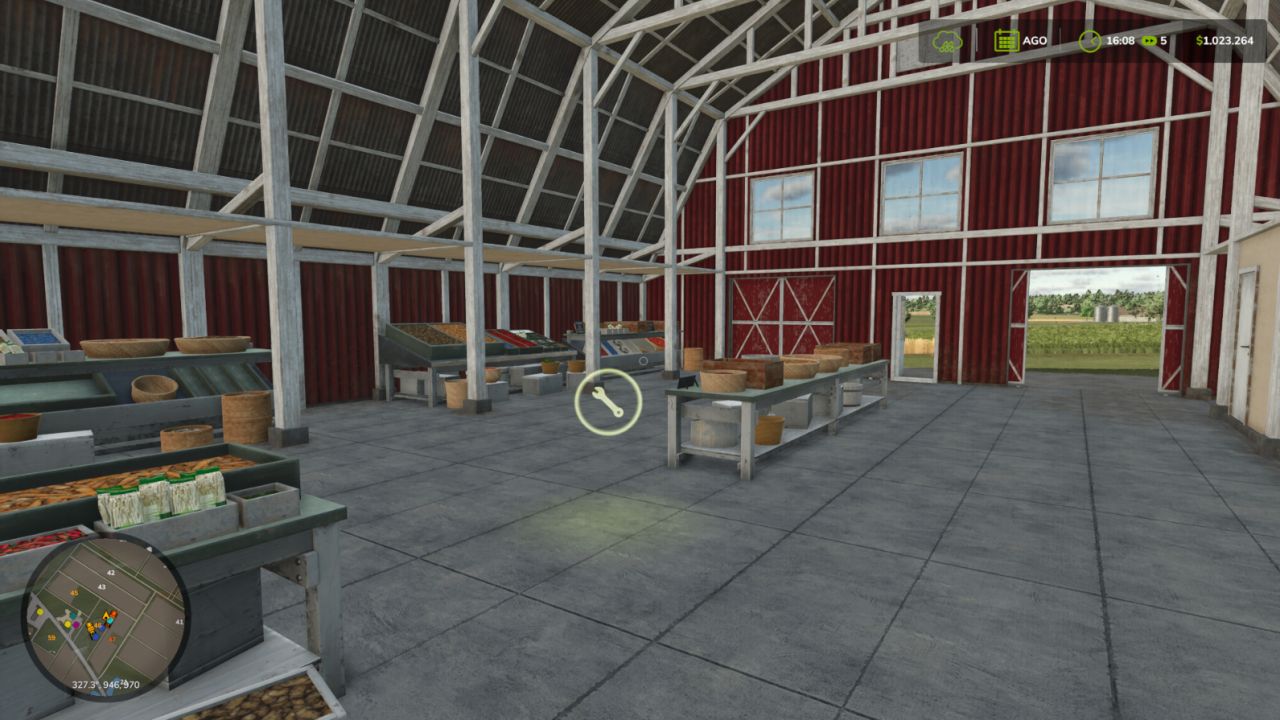
Transform your farm into a true Multiplayer Agricultural Cooperative, where all producers can trade with each other through a centralized purchasing, selling and storage system. Ideal for multiplayer servers that seek more realism, dynamic economy and teamwork.
How the Cooperative works
The first farm to place the cooperative becomes responsible for its administration. From that moment on, all other players will be able to use the cooperative to sell their products.
Product Negotiation
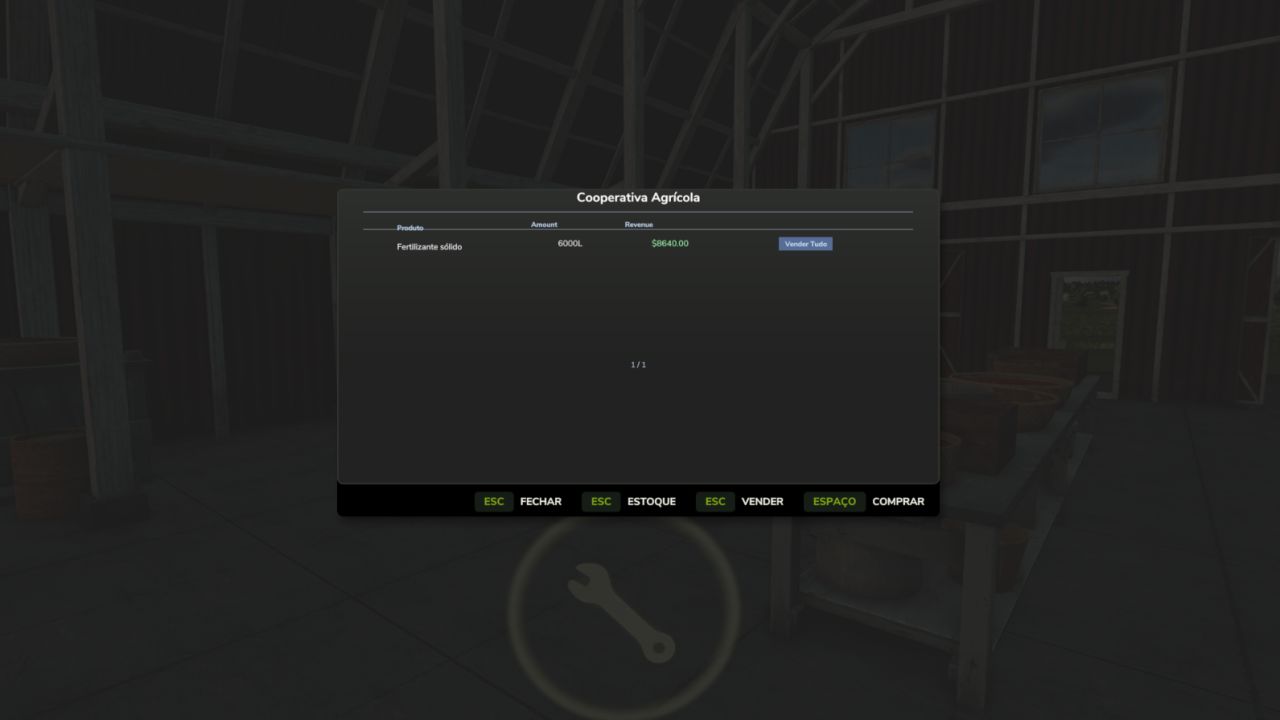
Producers can sell their products to the cooperative for a configurable percentage of the market price.
Producers can also purchase products available in the cooperative’s stock for a configurable value.
The cooperative works as an agricultural distribution center, allowing you to store products, redistribute them among members and create your own economy within the server.
Compatible with virtually all types of game products, including grains, milk, wood, fruits, seeds, fertilizers and products added by compatible maps or mods.
Cooperative Resources
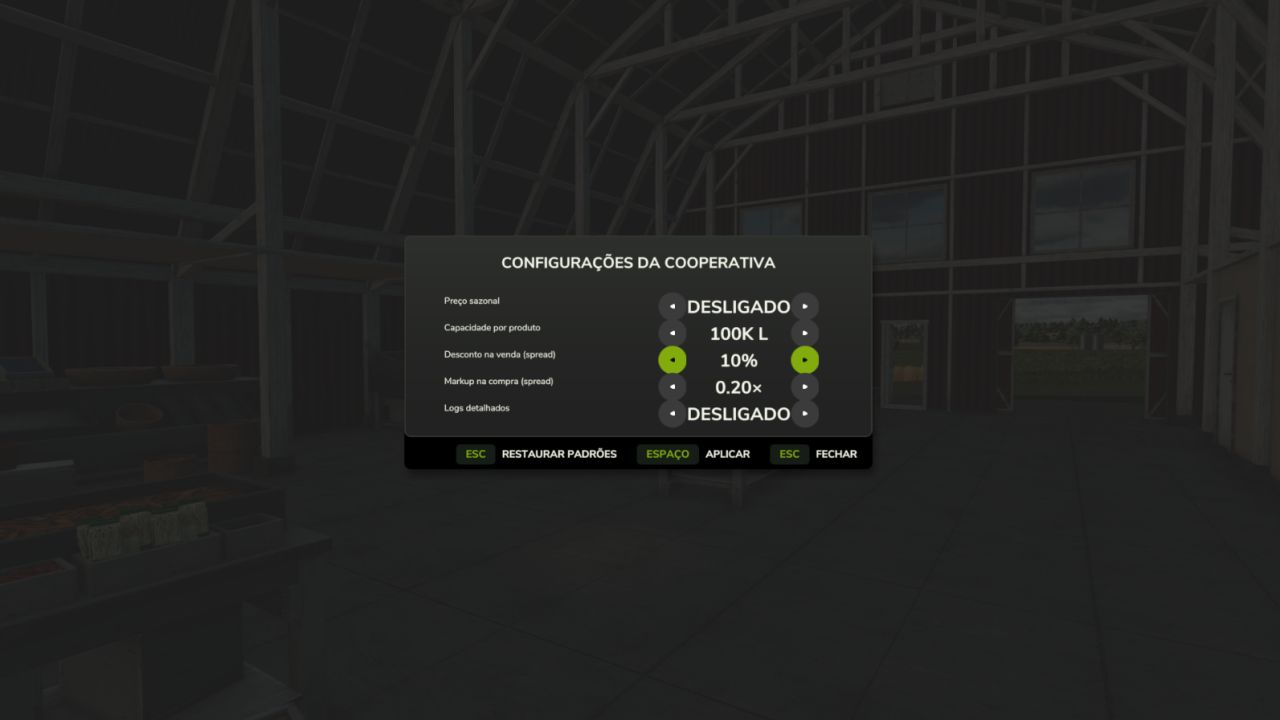
Administration Panel
Access the panel via Shift + M to configure:
Percentage of cooperative purchase
Percentage of cooperative sales
Storage capacity
General system settings
Stock Control
Follow in real time:
Stored products
Available quantity of each item
Input and output movement
Complete management of cooperative resources
Collection and Withdrawal System
With a trailer or tank positioned in the loading area, products are transferred directly.
Products that use pallets can be physically picked up next to the cooperative.
Purchase, sale and withdrawal take place in the same place, facilitating logistics for members.
Full Multiplayer
Fully synchronized for multiplayer.
All players see the co-op markers, menus and information.
Stock, configurations and movements are updated in real time.
Data automatically saved in the savegame.
Compatible with dedicated servers.
Default Settings
Sale to cooperative: 90% of the market price
Purchase at the cooperative: 120% of the market price
Initial capacity: 100,000 liters per product
All values can be changed by the cooperative administrator
How to Use
Open Construction mode.
Search for Agricultural Cooperative.
Position the cooperative on the map.
The first farm to build the cooperative becomes administrator.
Approach it and press E to open the menu.
To sell, park the loaded vehicle in the trading area.
To purchase, select a product available in stock.
To manage the cooperative, use Shift + M.
Manage stored products through the Stock tab.
Create a cooperative agricultural economy
Organize server production, share resources between farms, centralize stocks and strengthen the community economy through a fully functional agricultural cooperative integrated with multiplayer.