LS 25 Attach Implements Manually V1.0.0.2
This mod allows you to manually attach implements to your tractor.
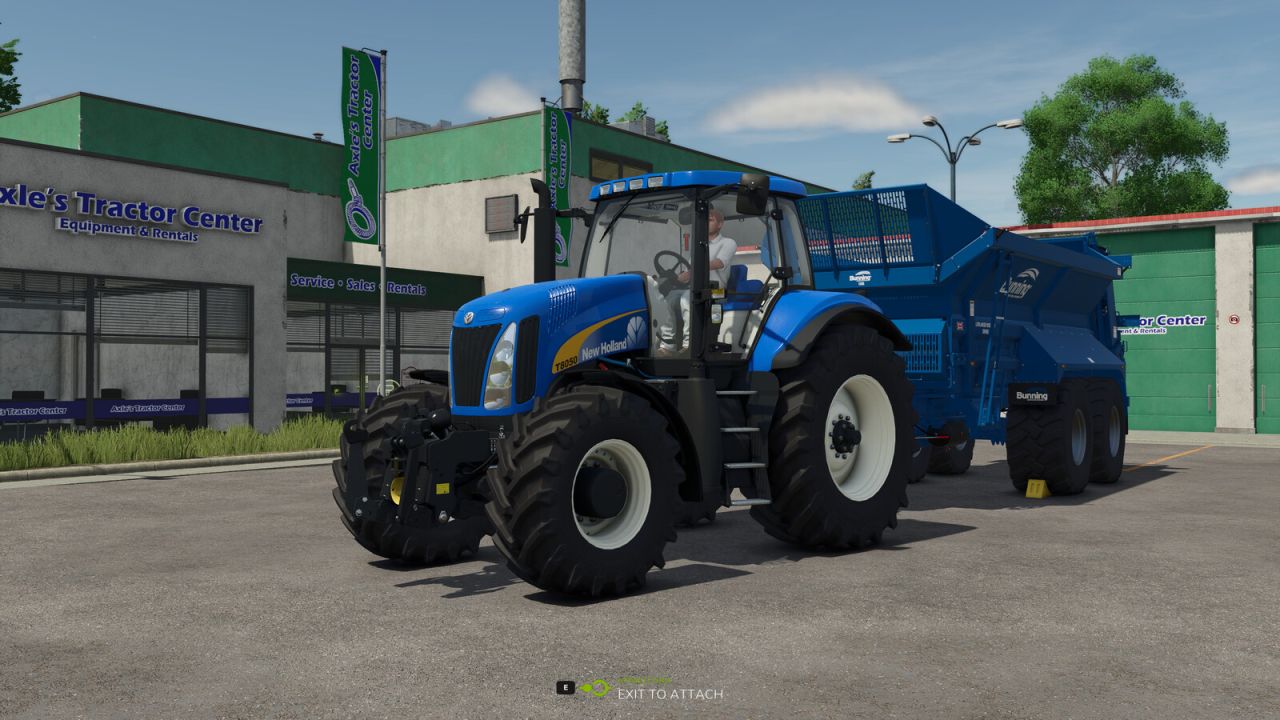
In the general settings, you can choose whether attachments should be connected automatically or manually. If you opt for manual attachment, a message will appear when approaching an implement: “Exit vehicle to attach.”
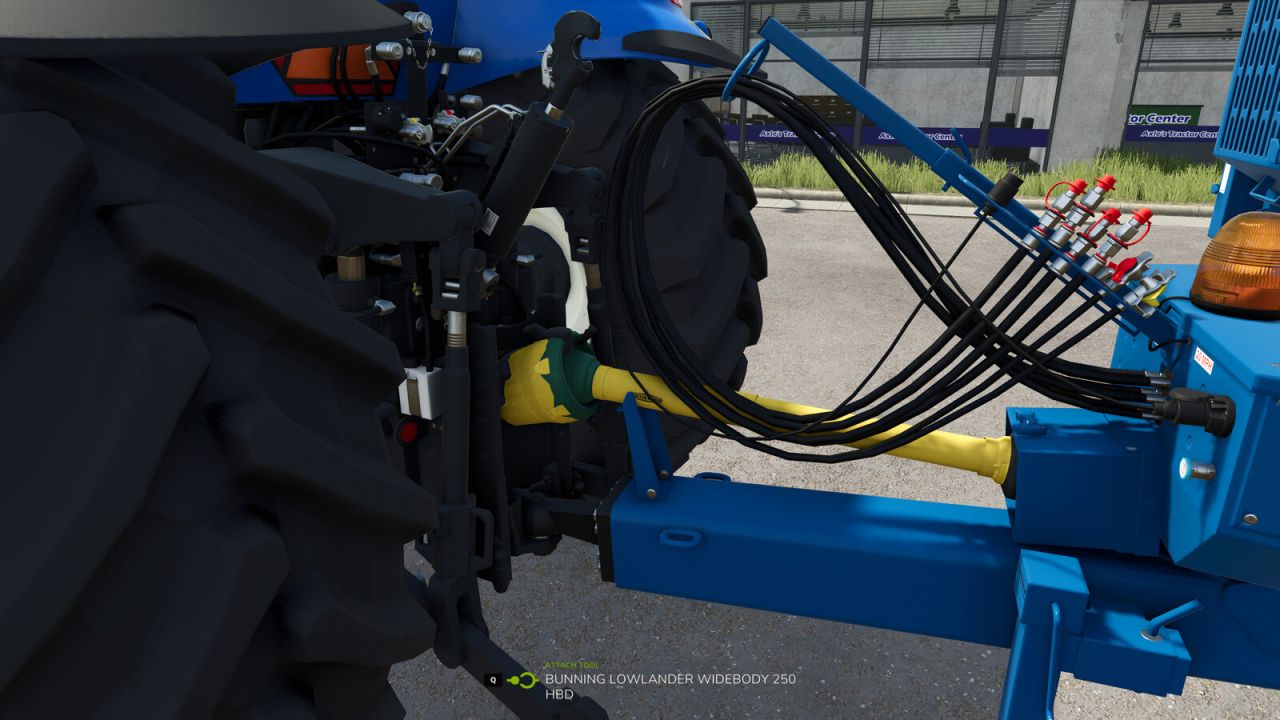
Once you’ve exited the vehicle and walked to the hitch, you can attach the implement by pressing Q.
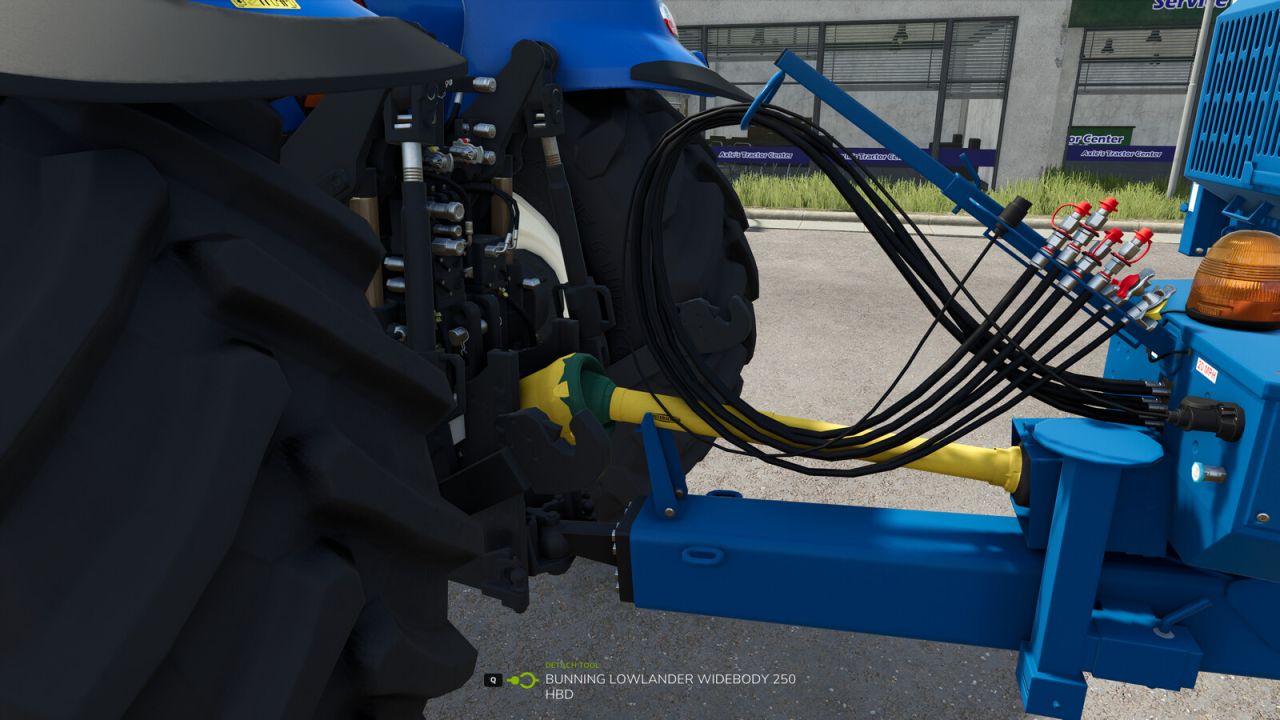
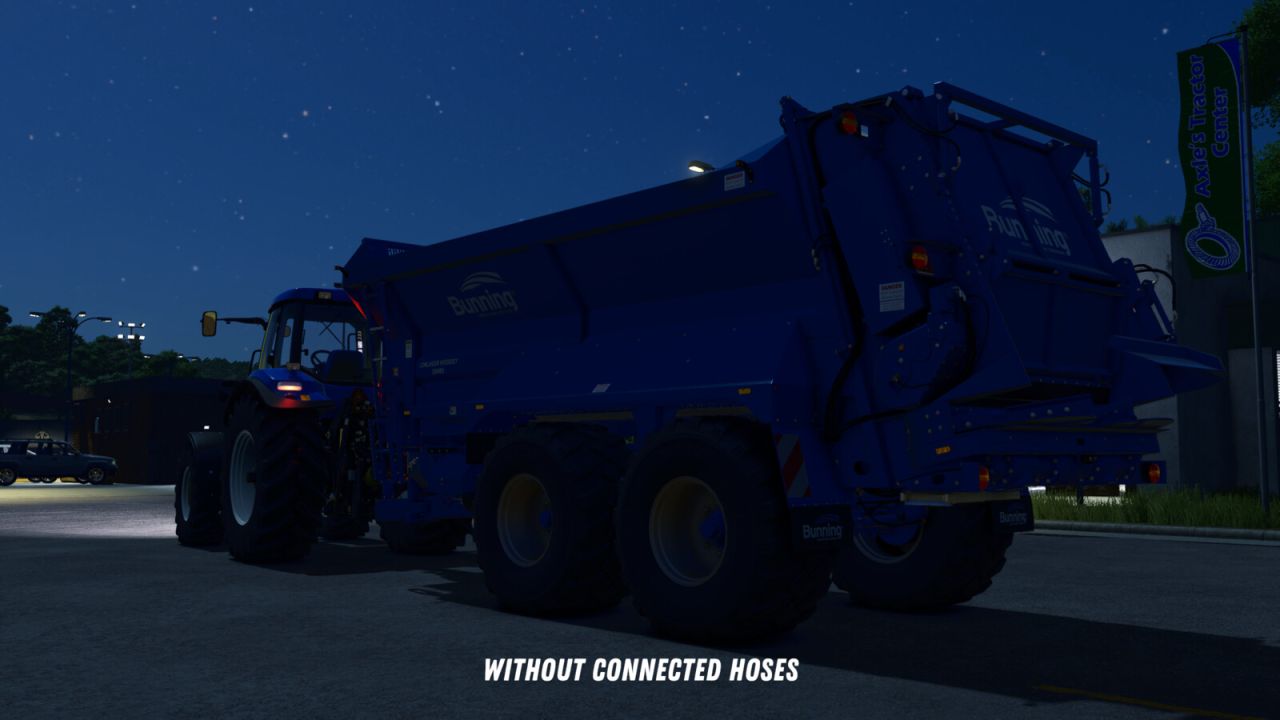
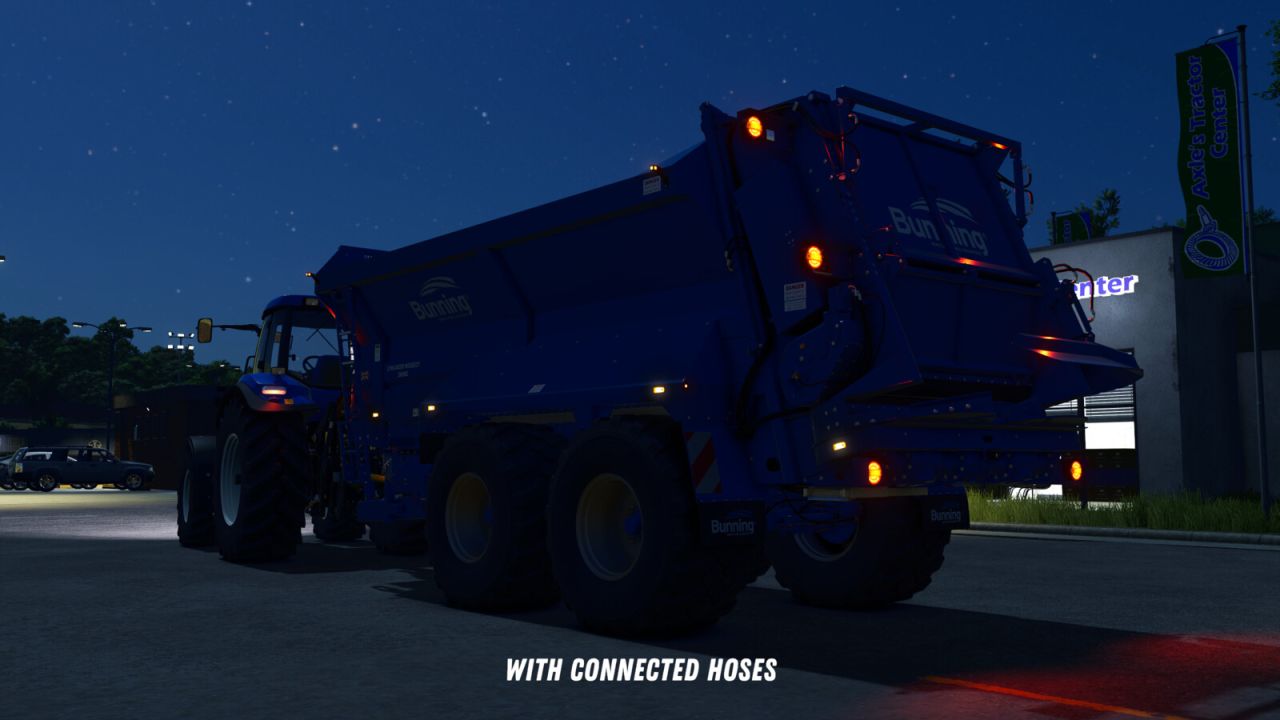
After that, you can manually connect the hydraulic hoses, air lines, and electric cables by pressing Y.
The PTO shaft can be connected separately using the Z key.
An exception applies to trailers and implements with a drawbar hitch and Semitrailer attacher:
These will automatically attach as soon as you align the drawbar precisely with the implement’s hitch.
Additionally, when purchasing front loaders, you can choose between different coupler types:
– Manual: The front loader implement must be attached manually, as well as the hydraulic hoses.
– Auto Locking: The front loader will automatically lock when approaching (if enabled in settings) or by pressing Q from the cab, but the hydraulic hoses must be connected manually.
– Quick Coupler: The front loader will automatically lock when approaching (if enabled in settings) or by pressing Q from the cab, and the hydraulic hoses are also connected automatically.
If manual attachment is enabled in the settings, you’ll need to manually connect the hoses after the implement is hitched.
If it is disabled, all connections will be made automatically once the implement is attached.
All key bindings can be customized freely in the settings. The default key for the “Attach” action uses the standard game assignment.
V1.0.0.2
– Fixed issues with skid steer loaders.
– Fixed issues caused if vehicle height, length or width is not set.
– Added distinction between different hose types. Hydraulic, air, and electric connections are now handled separately.
– Forage harvester headers can now be attached from the forage harvester like with combine harvesters.
– For modders: The possible coupler types for front loaders can be configured in the respective XML of the vehicle. Additionally, a default coupler type can be set and the selection of other coupler types in the shop can be disabled.