

LS 25 Better Contracts V1.3.0.7
This mod enables following features:
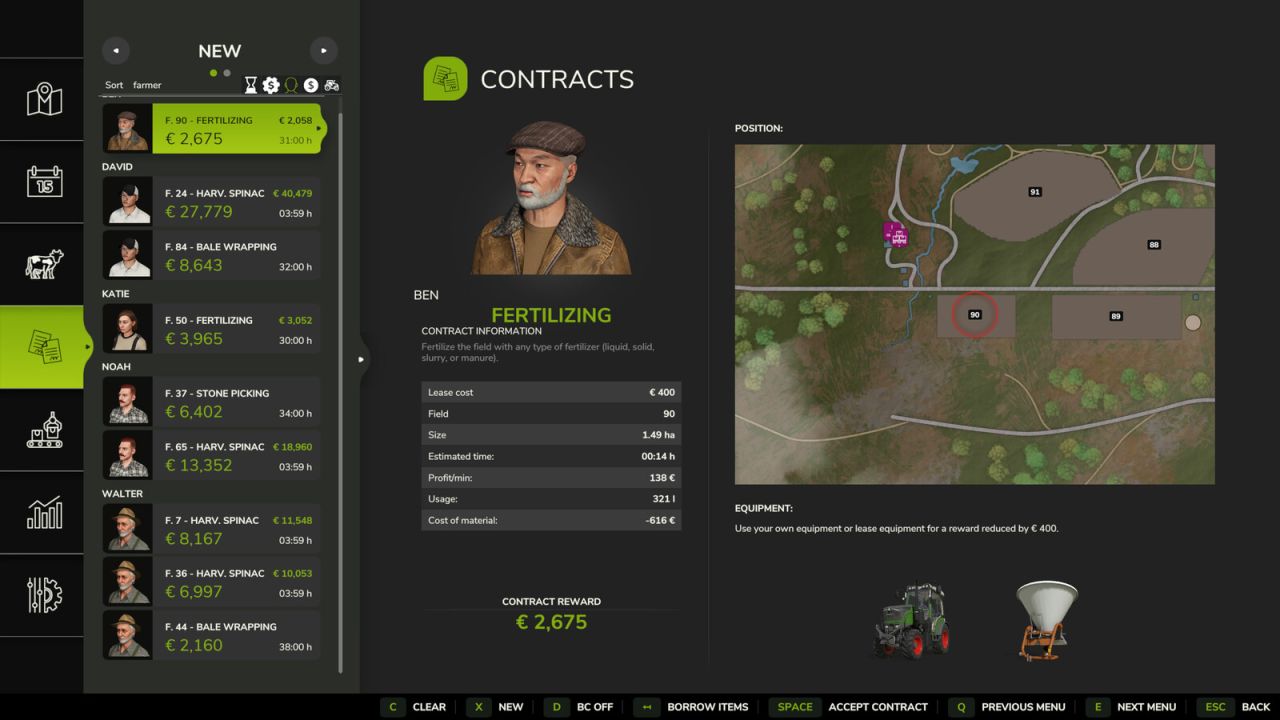
– clear list of available contracts
– generate new contracts
– sort contracts list
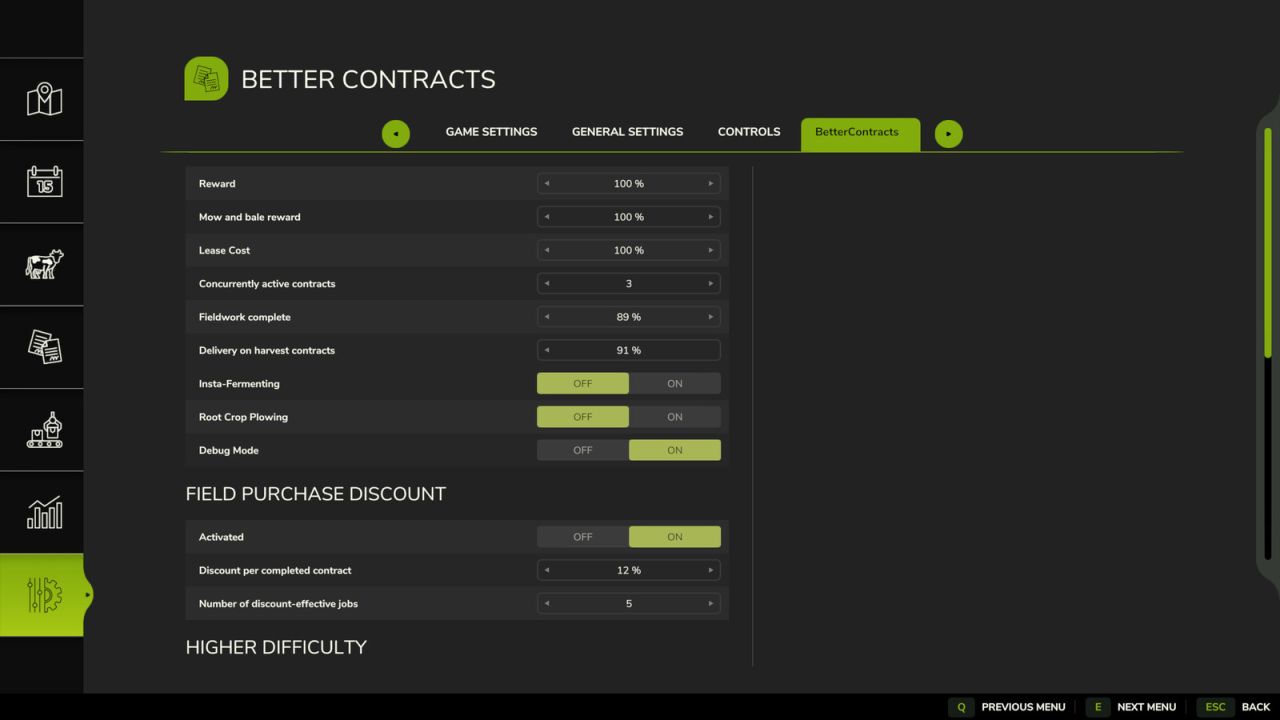
– comprehensive UI settings page
– (configurable) stay on NEW contracts list after accepting a contract
– (configurable) only show on hud active contracts with completion > 0
– (configurable) allow field work completion after contract finish
– possibly exclude certain contract types from being generated
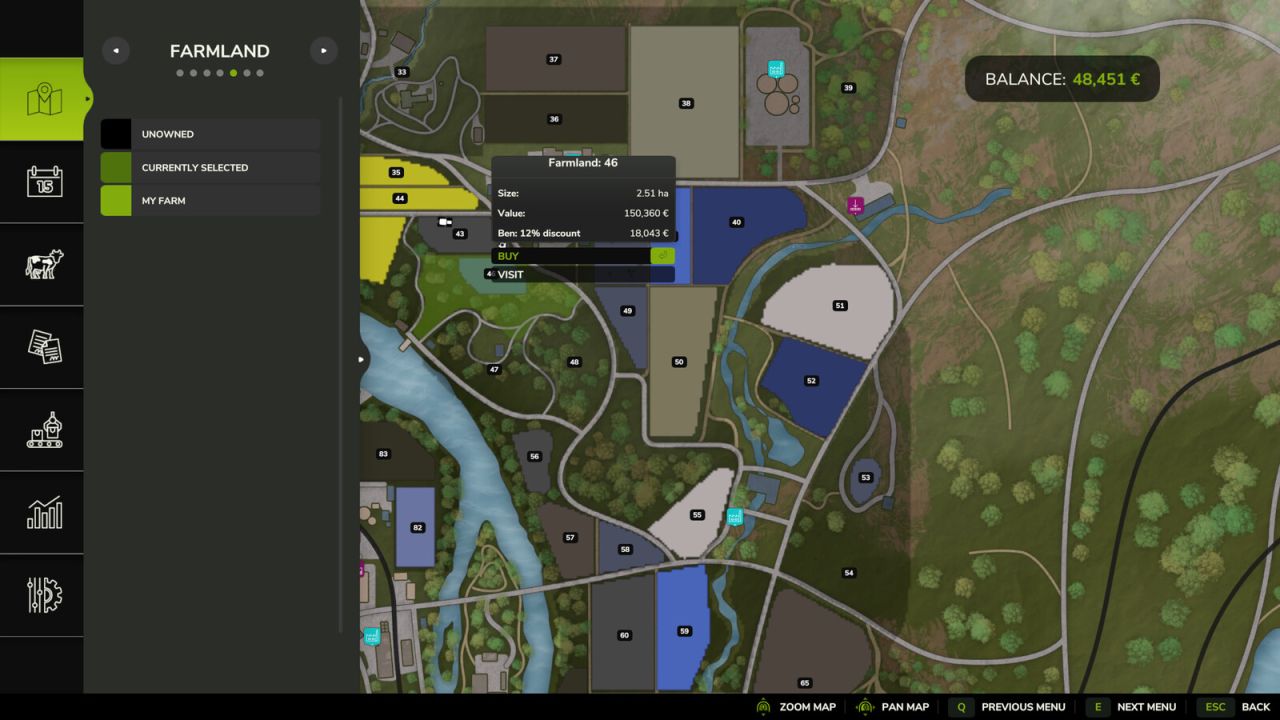
– discount mode enabled
– compatibility with FS25_RefreshContracts, FS25_LimeMission, FS25_ContractBoost, FS25_additionalGameSettings
V1.3.0.7
NEW:
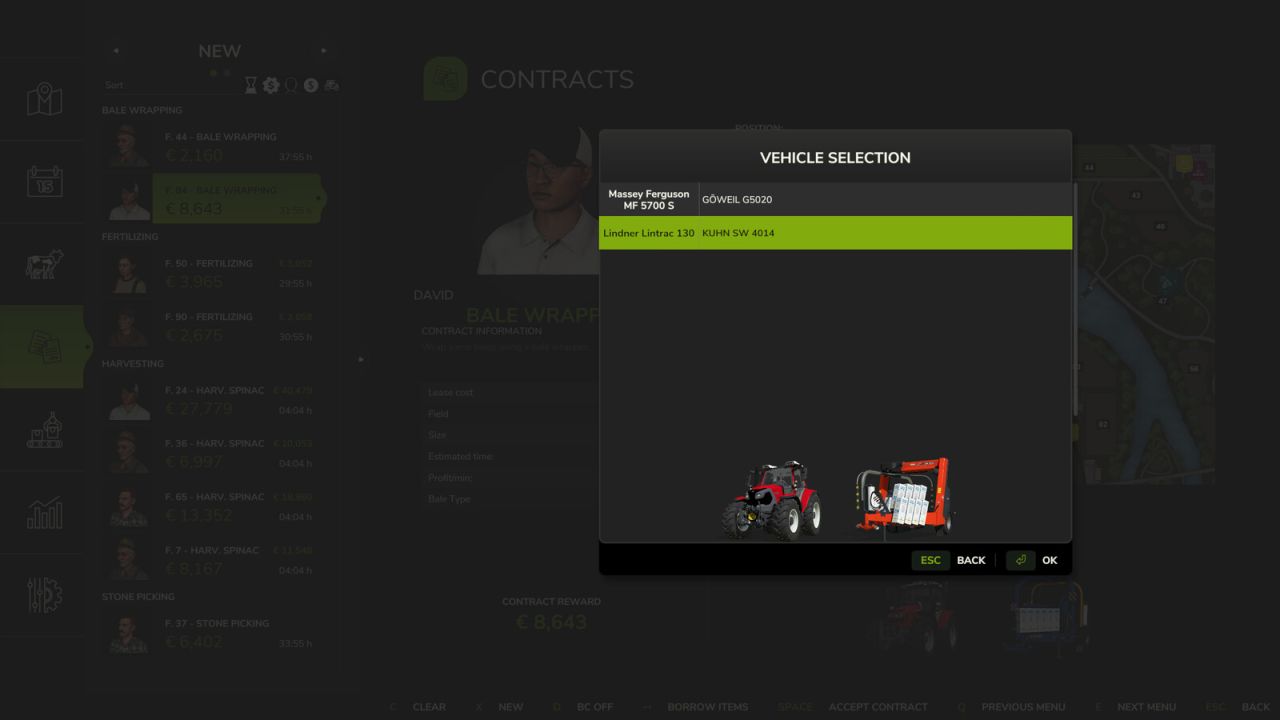
– leased vehicle selection dialog
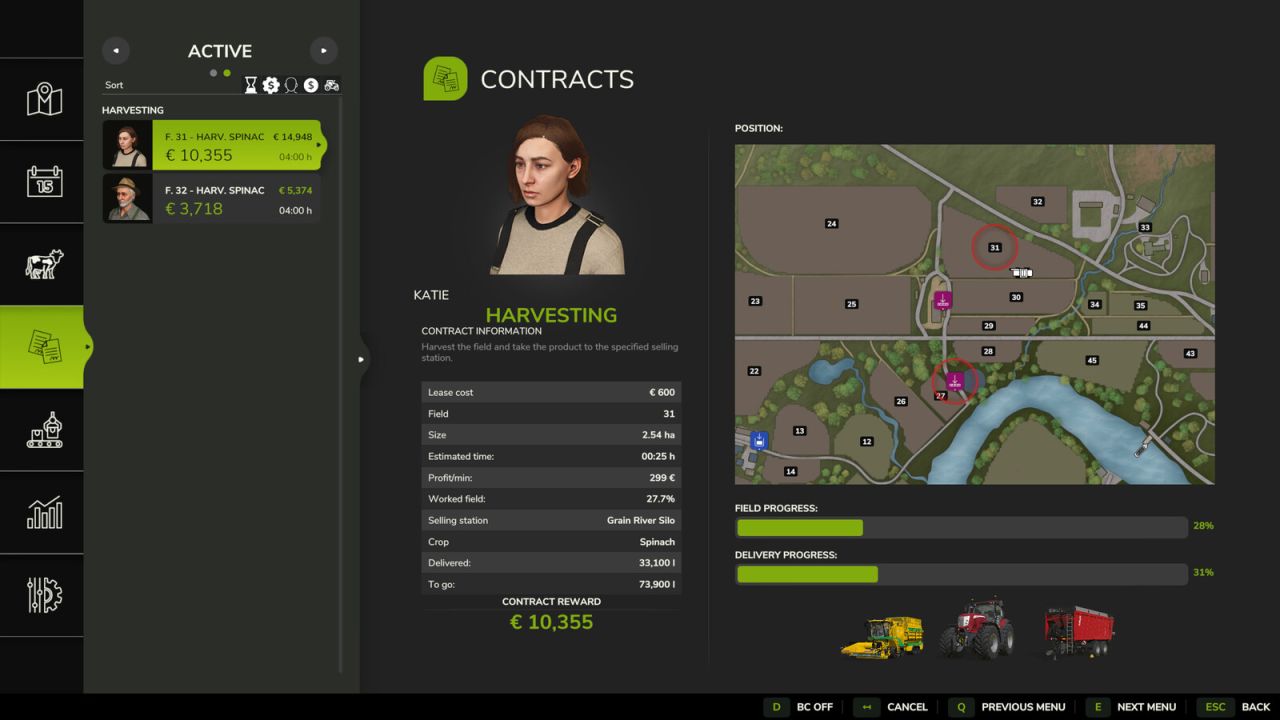
– double progress bars, leased vehicles in active contract display
– details for chaff mission
– fruit name for sow/harvest in contracts list
– enable hard mode
– add getFarmlandDiscount() public API #172
– allow onion harvest #165
– allow missions w/o leasing vehicles
– awareness for FS25_AdditionalContracts (possibly fix #146)
– adjustable small/med/large field size thresholds in userDefined.xml #45
– increase reward/ha for earth fruit types #71
– count non-field jobs for discount #80
– add time left for active contracts on hud #63
– add mission info to leased vehicle name #65
FIX:
– nil error after sorting contracts list with no active contracts
– leased vehicle selection ignoring selected at startLeasing
– hard mode in MP #156
– mowBaleMission #154
– penalty bug: was applied even for succcessful missions #142
– hud progress bar, clash with FS25_extendedMissionInfo #136
– leasing when BC is off #129
– compatibility supplyTransportMission #126,
– sort menu at 16 x 10 resolution #128
– remove fertilize level on finished harvest missions
– don’t set npc to nil when reading farmlands w/o npcIndex #96
– fix mission vehicles for large fertilizing #91, medium sowing #105
– remove surplus “progress” text from list #92
– fix MP vehicle select for vegetable harvest #94
– remove vehicle warn for supplyTransportMission #98
– repair FS25_Financing #78.
– fix click on settings/controls #76.


