LS 25 Centralized Database Manager V1.0.0.0
Centralized Storage & VS Code Tooling for Modders
FS25_DBAPI is a streamlined persistence layer for Farming Simulator 25 mods. It replaces fragmented data handling with a centralized, JSON-backed FlatDB and provides a simple global API (g_globalMods[“FS25_DBAPI”].DBAPI) for namespaced key/value storage.
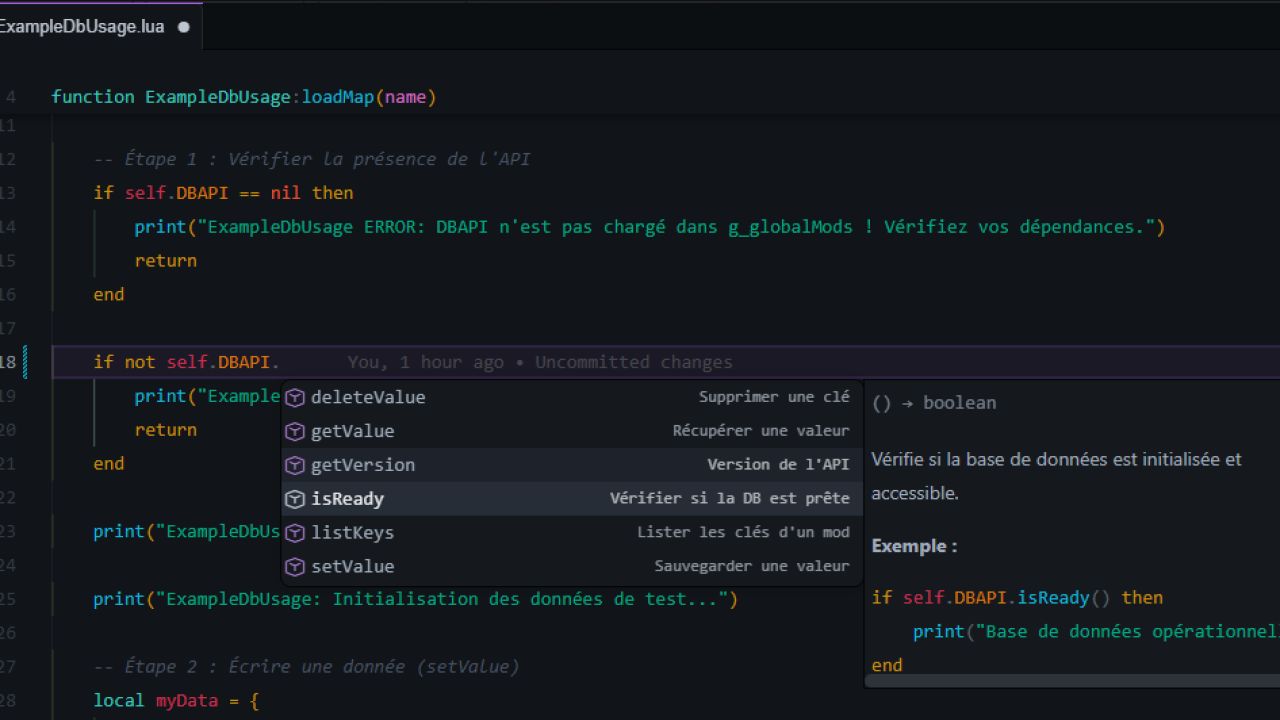
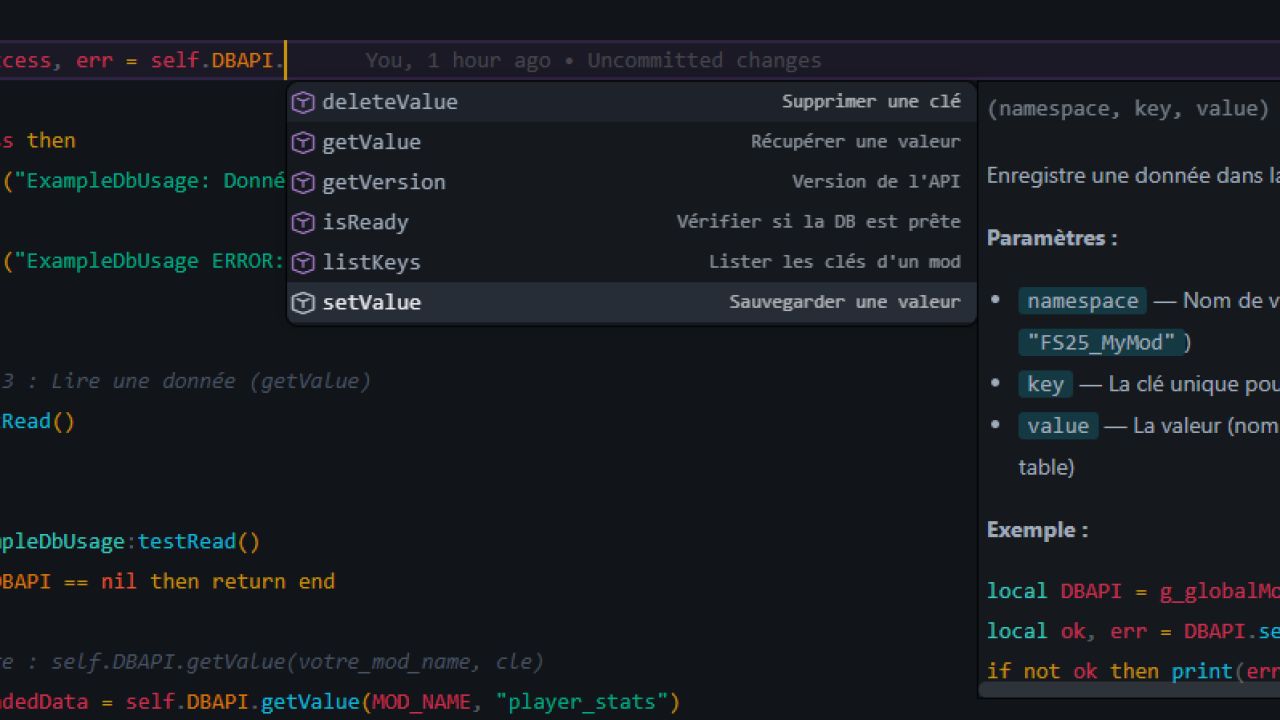
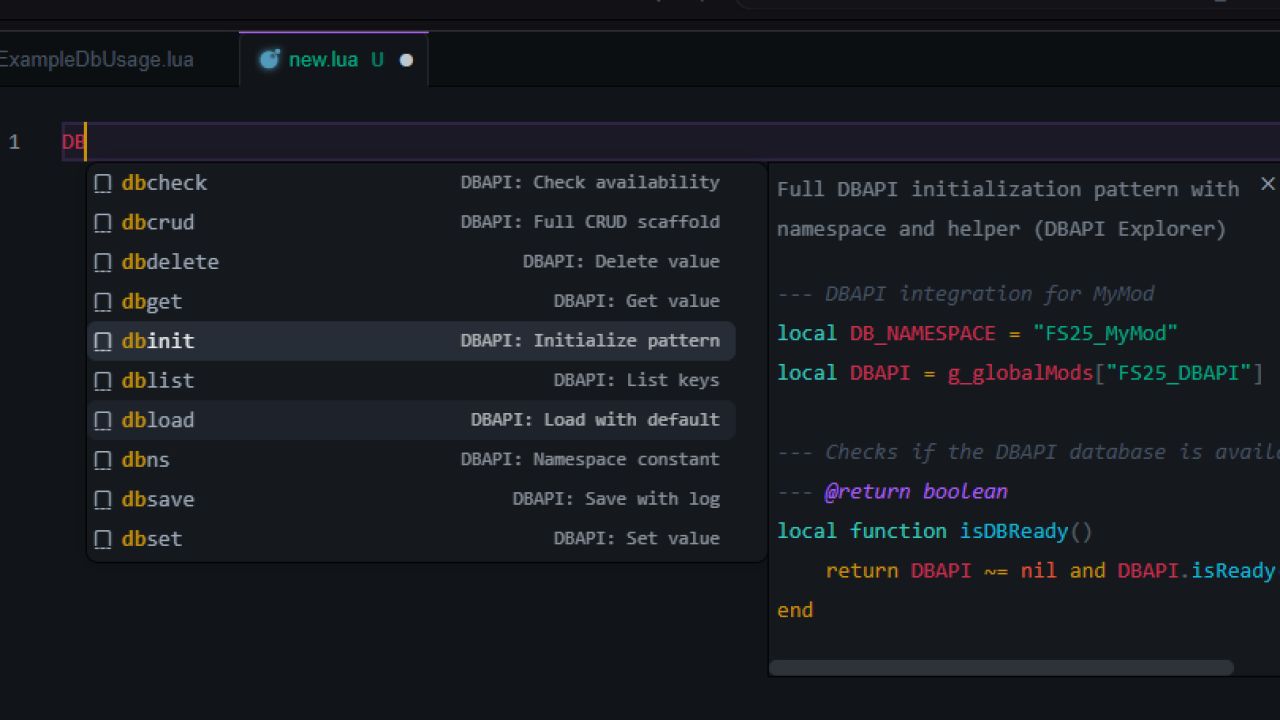
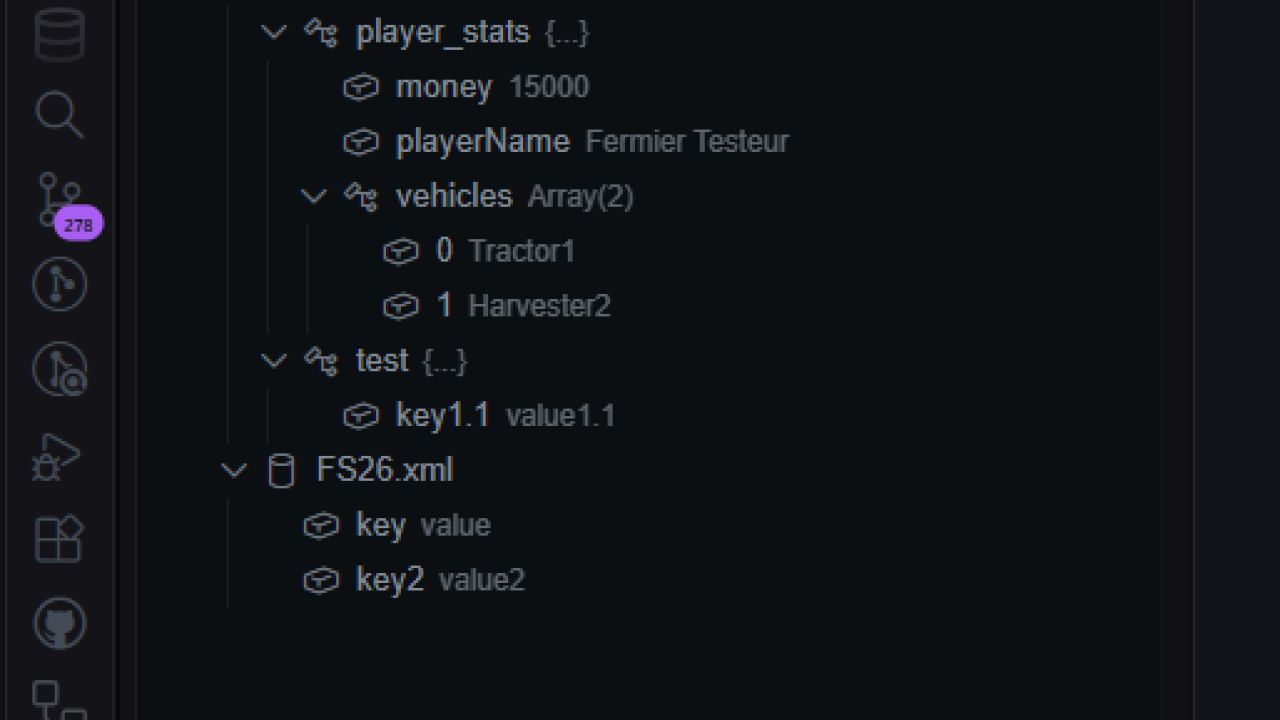
To supercharge your workflow, it comes with a dedicated VS Code extension featuring IntelliSense, snippets, and a live tree view to inspect your database files directly in the editor.
Why use FS25_DBAPI?
– Zero Overhead: A minimal, savegame-safe persistence layer that requires no external database engines.
– Intuitive API: Clean methods for getValue, setValue, listKeys, and deleteValue.
– Developer Velocity: Drastically speed up coding with autocomplete, snippets, and workspace visualization.
– Cross-Mod Compatibility: Simplify data sharing between mods and streamline migrations between savegames.
– Scalable: Lightweight enough for tiny utility mods, yet robust enough for complex modpacks.
Quick Start for Developers
Install the Mod
Drop the release ZIP into your mods/ folder and load your savegame to initialize the API.
Setup the VS Code Extension
Navigate to the vscode-extension directory and run:
Bash
npm run compile
npm run package
Install the resulting .vsix via VS Code (Extensions → Install from VSIX…).
Code Examples
Set a configuration value:
Lua
local DBAPI = g_globalMods[“FS25_DBAPI”]
DBAPI.setValue(“MyMod”, “config.playerSpeed”, 12.5)
Read with a fallback default:
Lua
local DBAPI = g_globalMods[“FS25_DBAPI”]
local speed = DBAPI.getValue(“MyMod”, “config.playerSpeed”, 10)
Get Involved
We’re looking for feedback! Whether you want to report a bug, request a feature, or propose an integration, join the conversation on GitHub.