LS 25 Dakota 16x – (PrecisionFarming) v1.2.0.1
v1.2.0.1
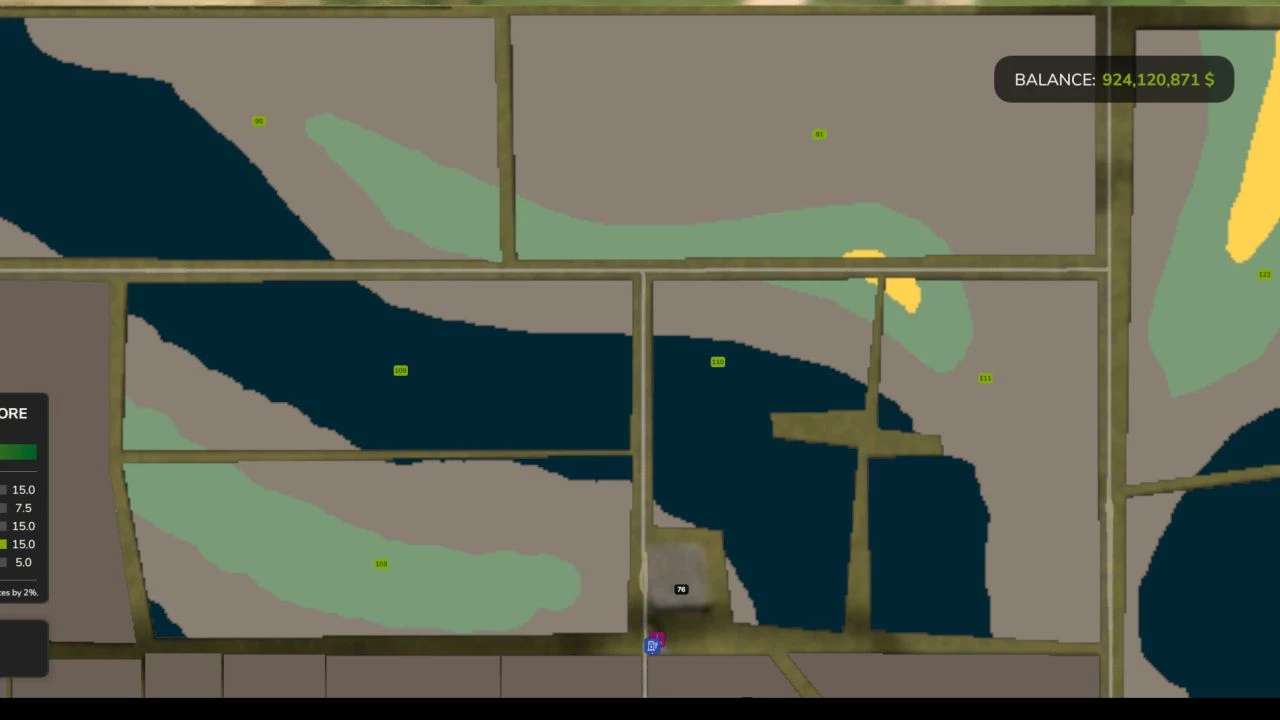
– Fixed an error with the Precision Farming addition. I believe Precision Farming should be working properly, now.
To use Precision Farming you MUST have Thundr’s Precision Farming Configurator in your mod folder.
For new saves, you should then be all set.
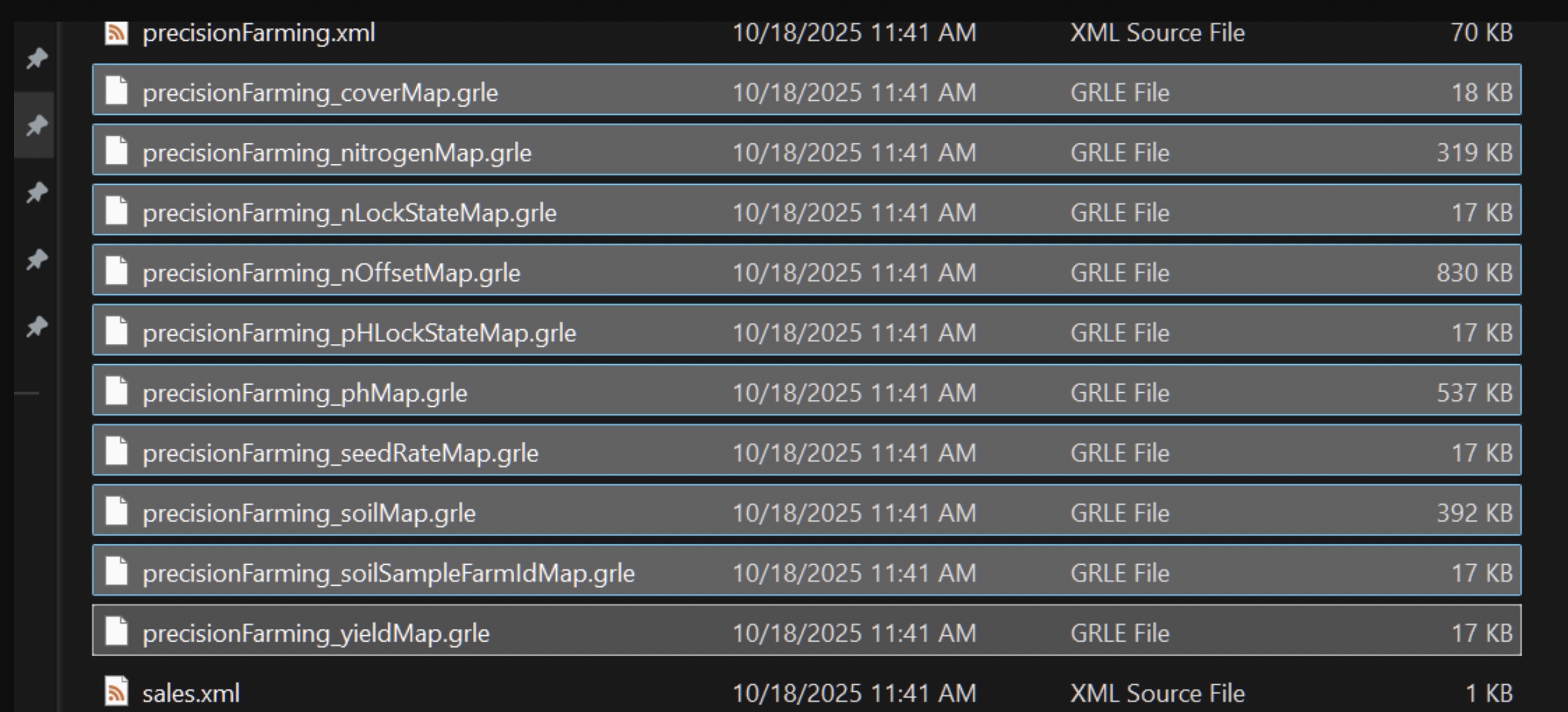
For continuing with an existing save, some people have an issue. In those cases, you have to delete these:
precisionFarming grle’s from your savegame folder, so PF makes new ,proper sized, ones. After resetting the PF layers, the game should run normally from then on out.
v1.2.0.0
Thanks to Thundr’s script, and the help of Tuzlo, I believe we have a properly working Precision Farming, now. This seems to require a new save.
v1.1.0.4
Reverted Meadow to default meadow.
Reverted Grass to default grass.
Made map default for normal farming, but added READ ME instructions on how to do a file swap that will allow Precision Farming to work, albeit with an error.
v1.1.0.3
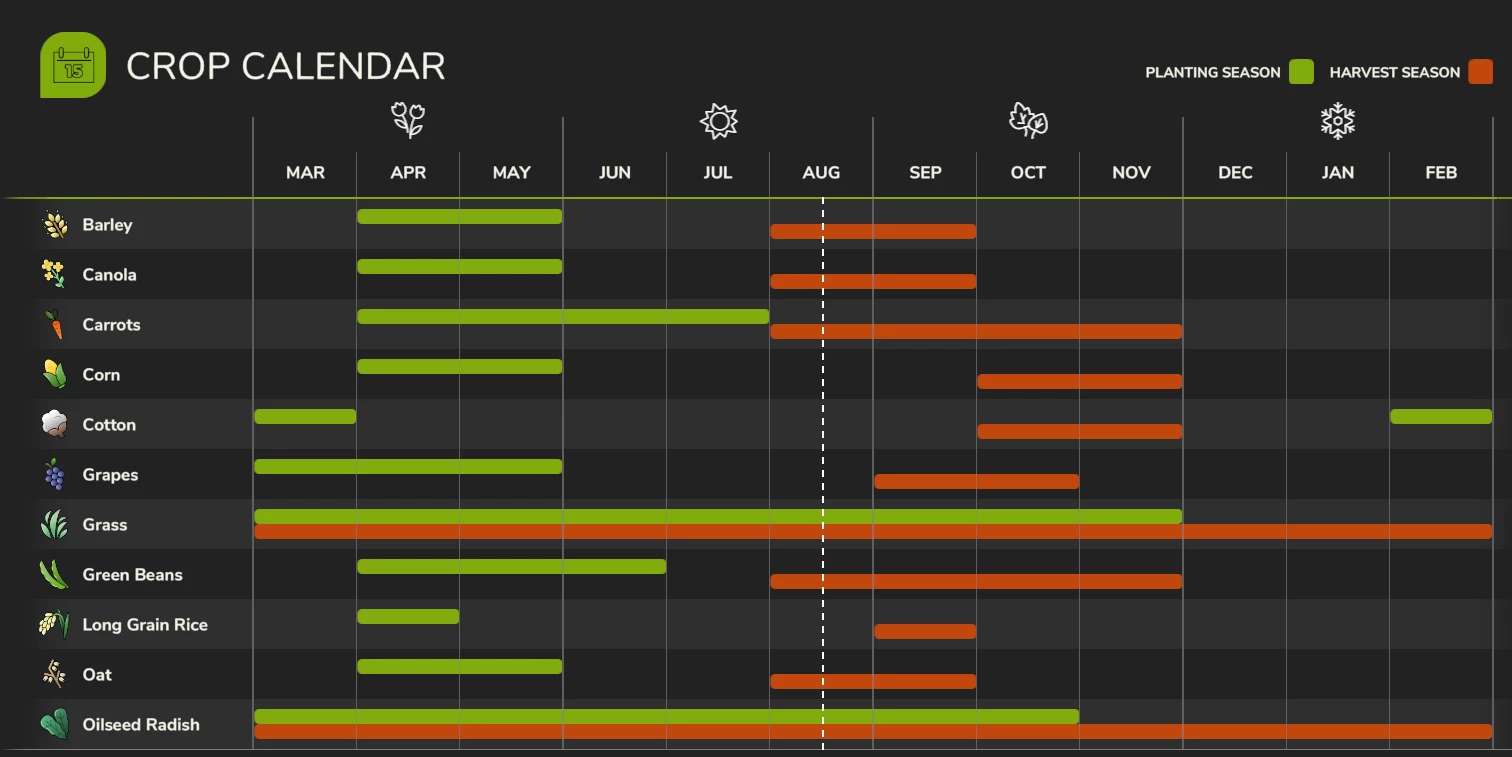
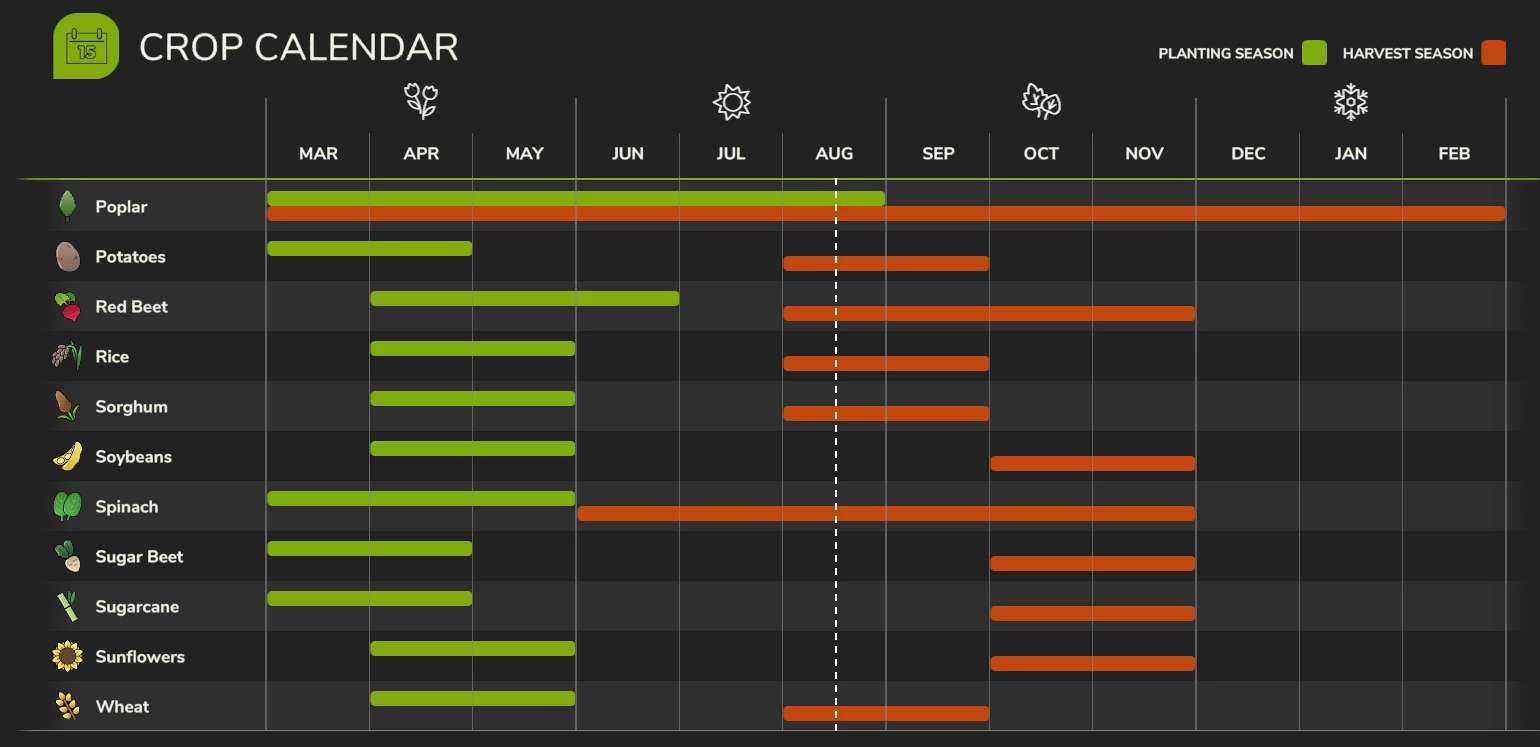
Update to crop calendar.
Reverted crop pricing, and yields, to default values.
Reverted mowers back to having grass turn into grass windrow.
A new save is recommended, however, if you started playing on Dakota 16x on v1.1.00, or after, the only thing that won’t be correct is the crop pricing. To fix this, start a new save game, then go into the savegame folder of the new save, copy the “economy” file, and paste it into your main savegame folder.
v1.1.0.2
fixed meadow mowing
v1.1.0.1
fixed ability to create new fields with plows
fixed error that would not allow meadow and grass to be mowed
when grass/meadow is mowed it will now become a hay windrow
v1.1.0.0
Added Precision Farming capability (thanks to svauloup)
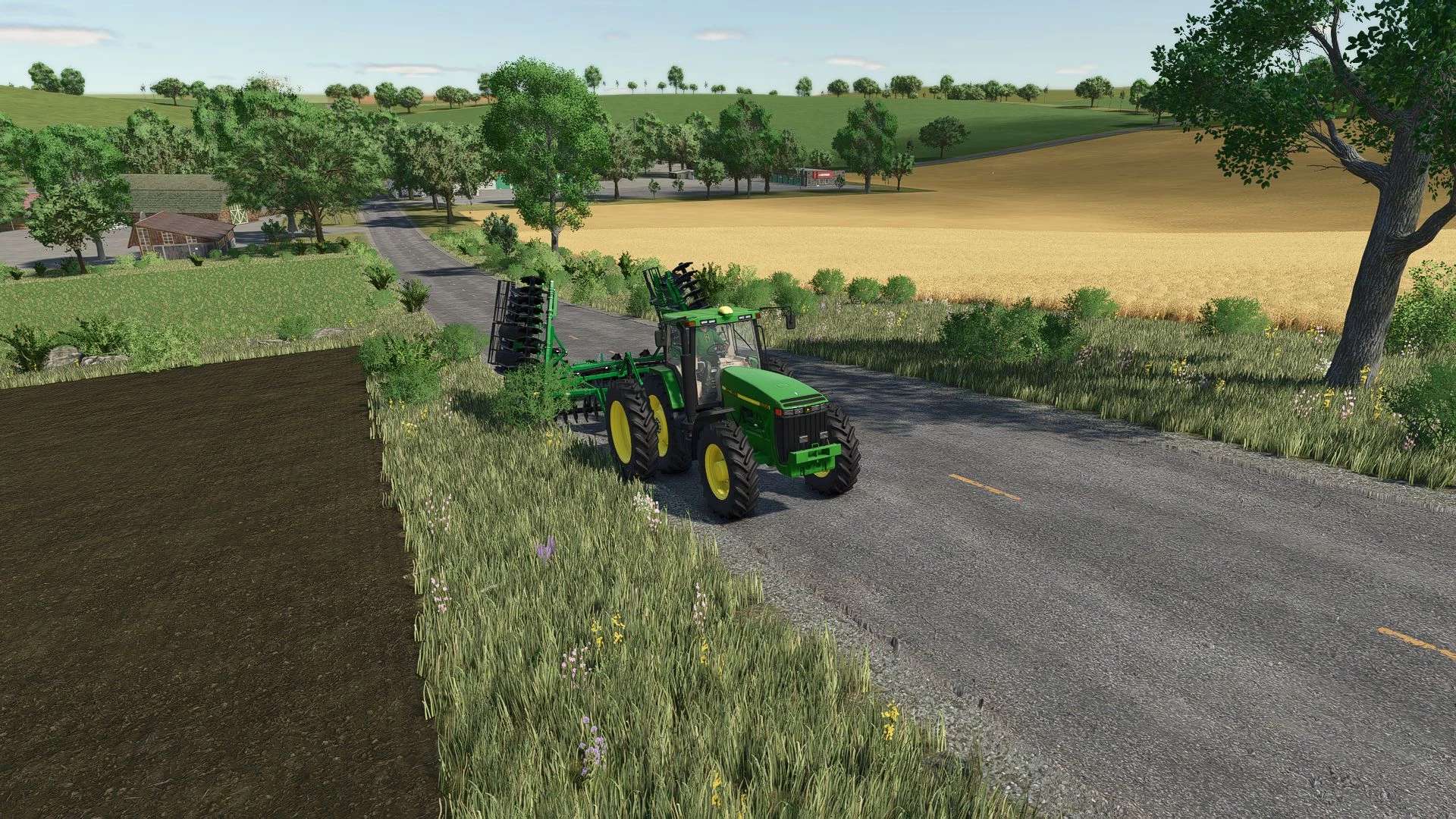
Removed about 1/2 of the trees, including around 90% near the roadways.
Removed some clutter, to improve performance.
Added ditches to the roadways.
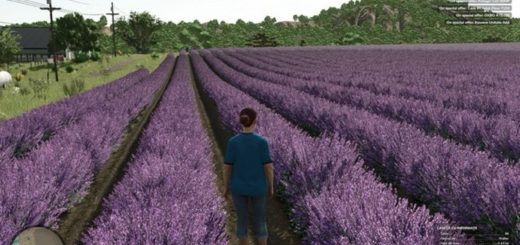
Custom crop calendar (geo) to match the upper midwest, in America.
Custom crop yields and sell prices to make all of the typical midwest crops nearly equally worth doing, and to more align with realistic values.
v1.0.0.0
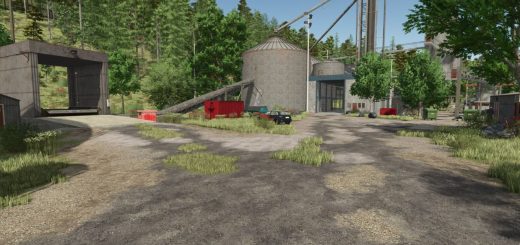
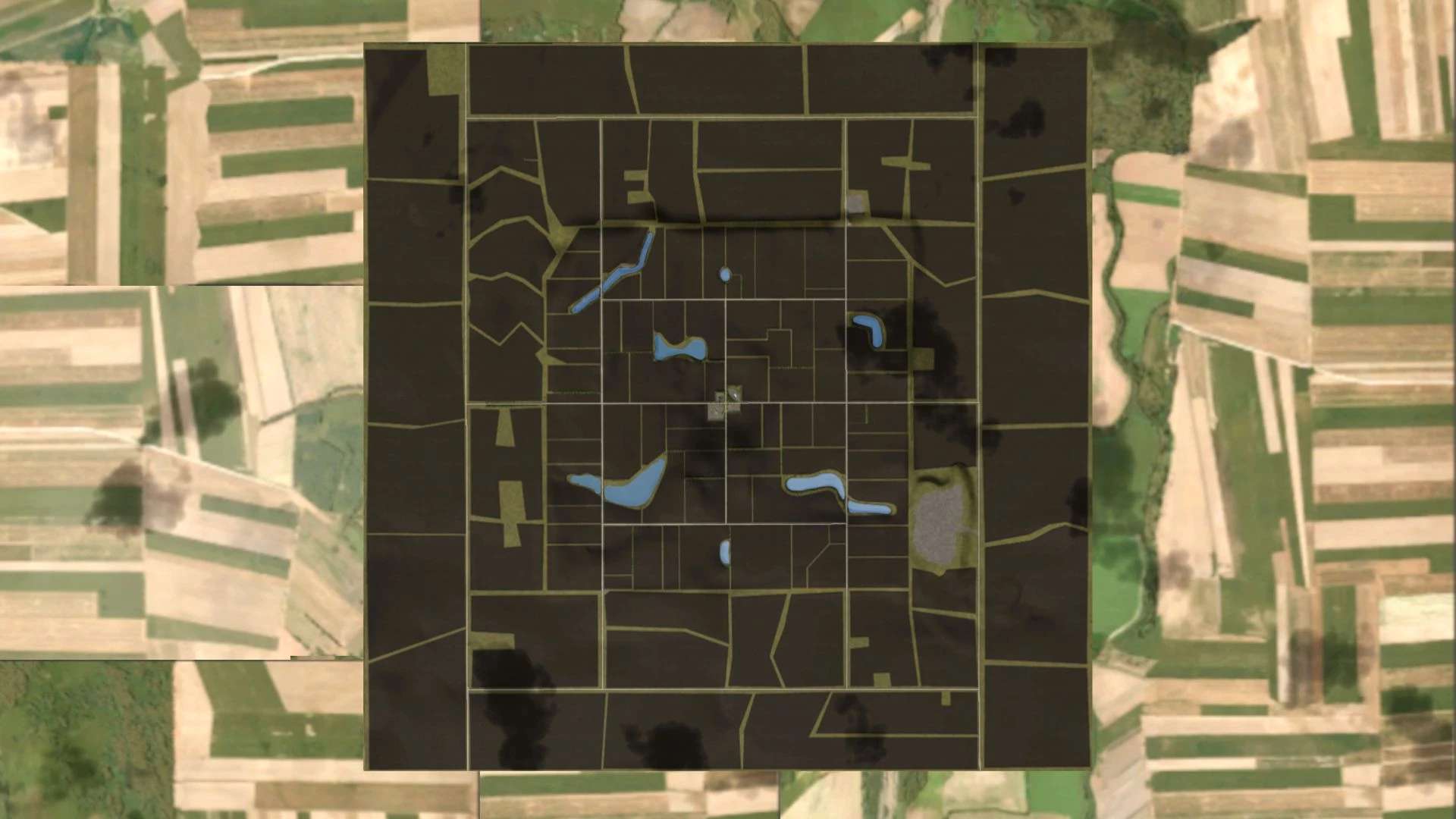
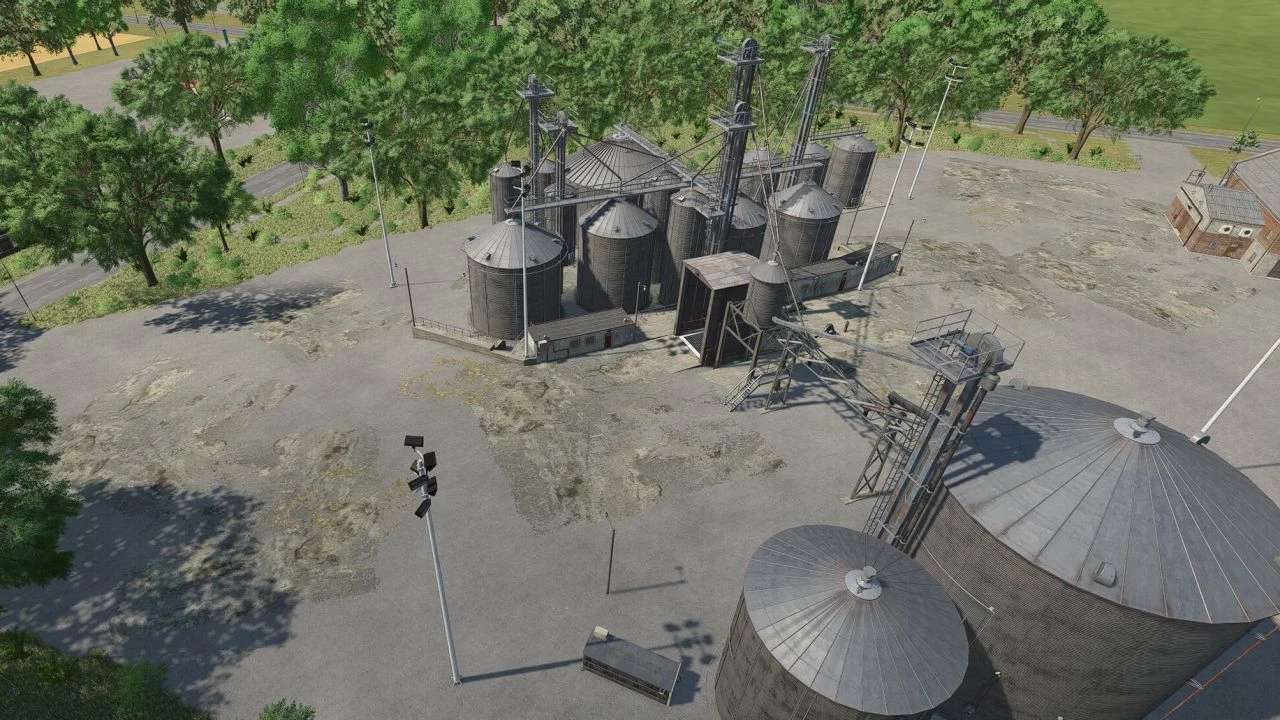
Welcome to the Dakota 16x map. It has a small town area in the center of the map, with all of the sellpoints, and a shop. There is one, small, starting farm, as well as a bigger starting area for those that would like to create their own farm. The map has been designed with the intention of running on lower end machines and on multiplayer servers, hence the smaller file size.
Please, if you find any issues, have any suggestions, or would like to stay up to date with the map’s progress, join the Dakota Farmer discord, here: Tn AutoDrive courses, in English, and German, can be found on the discord, as well.
Additional notations:
– ‘ AllLights Script by tametsi (no additional mod required)
– ‘ treeLimitIncreaser (no additional mod required)
– ‘ IncreaseLightRange Script by Rival (no additional mod required)
The rights to all objects and scripts belong to the creator and the map creator.
Note: It is seeming like 32gb of RAM is needed to load a 16x maps on FS25. We, currently, do not have a workaround for this, and will keep everyone updated if we figure something out.