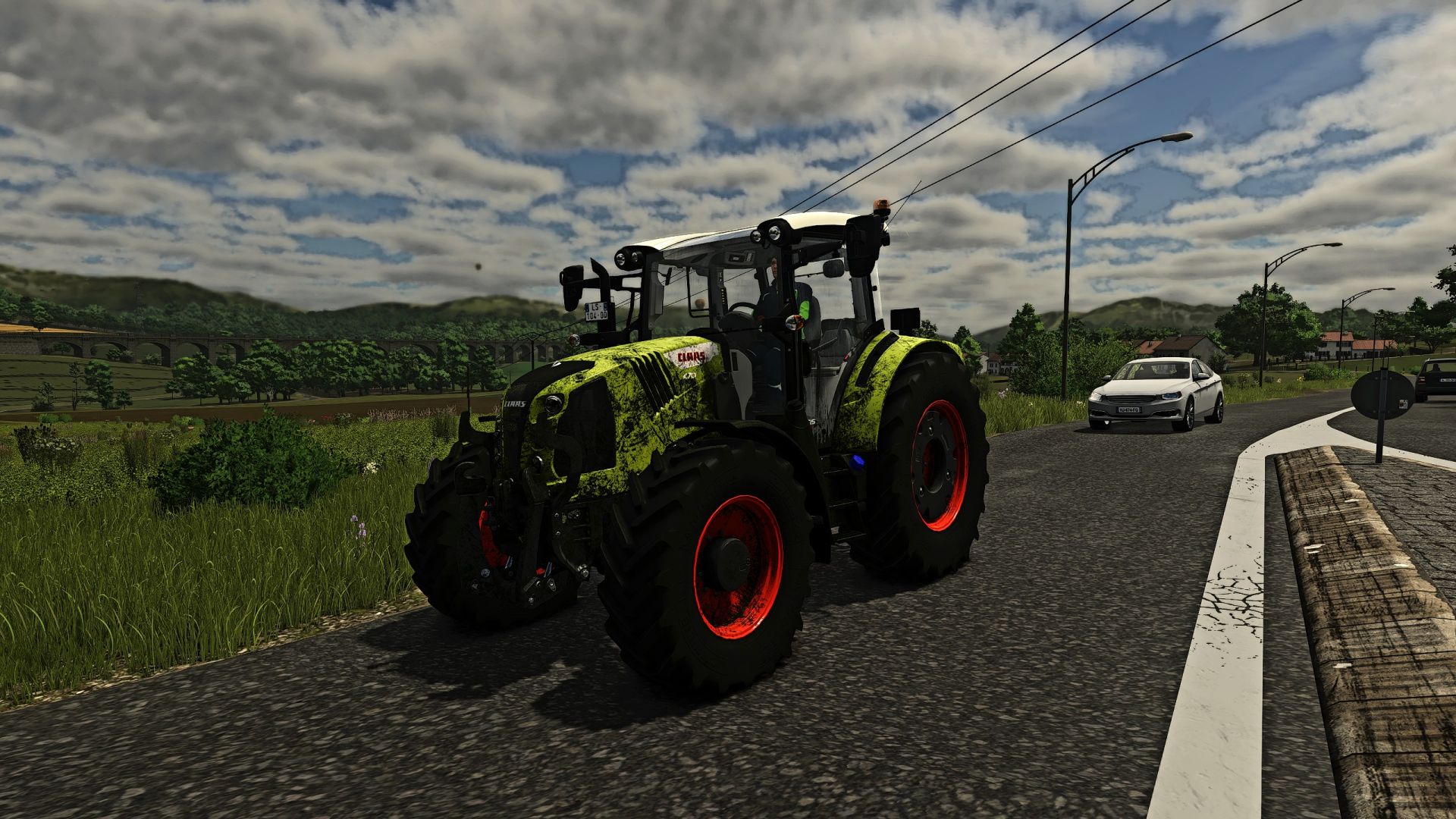
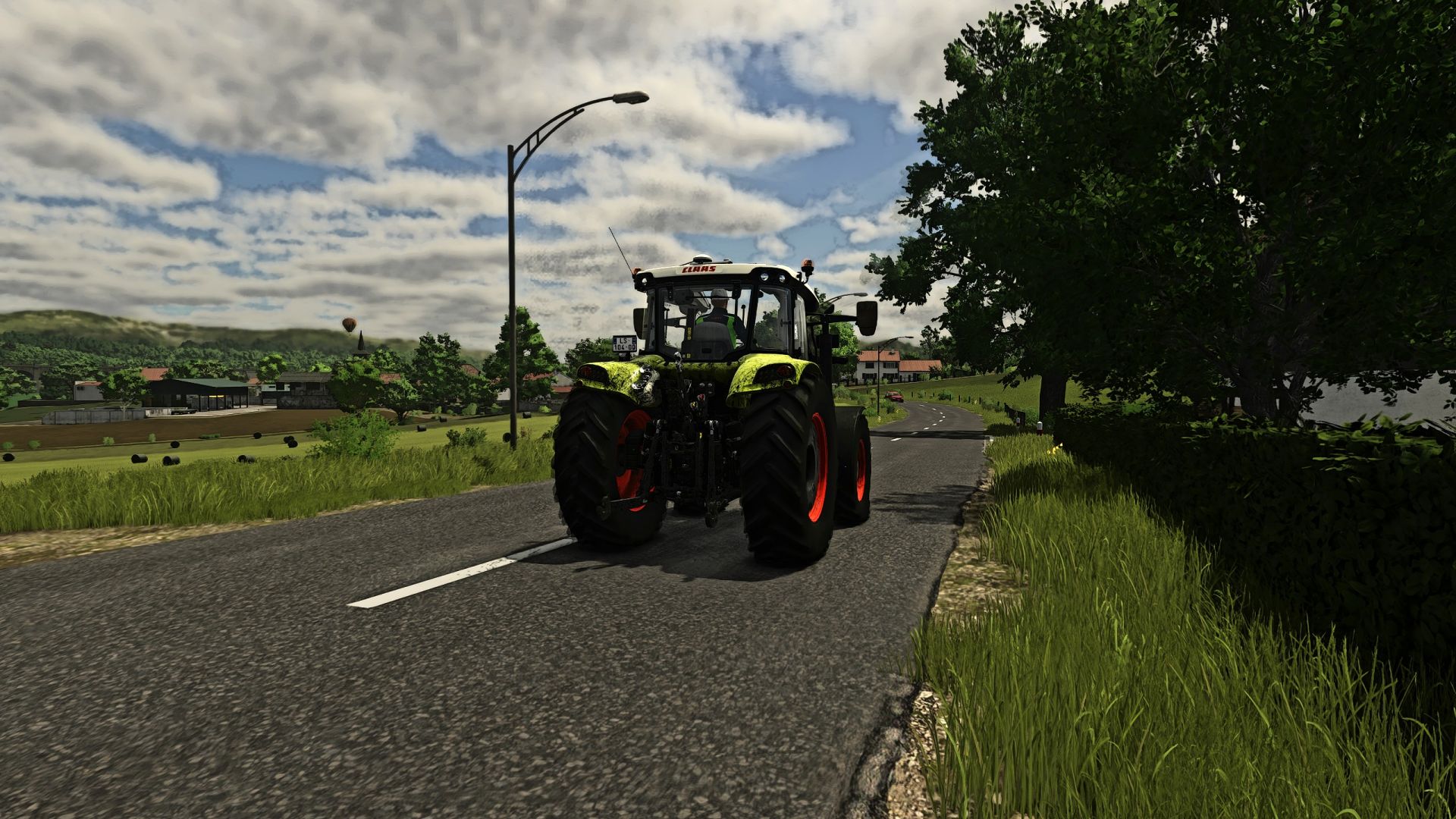
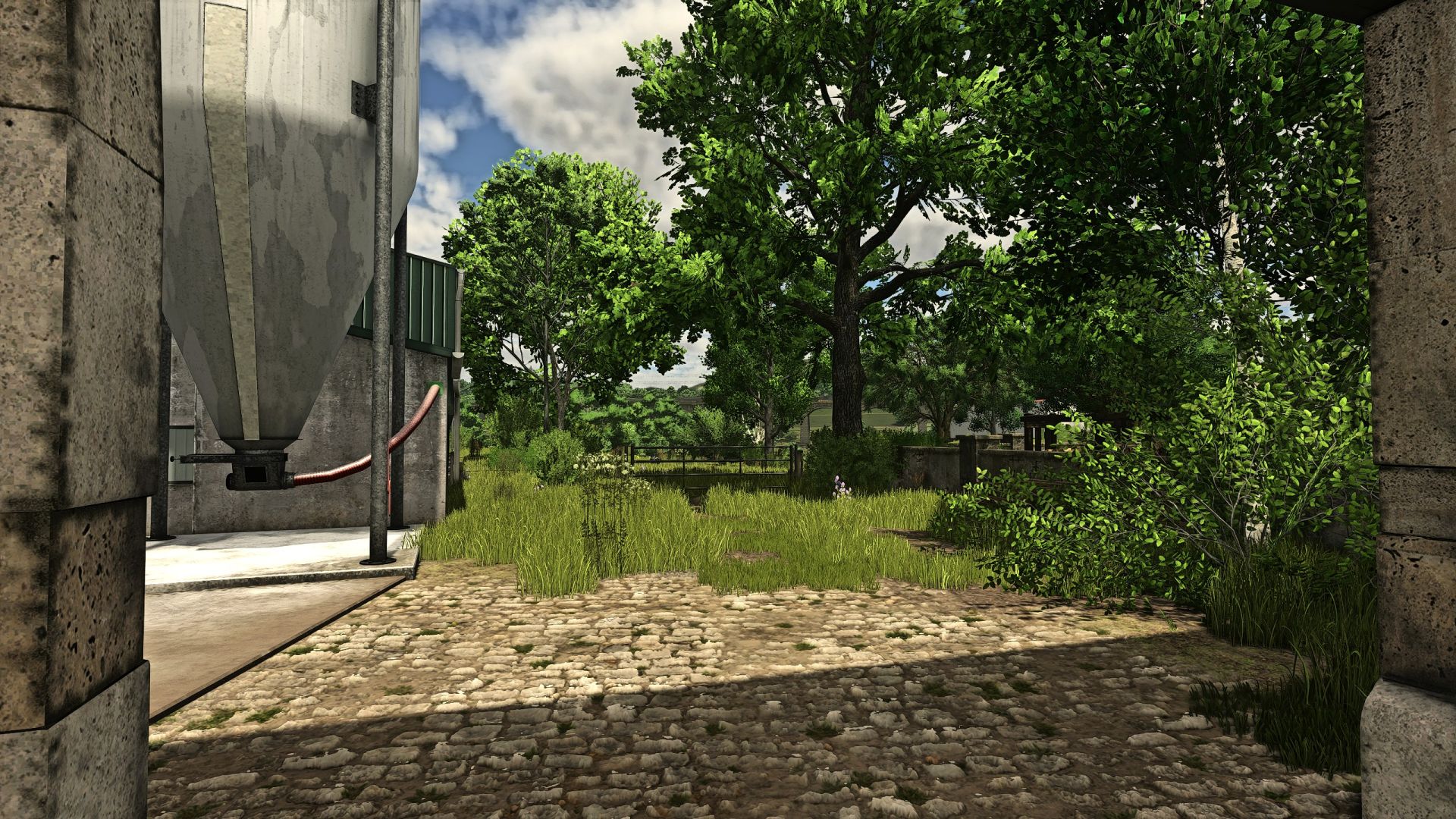
LS 25 FS Realistic Shader V2.0.5.0

LS 25 Other


LS 25 FS Realistic Shader V2.0.5.0

Shader for FS 25,
Installation in folder C: / Program Files (X86) / Steam / Steamapps / Common / Farming Simulator 25 / X64.
It is also necessary to activate two options in Reshade that I list below.
Copy Depth Buffer Befor Clear Operations
Copy Depth Buffer During Frame to Prevent Artifacts

Without that, you will have a dark image with flashes and artefacts.

V2.0.5.0
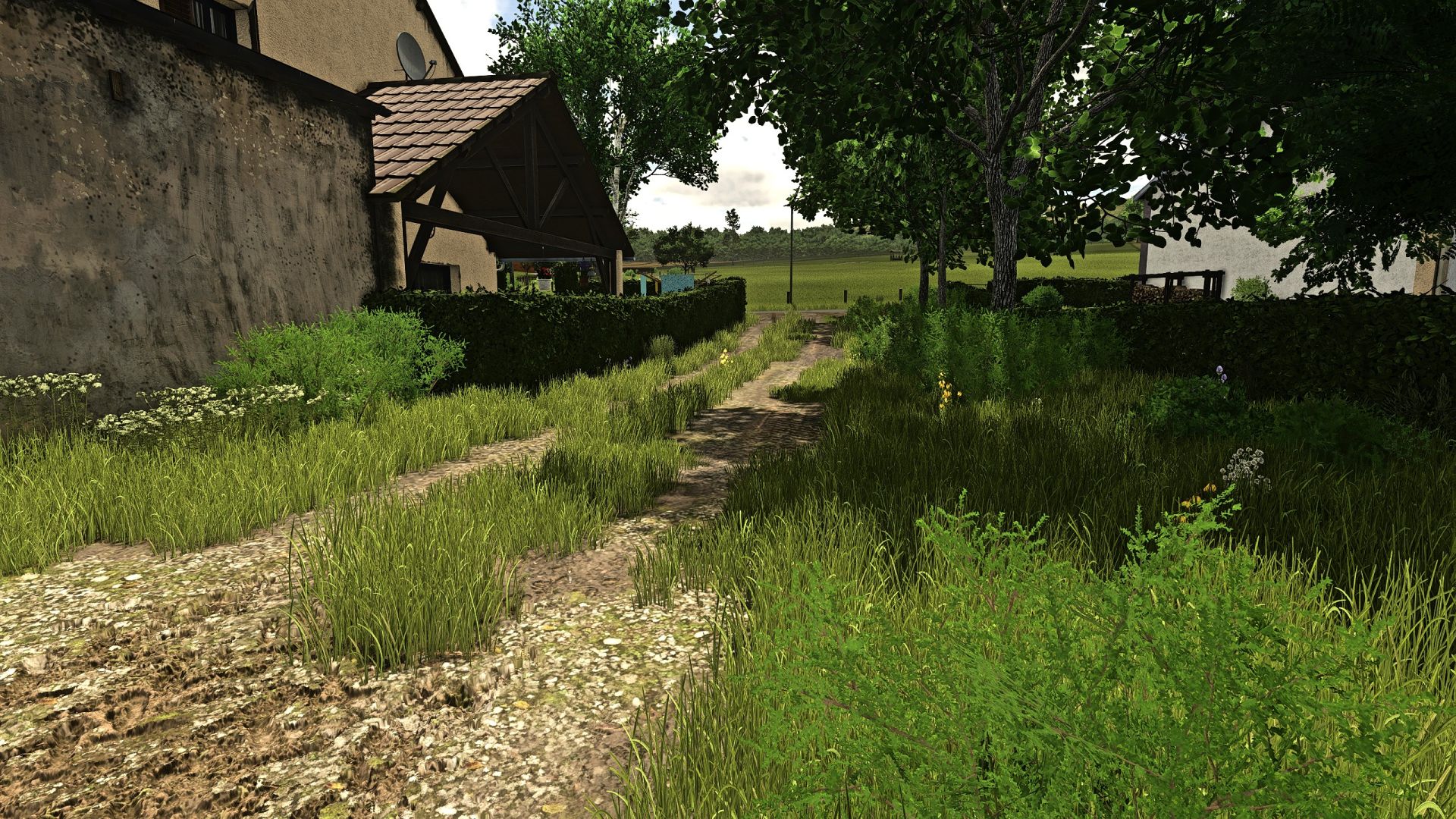
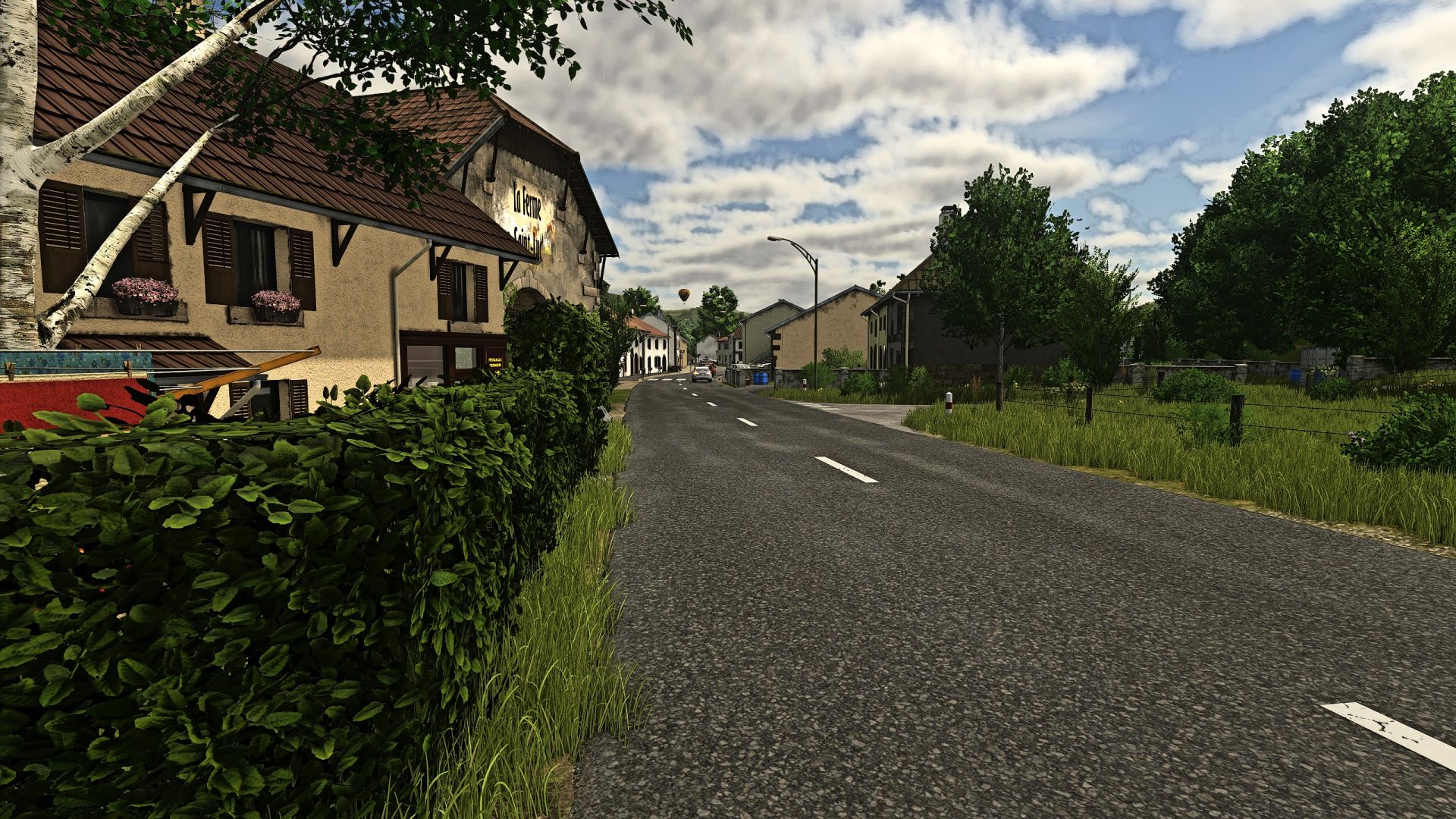
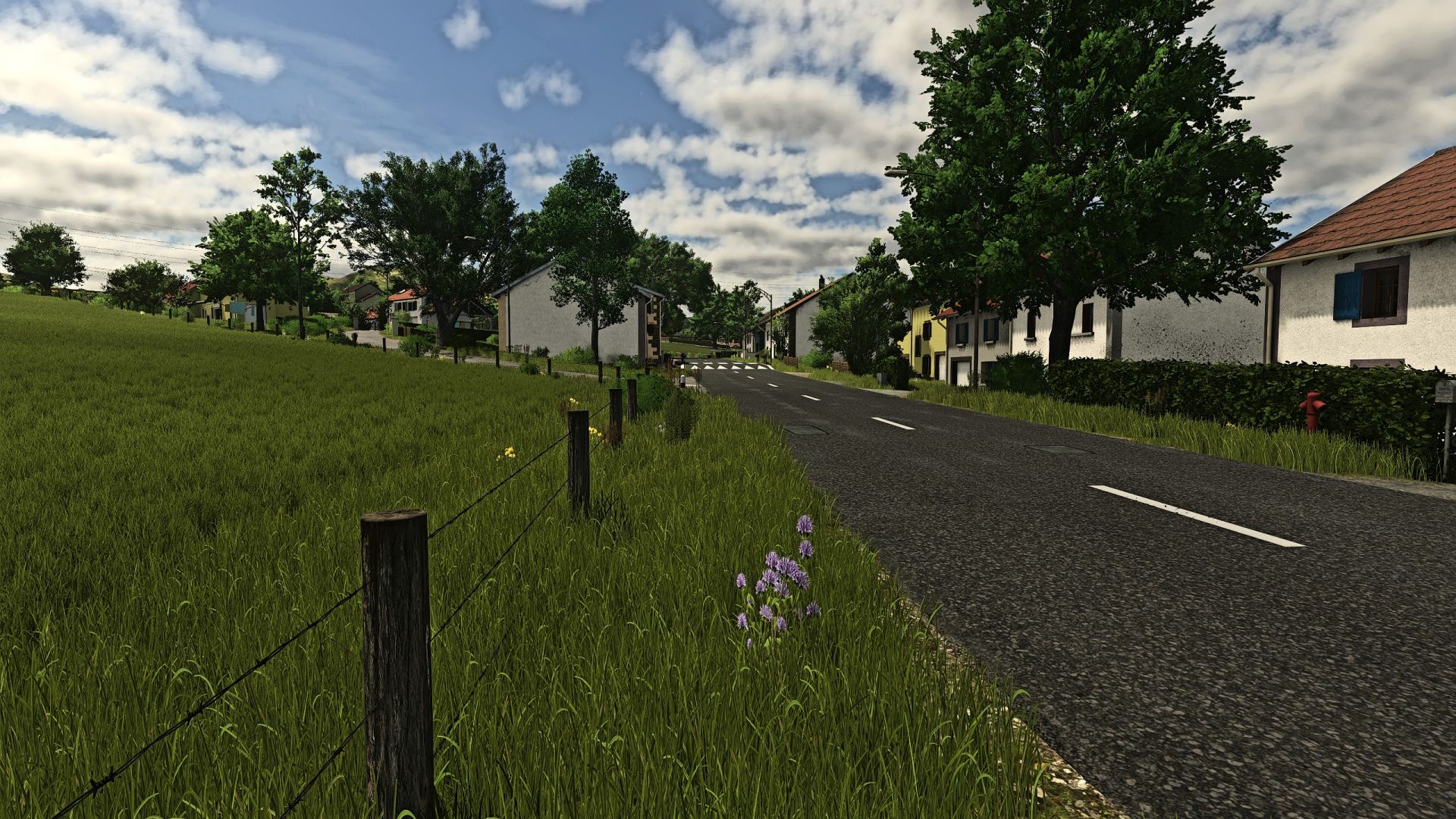
Modification of color and brightness as well as more flexible adjustment for the Sharpen. The grass is less green than on version 2.0.0.0 and much more pleasant to the eye.

Credits:
John547
1 Star2 Stars3 Stars4 Stars5 Stars (No Ratings Yet)


Why to use Farming Simulator 19 mods | Farming Simulator 22 mods?
Even though Farming Simulator 2019 / Farming Simulator 2022 is a great game, you can make it even more astonishing by installing Farming Simulator 19 mods / Farming Simulator 22 mods. There are plenty of mods for every part of the game so you can change or integrate whatever you like. All the FS 19 mods / FS 22 mods are absolutely costless, so you won’t spend anything trying to change the game according to your own wishes. Our main goal is to keep Farming Simulator 19 / Farming Simulator 22 community happy where everyone has a possibility to implement their ideas and enjoy playing a perfect game. If something looks disturbing, bothers you or maybe you just need to integrate more tools and supplements, simply use FS 2019 mods / FS 2022 mods. Not many games provide an opportunity to change it by individual needs, but Farming Simulator is different. You can do whatever you want just by installing LS 19 mods/ LS22 mods so it’s time for you to take action and fulfill even craziest ideas!


You may also like...

Leave a Reply

Your email address will not be published. Required fields are marked *